Best Pest Control Software in 2026: 8 Tools Compared
By ToolNimba Editorial Team November 11, 2026 10 min read

- Top pick
 GorillaDesk
Small pest teams
Starting price$49 per monthCheck out GorillaDeskRead our review - Runner-up
 Jobber
General home service teams
Starting priceSee websiteCheck out JobberRead our review - Also great
 FieldRoutes
Midsize and large pest companies
Starting priceSee websiteCheck out FieldRoutesRead our review
How we researched this
We compared official pricing and feature pages, app store listings, privacy policies and public user reviews. Prices change, so check the provider's site before you pay.
Key takeaways
- GorillaDesk is our pick for small pest control teams because it publishes clear pricing and charges by route, not by user.
- Jobber is a strong general field service option when you also serve other home service jobs besides pest control.
- FieldRoutes and PestPac suit larger pest operations that need deep routing, automation, and reporting, although pricing is quote-based.
- A free plan or trial is worth using with real routes and customers, because daily scheduling is where these tools either save time or add friction.
Quick comparison
| Name | Best for | Starting price | Free plan | |
|---|---|---|---|---|
| GorillaDesk | Small pest teams | $49 per month | Free trial | Visit |
| Jobber | General home service teams | See website | Free trial | Visit |
| FieldRoutes | Midsize and large pest companies | See website | Free trial | Visit |
 PestPac | Established pest companies | See website | Free trial | Visit |
 Housecall Pro | Small teams that want an all-in-one app | $59 per month | Free trial | Visit |
 FieldEdge | Larger operations with complex reporting | See website | Free trial | Visit |
 ServiceM8 | Small teams that want a free start | Free | Yes | Visit |
 Kickserv | Small teams on a tight budget | Free | Yes | Visit |
The best pest control software
Pest control software has to handle scheduling, routes, customer records, chemical notes, invoicing, and repeat visits in one place. A tool that only does invoicing will leave the field work messy, and a tool built for general trades may miss pest-specific needs such as service history by property. We compared official feature pages, pricing pages, and public reviews, and we kept only tools that are still sold in 2026.
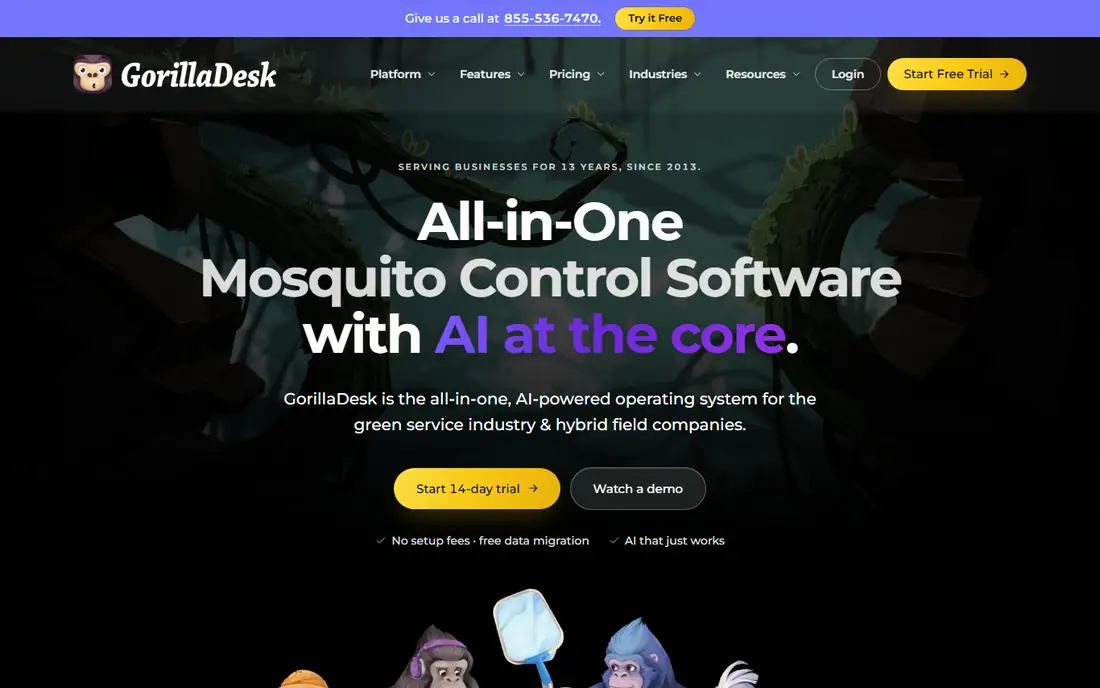
GorillaDesk is built for pest and lawn care, and that focus shows in the daily workflow. Scheduling, routing, customer records, invoicing, and a customer portal sit in one system, so a small office can run the week without stitching several tools together. The free trial is a good way to test a real route before you pay.
Pricing by route, rather than by user, is the main advantage for a growing crew. You can add office staff and technicians without the bill rising per seat, which helps a team that is hiring. The entry plan starts at 49 dollars per month for one route, with higher plans adding features such as marketing and automation.
The limits are scale and polish. Very large operations may want deeper reporting or integrations that GorillaDesk does not match, and the interface is functional rather than flashy. For a small to midsize pest team, though, the clear price and pest focus make it the easiest first choice.
- Clear pricing by route
- Unlimited users on paid plans
- Pest-focused features
- Route-based pricing can rise with more routes
- Fewer enterprise integrations
- Design feels plain
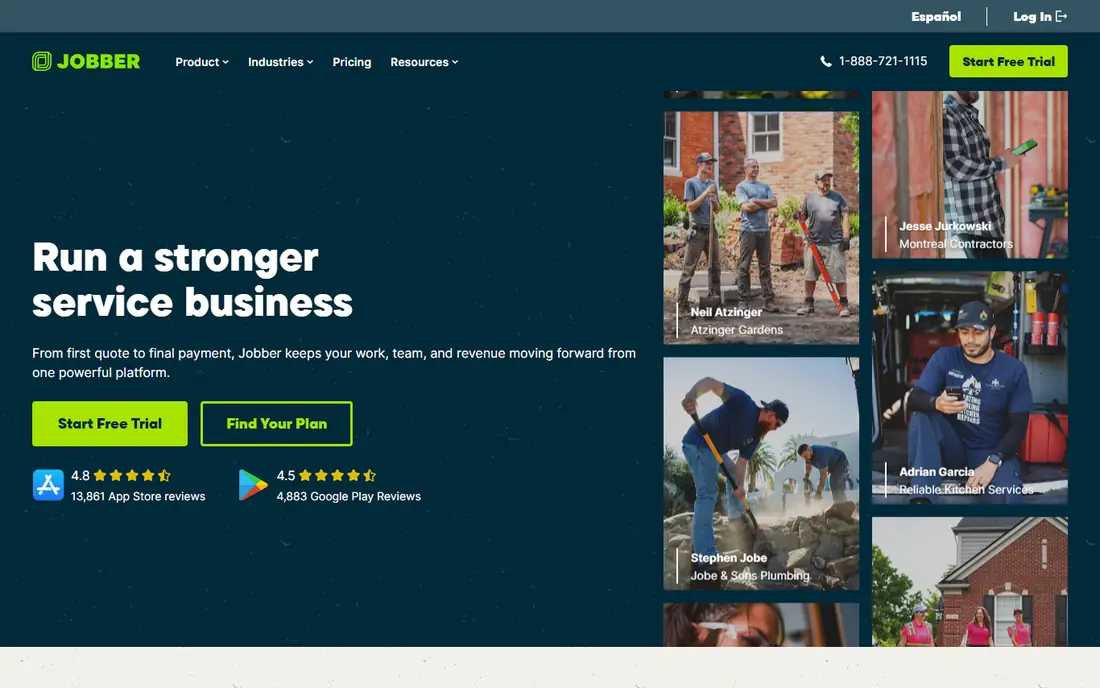
Jobber is a general field service platform, and it works well for a pest company that also does lawn care, cleaning, or other home services. Scheduling, quotes, invoicing, and customer messaging are straightforward, and the mobile app helps technicians see the day without calling the office.
The setup is quick compared with enterprise pest systems. You can create jobs, assign them, send reminders, and take payment from the same workflow. That simplicity is useful for a team that is moving off paper or spreadsheets for the first time.
The catch is pricing and depth. Jobber charges by user on many plans, so a larger crew costs more, and pest-specific tools such as chemical tracking or detailed property history may be less deep than in FieldRoutes or PestPac. If your work is mostly pest control at scale, a specialist may fit better. If your work spans several trades, Jobber is a strong pick.
- Easy scheduling and invoicing
- Strong mobile app
- Wide home service coverage
- Per-user pricing can rise with team size
- Pest-specific depth is less than specialist tools
- Advanced features need higher plans
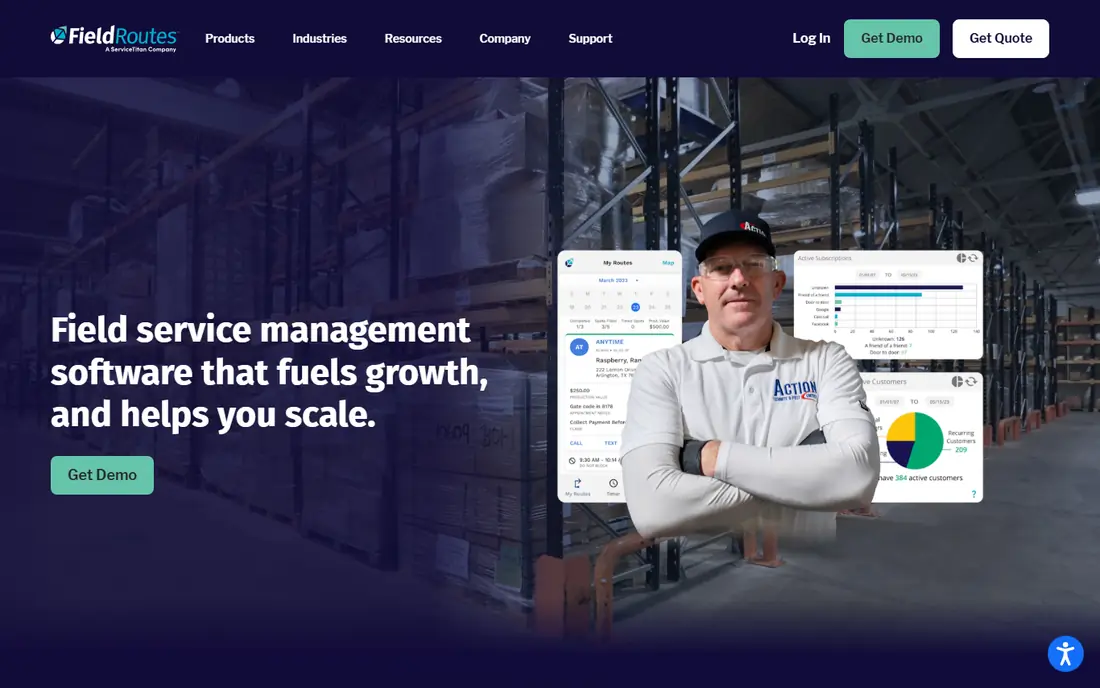
FieldRoutes, part of ServiceTitan, is built for pest control at volume. It covers scheduling, routing, customer management, billing, and reporting with pest-specific detail, including service history and recurring route planning. For a company with many technicians and routes, that depth matters every day.
Automation is the main time saver. Reminders, billing, route changes, and follow-ups can run with less manual work, which helps an office that handles hundreds of stops each week. Unlimited users on plans also helps a larger team avoid per-seat surprises.
The trade-offs are price and setup. Pricing is not published as a simple monthly rate, so you will need a demo and a quote. Setup also takes longer than a small-team tool, because the system is built to be configured in detail. For a midsize or large pest company, that effort is usually worth it. For a solo operator, it is likely too much.
- Deep pest workflows
- Strong routing and automation
- Unlimited users on plans
- Quote-based pricing
- Longer setup
- May be more than a small team needs
PestPac by WorkWave is one of the long-standing names in pest software. It handles scheduling, routing, customer records, invoicing, and reporting for companies from small to enterprise size. The depth of its pest workflows is a reason many established firms have stayed with it for years.
Reporting and route management are particular strengths. Managers can see route performance, customer history, and billing in detail, which helps when you run many recurring services. Integrations with accounting tools also help the office side of the business.
The downsides are price transparency and ease of use. You will need to request a quote, and new staff may need training to use the full system well. If you run an established pest company and want a proven specialist, PestPac deserves a demo. If you want a quick start with published pricing, start with GorillaDesk instead.
- Long pest industry history
- Deep customer and route tools
- Strong reporting
- Quote-based pricing
- Learning curve
- Interface can feel dated
Housecall Pro is a popular all-in-one field service app, and it works for pest technicians who want scheduling, dispatch, invoicing, and payments in one place. The mobile app is clear, and customers can book, confirm, and pay without many extra steps.
Marketing tools are a useful bonus. Review requests, reminders, and basic campaigns help a small company win repeat work without a separate marketing tool. That matters when you rely on local reputation and repeat routes.
The limits are similar to Jobber. Pest-specific depth is less than a specialist system, and costs can rise as you add users and add-ons. For a small pest team that values a polished app and quick setup, Housecall Pro is a solid choice. For a large pest operation, a specialist will give more control.
- Simple scheduling and dispatch
- Built-in payments and marketing
- Good mobile app
- Per-user costs on higher plans
- Pest depth is general, not specialist
- Add-ons raise the price
FieldEdge is built for field service companies that need strong dispatch, job management, and reporting. It covers scheduling, customer records, invoicing, and payments, with integrations that help the office keep accounts in order. For a larger pest company, that structure supports many technicians and routes.
QuickBooks integration is a practical benefit, because it reduces double entry between field work and accounting. Dispatch tools also help managers adjust routes during the day when jobs run long or new calls come in.
The cost and setup are the barriers. Pricing is quote-based, and the system needs configuration before it feels natural. A small team may find it heavier than needed, while a larger operation will value the reporting and control once it is running.
- Strong dispatch and reporting
- QuickBooks integration
- Built for field service at scale
- Quote-based pricing
- Setup takes time
- May be heavy for a small team
ServiceM8 offers a free plan that lets a very small team start without a monthly fee. Job creation, scheduling, invoicing, and client communication are covered in a clean mobile-first design. That makes it useful for a solo technician or a two-person team testing software for the first time.
The free plan is limited by job volume, so a busy route will need a paid tier. Paid plans add more jobs, staff, and features, and the price rises with use. That pay-as-you-grow model can still be cheaper than a flat enterprise plan for a small team.
Pest depth is basic rather than specialist. You will not get the same property history or chemical tracking as FieldRoutes or PestPac, but for simple recurring visits and invoicing, ServiceM8 does the job. Use the free plan with real jobs to see if the workflow fits before you pay.
- Free plan for small use
- Simple job and invoice workflow
- Good mobile app
- Free plan limits jobs
- Pest-specific features are basic
- Paid tiers rise with use
Kickserv offers a free plan for small teams, with scheduling, customer management, and invoicing in a simple package. The learning curve is low, which helps a team that wants to move off paper without a long training period. Paid plans add more users and features as the team grows.
The strength is value. A small pest team can run daily jobs, send invoices, and track customers without a large monthly bill. That is a real benefit when margins are tight and the team is small.
The limits show up with scale. Advanced routing, automation, and pest-specific reporting are thinner than in specialist tools, and the integration list is smaller. If your routes are simple and your team is small, Kickserv is a practical start. If routes and reporting drive your day, compare it with GorillaDesk first.
- Free plan for small teams
- Simple scheduling and invoicing
- Low learning curve
- Fewer advanced features
- Smaller ecosystem
- Limited pest-specific tools
How we picked these
We compared official pricing pages, feature pages, and public reviews for tools that serve pest control or general field service in 2026. We favored tools with scheduling, routing, invoicing, and mobile access, and we noted where pricing is published and where it is quote-based. We did not claim hands-on testing.
We also weighed fit by team size. A solo technician and a fifty-technician company do not need the same system, so we kept a mix of free, small-team, and enterprise options. The right pick depends on route count, staff size, and how much pest-specific detail you need each day.
What to check before you choose
Start with your routes. Count how many stops each technician handles, how often visits repeat, and how you handle changes during the day. A tool that makes rescheduling easy will save more time than a tool with a longer feature list but a clumsy calendar.
Next, test the mobile app with a real technician. Field staff need to see the job, the property notes, and the customer history without calling the office. If the app is slow or confusing in the field, office efficiency will not make up for it.
Finally, check billing and reporting together. You need invoices that go out on time, payments that match jobs, and reports that show route profit and customer retention. Run a trial with real customers, real routes, and real invoices, and only then compare the total monthly cost, including users, routes, and add-ons.
Sources
Frequently asked questions
How much does pest control software cost?
Small-team tools start around 49 dollars per month, while larger specialist systems are quote-based and can cost several hundred dollars per month. Free plans exist for very small teams, but they limit jobs or users, so check the paid tier you would actually need.
Is specialist pest software better than general field service software?
Specialist tools offer deeper property history, recurring route tools, and pest workflows, while general tools are easier to set up and work well if you also serve other trades. Choose a specialist when pest work is your main business at scale, and a general tool when your work spans several services.
Do these tools work offline in the field?
Most offer a mobile app for field use, but offline access varies by tool and by feature. Check whether job details, notes, and photos can be viewed and saved without a signal, because rural routes and basements often have weak coverage.
Can I import my current customer list?
Most tools support importing customers from a spreadsheet or another system, although the quality of the import depends on how clean your current data is. Ask for a demo import with a sample of your real customers before you commit.
What should I test during a free trial?
Test scheduling, route changes, technician mobile use, invoicing, and payment collection with real jobs. A trial that only tests the dashboard will not reveal field problems, which are the ones that cost time every day.