Best Photo Sharing Platform in 2026: 9 Platforms Compared
By ToolNimba Editorial Team November 9, 2026 9 min read

- Top pick
 Google Photos
All-around backup and sharing
Starting price$1.99 per monthCheck out Google PhotosRead our review - Runner-up
 iCloud Photos
Apple households
Starting price$0.99 per monthCheck out iCloud PhotosRead our review - Also great
 Amazon Photos
Prime members
Starting priceSee websiteCheck out Amazon PhotosRead our review
How we researched this
We compared official pricing and feature pages, app store listings, privacy policies and public user reviews. Prices change, so check the provider's site before you pay.
Key takeaways
- Google Photos is the best all-around choice for most people, with 15GB free and Google One storage from $1.99 per month.
- iCloud Photos is the natural pick for Apple households, starting at $0.99 per month for 50GB.
- Amazon Photos gives Prime members unlimited full-resolution photo storage, which is the best value if you already pay for Prime.
- Flickr and 500px are the strongest communities for photographers who want feedback and exposure, not just backup.
- Ente is the best privacy-first alternative, with end-to-end encryption and a 10GB free tier.
Quick comparison
| Name | Best for | Starting price | Free plan | |
|---|---|---|---|---|
| Google Photos | All-around backup and sharing | $1.99 per month | Yes | Visit |
| iCloud Photos | Apple households | $0.99 per month | Yes | Visit |
| Amazon Photos | Prime members | See website | Yes | Visit |
 Flickr | Photography community | $8.25 per month | Yes | Visit |
 SmugMug | Professional portfolios and sales | See website | Free trial | Visit |
 500px | Discovery and licensing | $3.99 per month | Yes | Visit |
 Ente | Private encrypted backup | $2.99 per month | Yes | Visit |
 Dropbox | Cross-platform file sharing | $9.99 per month | Yes | Visit |
 Cluster | Private family and group albums | See website | Yes | Visit |
The best photo sharing platform
A photo sharing platform can mean two different things: a backup service that keeps your pictures safe, or a community where you publish them for others to see. The platforms below cover both jobs, plus private family sharing, so the right pick depends on whether you want storage, an audience, or privacy most.
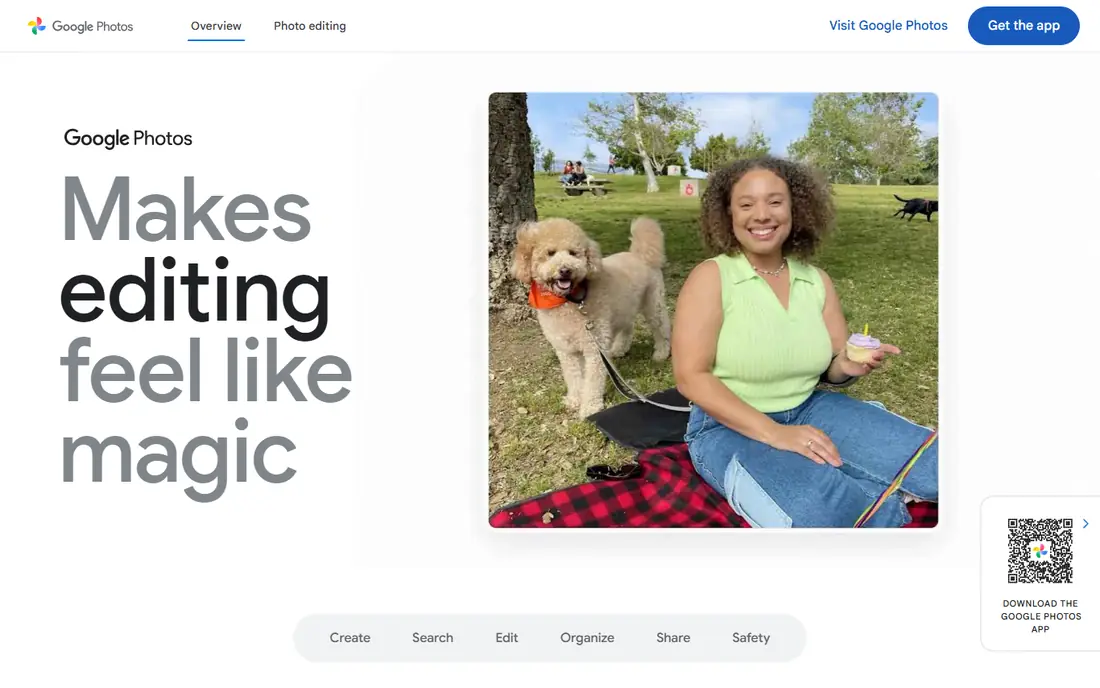
Google Photos is the default for most Android users and a strong choice on iPhone too. Its search is genuinely useful: type "beach" or a person's name and it finds matching photos without manual tags. Shared albums and partner sharing make it easy to pool family photos, and Google One storage starts at $1.99 per month for 100GB.
The privacy trade-off is real. Photos are encrypted in transit and at rest, but Google holds the keys, so it is not end-to-end encrypted. The 15GB free tier is also shared with Gmail and Drive, so heavy shooters fill it fast. For most families, though, the combination of search, sharing, and price is the best overall package.
- 15GB free shared across Google services
- Powerful AI search
- Easy shared albums
- Google holds encryption keys, so no end-to-end encryption
- Free storage fills fast
- Original-quality uploads count against storage

iCloud Photos is the obvious pick if your household runs on Apple devices. Photos sync across iPhone, iPad, and Mac without thinking about it, Shared Albums let families contribute to the same collections, and Advanced Data Protection adds optional end-to-end encryption for those who turn it on. Storage starts at $0.99 per month for 50GB.
The free tier is just 5GB shared across iCloud, which fills quickly, and the web app is a fallback rather than a first-class experience. Android households should look elsewhere. For Apple families, though, nothing else fits as smoothly.
- Deep integration with iPhone, iPad, and Mac
- Shared Albums for families
- Optional Advanced Data Protection
- Only 5GB free
- Web experience is weaker than native apps
- Best only inside the Apple ecosystem
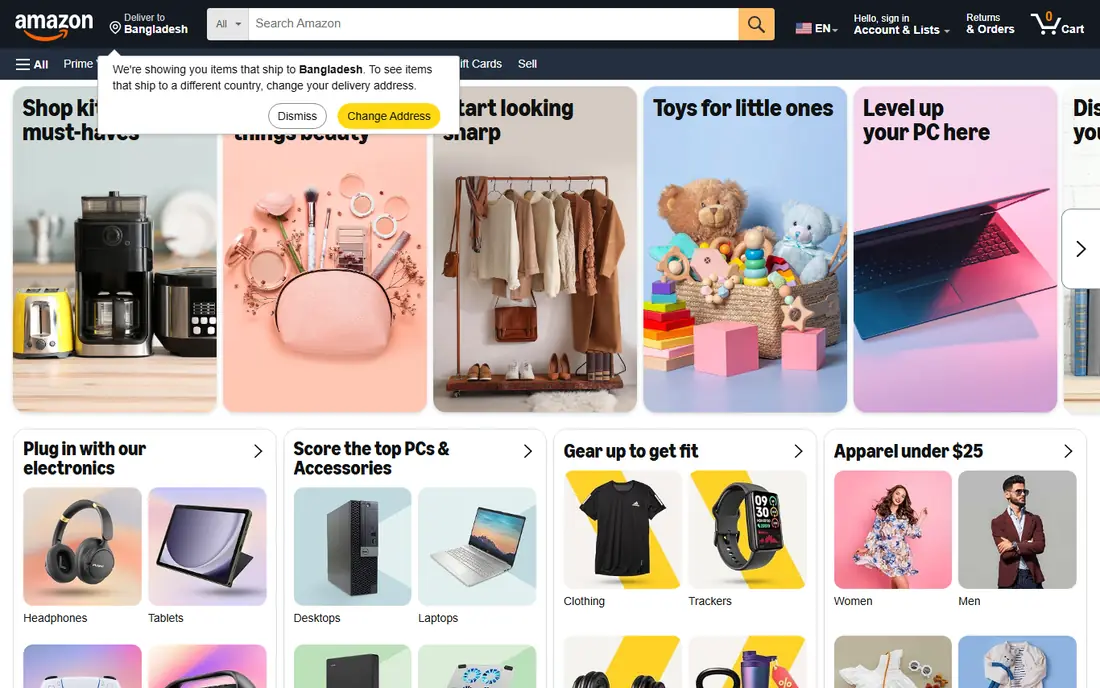
Amazon Photos is the quiet bargain of this list. Prime members get unlimited full-resolution photo storage plus 5GB for video, and Family Vault lets up to six people share the benefit. Non-Prime users still get 5GB free. If you already pay for Prime, this is effectively a free unlimited photo backup.
Without Prime the value drops, and the app experience is less refined than Google Photos or iCloud, especially for search and memories. Video storage also stays capped at 5GB unless you buy more. Prime households should absolutely use it, even alongside another service.
- Unlimited full-resolution photo storage for Prime members
- Family Vault for up to six people
- 5GB video storage
- Best value only with Prime
- Video storage is limited
- App is less polished than Google Photos
Flickr is less a backup service and more a home for photographers. Its groups, comments, and full EXIF display make it the best place to share work and get feedback from people who care about technique. The free tier allows 1,000 photos, while Pro at about $8.25 per month billed annually removes the cap and adds stats and ad-free browsing.
As a private backup tool it is weaker than Google or Amazon, and the interface shows its age. But for photographers who want an audience and a portfolio in one place, Flickr remains the benchmark community. Our pick for serious hobbyists and pros who want exposure.
- Large photography community with groups
- Full EXIF data visible
- Unlimited storage on Pro
- Free tier caps at 1,000 photos
- Interface feels dated
- Less useful as a pure backup tool
SmugMug is built for photographers who sell their work. You get unlimited storage, customizable portfolio websites, client proofing, and lab-direct print fulfillment, so a wedding or portrait photographer can run bookings, delivery, and sales from one platform. A 14-day trial lets you test it before paying.
There is no permanent free tier, and pricing has changed over the years, so check the current page. Casual sharers do not need this much power. For working photographers who want a business in a box, SmugMug is the most complete option here.
- Unlimited storage
- Beautiful portfolio sites
- Built-in print and download sales
- No permanent free tier
- Pricing has shifted over time
- Overkill for casual sharing
500px suits photographers who want their work discovered and possibly licensed. Its Pulse discovery system pushes strong images to editors and buyers, and its licensing marketplace gives contributors a path to commercial sales. Paid plans start around $3.99 per month, while the free tier allows 21 uploads per week.
The community is smaller than Flickr's, and licensing income is unpredictable for most contributors. Still, if your goal is exposure to buyers rather than just friends, 500px offers a clearer commercial path than any other community here.
- Discovery algorithm surfaces strong work
- Licensing marketplace
- Clean portfolio pages
- Free tier limits uploads to 21 per week
- Community is smaller than Flickr
- Licensing income varies
Ente is the closest private drop-in replacement for Google Photos. Every photo is end-to-end encrypted, the code is open source, and you can even self-host it. It includes shared albums, memories, family plans, and on-device face recognition, so the experience feels familiar without handing your photos to an ad company. The free tier gives 10GB forever, with paid plans from around $2.99 per month.
The feature set is smaller than Google Photos, and support is community-scale rather than corporate. For privacy-minded users who still want a modern photo app, Ente is our top recommendation.
- End-to-end encryption always on
- Open source and self-hostable
- On-device face recognition
- Smaller feature set than Google Photos
- Paid plans needed beyond 10GB
- Less mainstream support
Dropbox is a file service first, but many people use it for photos because sync is rock solid on every device. Shared folders and links make collaboration simple, and its desktop integration is excellent. The free tier gives 2GB, with paid plans from around $9.99 per month for 2TB.
It lacks photo-specific touches like AI memories, face grouping, and smart search, and it costs more per gigabyte than Google One or iCloud. If you already use Dropbox for work files and want photos in the same system, it works well. As a dedicated photo platform, the photo-first services above are better value.
- Reliable sync across every platform
- Easy link sharing
- Strong file organization
- Only 2GB free
- No photo-specific features like memories
- Pricier per gigabyte than photo-first services
Cluster is built for private sharing: families, teams, and friend groups create closed spaces where only members see the photos. There is no public feed, no follower counts, and no pressure to perform, which makes it ideal for grandparents, school groups, and family events. The free tier covers everyday private sharing.
It will not help you grow an audience, and its editing tools are basic. But if your main photo-sharing problem is "how do I share baby photos with family without posting them publicly," Cluster solves it more cleanly than any social network. A good complement to a backup service like Google Photos or Ente.
- Private groups by design
- No public feed
- Simple for grandparents and kids
- No public community features
- Smaller company
- Limited editing tools
How we picked these
We compared official pricing pages, storage tiers, and independent 2026 comparisons of photo sharing apps, favoring platforms with current availability in October 2026, a real free tier or trial, and a clear job: backup, community, sales, or private sharing. We mixed mainstream services with privacy-first and photographer-focused options. Prices change often, so confirm on each vendor page before you pay. We did not test every app hands-on; our comparison rests on published features, pricing, and public reviews.
Picking by what matters most
Start with your main job. Backup and family sharing point to Google Photos, iCloud Photos, or Amazon Photos, depending on your devices and whether you have Prime. Photographers who want feedback and exposure should look at Flickr and 500px, while those who sell work should shortlist SmugMug. Privacy-first users should start with Ente, and private family groups belong on Cluster.
Check two things before committing: how much free storage you actually get, and whether your photos stay private by default. A service that makes everything public unless you change a setting is a poor fit for family photos, no matter how good its search is.
Sources
- https://blog.internxt.com/best-photo-sharing-apps/
- https://www.aiarty.com/knowledge-base/photo-sharing-websites.htm
- https://www.lovd.app/blog/google-photos-alternatives
- https://blober.io/kb/articles/alternatives-to-google-photos/
- https://photos.google.com
- https://www.icloud.com
- https://www.amazon.com
- https://www.flickr.com
- https://www.smugmug.com
- https://500px.com
- https://ente.io
- https://www.dropbox.com
- https://www.cluster.com
Frequently asked questions
What is the best free photo sharing app?
Google Photos is the best free all-around option, with 15GB shared across Google services. iCloud Photos gives Apple users 5GB free, and Ente gives 10GB free with end-to-end encryption. For private family albums, Cluster is free and keeps groups closed by design.
Which photo sharing platform is best for photographers?
Flickr is best for community feedback and exposure, with groups and full EXIF data. 500px is better if you want discovery by editors and licensing opportunities. SmugMug is best for professionals who sell prints and need client proofing and portfolio sites.
Is Google Photos safe for private photos?
Google Photos encrypts photos in transit and at rest, but Google holds the encryption keys, so it is not end-to-end encrypted. For everyday family photos that level of protection is fine for most people. If you want true privacy, use Ente or iCloud with Advanced Data Protection turned on.
How much storage do I need for photos?
A typical phone photo is a few megabytes, so 15GB holds a few thousand photos, while large libraries and videos need 100GB or more. Heavy shooters and families pooling photos should plan for at least 200GB. Check your current library size in your phone settings before choosing a tier.
Can I share photos privately without social media?
Yes. Cluster, Google Photos shared albums, iCloud Shared Albums, and Ente all let you share with specific people only, without a public feed. Avoid posting family photos on public platforms if privacy matters, and check each album's sharing settings before adding sensitive pictures.