Best Planner Apps Free in 2026: 9 Apps Compared
By ToolNimba Editorial Team November 10, 2026 10 min read

- Top pick
 Todoist
Fast daily task capture
Starting priceFreeCheck out TodoistRead our review - Runner-up
 TickTick
Tasks, calendar, and habits
Starting priceFreeCheck out TickTickRead our review - Also great
 Microsoft To Do
Free planning in Microsoft
Starting priceFreeCheck out Microsoft To DoRead our review
How we researched this
We compared official pricing and feature pages, app store listings, privacy policies and public user reviews. Prices change, so check the provider's site before you pay.
Key takeaways
- Todoist and TickTick offer the most usable free plans for daily task planning, with Todoist winning on capture speed and TickTick on built-in features.
- Microsoft To Do and Google Calendar are the best fully free options inside their ecosystems, with no paid tier needed for core planning.
- Notion and ClickUp suit planners who want tasks mixed with notes, docs, and projects, but their free plans have storage and feature limits.
- A planner app only works if you open it daily, so choose the simplest app you will actually use over the most powerful one you avoid.
- Check free plan caps on projects, lists, file uploads, and reminders before you build a whole system around a free tier.
Quick comparison
| Name | Best for | Starting price | Free plan | |
|---|---|---|---|---|
| Todoist | Fast daily task capture | Free | Yes | Visit |
| TickTick | Tasks, calendar, and habits | Free | Yes | Visit |
| Microsoft To Do | Free planning in Microsoft | Free | Yes | Visit |
 Google Calendar | Free calendar planning | Free | Yes | Visit |
 Notion | Tasks plus notes and docs | Free | Yes | Visit |
 ClickUp | Free team and project planning | Free | Yes | Visit |
 Trello | Visual board planning | Free | Yes | Visit |
 Any.do | Simple lists and reminders | Free | Yes | Visit |
 Asana | Free project planning | Free | Yes | Visit |
The best planner apps free
A free planner app should cover the basics well: capture a task fast, set a due date, see today clearly, and sync across phone and computer. We compared official pricing pages and feature pages for apps with a genuine free plan, not just a trial, and we favored apps that stay usable without paying.
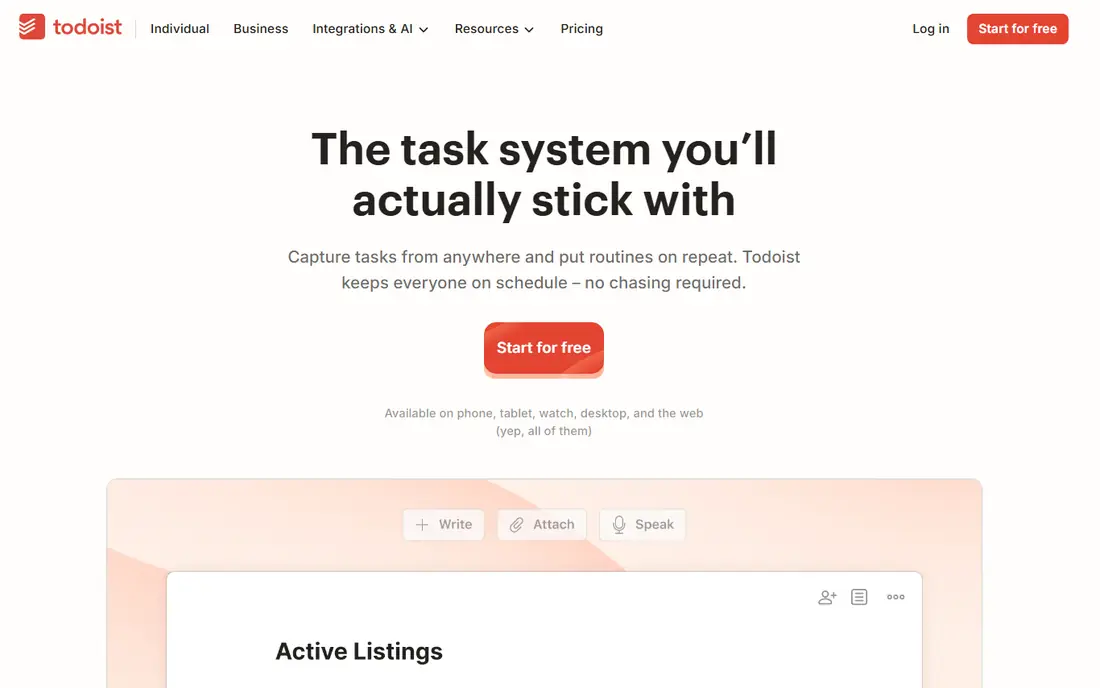
Todoist is our pick for most people because capture is so fast. Typing a task such as a meeting note due next Thursday at 3pm creates the task with the right date, without opening a date picker. The Today view then shows what matters now, with priorities and recurring tasks alongside. The free plan covers five projects, which is enough if you organize by life area rather than by client.
The limits arrive when you want more structure. Reminders, labels, filters, and activity history need Pro, at $4 per month billed annually. For a solo planner, the free plan often lasts a long time. For a power user with many projects, Pro is a small price for the speed it preserves.
- Excellent natural-language entry
- Clean Today view
- Syncs across almost every device
- Free plan limits projects, filters, and reminders
- Labels and filters need Pro
- Pro costs $4 per month billed annually
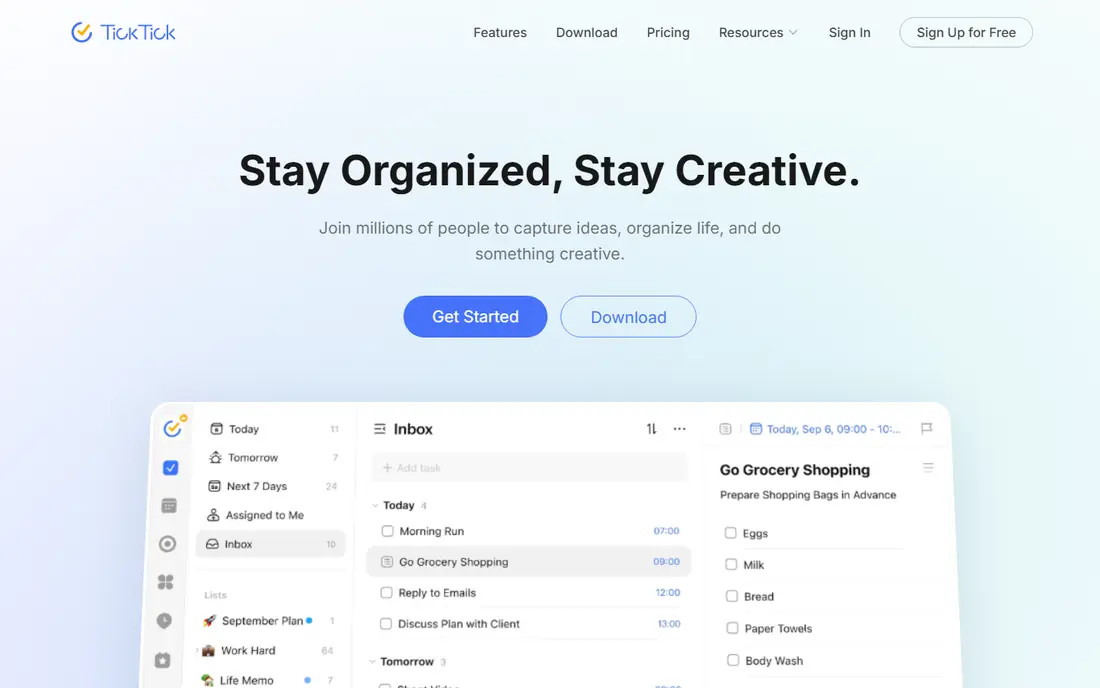
TickTick gives you the most features without paying. The free plan covers nine lists, 99 tasks per list, calendar views, and five habits, plus a Pomodoro timer for focused work. That combination suits students and solo workers who want tasks, habits, and a calendar in one app rather than three.
The interface is busier than Todoist, with extra sidebars for its many tools, and it can take a few days to settle into a routine. Premium, at $49.99 per year, removes the main caps and adds themes and more habits. If you want the most free features per dollar, TickTick is the strongest choice here.
- Calendar, habits, and Pomodoro timer built in
- Generous free limits
- Good value Premium plan
- Interface feels busier than Todoist
- Free plan limits lists and habits
- Some features need Premium
Microsoft To Do is the obvious free planner if you already use Outlook, Teams, or Windows. It is free with a Microsoft account, with no paid tier needed for core lists, due dates, reminders, and the My Day view that helps you plan each morning. Sync with Outlook tasks means a work list can follow you across devices.
It is simpler than Todoist or TickTick. Recurring tasks and natural-language entry are weaker, and there is no built-in habit tracker or full calendar. For a user who wants a clean, free daily list inside Microsoft, that simplicity is enough. For a user who wants a full planning system, pair it with Outlook Calendar rather than expecting To Do to do everything.
- Completely free with a Microsoft account
- Simple lists and My Day view
- Integrates with Outlook and Teams
- Weaker on recurring tasks and natural language
- No built-in calendar or habits
- Fewer power features
Google Calendar is a planner in the time-blocking sense: you plan your day by putting tasks on a calendar, not just on a list. It is free with a Google account, supports shared calendars for family or work, and sends reminders across phone and computer. For people who think in time slots rather than task lists, it is often the only planner they need.
As a task manager, it is basic. Google Tasks adds lists, but it lacks the priorities, filters, and project views of Todoist. The best free setup for many users is Google Calendar for time and Todoist or TickTick for tasks, with the two synced where possible. Used alone, Google Calendar still beats a paper diary for most daily planning.
- Free with a Google account
- Excellent time blocking and sharing
- Works on every major platform
- Not a full task manager on its own
- Task features are basic
- Needs Google Tasks for lists
Notion suits planners whose tasks live inside notes, projects, and reference material. You can build a daily planner page, a habit tracker, a project database, and a meeting notes archive in one workspace, and link them together. The free plan for individuals covers unlimited pages and blocks, with limits on file uploads and team features.
That flexibility is also the risk. A simple daily list can turn into a system that takes longer to maintain than to use, and Notion can feel slower than a dedicated task app. If your planning is inseparable from your notes, Notion is worth the setup. If you only need a fast list, Todoist will serve you better.
- Tasks, notes, wikis, and databases in one workspace
- Flexible templates
- Good free plan for individuals
- Can feel slow and complex for simple lists
- Free plan limits file uploads and collaboration
- Setup takes time
ClickUp offers the most generous free plan for teams. Unlimited tasks and members, plus list, board, calendar, and timeline views, make it a real project planner at no cost, not just a personal list. That makes it a good free choice for a small team, a club, or a family project with many moving parts.
The downside is complexity. ClickUp has so many features that a new user can spend days configuring it before planning anything. Free storage is also limited, so large files should live elsewhere. For a solo user who wants a simple day plan, ClickUp is overkill. For a team that needs structure without paying, it is strong value.
- Free plan covers unlimited tasks and members
- Many views including board, list, and calendar
- Strong project features
- Interface can overwhelm beginners
- Free storage is limited to 100 MB
- Advanced automation needs paid plans
Trello plans by board, not by list. You move cards from To Do to Doing to Done, which suits visual thinkers and project tracking better than a long task list. The free plan covers unlimited cards and members on boards, with limits on some Power-Ups and views, and paid plans start at $5 per user per month.
For daily planning with due dates and recurring tasks, Trello is weaker than Todoist unless you add Power-Ups. For a project with stages, such as a move, a launch, or a course, the board view makes progress obvious at a glance. Choose Trello when you think in stages, and Todoist when you think in dates.
- Clear Kanban boards
- Easy drag and drop
- Good free plan for personal boards
- Weak for dated task lists without Power-Ups
- Calendar view needs a paid plan for full use
- Automation limits on free
Any.do keeps planning simple. Lists, a calendar view, and reminders cover the daily essentials, and shared lists work well for households and small teams. The mobile app is clean and fast, which matters when you capture tasks on the go. A free plan covers core use, with Premium adding advanced reminders, themes, and more.
Power users will miss the filters, project views, and automation of Todoist, TickTick, or ClickUp. Any.do is best for a user who wants a tidy list and a reminder, without learning a system. If you find yourself needing projects and priorities, move to Todoist rather than forcing Any.do to stretch.
- Very simple lists, calendar, and reminders
- Clean mobile app
- Good for shared family lists
- Free plan limits some features
- Premium needed for advanced reminders and themes
- Fewer project features than ClickUp
Asana is a project planner first and a personal planner second. Its free plan covers unlimited tasks and projects, with list, board, and calendar views, which makes it useful for a solo user with many projects or a very small team. Paid plans start at $10.99 per user per month billed annually and add timelines, reporting, and automation.
For a single daily list, Asana can feel heavy, and its free team limits vary, so check the current plan page. For a freelancer juggling several client projects, or a small team that needs a shared plan without paying, Asana gives structure that a simple list app cannot match.
- Free plan covers unlimited tasks and projects
- Clear project views
- Good for small teams
- Free plan is limited in team size in some listings
- Advanced timelines and reporting need paid plans
- Overkill for a solo list
How we picked these
We compared official pricing pages and feature pages for planner apps with a genuine free plan in 2026, and we favored apps that sync across phone and computer, support due dates and reminders, and stay usable without a subscription. We excluded apps with only a short trial and no free tier, since this list is about free planning. Prices shown are starting paid prices, where a paid plan exists.
How to make a free planner stick
Pick one app for tasks and one place for time, and do not split tasks across three apps. Each evening, choose the top three tasks for tomorrow and put them in the Today view or on the calendar. Each morning, review that short list before opening email, since email will otherwise set your agenda for you.
Keep the system small
Limit yourself to a handful of projects or lists at first, and archive completed projects monthly. A planner with 30 half-used lists is harder to trust than a planner with five active ones. If a feature does not help you finish a task, turn it off rather than maintaining it.
Sources
Frequently asked questions
What is the best free planner app?
Todoist and TickTick are the best free planner apps for most people. Todoist wins on fast capture, while TickTick wins on built-in calendar, habits, and timer features. Microsoft To Do is the best fully free option inside Microsoft.
What is the best free daily planner app?
For a daily plan, Todoist, TickTick, and Microsoft To Do all offer a Today or My Day view for free. Google Calendar is best if you plan by time blocks rather than by task lists. Choose the view that matches how you think about your day.
Are free planner apps really free?
Yes, for core use, but most have limits. Todoist limits projects, TickTick limits lists, Notion limits file uploads, and ClickUp limits storage on free plans. Check the caps before you build a large system, and expect to pay if you need unlimited projects or advanced features.
Can I use a free planner app on phone and computer?
Yes, all apps on this list sync across phone and computer, with web, iOS, and Android versions. Check that your chosen app covers your devices, especially if you use Linux or a wearable, since support varies.
What is the best free planner app for students?
TickTick is a strong student pick, since its free plan covers tasks, calendar, habits, and a Pomodoro timer in one app. Notion is also popular with students for notes plus tasks, though it takes more setup time.