Best Platforms to Build Trading App in 2026: 9 Platforms Compared
By ToolNimba Editorial Team November 10, 2026 10 min read

- Top pick
 Alpaca
First US stock trading app
Starting priceFreeCheck out AlpacaRead our review - Runner-up
 Interactive Brokers
Global multi-asset trading
Starting priceFreeCheck out Interactive BrokersRead our review - Also great
 Tradier
Options-focused brokerage API
Starting priceFreeCheck out TradierRead our review
How we researched this
We compared official pricing and feature pages, app store listings, privacy policies and public user reviews. Prices change, so check the provider's site before you pay.
Key takeaways
- Alpaca is the easiest starting point for a first US stock trading app, thanks to a clean API, free paper trading, and commission-free stock and ETF trading for retail accounts.
- Interactive Brokers is the broadest choice, with stocks, options, futures, forex, and bonds across many markets, but it takes more setup than a modern REST API.
- Tradier and tastytrade are the strongest options for options-focused apps, while Schwab Trader API suits developers building for Schwab account holders.
- QuantConnect is the best fit when backtesting comes first, since it pairs a research environment with live trading through supported brokers.
- This is not financial advice, and trading carries risk, including the risk of losing money. Paper trade first, test error handling, and never trade with money you cannot afford to lose.
Quick comparison
| Name | Best for | Starting price | Free plan | |
|---|---|---|---|---|
| Alpaca | First US stock trading app | Free | Yes | Visit |
| Interactive Brokers | Global multi-asset trading | Free | Yes | Visit |
| Tradier | Options-focused brokerage API | Free | Yes | Visit |
 TradeStation | Scripted strategies and charting | Free | Yes | Visit |
 Charles Schwab Trader API | Building for Schwab accounts | Free | Yes | Visit |
 tastytrade | Programmatic options trading | Free | Yes | Visit |
 QuantConnect | Backtesting and research first | Free | Yes | Visit |
 DriveWealth | Embedded investing for partners | See website | No | Visit |
 Moomoo OpenAPI | Retail app with paper trading | Free | Yes | Visit |
The best platforms to build trading app
Building a trading app means choosing more than a code library. You need a broker to hold accounts and execute orders, market data to show prices, and a safe way to test before real money moves. The platforms below cover those pieces in different combinations, from simple stock APIs to full research environments.
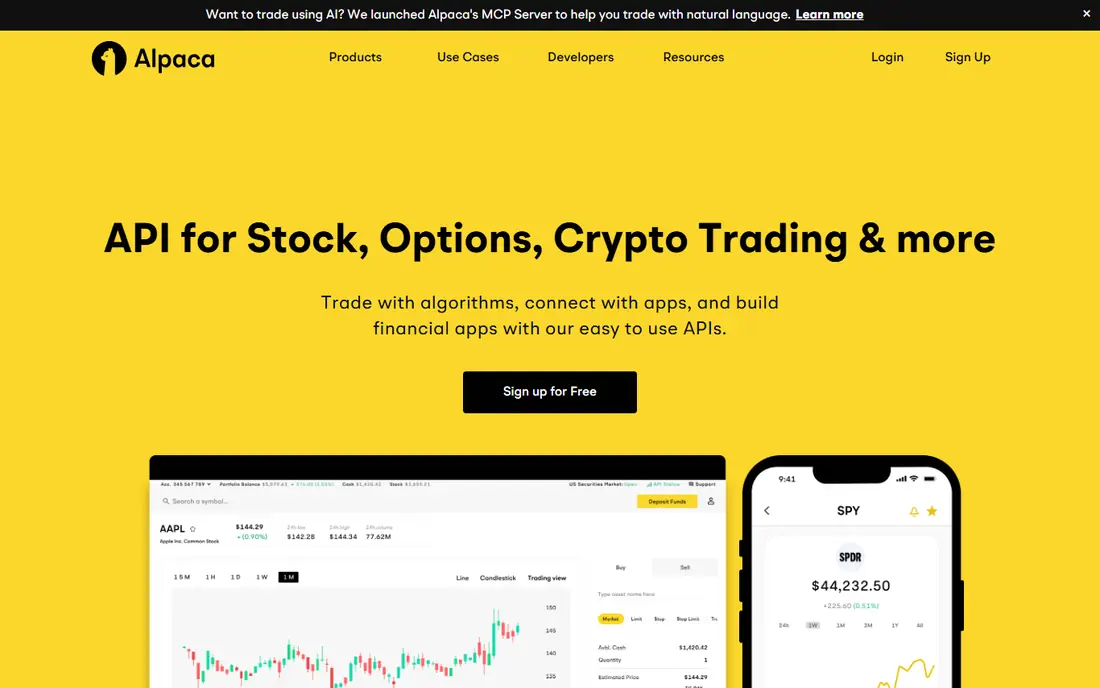
Alpaca is our pick for most developers building a first trading app. Its API is modern and well documented, with SDKs that make account, order, and position calls straightforward, and paper trading lets you test a full workflow without risking real money. For retail accounts, US stock and ETF trading through the API is commission-free, subject to regulatory fees and published exceptions.
The limit is scope. Alpaca covers US stocks, ETFs, options, and crypto, but it does not match Interactive Brokers for global markets, futures, or bonds. If your app needs those markets, you will outgrow Alpaca. If your app needs a clean US equities app with paper trading and a fast start, Alpaca is hard to beat.
- Clean REST and streaming API
- Free paper trading
- Commission-free US stocks and ETFs for retail accounts
- US equities, ETFs, options, and crypto only
- Narrower market coverage than global brokers
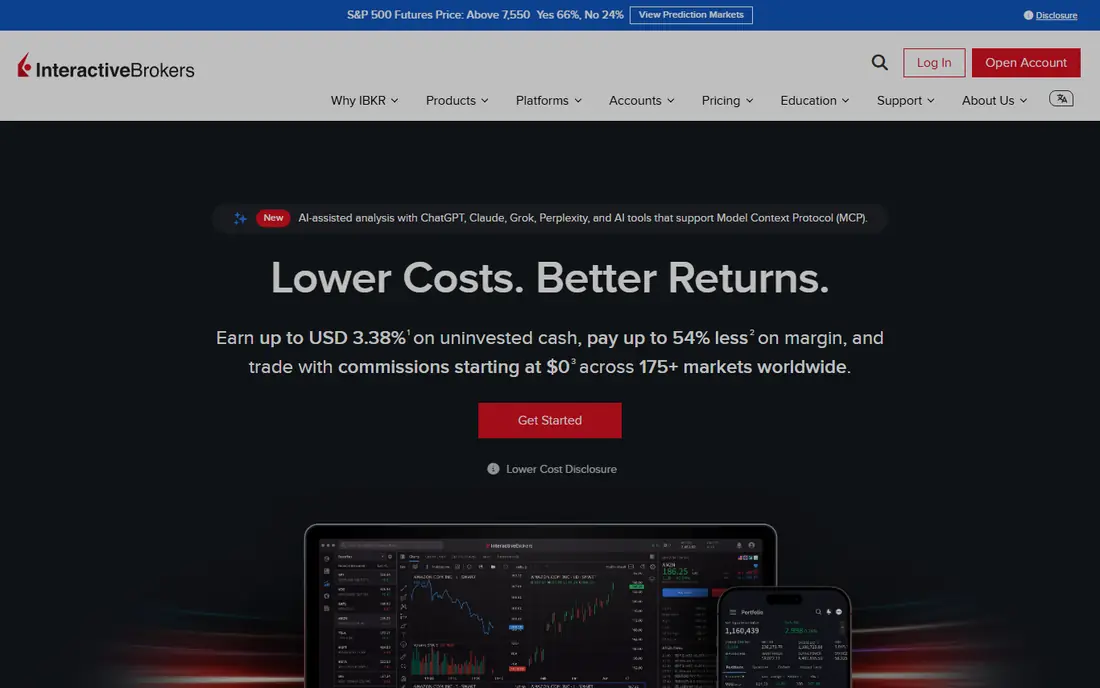
Interactive Brokers, often called IBKR, is the broadest platform in this list. It offers stocks, ETFs, options, futures, forex, bonds, and funds across many markets, with API options including a Web API, Trader Workstation API, and FIX. IBKR Lite offers commission-free US stock trading for eligible US residents, while IBKR Pro uses tiered or fixed pricing, starting around $0.005 per share in published examples.
That breadth comes with setup work. Connecting through Trader Workstation or a gateway session takes more care than a cloud REST API, and market data subscriptions can add cost on top of commissions. For a professional or global trading app, that effort is worth it. For a simple first app, start with Alpaca and move to IBKR when you need its markets.
- Access to many global markets
- Stocks, options, futures, forex, and bonds
- Mature API options
- Steeper setup
- Data fees can add up
- Interface and docs assume trading knowledge
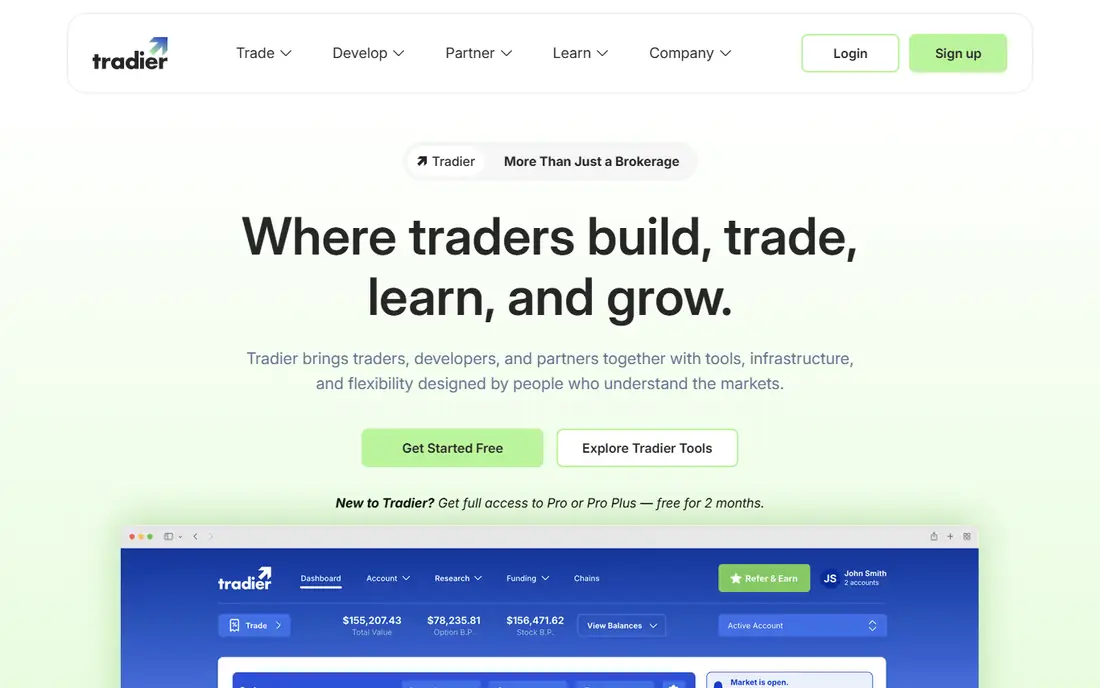
Tradier is a strong choice for apps that center on equities and options. Its brokerage API covers account access, streaming quotes, historical data, and order execution, and a sandbox lets you test without a live account. Published pricing includes a Standard plan with per-trade charges and a Pro plan at $10 per month with commission-free equity trades and commission-free options trading subject to published exceptions and regulatory charges.
Tradier is US-focused, so it is less suited to a global multi-asset app. It also requires account approval for advanced options features, which is normal for a regulated broker but adds a step to onboarding. If your app is options-heavy and you want a simpler API surface than IBKR, Tradier deserves a close look.
- Brokerage API for equities and options
- Sandbox for testing
- Streaming market data
- US market focus
- Trading fees depend on account type
TradeStation has long been a home for traders who want to write strategies in plain language. EasyLanguage reads close to English, and the platform pairs it with charting, scanning, and backtesting tools that suit active traders. US customers can trade stocks and ETFs at $0 per trade on published plans, and a simulator lets you test strategies before going live.
The desktop platform is powerful, but it can overwhelm a new developer, and some data and inactivity fees apply depending on activity and account type. TradeStation is best when your app or strategy benefits from its charting and scripting environment, rather than when you only need a simple order API. For a pure API app, Alpaca or Tradier may be simpler to start with.
- EasyLanguage scripting
- Strong backtesting and charting
- $0 stock and ETF commissions for US customers
- Desktop platform can feel complex
- Learning curve for new developers
Charles Schwab Trader API
Best for: Building for Schwab accounts
Schwab Trader API lets developers build apps for Schwab brokerage accounts, including stock, ETF, and options orders. It supports multi-leg options orders, with published options commissions at $0.65 per contract, plus regulatory fees. For developers whose users already hold Schwab accounts, that direct link is a clear advantage over asking users to open a new brokerage account.
The main limits are testing and session handling. Schwab offers no general paper trading sandbox for this API, and logins must be re-authorized regularly, with published guidance noting a seven-day re-authorization cycle. That makes Schwab a better fit for a live trading app for existing Schwab clients than for a first prototype that needs a sandbox.
- REST API for Schwab accounts
- Supports multi-leg options orders
- Strong research and account services
- No sandbox for paper trading
- Login must be re-authorized regularly
tastytrade offers an Open API with REST and streaming access, built for traders who want to automate options strategies. Published pricing puts options at $1 to open per contract, capped at $10 per leg, and free to close, which is attractive for active options traders. A certification sandbox gives developers a separate testing path before live trading.
tastytrade is options-first, so it is less suited to an app that needs futures, forex, or global bonds in one place. Its pricing also depends on order type and leg structure, so read the fee schedule for your exact strategy. If your app is built around options, tastytrade combines a developer API with pricing that rewards frequent options activity.
- Open API with streaming
- Options-friendly pricing
- Certification sandbox for developers
- Options focus means less breadth for other assets
- Pricing varies by order type
QuantConnect is the pick when research comes before execution. Its cloud platform lets you write, backtest, and refine strategies in Python or C# using the LEAN engine, with historical data and a research notebook environment. Free backtests let you test ideas, while live trading through supported brokers may need a paid plan depending on the deployment you choose.
QuantConnect is more than a broker API, so it adds a layer to learn if you only need to place orders. That layer pays off when your app needs to prove a strategy on historical data before it trades live. For a team building a serious algorithmic product, QuantConnect gives you a research workflow that a bare broker API does not.
- Cloud research and backtesting
- LEAN engine in Python and C#
- Live trading through supported brokers
- Live trading may need a paid plan
- Research focus means extra setup for a simple app
DriveWealth provides investing infrastructure for partners that want to embed trading in their own apps, including fractional share access. That makes it a fit for fintech companies, banks, and consumer apps that want to offer investing without building a brokerage from scratch. Its APIs are designed for partner integration rather than for a single retail developer.
DriveWealth is not a casual starting point. Pricing is quoted per partnership, there is no general retail free sandbox in the same sense as Alpaca paper trading, and onboarding is a business process. If you are building a consumer fintech product with a partner model, DriveWealth belongs on your shortlist. If you are building a first personal trading bot, start elsewhere.
- Fractional share investing infrastructure
- APIs for partner apps
- Global partner focus
- Partner and business model, not a retail sandbox
- Pricing is quoted per deal
Moomoo OpenAPI gives retail developers programmatic access with SDKs and a paper trading environment for testing. That combination suits developers who want to build tools, dashboards, or bots for Moomoo account holders, or who want to prototype with paper trading before committing to a broker. API access itself is free, with some data features carrying extra cost.
Coverage varies by region, and Moomoo is a retail brokerage platform rather than a full institutional infrastructure provider. For a retail-focused app with a paper trading path, it is a practical option. For a global institutional app, IBKR or a partner platform such as DriveWealth may fit better.
- OpenAPI with SDKs
- Paper trading available
- Retail-friendly app ecosystem
- Some data features cost extra
- Brokerage coverage varies by region
How we picked these
We compared official developer documentation, pricing pages, and broker disclosures for platforms that let you build a trading app with real order execution, not just charting. We favored platforms that are still available, that offer an API or scripting environment, and that cover different needs: simple stock apps, options apps, global multi-asset apps, and research-first apps. We did not claim hands-on live trading, and we wrote See website where pricing is quoted per partnership.
What to build first, and what to test before real money
Start with paper trading, even if your strategy looks good on paper. Paper trading tests your order logic, your error handling, and your position tracking without risking capital. Next, test the unhappy paths: rejected orders, partial fills, delayed data, and a lost connection. A trading app that only works when everything goes well will fail at the worst moment.
Also plan for compliance and data costs from the start. Brokerage accounts need identity checks, market data may need a paid subscription for real-time feeds, and options trading needs approval. Check whether your broker supports the markets, order types, and account types your users will actually need, and read the fee schedule for commissions, regulatory fees, and data charges. This is not financial advice, and trading carries risk. Build slowly, test thoroughly, and keep risk controls in the app itself, not just in your head.
Sources
Frequently asked questions
Which platform is easiest for building a first trading app?
Alpaca is the easiest starting point for a US stock app, thanks to a clean API and free paper trading. If you need global markets or futures, Interactive Brokers is broader but takes more setup, so many developers prototype on Alpaca first.
Do I need a broker to build a trading app?
Yes, if the app will place real orders. A broker holds the account, executes orders, and handles regulatory requirements. Charting and backtesting tools alone cannot execute trades, which is why most apps pair a research tool such as QuantConnect with a broker API.
Can I test a trading app without real money?
Yes, with the right platform. Alpaca, Tradier, and Moomoo offer paper trading or a sandbox, and QuantConnect offers free backtests. Schwab Trader API does not offer a general paper trading sandbox, so test there with extra care and small positions once live.
What does it cost to use a trading API?
API access itself is often free, but trading still costs money through commissions, spreads, regulatory fees, and market data subscriptions. Alpaca offers commission-free US stock and ETF trading for retail accounts, while IBKR, Schwab, and tastytrade publish per-share or per-contract rates that vary by plan and order type.
Is building a trading app safe for beginners?
Building is safe when you start with paper trading and small, tested steps, but live trading carries real financial risk. Use risk limits, position size controls, and stop rules in your code, and never trade with borrowed money or money needed for essential expenses. This is not financial advice.