Best Portfolio Management Software in 2026: 9 Tools Compared
By ToolNimba Editorial Team November 9, 2026 9 min read

- Top pick
 Morningstar Investor
Fund research and Portfolio X-Ray
Starting price$34.95 per monthCheck out Morningstar InvestorRead our review - Runner-up
 Sharesight
Dividend and tax reporting
Starting priceSee websiteCheck out SharesightRead our review - Also great
 Kubera
Net worth across crypto and property
Starting price$250 per yearCheck out KuberaRead our review
How we researched this
We compared official pricing and feature pages, app store listings, privacy policies and public user reviews. Prices change, so check the provider's site before you pay.
Key takeaways
- Free dashboards suit most individual investors, while paid research tools suit fund investors and active traders.
- Morningstar Investor is the strongest pick for fund research, thanks to Portfolio X-Ray and analyst coverage.
- Sharesight leads on dividend and tax reporting for investors outside the United States, with a free tier up to 10 holdings.
- Kubera is the best option when your wealth sits in crypto, property, and collectibles as well as brokerage accounts.
Quick comparison
| Name | Best for | Starting price | Free plan | |
|---|---|---|---|---|
| Morningstar Investor | Fund research and Portfolio X-Ray | $34.95 per month | Free trial | Visit |
| Sharesight | Dividend and tax reporting | See website | Yes | Visit |
| Kubera | Net worth across crypto and property | $250 per year | Free trial | Visit |
 Quicken Classic | Desktop budgeting plus investments | See website | Free trial | Visit |
 Monarch Money | Household dashboard and investing | $99.99 per year | Free trial | Visit |
 Stock Rover | Stock research and screening | See website | Free trial | Visit |
 Simply Wall St | Visual stock and ETF analysis | $10.95 per month | Yes | Visit |
 Snowball Analytics | Rebalancing and dividend tracking | See website | Yes | Visit |
 YCharts | Professional performance reporting | See website | No | Visit |
The best portfolio management software
This is not financial advice; investing carries risk, and past performance does not guarantee future results. Portfolio software should show what you own, how it performs, what it costs, and how it fits your plan, without pushing you to trade more. The best portfolio management tool for you depends on whether you hold funds, individual stocks, crypto, or property, and whether you need tax reports or just a clear dashboard.

Morningstar Investor is our pick for fund investors because Portfolio X-Ray breaks a whole portfolio into allocation by region and sector, fee analysis, stock style, and overlap between funds. That overlap view catches the common problem of three funds holding the same companies. Pricing is $34.95 per month or $249 per year, with a seven-day free trial in published comparisons.
The catch is scope. Morningstar Investor does not execute trades, and its equity analysis is thinner than a dedicated stock research platform. Analyst ratings can also lag fast market moves. If your portfolio is mostly funds and ETFs, though, the research depth justifies the price.
- Portfolio X-Ray for allocation, fees, and overlap
- Analyst ratings and reports
- Screeners with many data points
- No trade execution
- $249 per year is steep if you only track a few funds
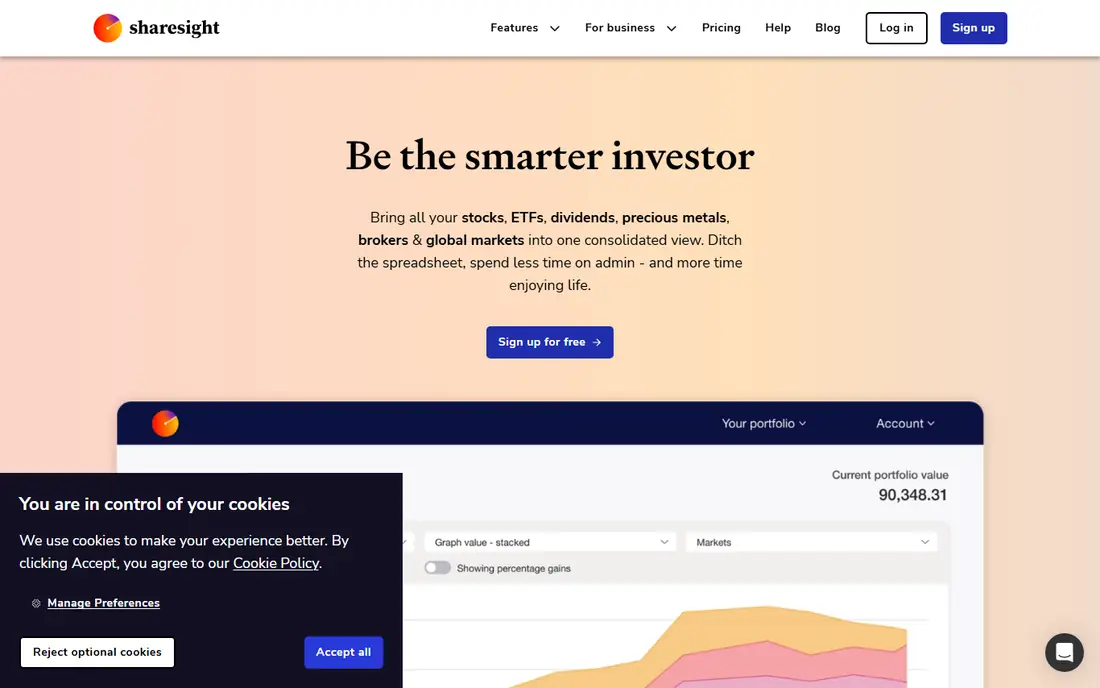
Sharesight is the best portfolio tracking software for investors who care about dividends and tax reports, especially in Australia, New Zealand, the United Kingdom, and Canada. It tracks dividends, corporate actions, and performance across brokers, and generates tax reports that save time at year end. A free tier covers up to 10 holdings, with paid plans above that.
Sharesight is less focused on United States retirement planning than some rivals, and the free tier will feel small once a portfolio grows past 10 holdings. For dividend investors who want clean records without a spreadsheet, it is still one of the most useful tools here.
- Free tier up to 10 holdings
- Dividend tracking
- Tax and performance reports
- Strongest outside the United States
- Paid plans needed beyond 10 holdings

Kubera is built for people whose wealth does not fit a brokerage statement. It pulls live prices for crypto wallets, precious metals, and domain names, updates property values with estimates, and treats collectibles as first-class assets. Pricing is about $250 per year in published comparisons, with a 14-day free trial.
That breadth costs more than a simple tracker, and Kubera skips budgeting extras that Monarch or Quicken offer. If your portfolio is only a 401(k) and a brokerage account, a free dashboard will do. If you hold crypto, property, and alternatives too, Kubera gives the clearest single picture.
- Tracks crypto, property, and collectibles alongside brokerage accounts
- Live prices
- Beneficiary feature
- $250 per year is steep for simple brokerage tracking
- No budgeting depth
Quicken Classic, formerly Quicken, remains a strong desktop option for people who want budgeting, bills, and investment tracking in one program. It offers detailed reports, investment performance views, and account syncing, with a long history of updates. Pricing varies by tier, so check the current Quicken site for the plan that matches your needs.
The desktop model is both a strength and a limit. Reports are deep, but the interface feels older than web-first rivals such as Monarch, and syncing can need more setup. For long-time Quicken users and desktop fans, it remains a dependable all-in-one choice.
- Desktop reports and investment tracking
- Budgeting and bill tracking in one app
- Long track record
- Subscription pricing varies by tier
- Desktop feel suits some users less than web apps
Monarch Money is the best all-in-one dashboard for households, combining net worth tracking, investment allocation views, budgeting, and cash flow in a clean web and mobile app. It costs $99.99 per year in published comparisons, or $14.99 per month, with a seven-day free trial. Couples can share access with privacy controls per account.
Monarch is not a research platform, so it will not replace Morningstar for fund analysis or Stock Rover for stock screening. Power users may also find reporting shallower than Quicken desktop. For a household that wants one clear view of money and investments, Monarch is hard to beat.
- Net worth and investment dashboards
- Household sharing
- Budgeting and cash flow views
- No lasting free tier beyond a seven-day trial
- Reporting can feel shallow for power users
Stock Rover suits active investors who research individual stocks, with screeners, detailed company data, and portfolio analytics that go far beyond a simple tracker. Published comparisons list a 14-day free trial and annual plans from $348 to $1,788 depending on tier, which reflects its professional focus. If you screen stocks weekly, that depth matters.
Casual investors will find Stock Rover expensive and complex, and it is not a budgeting or net worth app. It also assumes you enjoy research, since the value comes from using the screeners. For serious stock pickers, it is one of the strongest research tools in this guide.
- Deep screeners and research tools
- Portfolio analytics
- Many data points per stock
- Annual prices in comparisons run $348 to $1,788
- Steep for casual trackers
Simply Wall St makes stock analysis visual and approachable, with a snowflake graphic that summarises value, growth, income, and health for a company. It offers portfolio health checks and premium plans starting at $10.95 per month in published comparisons, with a free plan for basic use. That visual style helps newer investors grasp a company quickly.
The visual approach has limits. It does not replace deep financial modelling or fund overlap analysis, and the free plan restricts how much you can explore. For investors who want a clear, visual second opinion on stocks and ETFs, Simply Wall St is a useful companion to a tracker.
- Visual company analysis
- Portfolio health checks
- Snowflake scores for stocks
- Free plan is limited
- Analysis is visual rather than deep financial modelling
Snowball Analytics is a focused tracker for investors who want to know when a portfolio drifts from target weights. It offers rebalancing tools, dividend forecasts, and tracking across brokers, with a free tier and paid plans listed near $6.70 to $20.80 per month billed annually in published comparisons. That rebalancing focus sets it apart from plain dashboards.
Snowball is smaller than Morningstar or Quicken, so integrations and support depth can vary by broker. It also suits investors with a clear target allocation, since rebalancing matters less for a single fund. For dividend investors who rebalance, it is a sharp, affordable tool.
- Free tier
- Rebalancing tools
- Dividend forecasts
- Multi-broker tracking
- Paid plans in comparisons run $6.70 to $20.80 per month billed annually
- Smaller company than rivals
YCharts is a professional-grade platform for performance reporting, benchmark comparisons, and market data visualisation. Published comparisons rank it highly for reporting quality, and it suits advisers, teams, and serious investors who need standardised performance views across accounts. That reporting depth is its main strength.
YCharts is not priced or built for a casual personal tracker, and public pricing is not aimed at individual budgets. If you need adviser-level reports or benchmark analysis, it earns a look. If you only track a personal portfolio, a free dashboard or Sharesight will serve you better.
- Benchmark comparisons
- Performance reporting
- Broad market data
- Enterprise-leaning pricing
- Overkill for a simple personal portfolio
How we picked these
We compared official pricing pages, feature pages, and 2026 portfolio software roundups, and we checked free tiers, trial terms, tax reporting, and research depth. We did not claim hands-on trading, and where a price was not clearly published, we wrote See website. Investing tools show past data, not future results, so use them to understand risk and cost, not to chase returns.
How to choose portfolio software for your holdings
Start with what you hold
Fund investors need Morningstar or Sharesight, stock pickers need Stock Rover or Simply Wall St, and mixed-asset holders need Kubera. A dashboard such as Monarch suits households that want money and investments together. Listing your holdings first avoids paying for research features you will never open.
Check tax and dividend reporting before you pay
A tracker that only shows balances will not help at tax time. Sharesight and Snowball Analytics focus on dividends and tax reports, while Morningstar focuses on fund overlap and fees. If you hold foreign stocks or many dividend payers, tax reporting should weigh heavily in your choice.
Keep the tool separate from the trade
The best portfolio software helps you see allocation, fees, and risk, not trade more often. Set a review rhythm, such as monthly or quarterly, and check fees and drift at each review. Frequent checking can push reactive trades, which usually hurt long-term results more than a slightly better dashboard helps.
Sources
Frequently asked questions
What is the best portfolio management software?
For most individuals, a free dashboard or Monarch Money covers tracking well, while Morningstar Investor is best for fund research and Sharesight is best for dividend and tax reporting. The right pick depends on what you hold and whether you need research or just a clear view.
What is the best investment management software for funds?
Morningstar Investor leads for funds and ETFs, thanks to Portfolio X-Ray, fee analysis, and analyst coverage. Sharesight is a strong second for fund holders who prioritise dividend and tax reporting over analyst research.
What is the best portfolio tracking software for free?
Sharesight offers a free tier up to 10 holdings, and Simply Wall St and Snowball Analytics also offer free tiers. Free dashboards from brokers can also work, but check whether they cover all your accounts and asset types.
What is the best portfolio management tool for crypto and property?
Kubera is our pick for mixed wealth, since it tracks crypto, property, collectibles, and brokerage accounts in one net worth view. Standard trackers often handle crypto poorly and property only as a manual entry.
Do portfolio tools execute trades?
Most trackers in this guide do not execute trades, including Morningstar Investor, Sharesight, and Kubera. You still place trades through your broker, which keeps the tracker independent and avoids pushing you toward extra trading.