Best Predictive Analytics Software in 2026: 9 Tools Compared
By ToolNimba Editorial Team November 11, 2026 9 min read

- Top pick
 DataRobot
business teams needing models without data scientists
Starting priceSee websiteCheck out DataRobotRead our review - Runner-up
 H2O.ai
technical teams wanting open-source-rooted AutoML
Starting priceSee websiteCheck out H2O.aiRead our review - Also great
 Dataiku
data science as a team sport
Starting priceSee websiteCheck out DataikuRead our review
How we researched this
We compared official pricing and feature pages, app store listings, privacy policies and public user reviews. Prices change, so check the provider's site before you pay.
Key takeaways
- KNIME is the best free starting point, with a full visual analytics platform at no cost.
- DataRobot, H2O.ai and Dataiku lead on AutoML, but all three price by quote, so expect a sales process.
- Alteryx suits analysts who think in drag-and-drop workflows, with Starter at $250 per user per month.
- Power BI and Tableau add forecasting to tools teams already use, which can beat buying a separate platform.
Quick comparison
| Name | Best for | Starting price | Free plan | |
|---|---|---|---|---|
| DataRobot | business teams needing models without data scientists | See website | No | Visit |
| H2O.ai | technical teams wanting open-source-rooted AutoML | See website | No | Visit |
| Dataiku | data science as a team sport | See website | No | Visit |
 Alteryx | analysts doing prep plus prediction without code | $250 per user per month | Free trial | Visit |
 KNIME | serious analytics for free | Free | Yes | Visit |
 SAS Viya | regulated industries needing governed models | See website | No | Visit |
 IBM SPSS Statistics | researchers doing classical statistics | $99 per user per month | Free trial | Visit |
 Tableau | visual exploration plus forecasting | $75 per user per month | Free trial | Visit |
 Microsoft Power BI | Microsoft-centric teams on a budget | $14 per user per month | Yes | Visit |
The best predictive analytics software
Predictive analytics turns past data into forecasts: which customers will churn, which leads will convert, which machines will fail. These nine cover AutoML platforms, visual workflow tools and BI tools with forecasting built in.
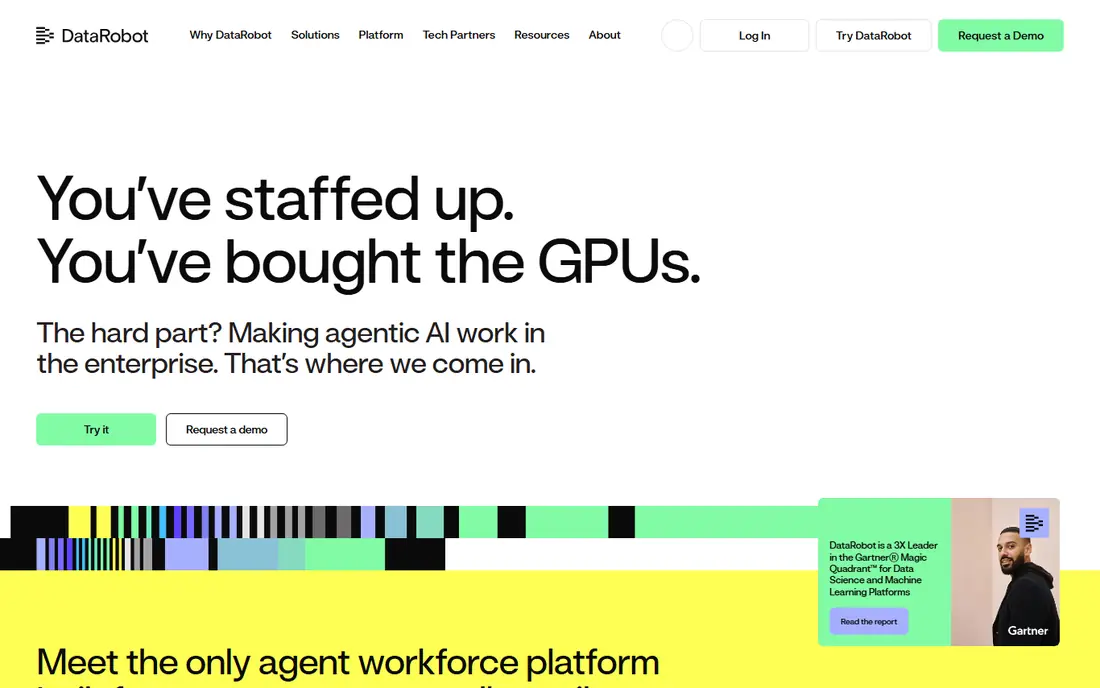
DataRobot is built for the buyer with data but no data science team. Upload a dataset, define the target, and the platform builds, compares and deploys models, then monitors them in production for drift and retraining. That MLOps layer is the part most teams forget, and it is where DataRobot earns its keep.
Pricing is quote-based and grows with usage, and there is no free tier, so small teams should trial carefully and model the cost at production scale. For organisations that need predictions in production without hiring modellers, DataRobot is the enterprise AutoML standard.
- Automated model building, comparison and deployment
- Strong MLOps with drift monitoring
- Built for business users
- Quote-only pricing that scales with usage
- No free tier
- Can feel like a black box to technical teams
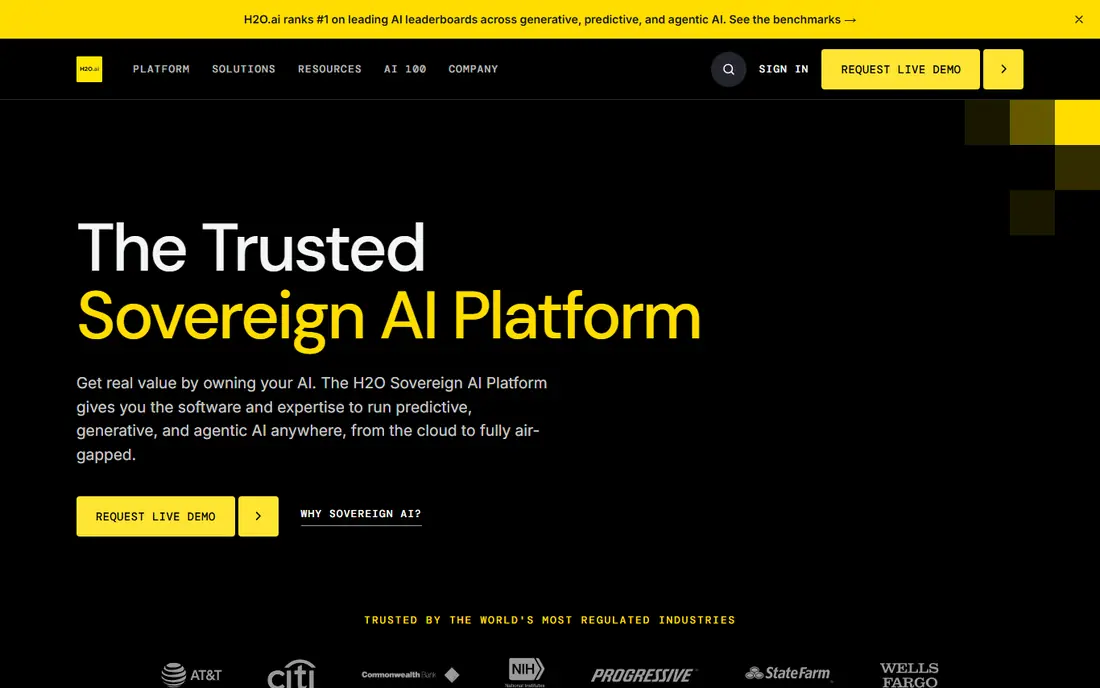
H2O.ai appeals to teams that want AutoML power without giving up technical control. Its open source heritage shows in a flexible, code-friendly approach, with automated machine learning, model explainability and deployment options that technical teams can shape. It handles large datasets and complex modelling tasks well.
The enterprise platform prices by quote, and getting the most from it helps to have data science skill in-house. Business-only teams may find DataRobot friendlier. For technical teams that want strong AutoML with room to customise, H2O.ai is a leading choice.
- Powerful AutoML with open source roots
- Strong for technical teams
- Scalable model training and deployment
- Quote-only pricing for the enterprise platform
- Steeper learning curve than DataRobot
- Best results need technical skill
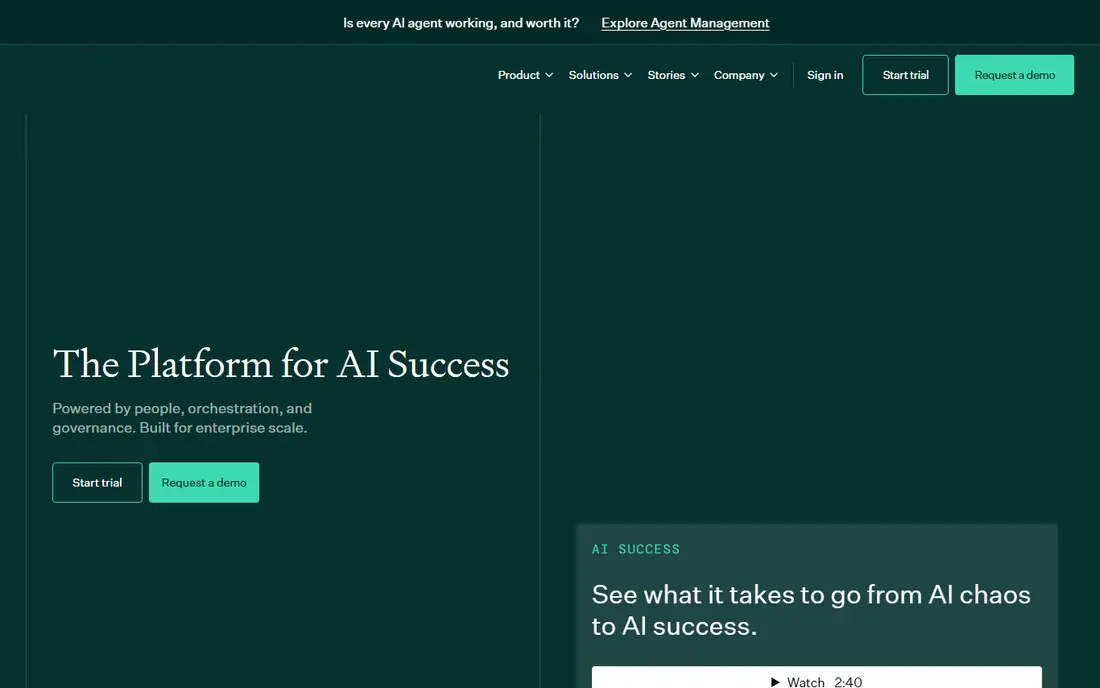
Dataiku is designed for organisations where data work is shared. Analysts build visual flows, data scientists write code in the same projects, and business users explore results, all with versioning, governance and deployment in one place. That collaboration model suits companies where models must pass review before production.
Pricing is quote-based, and the platform's breadth means onboarding takes effort. A solo analyst will find KNIME simpler and free. For a team that needs governed, collaborative data science at scale, Dataiku is one of the strongest platforms available.
- Visual and code workflows in one platform
- Collaboration across analysts, scientists and business users
- Governance and deployment built in
- Quote-only pricing
- Platform breadth takes time to learn
- Smaller teams may find it more than they need
Alteryx One fits analysts who already think in drag-and-drop workflows. Its canvas covers data prep, blending, spatial analysis and predictive modelling, with reusable workflows for repeat jobs. The AI assistant, Ask Alteryx, helps build and document workflows, though it sits on Professional and above.
Starter pricing is published at $250 per user per month billed annually, but it is cloud-only, capped at 10 users and limited to flat files, with no automation runs. Professional and Enterprise are quote-based. For analysts doing heavy prep before modelling, Alteryx remains a strong, if pricey, choice.
- Drag-and-drop workflows covering prep, blending, spatial and predictive tools
- Long-standing analyst favourite
- 30-day trial
- Starter at $250 per user per month is cloud-only with flat files only
- AI tools sit on Professional and above
- Desktop Designer needs Windows
KNIME is the open answer in this list: a complete analytics platform, free, with a visual workflow editor that covers data prep, machine learning, text mining and visualisation. Teams can build real predictive models without a licence fee, and the extension ecosystem adds database, cloud and AI nodes.
The trade-offs are polish and scale. The desktop interface is functional rather than slick, and collaboration, scheduling and deployment at enterprise scale sit behind paid KNIME Business Hub plans. For a team starting out, a student, or a company testing predictive work before buying, KNIME is the obvious first step.
- Full visual analytics platform at no cost
- Hundreds of nodes for prep, modelling and visualisation
- Strong community and extensions
- Interface feels less polished than commercial rivals
- Enterprise server and support cost extra
- Large workflows can run slowly on modest hardware
SAS Viya is the choice when audit trails matter as much as accuracy. Banks, insurers, health organisations and government teams use it for models that must be explained, validated and governed, with controls that satisfy regulators. Its statistical depth is long established, and the cloud-native Viya platform modernises deployment.
That strength comes with enterprise weight. Pricing is quote-based, implementation takes effort, and small teams will find it heavy. For regulated work where a model must be defended to auditors, SAS Viya is the reference platform.
- Governed, auditable modelling for regulated work
- Strong statistical depth
- Proven in banking, health and government
- Quote-only pricing
- Enterprise weight and implementation effort
- Less friendly to small teams than newer AutoML tools
SPSS Statistics has served researchers and analysts for decades, and its strength is classical statistics: regression, forecasting, survey analysis and hypothesis testing through menus rather than code. Academics, market researchers and analysts who need trusted procedures will find it familiar and well documented.
It is not a modern AutoML or MLOps platform, so teams building production machine learning pipelines should look at DataRobot or H2O.ai. Pricing starts around $99 per user per month, with a trial available. For traditional statistical modelling, SPSS remains a solid, trusted tool.
- Long-standing statistical procedures researchers trust
- Accessible interface for non-programmers
- Strong for surveys and academic work
- Less suited to modern machine learning pipelines than AutoML platforms
- Pricing starts around $99 per user per month
- Deployment options are narrower
Tableau is primarily a visual analytics platform, but its built-in forecasting and trend models bring genuine prediction into the same canvas where analysts explore data. For teams whose analysts already think visually, that adjacency matters: a forecast sits beside the chart that explains it, not in a separate tool.
Creator pricing starts from around $75 per user per month, and deeper predictive features through Einstein Discovery or external models add cost. Tableau will not replace a dedicated AutoML platform for complex modelling. For forecasting inside visual analysis, it is excellent.
- Best-in-class visual exploration
- Built-in trend and forecast models
- Einstein Discovery adds deeper prediction
- Creator pricing from around $75 per user per month
- Advanced prediction needs Einstein or external models
- Per-seat costs add up
Power BI is the budget route to forecasting for Microsoft shops. Pro costs around $14 per user per month, with a free desktop tier, and includes forecasting visuals, anomaly detection and AI features that cover common business predictions. Integration with Excel, Teams and Azure is a real advantage for teams already on Microsoft 365.
Serious predictive work still hits limits: advanced modelling, large datasets and governed deployment push teams toward Premium capacity or a dedicated platform. For a Microsoft-centric team that wants forecasts without a new vendor, Power BI is the practical pick.
- Pro at around $14 per user per month
- Forecasting and AI visuals built in
- Natural fit for Microsoft 365 and Azure shops
- Advanced AI and large-scale deployment need Premium capacity
- Forecasting depth trails dedicated platforms
- Best on Windows and Microsoft data sources
How we picked these
We compared official feature pages, pricing pages and documentation for tools that genuinely predict outcomes, not just describe the past. We included AutoML platforms, visual workflow tools, a statistical package and BI tools with forecasting, so different skill levels and budgets can find a fit. Where pricing is quote-only we say so, and where a published rate exists we use it.
How to choose by skill level
No data science team
Start with KNIME for free, or trial DataRobot if you need managed deployment and monitoring. Power BI or Tableau forecasting may already cover your needs if you own those tools.
Analysts who prep data first
Alteryx and KNIME suit visual workflow thinkers, with Alteryx offering more polish and support at a price. Check which edition includes the AI and scheduling features you actually need.
Regulated or enterprise teams
SAS Viya, Dataiku and H2O.ai offer the governance, scale and audit depth that production modelling demands. Budget for implementation and a quote-based sales process.
Sources
- https://www.datarobot.com/pricing
- https://h2o.ai/pricing
- https://www.dataiku.com/pricing
- https://www.alteryx.com/pricing
- https://www.knime.com/pricing
- https://www.sas.com/en_us/software/viya.html
- https://www.ibm.com/products/spss-statistics
- https://www.tableau.com/pricing
- https://www.microsoft.com/en-us/power-platform/products/power-bi/pricing
Frequently asked questions
What is predictive analytics software?
It uses historical data and statistical or machine learning models to forecast future outcomes, such as churn, demand, fraud risk or equipment failure. Good tools also monitor models in production and flag when predictions drift.
How much does predictive analytics software cost?
It ranges from free with KNIME to $14 per user per month for Power BI Pro, $75 for Tableau Creator and $250 for Alteryx Starter. DataRobot, H2O.ai, Dataiku and SAS Viya price by quote, so costs depend on usage and scale.
Do I need data scientists to use predictive analytics?
Not always. AutoML tools like DataRobot and visual tools like KNIME and Alteryx let analysts build models without deep coding skill. Complex or regulated models still benefit from data science review before production use.
What is AutoML?
AutoML automates model selection, tuning and comparison, so users get strong models without hand-building each one. It speeds up work, but results still need validation, especially when decisions affect customers or money.
Is Power BI or Tableau enough for prediction?
For common business forecasts like sales trends and demand, yes, their built-in forecasting often suffices. For churn models, fraud detection or large-scale machine learning, a dedicated platform like DataRobot, H2O.ai or KNIME is a better fit.