Best Product Analytics Tools in 2026: 8 Tools Compared
By ToolNimba Editorial Team November 11, 2026 9 min read

- Top pick
 Mixpanel
Product-led teams and funnel analysis
Starting priceFreeCheck out MixpanelRead our review - Runner-up
 Amplitude
Growth teams and retention analysis
Starting priceFreeCheck out AmplitudeRead our review - Also great
 PostHog
Engineering-led teams and all-in-one analytics
Starting priceFreeCheck out PostHogRead our review
How we researched this
We compared official pricing and feature pages, app store listings, privacy policies and public user reviews. Prices change, so check the provider's site before you pay.
Key takeaways
- Funnel and retention views matter more than dashboard counts for most product teams.
- Free plans are generous at low volume, but event pricing can rise fast as usage grows.
- Self-hosted options suit teams with strict data control needs, while hosted tools are faster to start.
- Pick one tool for daily product decisions, not three tools that report different numbers.
Quick comparison
| Name | Best for | Starting price | Free plan | |
|---|---|---|---|---|
| Mixpanel | Product-led teams and funnel analysis | Free | Yes | Visit |
| Amplitude | Growth teams and retention analysis | Free | Yes | Visit |
| PostHog | Engineering-led teams and all-in-one analytics | Free | Yes | Visit |
 Pendo | Product adoption and in-app guides | See website | Free trial | Visit |
 Heap | Teams that want automatic event capture | See website | Free trial | Visit |
 Fullstory | Session replay and user experience analysis | See website | Free trial | Visit |
 Google Analytics | Website traffic and basic product measurement | Free | Yes | Visit |
 June | Small SaaS teams that want simple reports | Free | Yes | Visit |
The best product analytics tools
We compared official feature pages, pricing pages, and app store listings to put this list together. Use the table above for a fast shortlist, then read the full write-up for the product that matches your budget and your main job.
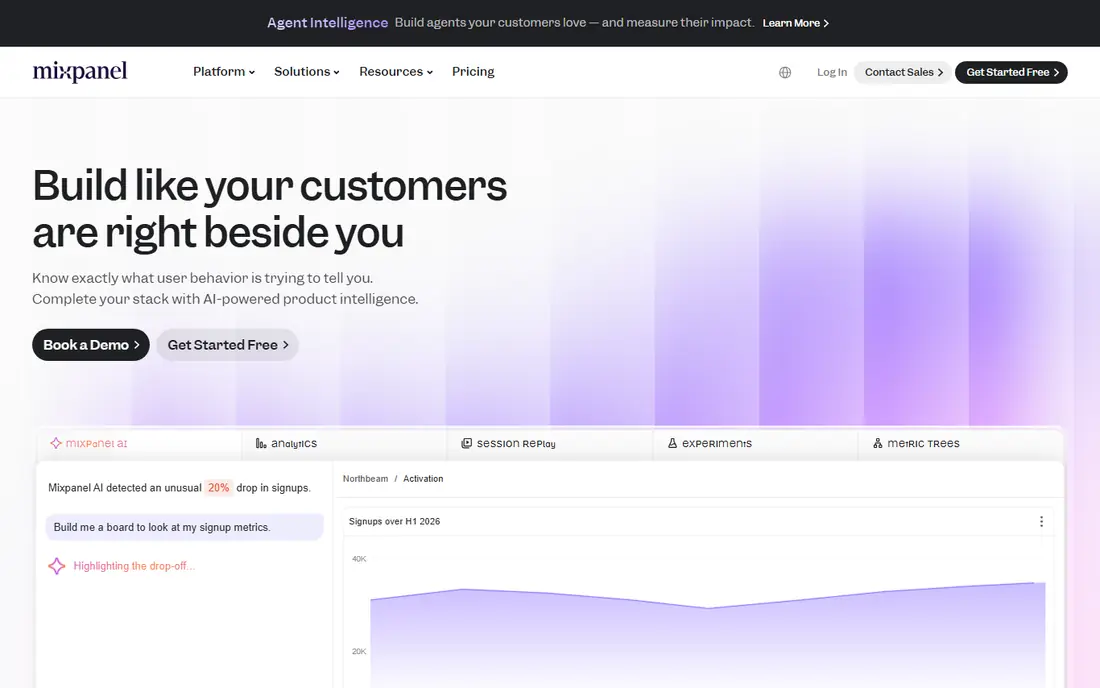
Mixpanel is a strong pick for product-led teams and funnel analysis. Mixpanel is the classic choice for a product manager who wants to build funnels without writing SQL. Its main strengths are clear funnel and cohort tools; easy self-serve reporting; generous free tier in practice, which helps explain why it keeps showing up in shortlists for this topic. The catch is worth naming before you sign up. Paid costs rise with event volume. That trade-off matters most if you plan to use the product every day, because small limits add up over time. Check the current pricing page and the plan limits before you commit, since vendors change tiers during the year.
- Clear funnel and cohort tools
- Easy self-serve reporting
- Generous free tier
- Paid costs rise with event volume
- Session replay is an add-on
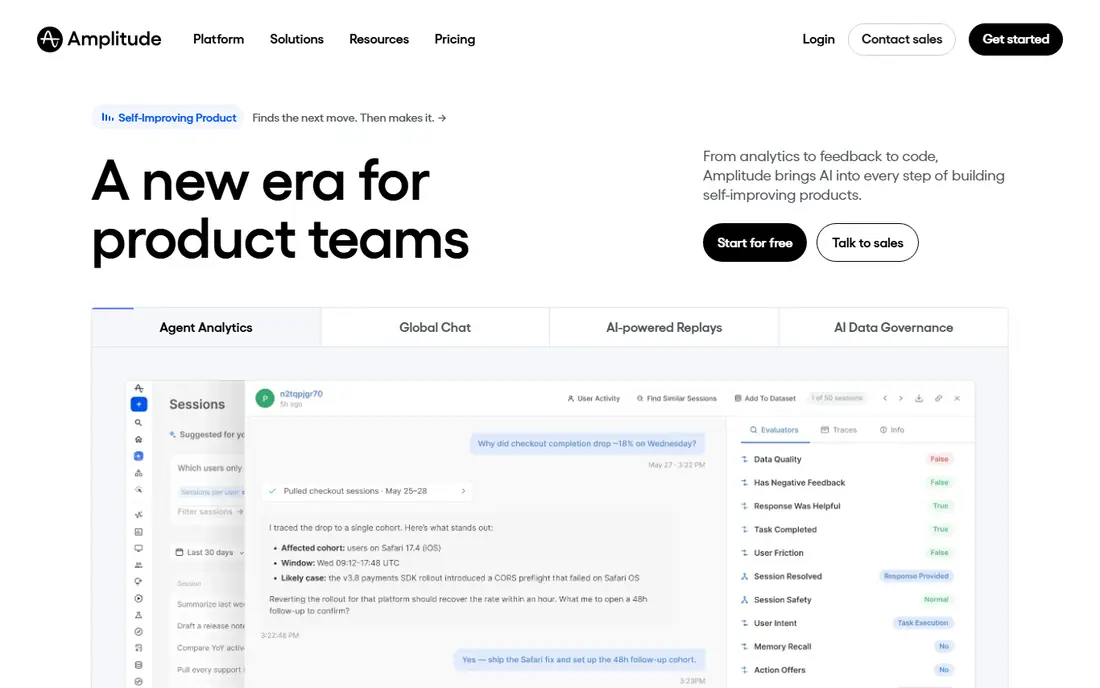
Amplitude is a strong pick for growth teams and retention analysis. Amplitude suits a team that already runs experiments and needs retention data for planning. Its main strengths are deep retention and cohort analysis; experiment links; large free event allowance in practice, which helps explain why it keeps showing up in shortlists for this topic. No product here is perfect, and this one is no exception. Learning curve for smaller teams. If that limit touches your main use case, the next option on this list may fit better. If it does not, the strengths above may outweigh it for your team or your household.
- Deep retention and cohort analysis
- Experiment links
- Large free event allowance
- Learning curve for smaller teams
- Larger plans are quoted

PostHog is a strong pick for engineering-led teams and all-in-one analytics. PostHog is a strong pick when you want to replace several tools with one platform. Its main strengths are analytics, replay, flags, and surveys in one place; self-hosting option; usage pricing in practice, which helps explain why it keeps showing up in shortlists for this topic. Before you choose, weigh that weakness against the fit. Multi-product billing is harder to forecast. A short trial, a free plan, or a demo call will tell you more than any feature list. Bring your real workload to that trial, not a toy example.
- Analytics, replay, flags, and surveys in one place
- Self-hosting option
- Usage pricing
- Multi-product billing is harder to forecast
- Funnel design is less polished than Mixpanel
Pendo is a strong pick for product adoption and in-app guides. Pendo fits a SaaS team that wants analytics plus guides to help users adopt new features. Its main strengths are in-app guides and feedback tools; adoption analytics; good for saas onboarding in practice, which helps explain why it keeps showing up in shortlists for this topic. The catch is worth naming before you sign up. Pricing is quoted for most teams. That trade-off matters most if you plan to use the product every day, because small limits add up over time. Check the current pricing page and the plan limits before you commit, since vendors change tiers during the year.
- In-app guides and feedback tools
- Adoption analytics
- Good for SaaS onboarding
- Pricing is quoted for most teams
- Can be costly at scale
Heap is a strong pick for teams that want automatic event capture. Heap helps when your team cannot define every event in advance and wants to analyze past behavior. Its main strengths are automatic capture reduces setup work; retroactive analysis; journey views in practice, which helps explain why it keeps showing up in shortlists for this topic. No product here is perfect, and this one is no exception. Paid pricing is quoted. If that limit touches your main use case, the next option on this list may fit better. If it does not, the strengths above may outweigh it for your team or your household.
- Automatic capture reduces setup work
- Retroactive analysis
- Journey views
- Paid pricing is quoted
- Heavy data capture needs good event hygiene
Fullstory is a strong pick for session replay and user experience analysis. Fullstory is best as a companion view into why users struggle, not as your only analytics tool. Its main strengths are session replay tied to analytics; frustration signals; strong for ux problems in practice, which helps explain why it keeps showing up in shortlists for this topic. Before you choose, weigh that weakness against the fit. Pricing is quoted. A short trial, a free plan, or a demo call will tell you more than any feature list. Bring your real workload to that trial, not a toy example.
- Session replay tied to analytics
- Frustration signals
- Strong for UX problems
- Pricing is quoted
- Analytics depth is narrower than Mixpanel or Amplitude
Google Analytics is a strong pick for website traffic and basic product measurement. Google Analytics remains a sensible base layer for traffic, even if you add a product tool on top. Its main strengths are free for most use; wide adoption; strong traffic and acquisition reports in practice, which helps explain why it keeps showing up in shortlists for this topic. The catch is worth naming before you sign up. Product funnel depth is weaker than specialist tools. That trade-off matters most if you plan to use the product every day, because small limits add up over time. Check the current pricing page and the plan limits before you commit, since vendors change tiers during the year.
- Free for most use
- Wide adoption
- Strong traffic and acquisition reports
- Product funnel depth is weaker than specialist tools
- Setup needs care
June is a strong pick for small saas teams that want simple reports. June is a good first product analytics tool for a small team that wants answers fast. Its main strengths are simple setup for saas metrics; templates for activation and retention; light learning curve in practice, which helps explain why it keeps showing up in shortlists for this topic. No product here is perfect, and this one is no exception. Smaller feature set than the leaders. If that limit touches your main use case, the next option on this list may fit better. If it does not, the strengths above may outweigh it for your team or your household.
- Simple setup for SaaS metrics
- Templates for activation and retention
- Light learning curve
- Smaller feature set than the leaders
- Less suited to complex enterprise needs
How we picked these
We started with products that exist and work in October 2026 and that truly fit the topic, then we checked each official homepage and pricing page. We favored products with clear pricing, a usable free plan or trial where one exists, and features that match the main job in the keyword. We left out products that had closed, changed focus, or did not fit the topic, even when they were well known in a nearby category. We did not claim hands-on testing. Our comparison rests on official documentation, pricing pages, app store listings, and public help pages. Prices change, so treat the figures here as a snapshot from October 2026 and confirm the current price before you pay.
Choosing a product analytics tool
Start by listing the three questions you need to answer each week, such as activation rate, retention by cohort, and drop-off in onboarding. If a tool cannot answer those from your real events, its other features will not help. Bring those questions to a trial and test them directly. Next, check event volume and data hygiene. Count the events you send today, remove noisy events nobody charts, and estimate the bill at twice your current volume. That check prevents a surprise when a free plan ends or usage grows. Finally, check who will use the tool daily. A tool only engineers can query will sit unused by product managers. A tool with clear templates and sharing will get used in planning and reviews, which is where the value comes from.
Sources
Frequently asked questions
What is the best product analytics platform?
For most product teams, Mixpanel or Amplitude is the safest starting point, with Mixpanel stronger on funnels and Amplitude stronger on retention depth. PostHog is the best all-in-one option for engineering-led teams. The right choice depends on your team size and your main questions.
What is the best product analytics software for a small startup?
A small startup should start with a free plan from Mixpanel, Amplitude, PostHog, or June. That keeps costs at zero while you learn which reports you actually use. Upgrade only when you hit a limit that matters, such as event volume or seats.
What is the best product analytics tool for SaaS?
For SaaS, Pendo adds adoption and in-app guidance to analytics, while Mixpanel and Amplitude cover funnels and retention in depth. If you also need feature flags and surveys, PostHog covers more in one bill. Test the onboarding and retention reports first.
Do I need Google Analytics and a product analytics tool?
Many teams use both. Google Analytics covers traffic and acquisition, while a product tool covers what users do inside the product. That split works well if you keep the two reports for different questions and avoid comparing unlike numbers.
How much do product analytics tools cost at scale?
Costs depend on event volume, seats, and add-ons such as replay. Free plans cover low volume, but bills rise sharply past a few million events a month. Model the cost at your expected volume, not just your current volume, before you commit.