Best Product Demo Software for SaaS Companies in 2026: 8 Tools Compared
By ToolNimba Editorial Team November 11, 2026 9 min read

- Top pick
 Storylane
All-round interactive demos
Starting price$40 per monthCheck out StorylaneRead our review - Runner-up
 Supademo
Budget tours
Starting price$38 per monthCheck out SupademoRead our review - Also great
 Navattic
HTML demos for marketing
Starting priceSee websiteCheck out NavatticRead our review
How we researched this
We compared official pricing and feature pages, app store listings, privacy policies and public user reviews. Prices change, so check the provider's site before you pay.
Key takeaways
- Storylane and Supademo offer the most accessible starting points for SaaS teams that need interactive tours quickly.
- Navattic and Guideflow suit teams that want HTML demos that feel like the real product rather than screenshots.
- Walnut, Demoboost and Consensus fit larger sales teams that need personalization, deal rooms and stakeholder analytics.
- Arcade is a strong choice for marketing teams that need polished, fast tours for websites and campaigns.
- Match the demo type to the deal: guided tours for websites, sandbox demos for technical buyers, and video for multi-stakeholder deals.
Quick comparison
| Name | Best for | Starting price | Free plan | |
|---|---|---|---|---|
| Storylane | All-round interactive demos | $40 per month | Yes | Visit |
| Supademo | Budget tours | $38 per month | Yes | Visit |
| Navattic | HTML demos for marketing | See website | Yes | Visit |
 Walnut | Personalized sales demos | $575 per month | Free trial | Visit |
 Arcade | Polished marketing tours | $42.50 per month | Yes | Visit |
 Guideflow | Broad formats on a budget | $35 per month | Yes | Visit |
 Demoboost | Mid-market demo teams | $375 per month | No | Visit |
 Consensus | Video demos for stakeholders | See website | No | Visit |
The best product demo software for SaaS companies
SaaS buyers want to try the product before they talk to sales. Product demo software lets teams build click-through tours, HTML demos, sandbox environments or guided video paths that prospects can explore on their own. We compared vendor pricing, demo formats and analytics to sort these tools by team size and deal type.
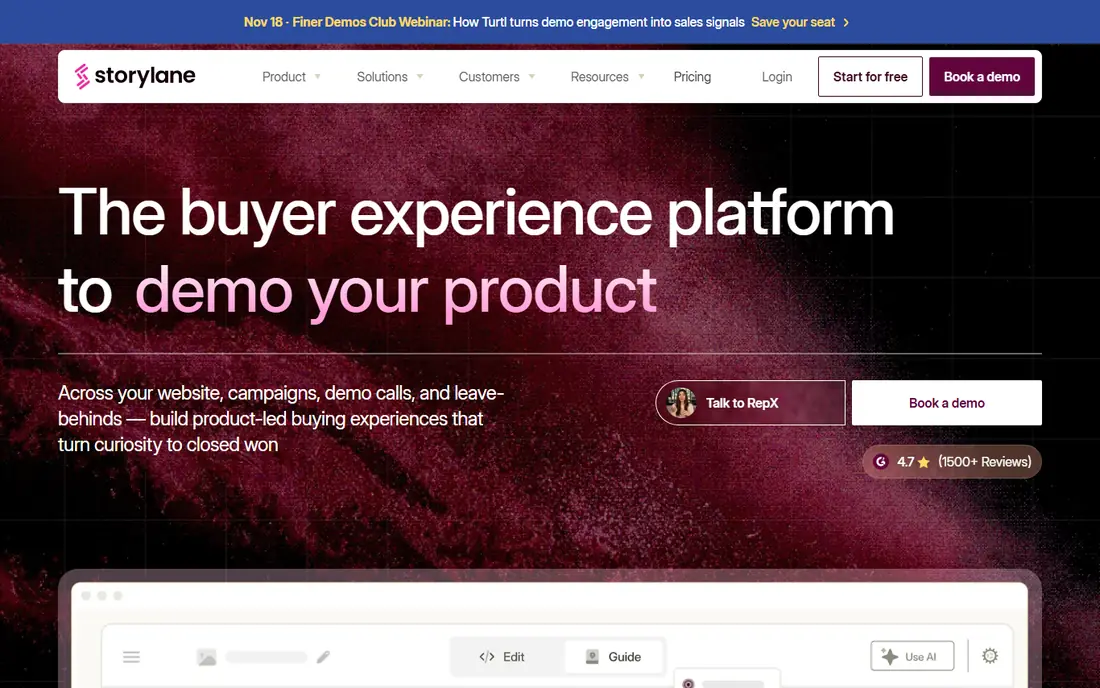
Storylane is our pick for most SaaS teams because it covers the common demo jobs in one tool. Teams can capture screenshots, build guided tours, add video, and publish hubs that group demos for a single deal or campaign. Presenter mode helps reps run a live demo without screen-sharing a messy staging environment. The free plan lets small teams test a real tour before paying.
Higher plans add the deeper features. HTML demo editing sits above the entry tier, and sandbox demos are enterprise only, so technical buyers who need a live-feeling environment may need a different tool or a higher Storylane plan. For marketing and sales teams that mainly need guided tours, the entry and mid plans cover a lot.
- Screenshot, video and HTML demos
- Hubs for deal rooms
- Presenter mode for live calls
- HTML editing and sandbox demos sit on higher plans
- Costs rise fast with seats
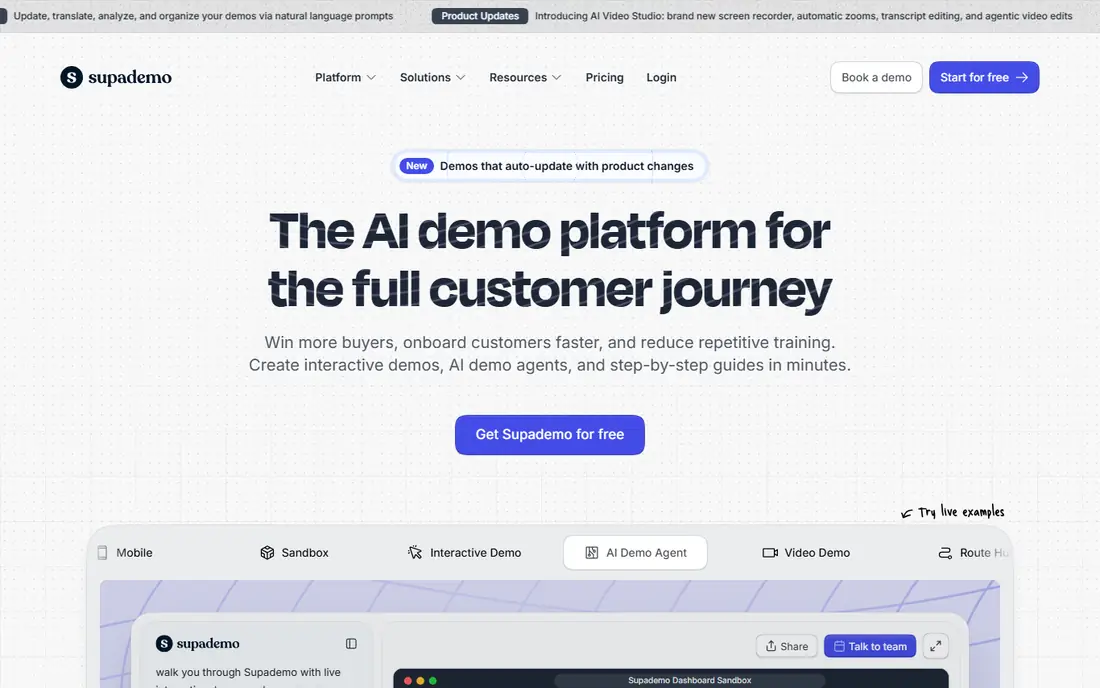
Supademo suits startups and small SaaS teams that need tours without a large budget. Capture is fast, editing is simple, and publishing to a website or help center takes minutes. The free plan covers a small number of demos, which is enough to test the format with one campaign or onboarding flow. Teams can also use demos for customer enablement, not just sales.
The limits are format depth and governance. HTML capture and unlimited sandbox demos sit on higher plans, and enterprise controls are lighter than Walnut or Consensus. For teams that need polished guided tours at low cost, Supademo is hard to beat. For teams that need full product replicas, look at sandbox-focused tools.
- Low per-creator price
- Fast capture and publishing
- Good for enablement
- HTML and sandbox features need higher plans
- Less enterprise governance

Navattic is known for HTML demos that feel like using the real product. Prospects click through real screens, not static images, which helps conversion on marketing pages and in sales follow-up. An AI copilot speeds up building, and Launchpad helps reps share demos and track engagement after a call. The free starter plan covers one demo, so teams can test quality before talking to sales.
Pricing opacity is the main drawback. Paid plans are billed annually with prices on request, so budgeting needs a sales conversation. That is normal for mid-market demo tools, but it makes comparison harder. Navattic fits teams that value HTML realism and can accept a quoted price for that quality.
- Mature HTML capture
- AI copilot for building
- Launchpad for sales follow-up
- Paid plan prices are not public
- Sandbox and SSO sit on higher tiers
Walnut fits sales-led SaaS companies that personalize demos for each prospect. Reps can edit demo data, tailor screens to an industry, and build playlists for different stakeholders. AI-assisted drafting speeds up first versions, and sandbox demos let technical buyers explore more freely. Analytics show which parts of a demo held attention.
The price and sales-led buying process rule out small teams. There is no free plan, and entry pricing starts at a mid-market level. Walnut pays off when deal sizes justify personalization time and when personalization actually changes win rates. For small deals with a standard product, a cheaper tour tool will do.
- Strong personalization per deal
- AI-assisted demo drafting
- Sandbox demos
- No self-serve free plan
- Price suits larger teams, not startups
Arcade suits marketing teams that need beautiful tours fast. Recording, editing and publishing feel quick, and the output looks polished on websites, social posts and campaign pages. AI voiceovers add narration without recording sessions. The free plan lets teams test the style before paying per seat.
Arcade is less focused on deep sales personalization or sandbox environments. HTML capture sits on the enterprise tier, so teams that need full product realism should check that limit early. For website tours, launch announcements and onboarding guides, Arcade is a strong, visual choice.
- Fast recording to publish
- Polished visual tours
- AI voiceovers
- HTML capture is enterprise only
- Less suited to complex sandbox needs
Guideflow offers unusual breadth for its entry price. One tool can produce screenshot tours, HTML demos, sandbox demos, mobile demos and video, which helps teams that serve different audiences from one platform. The free plan and low solo plan make it accessible to small SaaS teams and solo founders.
Breadth comes with tier gates. HTML capture starts at the growth plan, and advanced plans rise steeply, so the low entry price does not buy every format. Teams should map which formats they actually need before comparing Guideflow to a single-format tool. For teams that need several formats, it is a practical single vendor.
- Covers screenshot, HTML, sandbox, mobile and video formats
- Low entry price
- HTML capture starts on a higher plan
- Advanced plans cost far more
Demoboost fits mid-market revenue teams that need many demo formats with analytics. HTML, screenshot, video, sandbox and mobile demos sit in one platform, and intent analytics show which accounts engage most. That helps sales teams prioritize follow-up and helps marketing teams see which demos convert.
There is no self-serve free trial, so evaluation needs a demo or sales conversation. Setup also takes longer than a simple tour tool, since teams must choose formats and data rules. Demoboost suits teams with a dedicated demo owner and enough deal volume to justify the monthly cost.
- HTML, screenshot, video, sandbox and mobile demos
- Intent analytics
- Broad format range
- No free trial on the entry plan
- Setup needs more time than simple tour tools
Consensus suits enterprise deals with many stakeholders who never join a live call. Teams build video demo paths that each stakeholder can watch, and analytics show who watched what and for how long. That visibility helps champions inside the buying company and helps reps time follow-up. It works well when a deal needs approval from several departments.
Pricing is quote-based, and the video-first format is less hands-on than a click-through tour or sandbox. Teams that need prospects to click through the product itself should pair Consensus with an interactive tool or choose a different primary platform. For stakeholder-heavy deals, Consensus fills a gap that tour tools miss.
- Video demo paths for many stakeholders
- Stakeholder analytics
- Good for complex deals
- Quote-based pricing
- Video-first format can feel passive beside interactive tours
How we picked these
We compared vendor pricing pages, demo formats and analytics features, and favored tools with published prices or clear format coverage for SaaS use. We excluded pure screen recording tools that do not offer guided tours, and enterprise cloning platforms with no self-serve entry point for most readers. Prices change often, so confirm current tiers on the vendor site before buying.
What to check before you choose
Start with where the demo will live. Website demos need fast loading and clear calls to action. Sales demos need personalization and tracking. Onboarding demos need short, task-based tours. A tool that excels on a website may be weak for live sales calls, so test the exact placement you plan to use.
Pick the format for the buyer
Guided tours work for first-time visitors who need a clear path. HTML demos work when realism matters and the product has many screens. Sandbox demos work for technical buyers who want to test workflows with sample data. Video paths work when many stakeholders must review the same story. Many teams end up using two formats, not one.
Test analytics and follow-up
Check what happens after a prospect views a demo. Can sales see which steps were completed, can marketing trigger a follow-up email, and can you capture a lead without forcing a form too early? Demo analytics only help if they reach the rep in time to act. Run a test lead through the full flow before you buy.
Sources
Frequently asked questions
What is product demo software?
It lets SaaS teams build interactive tours, HTML demos, sandbox environments or video paths that prospects explore without a live call. It usually includes capture, editing, publishing, lead capture and analytics on viewer engagement.
Do I need a sandbox demo or is a guided tour enough?
A guided tour is enough for most website visitors and early-stage prospects. A sandbox demo helps technical buyers who want to test real workflows with sample data. Sandbox tools cost more and need more setup, so buy them when technical evaluation is a common deal stage.
How much does product demo software cost?
Entry prices on this list range from $35 to $575 per month, with enterprise tools priced by quote. Tour tools are cheapest, while personalization, sandbox and enterprise governance raise the price. Start with the format you need, then compare total cost for your seat count.
Can demo software replace live demos?
It can replace early live demos and reduce repetitive walkthroughs, but it rarely replaces technical validation calls for complex deals. Most teams use self-serve demos to qualify interest, then run live demos for serious buyers with specific questions.
What should I measure after launching demos?
Track demo starts, completion rate, steps where viewers drop off, lead capture rate and downstream conversion to meetings or trials. Compare those numbers by traffic source and demo type, so you learn which demos help sales and which only look good.