Best Productivity Apps for Students in 2026: 9 Apps Compared
By ToolNimba Editorial Team November 9, 2026 10 min read

- Top pick
 Notion
Notes, tasks, and planners in one place
Starting priceFreeCheck out NotionRead our review - Runner-up
 Todoist
Assignments and deadlines
Starting priceFreeCheck out TodoistRead our review - Also great
 Google Calendar
Class schedule and time-blocking
Starting priceFreeCheck out Google CalendarRead our review
How we researched this
We compared official pricing and feature pages, app store listings, privacy policies and public user reviews. Prices change, so check the provider's site before you pay.
Key takeaways
- Notion with a free Education plan, Todoist, and Google Calendar cover notes, tasks, and scheduling for most students at no cost.
- Anki is the best flashcard tool for long-term exam retention, thanks to spaced repetition, while Quizlet is easier for quick shared sets.
- Forest is the best focus tool for students who keep reaching for their phone during study sessions.
- Goodnotes suits iPad owners who handwrite notes, while Trello suits group projects with visible stages.
- The best student setup is three tools used daily, not ten tools installed and ignored.
Quick comparison
| Name | Best for | Starting price | Free plan | |
|---|---|---|---|---|
| Notion | Notes, tasks, and planners in one place | Free | Yes | Visit |
| Todoist | Assignments and deadlines | Free | Yes | Visit |
| Google Calendar | Class schedule and time-blocking | Free | Yes | Visit |
 Trello | Group projects on shared boards | Free | Yes | Visit |
 Anki | Flashcards that last through exams | Free | Yes | Visit |
 Quizlet | Quick flashcards from shared sets | Free | Yes | Visit |
 Forest | Staying off your phone while studying | $3.99 one-time | Yes | Visit |
 Goodnotes | Handwritten notes and PDF markup | See website | Yes | Visit |
 Zotero | Citations and research libraries | Free | Yes | Visit |
The best productivity apps for students
Student productivity is about three jobs: capturing notes, tracking deadlines, and actually studying without distraction. The apps below cover those jobs, and most offer free plans or student discounts. We compared official pricing pages and recent student app comparisons to build this list.
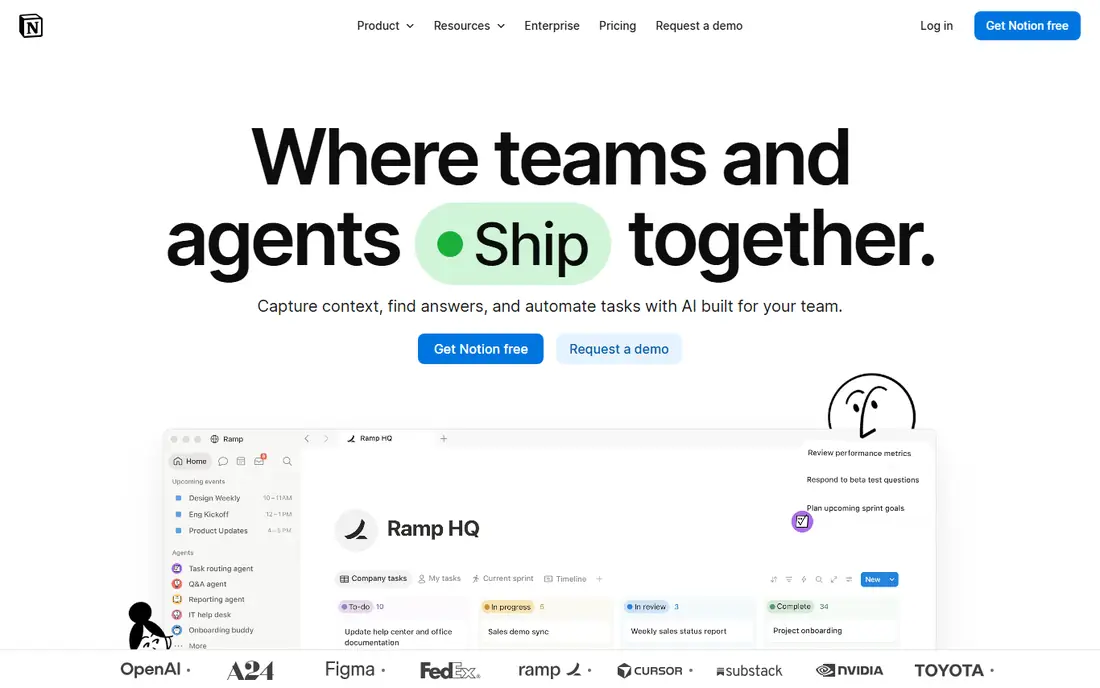
Notion is the best all-in-one workspace for students who like to build their own system. One workspace can hold lecture notes, assignment trackers, reading lists, and a semester planner, with templates for each. The free Education plan, available with a college email, lifts limits that apply to the standard free plan, which makes it genuinely usable for a full degree.
The risk is setup time. Notion's flexibility means you can spend a weekend building a perfect dashboard instead of studying, and its offline support is thinner than local-first apps. Start with one simple template, such as a weekly planner and a notes page per class, and add databases only when a real need appears.
- Free Education plan with a college email
- Flexible pages, databases, and templates
- Good for planners, notes, and project hubs
- Can feel overwhelming to set up
- Offline access is limited compared with local note apps
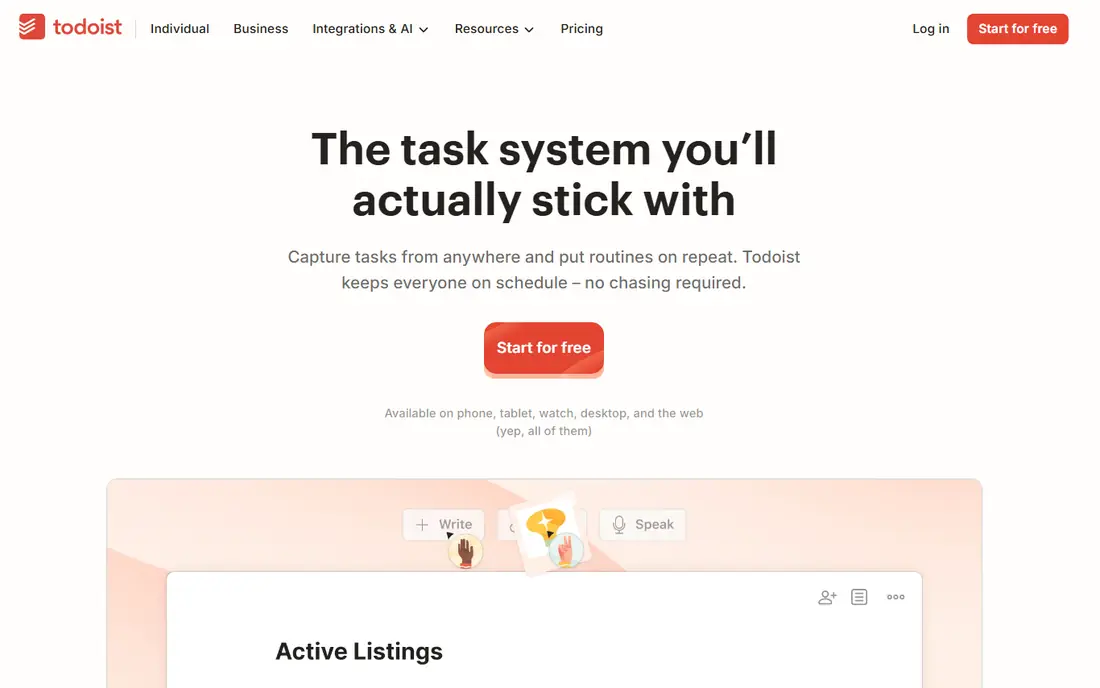
Todoist is the best task manager for students who lose track of deadlines. Type a task such as "essay due every other Wednesday" and Todoist parses the date, sets the recurrence, and reminds you. That speed matters, since a task manager you do not open is worse than no task manager at all.
The free plan caps at 5 active projects, which suits a semester if you use one project per term with sections per class. Pro at $5 per month billed annually, or $60 a year, lifts those limits and adds reminders and filters. For most students, the free plan plus Google Calendar covers deadlines well.
- Fast task capture with natural language dates
- Recurring tasks for weekly classes
- Works on every major platform
- Free plan caps at 5 active projects
- Pro costs $5 per month billed annually
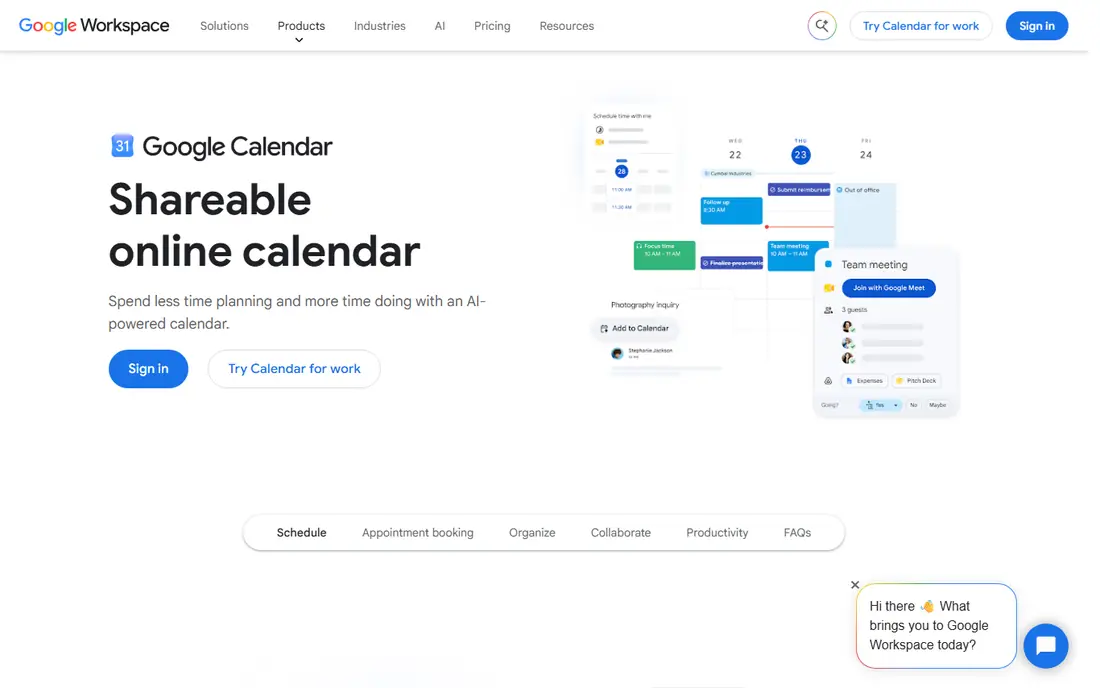
Google Calendar is the simplest scheduling tool here, and often the most used. Put classes, study blocks, work shifts, and deadlines on one calendar, share it with a study group, and set reminders for exams. Time-blocking, where study sessions get calendar slots like classes, is the habit that makes it work.
The limit is that a calendar is not a task manager or a note app. It shows when work happens, not what the work is or where the notes live. Pair Google Calendar with Todoist for tasks and Notion or Goodnotes for notes, and the three together cover a student's week.
- Free with a Google account
- Easy time-blocking and shared calendars
- Integrates with Gmail and classroom tools
- No built-in task or note depth
- Easy to overfill without protected study blocks
Trello is the best tool for group projects. Cards move across stages such as To Do, Doing, and Done, so everyone can see who owns what without a status meeting. Comments, checklists, and attachments live on each card, which keeps project material in one place instead of scattered across chat messages.
For personal work, Trello is less efficient than Todoist, since a board per class quickly becomes visual clutter. Use Trello for shared projects and Todoist for personal deadlines. That split keeps group work visible and personal work fast.
- Visual boards that show project stages at a glance
- Easy sharing and commenting
- Free plan covers most student projects
- Less useful for personal task lists than Todoist
- Can get messy on large boards without rules
Anki is the best flashcard app for students who want knowledge to last past the exam. Its spaced repetition algorithm shows cards just before you would forget them, which builds durable memory far better than rereading notes. It is free on desktop and Android, with a large library of shared decks for medicine, law, languages, and more.
The iPhone app costs $24.99 one-time, which surprises students who expect it to be free everywhere, and the interface looks dated next to Quizlet. Making good cards also takes practice: short, single-fact cards work, while long paragraphs do not. For exam-heavy degrees, Anki's retention advantage is worth the learning curve.
- Spaced repetition schedules reviews for long-term retention
- Free on desktop and Android
- Huge library of shared decks
- IPhone app costs $24.99 one-time
- Interface looks dated
- Making good cards takes practice
Quizlet is the easiest flashcard tool to start with. Search for a set on your topic, study it in Learn mode, and take a practice test, all in minutes. That speed suits quick revision, vocabulary, and subjects where a shared set already exists. The interface is friendly, and the mobile app is polished.
The free plan limits Learn rounds and practice tests per set, and Quizlet Plus at $35.99 per year lifts those limits. For long-term retention, Anki's spaced repetition is stronger. Use Quizlet for fast revision and shared sets, and Anki for material you must remember months later.
- Easy to search shared sets made by other students
- Learn mode and practice tests
- Simple interface
- Free Learn rounds are limited
- Plus costs $35.99 per year
- Spaced repetition is less rigorous than Anki
Forest turns focus into a small game. Start a timer, and a virtual tree grows while you stay off your phone. Leave the app early, and the tree dies. That simple stake helps students who know they should study but keep checking messages, and friends can plant trees together for shared accountability.
Pricing varies by platform: Android offers a free version, while iOS costs around $3.99 one-time, with optional extras. Forest will not plan your work or take your notes, so pair it with Todoist and a note app. For phone distraction, though, it is the most enjoyable fix on this list.
- Gamified focus timer that grows a virtual tree
- Friends can plant together
- Simple and motivating
- IOS version is paid, while Android is free with options
- Focus timer alone will not fix a heavy workload
Goodnotes is the best note app for students who handwrite. On an iPad with an Apple Pencil, it feels close to paper, with notebooks, handwriting search, and PDF markup for lecture slides and readings. Audio recording that syncs to your handwriting lets you tap a word later and hear what the lecturer said at that moment.
The catch is hardware. Goodnotes shines on iPad and is far less compelling without a stylus, and its pricing tiers, including Essential and Pro options, have changed during 2026, so check the current page before buying. If you already own an iPad and stylus, Goodnotes is a strong investment. If you type notes, Notion or OneNote fits better.
- Natural handwriting on iPad with Apple Pencil
- Audio syncs to handwriting
- Strong PDF annotation
- Best experience is on iPad
- Pricing tiers have changed, so check the current plan
- Less useful without a stylus
Zotero is the best citation tool for students who write essays and research papers. Save sources from your browser in one click, organize them into collections per course or paper, and insert citations and bibliographies in Word, LibreOffice, or Google Docs. That workflow saves hours of manual formatting and lost sources.
Free file sync covers 300 MB, which is enough for library data and some PDFs, but large PDF collections need paid storage from $20 per year for 2 GB, or a WebDAV workaround through a university. For any student writing referenced work, Zotero belongs in the stack from the first term, not the final week before submission.
- Free reference manager
- Works with Word, LibreOffice, and Google Docs
- Browser extension saves sources in one click
- Free file sync is limited to 300 MB
- Large PDF libraries need paid storage or a workaround
How we picked these
We compared official pricing pages and recent student productivity comparisons, favoring apps with free plans, student discounts, or low one-time prices that are actively supported in 2026. We covered notes, tasks, scheduling, group work, flashcards, focus, handwriting, and citations, since student productivity spans all of those jobs. Where pricing varies by platform or has changed during 2026, we say so rather than stating a single figure as certain.
What to check before you build a stack
Start with your biggest pain point, not with the longest app list. If you miss deadlines, start with Todoist and Google Calendar. If you cannot focus, start with Forest. If exams are the problem, start with Anki or Quizlet. One tool used daily beats five tools installed and ignored.
Keep the stack to three tools
A practical free setup is Notion or Goodnotes for notes, Todoist for tasks, and Google Calendar for scheduling, plus Anki or Quizlet during exam season and Zotero for referenced work. Add Trello only for group projects and Forest only if phone distraction is a real problem. Review the stack each term and drop anything you did not open in the last two weeks.
Use student discounts before you pay
Notion's Education plan, Spotify-style student bundles elsewhere, and university software deals can cut costs sharply. Check your university's software portal and each app's education page before paying for a Pro plan, and test the free tier for a full week first.
Sources
- https://www.notion.com
- https://todoist.com
- https://calendar.google.com
- https://trello.com
- https://apps.ankiweb.net
- https://quizlet.com
- https://www.forestapp.cc
- https://www.goodnotes.com
- https://www.zotero.org
- https://www.androidhire.com/best-productivity-apps-for-students
- https://dlcuration.com/best-productivity-apps/
Frequently asked questions
What are the best productivity apps for students?
Notion for notes and planning, Todoist for deadlines, Google Calendar for scheduling, Anki or Quizlet for revision, and Forest for focus form a strong core. Add Trello for group projects, Goodnotes for handwritten notes, and Zotero for citations as your courses require them.
What is the best free productivity setup for students?
Combine Notion with a free Education plan, Todoist free, Google Calendar free, Anki free on desktop and Android, and Zotero free. That setup covers notes, tasks, scheduling, flashcards, and citations at no cost, with the main paid exception being Anki's $24.99 iPhone app.
Is Notion or Todoist better for students?
They do different jobs. Notion is better for notes, planners, and project hubs, while Todoist is better for fast task capture and deadline reminders. Most students benefit from both: Notion for the workspace, Todoist for the daily task list.
What is the best app for student focus?
Forest is the best focus app for students who struggle with phone distraction, thanks to its gamified timer and shared planting with friends. If you need blocking across all devices, a dedicated blocker may suit better, but Forest is simpler and more motivating for most students.
Are there student discounts for productivity apps?
Yes. Notion offers a free Education plan with a college email, and several apps offer student pricing or free tiers. Always check the education page and your university's software portal before paying, since discounts change and are not always advertised on the main pricing page.
How many productivity apps should a student use?
Three is a good target for daily use: one for notes, one for tasks, and one for scheduling, plus exam and citation tools during relevant periods. More apps add setup and switching costs without adding results, so drop any tool you have not opened in two weeks.