Best Productivity Apps in 2026: 9 Apps Compared
By ToolNimba Editorial Team November 9, 2026 10 min read

- Top pick
 Todoist
Fast personal task lists
Starting priceSee websiteCheck out TodoistRead our review - Runner-up
 Notion
All-in-one notes and projects
Starting price$10 per user per monthCheck out NotionRead our review - Also great
 TickTick
Tasks, habits, and calendar in one
Starting priceSee websiteCheck out TickTickRead our review
How we researched this
We compared official pricing and feature pages, app store listings, privacy policies and public user reviews. Prices change, so check the provider's site before you pay.
Key takeaways
- Todoist is our pick for most people who want fast task capture, while Notion is better when notes, docs, and projects must live in one place.
- The best free plans differ a lot: Microsoft To Do and Google Tasks are fully free, while Todoist, Notion, and ClickUp limit projects or features on free tiers.
- Team tools such as Asana, Trello, and ClickUp add boards, timelines, and reporting, but they can feel heavy for a single user with a short daily list.
- Pick the app you will open every day, not the one with the longest feature list, since an unused system helps no one.
Quick comparison
| Name | Best for | Starting price | Free plan | |
|---|---|---|---|---|
| Todoist | Fast personal task lists | See website | Yes | Visit |
| Notion | All-in-one notes and projects | $10 per user per month | Yes | Visit |
| TickTick | Tasks, habits, and calendar in one | See website | Yes | Visit |
 Asana | Team project tracking | $10.99 per user per month | Yes | Visit |
 Trello | Visual Kanban boards | $5 per user per month | Yes | Visit |
 ClickUp | Custom team workflows | $7 per user per month | Yes | Visit |
 Microsoft To Do | Free lists for Microsoft users | Free | Yes | Visit |
 Google Tasks | Free lists for Gmail users | Free | Yes | Visit |
 Evernote | Notes with tasks and capture | See website | Yes | Visit |
The best productivity apps
Productivity apps fail in two opposite ways: they are too simple to hold a real project, or so complex that you spend more time managing the app than doing the work. The nine picks below cover that range, from a free list you can learn in five minutes to a team workspace with boards, docs, and goals.
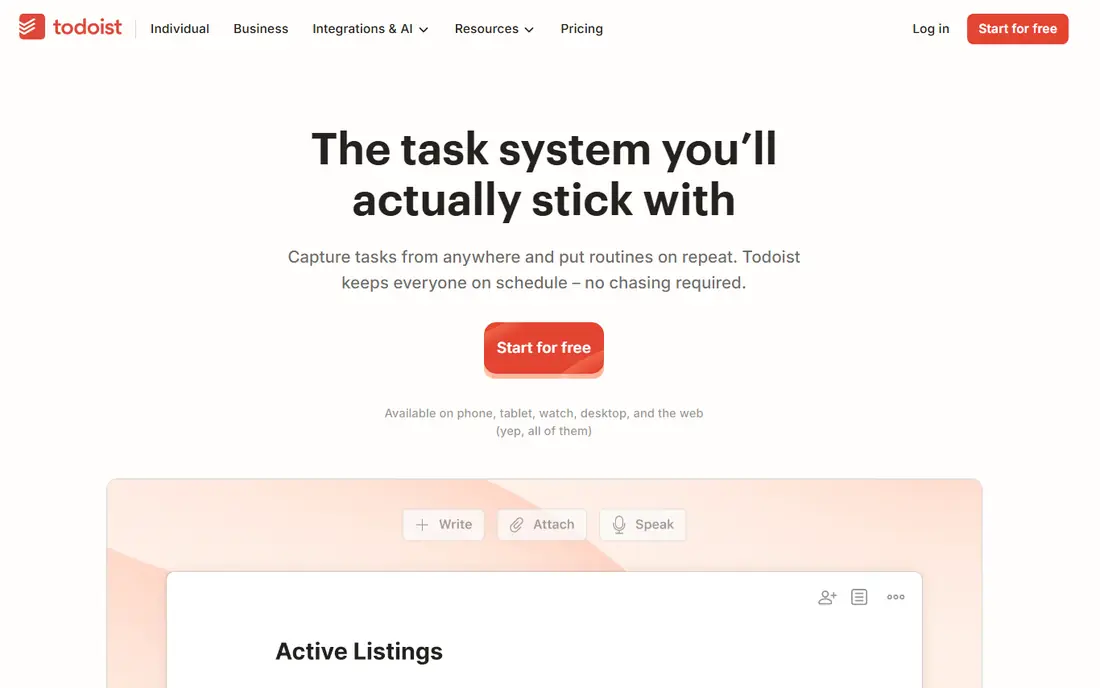
Todoist remains the easiest recommendation for a personal task list. You can type a task in plain words, such as a report due every Friday, and Todoist turns it into a dated, recurring item without a form to fill in. That low friction matters, because the best task app is the one you actually use to capture a thought before it slips away.
The free plan covers basic lists, while the paid Pro plan adds reminders, filters, and more projects. Recent listings put Pro around $4 to $5 a month depending on billing, so check the current pricing page before you pay. For a single user or a small team with simple shared lists, Todoist is hard to beat for speed.
- Natural language task entry
- Clean interface
- Works on almost every platform
- Free plan limits projects
- Team features are lighter than Asana or ClickUp
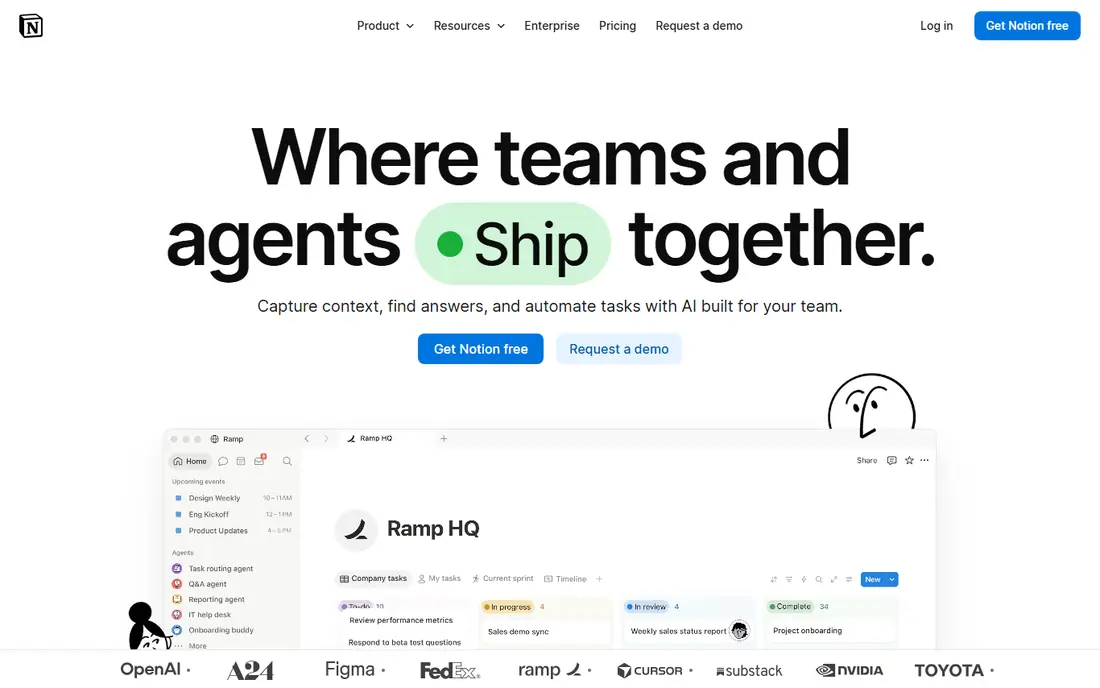
Notion is the pick when your work is not just tasks, but also notes, meeting records, and project docs. You can build a task tracker, a reading list, a habit log, and a team wiki from the same building blocks, and link them together. That flexibility is why students, freelancers, and small teams keep choosing it even though simpler apps exist.
The cost of that flexibility is setup time. A blank Notion workspace can feel overwhelming, so start from a template and add only one database at a time. The free plan covers unlimited pages for personal use, while Plus, listed at $10 per user per month billed annually, adds more collaboration and history features.
- Pages, databases, and boards in one workspace
- Generous free tier for personal use
- Strong templates
- Steeper learning curve
- Can feel slow or sprawling without a clear setup
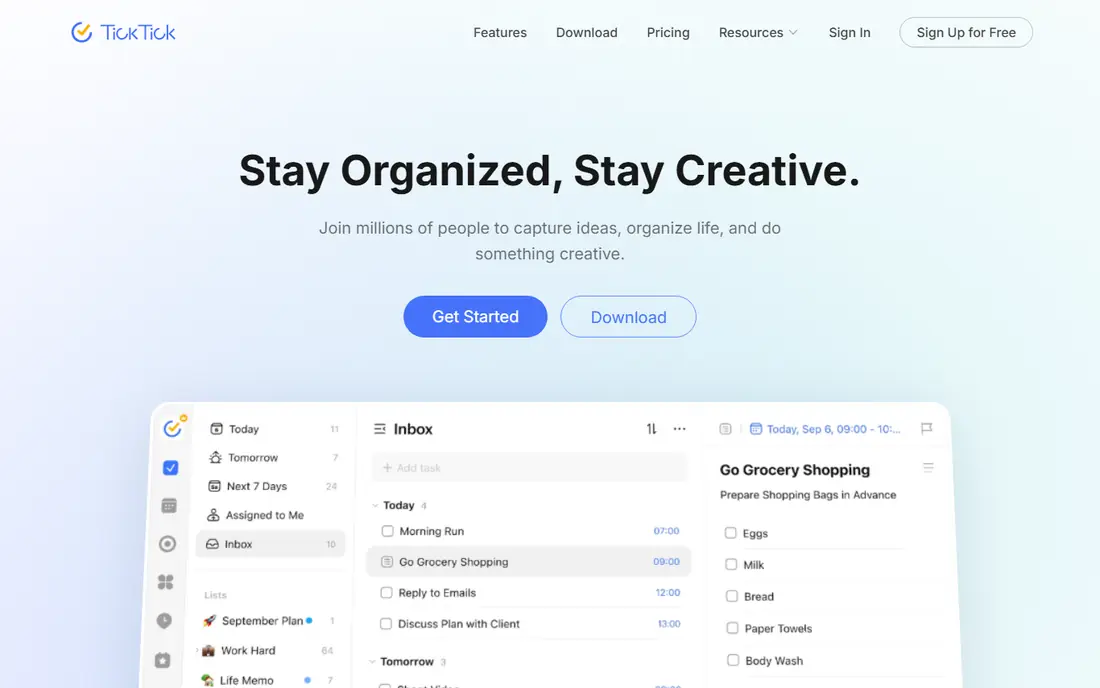
TickTick is the best value pick for people who want several tools in one app. Tasks, a calendar view, habit tracking, and a Pomodoro timer all live together, so you do not need a separate habit app and a separate focus timer. That combination suits students and freelancers who plan their day in time blocks rather than only in task lists.
The free plan is usable, but it limits the number of lists, which pushes heavier users toward Premium. Recent listings put Premium near $36 to $50 a year depending on source and billing, so verify the current price on the TickTick pricing page. If you like Todoist but want habits and a timer built in, TickTick is the natural next step.
- Built-in calendar, habits, and Pomodoro timer
- Clean mobile apps
- Good value on paid plan
- Free plan limits lists
- Interface has many toggles to learn
Asana is the most straightforward team choice in this list. Work is organised into projects with tasks, due dates, owners, and a timeline view, so a manager can see at a glance what is late and what is next. Goals and portfolios add a layer above single projects, which helps marketing, operations, and product teams track work across several efforts at once.
The free plan suits very small teams, while Starter is listed at $10.99 per user per month billed annually. That price adds up for a large team, so compare it with ClickUp and Trello before you commit a whole department. For a team that needs clarity more than endless customisation, Asana is a strong, safe pick.
- Clear timelines, goals, and portfolios
- Easy for new team members to follow
- Strong automations
- Paid plan needed for larger teams and advanced reporting
- Can feel formal for personal use
Trello is still the easiest board tool to explain to a new colleague. Each project is a board, each task is a card, and you drag cards from one column to the next as work moves forward. That visual model works well for content calendars, hiring pipelines, event planning, and any process with clear stages.
Standard is listed at $5 per user per month billed annually, which makes Trello one of the cheaper paid team tools here. The trade-off is depth: reporting, timelines, and advanced automation are thinner than in Asana or ClickUp. If your work fits on a board and you value speed over reporting, Trello is the right level of tool.
- Boards are instant to understand
- Drag and drop is fast
- Free plan covers core boards
- Limited reporting on free and Standard plans
- Large projects need add-ons or another tool
ClickUp tries to replace several apps at once, with tasks, docs, whiteboards, goals, and chat in a single workspace. That breadth is its main selling point for teams tired of paying for five separate tools. The free plan is also more generous than many rivals, which makes it easy to test with a real project before paying.
Unlimited is listed at $7 per user per month billed annually, which is competitive for what it includes. The risk is bloat: new users can face too many views, fields, and settings on day one. Start with one list view and one board view, hide the rest, and add features only when a real workflow needs them.
- Many views, docs, goals, and chat in one place
- Generous free plan
- Strong value on Unlimited
- Feature breadth can overwhelm new users
- Setup takes longer than Trello
Microsoft To Do is the quiet, practical pick for anyone already using Outlook, Teams, or Microsoft 365. It is free with a Microsoft account, it syncs tasks from Outlook, and its My Day view gives you a clean daily list without extra setup. For people who want a simple list and already live in Microsoft tools, there is little reason to pay for another app.
It does not offer boards, timelines, or databases at the level of Trello, Asana, or Notion. If your work is mostly personal lists, reminders, and shared shopping or household tasks, that limit will not matter. If you run team projects, pair it with Planner or move to a team tool above.
- Fully free with a Microsoft account
- My Day planning view
- Syncs with Outlook tasks
- Fewer project views than Trello or Asana
- Best only inside the Microsoft ecosystem
Google Tasks is the simplest app in this list, and that is its strength. It lives inside Gmail and Google Calendar, so a task created from an email stays close to the message that prompted it. There are no boards to learn, no workspace to set up, and no paid tier to weigh up for basic use.
The limits are just as plain. You cannot build a Kanban board, a timeline, or a shared project dashboard, and collaboration is basic compared with Asana or ClickUp. For a student, a freelancer, or anyone whose main job is a daily list beside email and calendar, Google Tasks is enough, and its zero cost is hard to argue with.
- Free
- Built into Gmail and Google Calendar
- Very simple to learn
- No boards, timelines, or rich project features
- Limited sorting and collaboration
Evernote belongs here because much productivity work starts as a note, a clipped article, or a scanned document, not as a task. Evernote captures those items well, lets you add tasks inside a note, and searches across your notes and attachments. For researchers, consultants, and anyone who keeps reference material beside action items, that capture-first model still has appeal.
The free plan is more limited than it once was, and paid plans cost more than Todoist or TickTick for task use alone. Choose Evernote when notes and reference capture are the core job and tasks are secondary. If tasks are the core job, start with Todoist or TickTick instead.
- Strong web clipper and note capture
- Tasks inside notes
- Search across notes and files
- Free plan is limited
- Paid price is higher than simpler task apps
How we picked these
We compared official pricing pages, free-plan limits, app store listings, and public reviews, with weight given to apps that are still actively developed, work across major platforms, and offer a usable free tier or trial. We looked for a mix of personal lists, all-in-one workspaces, and team project tools, rather than nine versions of the same to-do list. We did not claim hands-on testing, and we treated prices as current listings to verify on each vendor site, since billing terms change often.
How to pick the right one for your week
Start with your main unit of work. If it is a task, pick Todoist or TickTick. If it is a document or a project page, pick Notion. If it is a team process with stages, pick Trello, Asana, or ClickUp.
Try one app for two weeks
Use a single app for every task for two weeks before you judge it. Switching tools each week hides whether the system works, and it scatters your lists across apps you will later forget.
Keep the system small
One inbox list, one today list, and one project list cover most personal work. Add boards, tags, and automations only after those three lists are working every day.
Sources
Frequently asked questions
What are the best productivity apps for personal use?
Todoist, TickTick, Notion, and Google Tasks lead for personal use. Todoist is fastest for capture, TickTick adds habits and a calendar, Notion adds notes and databases, and Google Tasks is the simplest free option.
What is the best free app for productivity?
Microsoft To Do and Google Tasks are fully free for basic lists. Todoist, Notion, TickTick, and ClickUp also offer free plans, but each limits projects, lists, or collaboration features in some way.
What is the best productivity software for teams?
Asana is the clearest team tracker, Trello is the simplest visual board, and ClickUp offers the most features per dollar. Pick Asana for reporting, Trello for speed, and ClickUp when one tool must cover docs, goals, and chat as well.
What is the best productivity app for students?
TickTick and Notion are strong student picks, since TickTick combines tasks, habits, and a Pomodoro timer, while Notion handles course notes and project pages. Both offer free tiers, and Notion often offers education benefits, so check its current education page.
Is Notion better than Todoist?
It depends on the job. Notion is better when notes, docs, and databases matter as much as tasks. Todoist is better when you want the fastest possible capture and a clean daily list without setup.
Do I need a paid productivity app?
Not always. Free plans cover many personal users, especially with Microsoft To Do or Google Tasks. Pay when you hit a real limit, such as too few projects, missing reminders, or team features you use every week.