Best Project Management Software for Creative Agencies in 2026: 8 Tools Compared
By ToolNimba Editorial Team November 11, 2026 10 min read

- Top pick
 Asana
Clear task and timeline work
Starting price$10.99 per user per monthCheck out AsanaRead our review - Runner-up
 monday.com
Visual boards and client dashboards
Starting price$9 per user per monthCheck out monday.comRead our review - Also great
 ClickUp
Feature-rich value
Starting price$7 per user per monthCheck out ClickUpRead our review
How we researched this
We compared official pricing and feature pages, app store listings, privacy policies and public user reviews. Prices change, so check the provider's site before you pay.
Key takeaways
- Asana and monday.com suit most agencies because they balance clear task lists, timelines and client sharing without a long setup.
- ClickUp gives the most features per dollar, but it needs more time to set up cleanly than simpler tools on this list.
- Teamwork and Wrike fit agencies that bill by project or need stronger proofing and workload views for larger client rosters.
- Basecamp and Trello work best when an agency wants simple, calm project pages rather than a full planning system.
- Always test with one real client project before paying, since approval habits and reporting needs differ a lot between agencies.
Quick comparison
| Name | Best for | Starting price | Free plan | |
|---|---|---|---|---|
| Asana | Clear task and timeline work | $10.99 per user per month | Yes | Visit |
| monday.com | Visual boards and client dashboards | $9 per user per month | Yes | Visit |
| ClickUp | Feature-rich value | $7 per user per month | Yes | Visit |
 Wrike | Larger teams and proofing | $10 per user per month | Yes | Visit |
 Teamwork | Client billing and agency projects | $19.99 per user per month | Free trial | Visit |
 Notion | Docs plus projects in one place | $10 per user per month | Yes | Visit |
 Basecamp | Simple client project pages | $15 per user per month | Free trial | Visit |
 Trello | Simple kanban boards | $5 per user per month | Yes | Visit |
The best project management software for creative agencies
Creative work moves in drafts, feedback rounds and deadlines that shift. The tools below handle that mix in different ways, from simple boards to full workload planning. We compared official pricing pages, feature pages and app store listings to sort them by fit, not by hype.
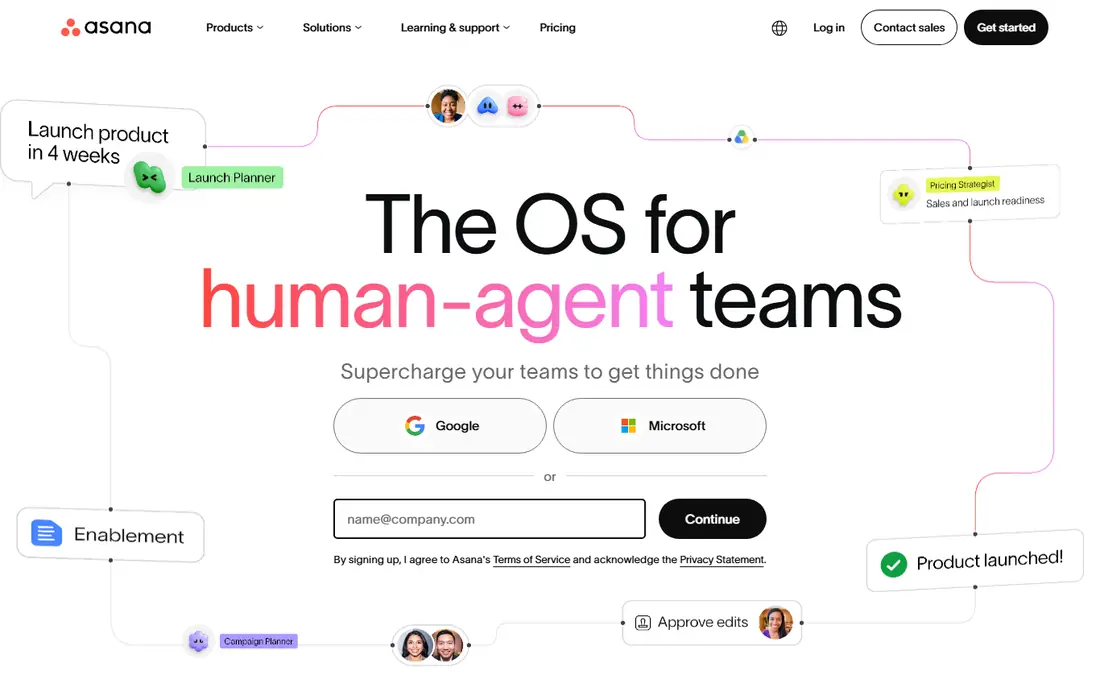
Asana is our pick for most creative agencies that want order without a steep learning curve. Tasks, subtasks, due dates and timelines sit in one view, so a producer can see which designs are waiting on feedback and which are ready to ship. Portfolios help leads track many client accounts at once, and custom fields let teams tag work by client, service or priority.
The catch is price growth. The entry paid plan covers core planning well, but goals, advanced reporting and some controls sit higher up. Small agencies should start on the free plan or entry plan, then check whether reporting is worth the jump. Client guests can view work without joining every internal project, but set permissions carefully so clients see only their own work.
- Clean task lists and timelines
- Strong portfolios for many clients
- Many integrations
- Higher tiers cost more for goals and advanced reporting
- Guests need care to avoid extra seats
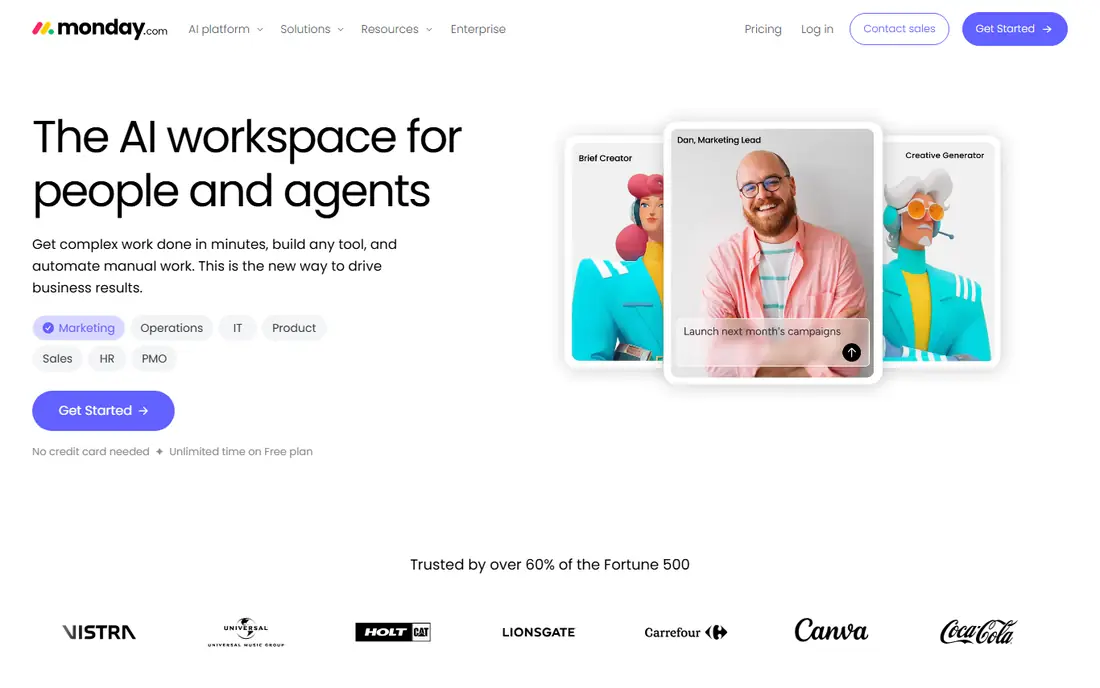
Monday.com suits agencies that think in boards and color. A team can build a board for each client, track status, owner and due date, and show a dashboard that clients can grasp in seconds. That visual style helps in weekly client calls, where a board reads faster than a long task list. Templates for creative requests and campaign tracking also cut setup time.
The trade-off is pricing structure. Plans are sold with seat minimums, so a two-person studio may pay for seats it does not use. Automations and deeper reporting also climb with plan level. If your agency loves visual tracking and has at least a small team, the cost is easy to justify. If you need only simple lists, a cheaper tool may do the same job.
- Highly visual boards
- Flexible columns and dashboards
- Fast onboarding for visual teams
- Seat minimums can raise the bill for tiny teams
- Advanced automations sit on higher plans
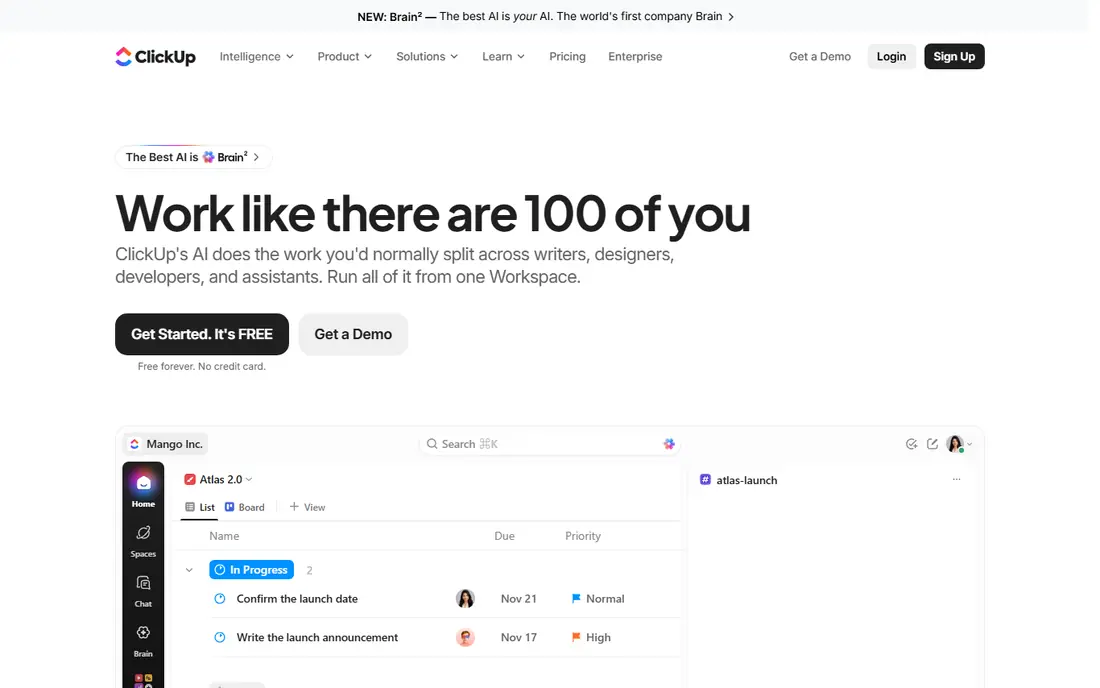
ClickUp packs a lot into a low entry price. Docs, tasks, goals, time tracking and dashboards live in one workspace, which appeals to agencies that want to drop several subscriptions. Creative teams can build a space per client, add custom statuses for draft, review and approved, and keep briefs beside the work itself. The free plan is generous enough for a small team to test real work.
The honest catch is setup discipline. Because almost everything is customizable, a workspace can turn messy fast if no one owns the structure. Spend a day building templates, statuses and a naming rule before inviting clients. Teams that do that work get strong value. Teams that skip it may find the tool feels cluttered within a month.
- Low entry price
- Docs, goals and whiteboards in one app
- Deep customization
- Setup takes longer
- The number of options can overwhelm new users
Wrike fits agencies with many concurrent projects and formal approval steps. Proofing lets reviewers comment on images and files in place, which cuts down on scattered email feedback. Workload views show who is overbooked before a deadline slips, and request forms give clients a tidy way to brief new work. For agencies above about ten people, that structure pays off.
Smaller teams may find Wrike heavier than needed. The interface has many panels and options, and the learning curve is longer than Asana or Trello. Pricing also rises for advanced reporting and proofing controls. Choose Wrike when proofing volume and resource planning are daily needs, not occasional extras.
- Strong proofing and approvals
- Workload views for busy teams
- Good reporting
- Interface feels busy at first
- Best features need higher plans
Teamwork was built with agencies in mind, and it shows in the details. Projects link to time tracking, milestones and billing, so a team can see hours against a client budget without exporting data to another app. Client users get limited access, which keeps internal notes separate from client-facing updates. Task lists, notebooks and files sit together per project.
The price is the main barrier. Entry paid plans cost more than Asana or ClickUp, and very small studios may not need the billing depth. For agencies that track billable hours closely or manage retainers, that depth can pay for itself in fewer billing disputes. Test the trial with a real retainer client to see if the time and budget views change how you work.
- Built for client work
- Time tracking and invoicing links
- Clear client permissions
- Higher entry price than general tools
- Some features feel dated beside newer rivals
Notion suits agencies that live in documents as much as tasks. Briefs, brand guides, meeting notes and project boards can share one workspace, so new hires find context without hunting through drives. Databases let teams build a content calendar, asset library or client hub with custom views. Sharing a single page with a client is simple and looks polished.
Notion is weaker as a strict project planner. It lacks the workload controls and approval flows of Wrike or Teamwork, and timeline views need manual care. Agencies with hard deadlines and many dependencies should pair Notion with a calendar habit or pick a dedicated planner instead. For content-led agencies, the doc-first style is a real strength.
- Flexible docs, wikis and databases
- Good for briefs and brand guides
- Clean sharing
- Project timelines are less strict than dedicated tools
- Large databases need care
Basecamp appeals to agencies tired of busy software. Each project gets a page with to-dos, messages, files, a schedule and chat, and nothing else competes for attention. Clients can follow progress without learning a complex system, which reduces support questions. A flat-rate plan for unlimited users can also make costs predictable as a team grows.
The limit is depth. Basecamp does not offer the timelines, custom workflows or resource planning found in Asana or Wrike. Agencies that juggle dependencies across many projects may outgrow it. If your work is mostly straightforward deliverables with clear owners, that simplicity is a feature, not a gap.
- Calm, simple project pages
- Flat-rate option for larger teams
- Message boards and files together
- No advanced timelines or workload planning
- Fewer automations than rivals
Trello is the simplest tool here, and for small agencies that is enough. Cards move across lists from brief to draft to review to done, and anyone can learn it in minutes. Labels, checklists, due dates and attachments cover most small-project needs. The low price and free plan make it a safe first step for freelancers and tiny studios.
Scale is where Trello strains. It has no native workload planning, and reporting across many boards needs paid features or add-ons. An agency running ten client accounts with shared staff will likely need a stronger planner. Use Trello when work is visual, linear and small, and move up when boards start to feel crowded.
- Very easy to learn
- Cheap entry plan
- Many Power-Ups for extra features
- Weak for complex dependencies and reporting
- Large boards get hard to manage
How we picked these
We compared official feature pages, pricing pages and app store listings for tools that agencies actually use for client work. We favored tools with client sharing, timelines or boards, file proofing or approvals, and clear pricing. We left out general chat apps and tools that do not offer project tracking, since they do not solve the core job of running creative projects.
What to check before you choose
Start with how clients give feedback. If clients mark up files, proofing in Wrike matters more than a pretty board. If clients only need status updates, a shared Asana project or Basecamp page may be enough. Map one real workflow end to end, from brief to final file, before you commit.
Count seats honestly
Add client guests, freelancers and part-time staff to your seat math. Some tools charge for every member, while others let guests view limited work for free. Check seat minimums too, since a low per-user price can still mean a higher monthly bill for a tiny team.
Test approvals and reporting
Run a trial project with two feedback rounds and a deadline change. See how easy it is to find the latest file, who approved it, and what is overdue. Also test the report you will need each week, whether that is hours per client, tasks completed or work at risk. A tool that looks good on day one but hides that report will cost time every week.
Sources
Frequently asked questions
What is the best project management software for a small creative agency?
Asana or monday.com suit most small agencies because they are easy to learn and cover tasks, timelines and client sharing. ClickUp is a strong value pick if you have time to set it up well. Trello works when work is simple and visual.
Do clients need a paid seat to see their project?
It depends on the tool. Many tools let clients view assigned work as guests, while full access may need a seat. Check guest rules on the pricing page before you invite clients, and set project permissions so each client sees only its own work.
How much should an agency budget per person?
Entry paid plans on this list start from $5 to $19.99 per user per month, before seat minimums and add-ons. Budget for the plan that includes the reporting or proofing you need, not just the cheapest tier, and add time tracking or billing tools if they are separate.
Is ClickUp too complex for a creative team?
It can be, but the risk is manageable with templates and a clear owner for workspace setup. Limit statuses, hide unused features and build one template per service. Teams that skip setup often find it cluttered, while teams that plan the structure get strong value.
Can Notion replace a project management tool?
Notion can replace a planner for content-led teams that value docs and flexible databases. It is weaker for strict timelines, dependencies and workload planning. Agencies with many interlinked deadlines usually do better with Asana, Wrike or Teamwork.