Best Project Planning Software in 2026: 10 Tools Compared
By ToolNimba Editorial Team November 9, 2026 10 min read

- Top pick
 Asana
structured cross-team planning
Starting price$10.99 per user per monthCheck out AsanaRead our review - Runner-up
 monday.com
visual boards for non-technical teams
Starting price$9 per user per monthCheck out monday.comRead our review - Also great
 ClickUp
most features per dollar
Starting price$7 per user per monthCheck out ClickUpRead our review
How we researched this
We compared official pricing and feature pages, app store listings, privacy policies and public user reviews. Prices change, so check the provider's site before you pay.
Key takeaways
- Asana is our pick for structured cross-team planning, while monday.com suits visual boards for non-technical teams.
- Prices vary widely, from published low monthly plans to quote-based enterprise pricing, so check the plan that matches your size.
- A free plan or trial is worth using before you move records, payments, or staff into a new system.
- The best choice depends on your size, your budget, and the one task you do most often, not on the longest feature list.
Quick comparison
| Name | Best for | Starting price | Free plan | |
|---|---|---|---|---|
| Asana | structured cross-team planning | $10.99 per user per month | Yes | Visit |
| monday.com | visual boards for non-technical teams | $9 per user per month | Yes | Visit |
| ClickUp | most features per dollar | $7 per user per month | Yes | Visit |
 Smartsheet | spreadsheet-style operations planning | $9 per user per month | Free trial (30 days) | Visit |
 Microsoft Project | formal project planning in Microsoft shops | See website | No | Visit |
 Wrike | approval-heavy and marketing workflows | $10 per user per month | Yes | Visit |
 Trello | simple kanban planning | $5 per user per month | Yes | Visit |
 Notion | docs, wikis, and projects in one place | $10 per user per month | Yes | Visit |
 TeamGantt | Gantt-first planning for small teams | See website | Free trial | Visit |
 GanttPRO | visual Gantt planning with resources | See website | Free trial (14 days) | Visit |
The best project planning software
Project planning tools differ in how they show work. Some teams plan by boards, some by timelines, and some by spreadsheets, and the best tool is the one the whole team will update. The list below covers visual boards, Gantt planning, and full work management, with free plans where they exist.
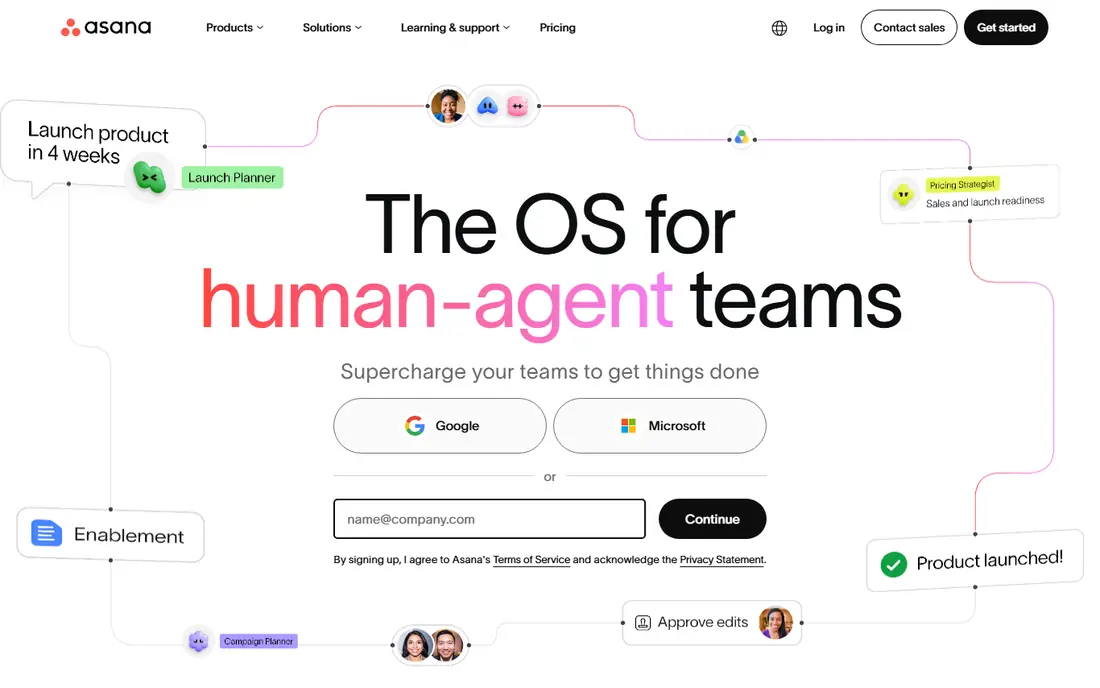
For structured cross-team planning, Asana is a practical place to start. it helps teams plan work across departments with timelines and portfolios that stay readable. In practice, that means less time chasing paper, phone calls, and separate spreadsheets, and more time on decisions that affect residents, owners, or staff.
The catch is its best reporting sits above the entry plan, so budget for the tier you actually need. Before you commit, confirm the current price, the plan limits, and any payment or add-on fees on the vendor site, because those details change and they decide the real monthly cost. If that trade-off fits how your team works, Asana is a solid shortlist candidate.
- Timelines, portfolios, and workflow rules
- Strong cross-team coordination
- Free plan limited to small teams
- Advanced reporting needs higher tiers
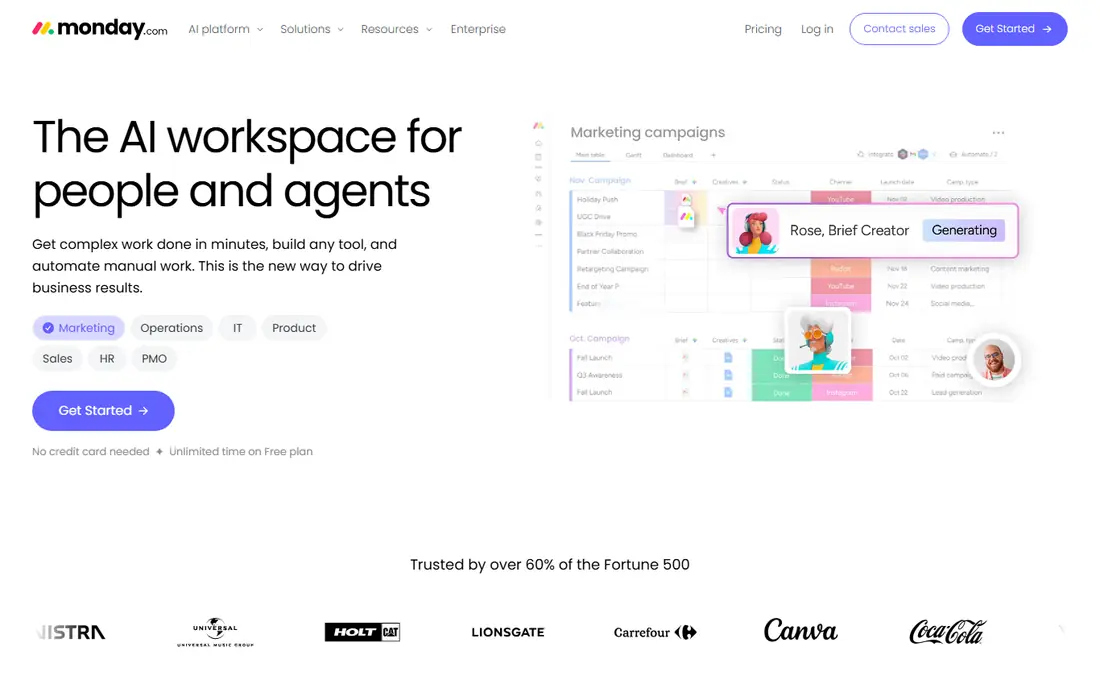
monday.com earns its place here by serving visual boards for non-technical teams without forcing a much larger system on a small team. it is easy for a mixed team to adopt because boards, status colors, and timelines are visual. That focus matters when the team using it is small, busy, or new to this kind of software, because a tool that is hard to adopt will sit unused.
The catch is its pricing and plan gates mean a small team should check seat minimums first. Before you commit, confirm the current price, the plan limits, and any payment or add-on fees on the vendor site, because those details change and they decide the real monthly cost. If that trade-off fits how your team works, monday.com is a solid shortlist candidate.
- Colorful boards, timelines, and automations
- Fast onboarding
- Seat minimums apply
- Gantt and guests need higher plans
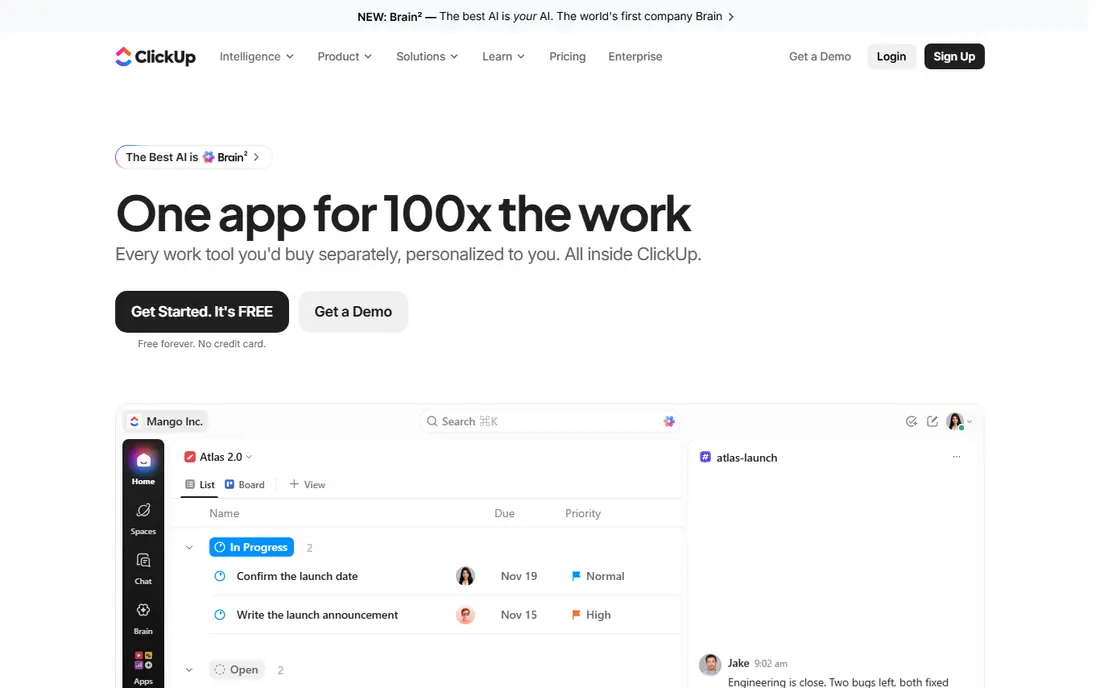
If most features per dollar is your main job, ClickUp deserves a close look. it gives a small team a huge toolkit for a low entry price. It also helps when different people need different views of the same record, from a board member checking a balance to a manager approving a request.
The catch is without someone to own setup, its breadth can turn into clutter. Before you commit, confirm the current price, the plan limits, and any payment or add-on fees on the vendor site, because those details change and they decide the real monthly cost. If that trade-off fits how your team works, ClickUp is a solid shortlist candidate.
- Tasks, docs, goals, Gantt, and time tracking in one workspace
- Generous free plan
- Very broad setup can overwhelm new teams
- Needs an owner
Smartsheet stands out for spreadsheet-style operations planning because it keeps the everyday work in one place. it suits operations teams that already think in rows, columns, and formulas. The value shows up in routine weeks, not only during a crisis, because the same steps repeat month after month.
The catch is teams that want a simple task list may find it heavier than needed. Before you commit, confirm the current price, the plan limits, and any payment or add-on fees on the vendor site, because those details change and they decide the real monthly cost. If that trade-off fits how your team works, Smartsheet is a solid shortlist candidate.
- Familiar grid view plus Gantt, cards, and dashboards
- Strong reporting
- No free plan
- Per-member pricing adds up for large teams
Boards and managers who need formal project planning in microsoft shops will find Microsoft Project focused on that job first. it is the classic choice for formal plans with baselines and resource leveling. For a buyer, that steady fit is often more useful than a long feature list that never gets used.
The catch is its depth and price make it overkill for a small team that only needs shared tasks. Before you commit, confirm the current price, the plan limits, and any payment or add-on fees on the vendor site, because those details change and they decide the real monthly cost. If that trade-off fits how your team works, Microsoft Project is a solid shortlist candidate.
- Gantt, baselines, resource management, and portfolio tools
- Microsoft integration
- Higher cost and steeper learning curve
- Best with Microsoft 365
For approval-heavy and marketing workflows, Wrike is a practical place to start. it fits teams that route work through approvals and need a clear audit trail. In practice, that means less time chasing paper, phone calls, and separate spreadsheets, and more time on decisions that affect residents, owners, or staff.
The catch is smaller teams may find its structure more than they need. Before you commit, confirm the current price, the plan limits, and any payment or add-on fees on the vendor site, because those details change and they decide the real monthly cost. If that trade-off fits how your team works, Wrike is a solid shortlist candidate.
- Workflow approvals, proofing, and workload views
- Enterprise controls
- Free plan lacks automation
- Setup takes time for complex work
Trello earns its place here by serving simple kanban planning without forcing a much larger system on a small team. it is the fastest way for a small group to see work moving across stages. That focus matters when the team using it is small, busy, or new to this kind of software, because a tool that is hard to adopt will sit unused.
The catch is larger plans with dependencies and reporting will outgrow it. Before you commit, confirm the current price, the plan limits, and any payment or add-on fees on the vendor site, because those details change and they decide the real monthly cost. If that trade-off fits how your team works, Trello is a solid shortlist candidate.
- Simple boards, lists, and cards
- Very low learning curve
- Limited planning depth
- Advanced views need paid tiers
If docs, wikis, and projects in one place is your main job, Notion deserves a close look. it suits teams that want plans living next to notes, specs, and wikis. It also helps when different people need different views of the same record, from a board member checking a balance to a manager approving a request.
The catch is teams that need strict scheduling should pair it with a dedicated planner or accept its limits. Before you commit, confirm the current price, the plan limits, and any payment or add-on fees on the vendor site, because those details change and they decide the real monthly cost. If that trade-off fits how your team works, Notion is a solid shortlist candidate.
- Flexible pages, databases, and project views beside docs
- Planning features need setup
- Not a dedicated Gantt tool out of the box
TeamGantt stands out for gantt-first planning for small teams because it keeps the everyday work in one place. it is a calm, readable Gantt tool for teams that plan by dates and dependencies. The value shows up in routine weeks, not only during a crisis, because the same steps repeat month after month.
The catch is teams that need docs, chat, or broad automation will need other tools beside it. Before you commit, confirm the current price, the plan limits, and any payment or add-on fees on the vendor site, because those details change and they decide the real monthly cost. If that trade-off fits how your team works, TeamGantt is a solid shortlist candidate.
- Clear Gantt charts, dependencies, and workload views
- Easy to read
- Smaller ecosystem than larger platforms
- Pricing varies by plan
Boards and managers who need visual gantt planning with resources will find GanttPRO focused on that job first. it gives planners a strong visual timeline with resource views. For a buyer, that steady fit is often more useful than a long feature list that never gets used.
The catch is its narrower scope means task chat and docs live elsewhere for many teams. Before you commit, confirm the current price, the plan limits, and any payment or add-on fees on the vendor site, because those details change and they decide the real monthly cost. If that trade-off fits how your team works, GanttPRO is a solid shortlist candidate.
- Gantt charts, resource workload, and project templates
- No free plan
- Focused mainly on Gantt planning
How we picked these
We compared official feature pages, pricing pages, and app store listings for project planning software, and we left out products that did not clearly fit the topic or that we could not verify as current. We favored products with published pricing or a clear free plan or trial, and we noted where pricing is quote-based instead of guessing a number. We did not claim hands-on testing. Prices and plan limits change, so the vendor page is the final word before you buy.
How to choose a planning tool
Start with how your team thinks about dates
Gantt tools suit date-driven plans with dependencies, while boards suit flexible work that moves through stages. If your team already plans in spreadsheets, Smartsheet will feel familiar, while a visual team may adopt monday.com faster.
Check free plans, seat minimums, and reporting
Free plans vary widely, from ClickUp with unlimited members to Smartsheet with a trial only. Check seat minimums, guest access, and whether timelines and reporting sit on the plan you price, not only on higher tiers.
Sources
Frequently asked questions
What is the best project planning tool?
Asana, monday.com, and ClickUp lead for most teams, with Asana for structured work, monday.com for visual boards, and ClickUp for value. Smartsheet suits spreadsheet teams, while Microsoft Project suits formal enterprise plans.
What is the best free project management software?
ClickUp, Asana, monday.com, Trello, and Notion all offer free plans, though limits differ. ClickUp is the most generous on members, while Asana and monday.com free plans suit very small teams.
What is the best desktop project management software?
Microsoft Project remains the classic desktop planning tool for formal Gantt, baselines, and resources. Most rivals here are cloud tools, so desktop-only buyers should check Project first.
What is the best project planning app for small teams?
Trello is the simplest pick, ClickUp is the best value all-rounder, and TeamGantt suits small teams that plan mainly by Gantt charts. Choose by whether you plan by boards, tasks, or dates.
What is the best tool for project planning with timelines?
Asana, monday.com, Smartsheet, TeamGantt, and GanttPRO all offer timelines or Gantt views. TeamGantt and GanttPRO are the most Gantt-focused, while Asana and monday.com pair timelines with broader work tools.