Best Proposal Software in 2026: 9 Tools Compared
By ToolNimba Editorial Team November 12, 2026 9 min read

- Top pick
 PandaDoc
Growing sales teams and document workflows
Starting price$19 per monthCheck out PandaDocRead our review - Runner-up
 Proposify
Agencies needing brand control
Starting price$19 per monthCheck out ProposifyRead our review - Also great
 Better Proposals
Fast polished proposals for small teams
Starting price$13 per monthCheck out Better ProposalsRead our review
How we researched this
We compared official pricing and feature pages, app store listings, privacy policies and public user reviews. Prices change, so check the provider's site before you pay.
Key takeaways
- PandaDoc and Proposify suit growing sales teams, while Better Proposals, Nusii and Prospero suit smaller teams that want speed and lower cost.
- Interactive web proposals from Qwilr can impress buyers, but a clean PDF-style proposal is still fine for many service businesses.
- E-signatures, pricing tables and open tracking are the features that most change close rates, so check them on the entry plan, not only the top plan.
- True free proposal software is rare: most tools offer a trial, and PandaDoc offers a limited free e-sign tier.
- Flat monthly pricing helps solo users, while per-user pricing makes sense once a team grows past a few senders.
Quick comparison
| Name | Best for | Starting price | Free plan | |
|---|---|---|---|---|
| PandaDoc | Growing sales teams and document workflows | $19 per month | Yes | Visit |
| Proposify | Agencies needing brand control | $19 per month | Free trial | Visit |
| Better Proposals | Fast polished proposals for small teams | $13 per month | Free trial | Visit |
 Qwilr | Interactive web-based proposals | $35 per month | Free trial | Visit |
 GetAccept | B2B teams wanting deal rooms and video | $25 per month | Free trial | Visit |
 Nusii | Freelancers wanting flat pricing | $29 per month | Free trial | Visit |
 Bidsketch | Solo users wanting unlimited proposals | $29 per month | Free trial | Visit |
 Prospero | Budget-conscious freelancers | $12 per month | Free trial | Visit |
 HoneyBook | Freelancers wanting proposals plus invoicing | $29 per month | Free trial | Visit |
The best proposal software
The best proposal software helps you send a clear, branded proposal, let the client accept and sign online, and see when they open it. These nine tools cover freelancers through mid-size sales teams.
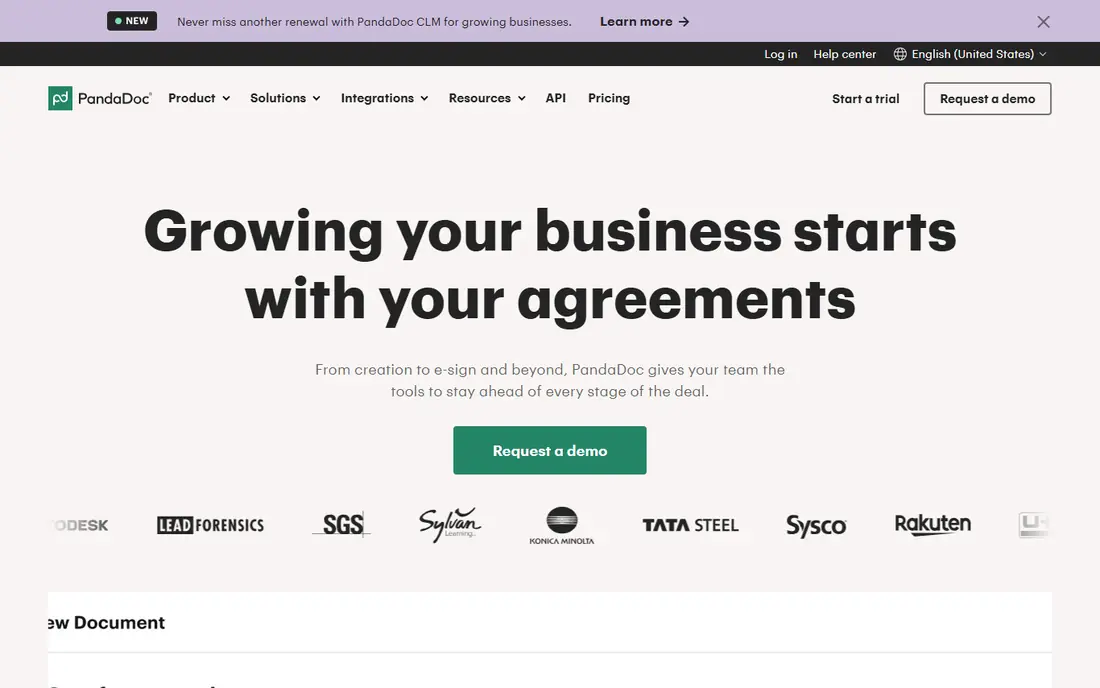
PandaDoc is a strong all-round choice for teams that send proposals, quotes and contracts often. It offers many templates, reusable content blocks, document analytics and e-signatures, plus integrations with common CRMs. That breadth helps a sales team standardize documents without building every proposal from scratch.
The entry plan has limits worth noting. Pricing tables and payment collection appear on higher plans, so a team that needs clients to pick options and pay inside the proposal should price the Business plan, not the Starter plan. The limited free e-sign tier is useful for very light use, but it is not a full proposal tool.
- Large template library
- Approval workflows
- CRM integrations
- Free e-sign tier
- Pricing tables and payments sit on higher plans
- Costs rise per user
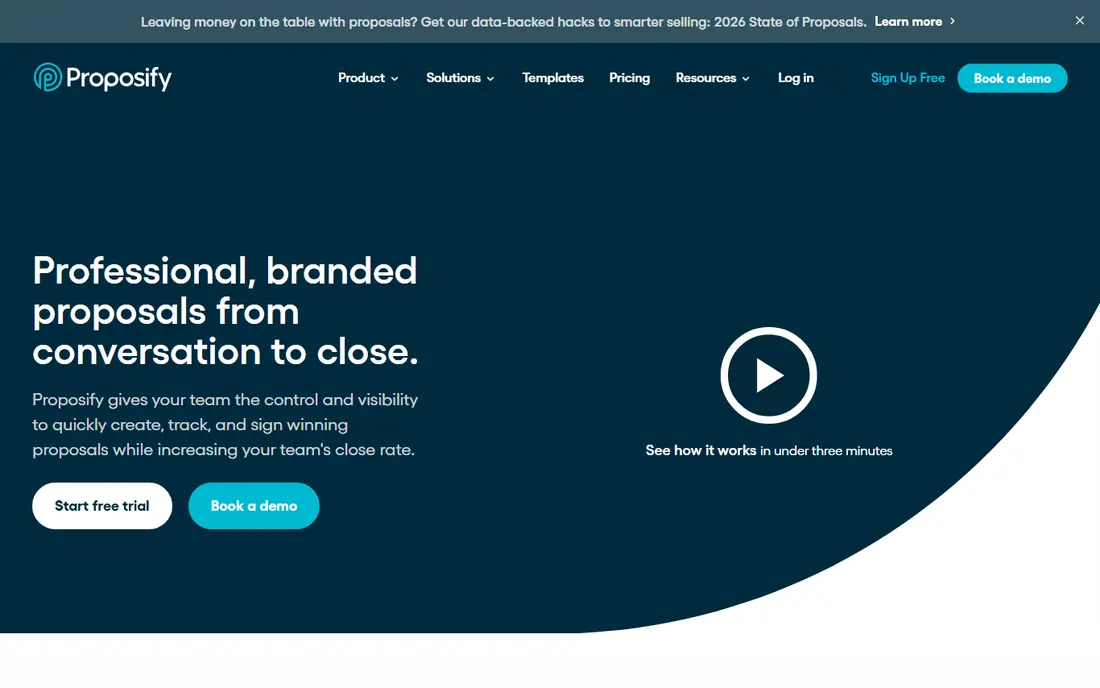
Proposify suits agencies and sales teams that need every proposal to look on-brand and stay consistent across reps. Its editor, content library and approval steps help managers control language, pricing and legal terms before a proposal goes out. Engagement analytics show when a client opens the document and which sections draw attention.
Pricing needs a careful check, because Proposify has changed plans and some comparison sources list different entry rates. Confirm the current plan, seat count and payment options on the vendor pricing page before budgeting. For teams that value control and reporting over the lowest price, it remains a solid pick.
- Strong template and brand controls
- Engagement analytics
- Approval workflows
- Some pricing sources list higher current plans
- Payments support varies by version
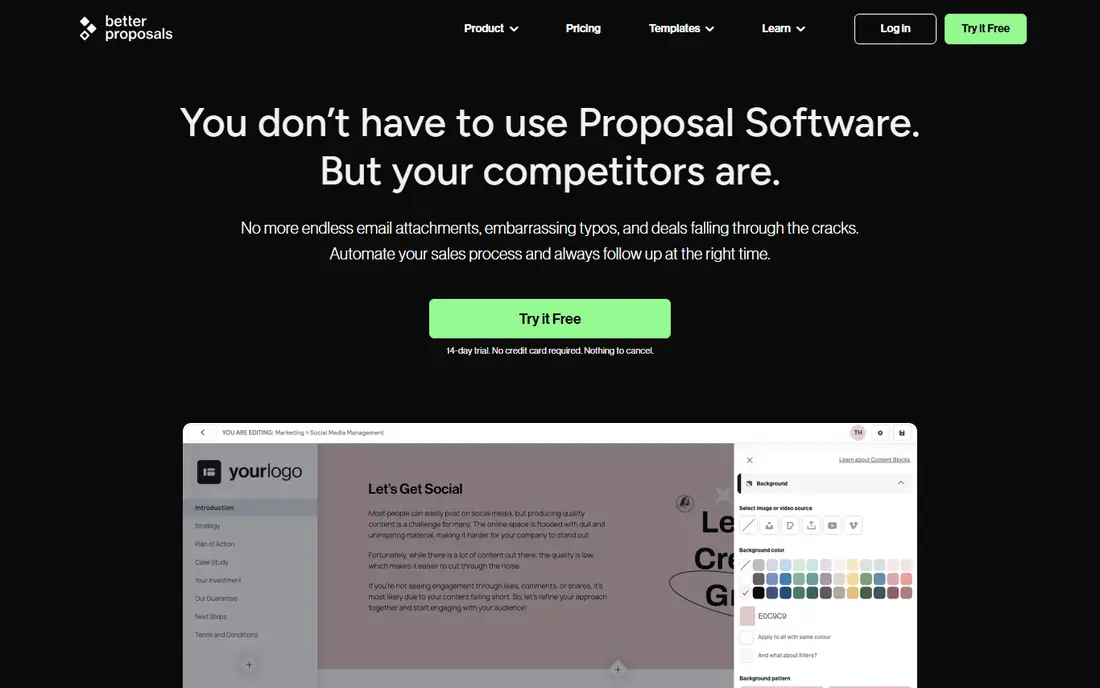
Better Proposals is built for speed. Freelancers, agencies and small service businesses can pick a template, adjust pricing and send a polished proposal quickly, then collect payment and a signature in the same flow. Live chat inside the proposal also lets a client ask a question without leaving the document.
The trade-off is depth. Larger teams that need complex approval chains, advanced CRM automation or strict content governance may find it lighter than enterprise tools. For a small team that sends proposals weekly and wants a low monthly cost, that simplicity is a benefit, not a flaw.
- Low entry price
- Large template set
- Payment collection
- Live chat in proposals
- Fewer enterprise controls than PandaDoc or Proposify
- Proposal limits on entry plan
Qwilr turns proposals into interactive web pages rather than static documents. Clients can explore pricing options, accept terms and pay without downloading a file, which suits sales-led teams selling design, software or creative services. Tracking shows opens, time on page and section views, giving reps a reason to follow up at the right moment.
The price is higher than budget tools, and some buyers still prefer a PDF they can print or file. If your clients are comfortable with web links and you sell higher-value services, the presentation can help you stand out. If they need formal PDFs for procurement, test how Qwilr exports before committing.
- Web-page proposals that feel modern
- Pricing tables and payments
- Engagement tracking
- Higher entry price
- Less suited to buyers who want a traditional PDF
GetAccept combines proposals with buyer engagement tools, including digital sales rooms and short video messages. That mix suits B2B sales teams handling multi-stakeholder deals, where several people need to review pricing, case material and terms. Engagement tracking helps reps see who opened the proposal and when to nudge the deal forward.
Solo freelancers may find it more complex and costly than needed. The value appears when a deal involves several reviewers and a longer cycle, not when you send a one-page quote to a single client. Teams should also confirm CRM integrations for their stack before buying.
- Digital sales rooms
- Video messaging
- Engagement tracking
- E-signatures
- More than a solo freelancer needs
- Pricing rises per user
Nusii appeals to freelancers and small creative agencies that dislike per-user pricing. Its flat plans cover proposal creation, reusable sections, notifications and e-signatures, with agency plans adding team seats. That predictable cost helps a solo user budget without worrying about each added collaborator.
The Freelancer plan limits active proposals, so high-volume senders should check the Agency plan. Template choice is also narrower than PandaDoc or Better Proposals. For a creative business that sends a steady but modest number of proposals, Nusii offers a calm, focused workflow.
- Flat monthly pricing
- Reusable proposal blocks
- Simple workflow for creatives
- Active proposal limits on lower plans
- Smaller template range than larger rivals
Bidsketch suits freelancers and consultants who send many proposals and do not want per-seat pricing to punish growth. Its Solo plan offers unlimited proposals with reusable sections, fee upsells and e-signatures, which keeps pricing simple for a one-person business. Team plans add seats for small agencies.
Design and analytics are more basic than Qwilr or Proposify, so buyers who need highly visual proposals or deep engagement data may prefer another tool. For a consultant who values a clear quote, a signature and no proposal cap, Bidsketch is a practical, low-fuss option.
- Unlimited proposals on paid plans
- Flat pricing on Solo plan
- Simple reusable sections
- Fewer modern design options
- Limited advanced analytics
Prospero is one of the cheapest ways to send professional proposals with tracking and signatures. It offers templates, AI-assisted drafting help, client notifications and analytics at a price below most rivals. For a freelancer starting out, that low entry cost removes a common barrier to using proposal software at all.
The trade-off is scale and integrations. Larger teams with complex CRM, approval or payment needs may outgrow it, and its integration list is narrower than PandaDoc. As a first proposal tool for a solo business, though, Prospero covers the core job well: a clear proposal, a signature and a view of client engagement.
- Low entry price
- AI-assisted writing help
- Templates and analytics
- Smaller company and integration range
- Fewer enterprise features
HoneyBook suits solo freelancers and small creative businesses that want proposals, contracts, invoices and payments in one system. A client can accept a proposal, sign a contract and pay through a single portal, which reduces back-and-forth emails. Automations for follow-ups and reminders also save time for a one-person business.
Buyers who only need proposals may find HoneyBook broader than necessary, and its proposal editor is less specialized than Proposify or Qwilr. If you already juggle separate tools for contracts and invoicing, the combined platform can be worth it. If proposals alone are the job, a focused tool may cost less.
- Proposals, contracts, invoicing and payments in one place
- Client portal
- Automations
- Proposal features are part of a wider platform
- Less focused than pure proposal tools
How we picked these
We compared official pricing pages and recent proposal software comparisons in October 2026, focusing on template quality, e-signatures, pricing tables, payment options, tracking and CRM links. We favored tools that serve a clear buyer, from solo freelancers to sales teams, and we noted trials separately from free plans. Prices shown are entry rates from vendor or recent comparison sources, and buyers should confirm the current plan on the vendor site before purchase.
What to look for in proposal software
Start with the client experience. Send yourself a test proposal and check how it looks on a phone, how easy it is to accept options, and how signing works. A proposal that confuses the buyer will hurt close rates no matter how good the editor feels to you.
Next, check the features that sit on the plan you will actually buy. Pricing tables, payment collection, approval workflows and CRM integrations often sit above the entry tier, so a low headline price can mislead. List the three features you cannot work without, then confirm they appear on that exact plan.
Also consider volume and team size. Flat pricing favors solo users, while per-user pricing favors small teams that grow slowly. Ask about proposal limits, template counts and data export, so you can leave the tool later without losing your proposal history. Finally, use the trial to send a real proposal, not just to browse templates, since real use reveals gaps quickly.
Sources
Frequently asked questions
What is the best free proposal software?
There is no strong fully free proposal tool in this set. PandaDoc offers a limited free e-sign tier, while most rivals offer a free trial of 14 days. If you send only a few proposals a year, a free tier or a low-cost tool such as Prospero or Better Proposals may be cheaper than a full sales platform.
How much does proposal software cost?
Entry prices in this guide range from about 12 dollars to 35 dollars per user per month, with flat plans from about 29 dollars per month for solo users. Higher plans add pricing tables, payments, approvals and CRM integrations. Always check whether the price is per user or flat, and whether billing is monthly or annual.
Do clients need an account to sign a proposal?
In most tools, no. Clients usually open a link, review the proposal, accept pricing options and sign in the browser without creating an account. That low friction is one of the main reasons to use proposal software instead of emailing a PDF back and forth.
Can proposal software collect payments?
Many tools can, but often only on higher plans. Better Proposals, Qwilr, HoneyBook and PandaDoc Business, among others, support payment collection in or alongside the proposal. If deposits matter to your business, confirm payment providers, fees and plan availability before you buy.
Is proposal software worth it for freelancers?
For freelancers who send proposals often, yes. Templates, tracking, e-signatures and payment links save time and reduce chasing. A freelancer who sends one proposal a month may manage with documents and e-signatures alone, but once volume grows, the time saved usually covers the monthly fee.