Best Rated PDF Merging Software in 2026: 9 Tools Compared
By ToolNimba Editorial Team November 9, 2026 9 min read

- Top pick
 Smallpdf
Quick online merges
Starting price$10 per month billed annuallyCheck out SmallpdfRead our review - Runner-up
 iLovePDF
Best free merger
Starting price$9 per monthCheck out iLovePDFRead our review - Also great
 Adobe Acrobat
Enterprise Adobe teams
Starting priceSee websiteCheck out Adobe AcrobatRead our review
How we researched this
We compared official pricing and feature pages, app store listings, privacy policies and public user reviews. Prices change, so check the provider's site before you pay.
Key takeaways
- Smallpdf is the best rated online merger, with a 4.5 out of 5 G2 score and Pro from $10 per month billed annually.
- iLovePDF is the best free merger, handling repeated merges with no observed daily task limit and a 100 MB per-task ceiling.
- PDF24 is the best unlimited free option, with large file limits and no watermark.
- Adobe Acrobat is the best enterprise choice for teams that already hold Adobe licenses.
- macOS Preview is the best offline Mac option for sensitive files that should never be uploaded.
Quick comparison
| Name | Best for | Starting price | Free plan | |
|---|---|---|---|---|
| Smallpdf | Quick online merges | $10 per month billed annually | Yes | Visit |
| iLovePDF | Best free merger | $9 per month | Yes | Visit |
| Adobe Acrobat | Enterprise Adobe teams | See website | Yes | Visit |
 PDF24 | Unlimited free merging | Free | Yes | Visit |
 Sejda | Quick privacy-conscious merges | Free | Yes | Visit |
 PDFgear | Frequent free merging | Free | Yes | Visit |
 Lumin | Merging inside document work | See website | Yes | Visit |
 PDF Merge | Simple one-time merges | Free | Yes | Visit |
 macOS Preview | Offline Mac merging | Free | Yes | Visit |
The best rated PDF merging software
Merging PDFs is usually the first step in a longer task, not the whole job. What you do next, whether that is signing a page, locking the file down, or converting it, determines how much time the merge saves you. The tools below range from a one-click browser merge to a full offline workflow, so the right pick depends on file size, privacy needs, and how often you merge.
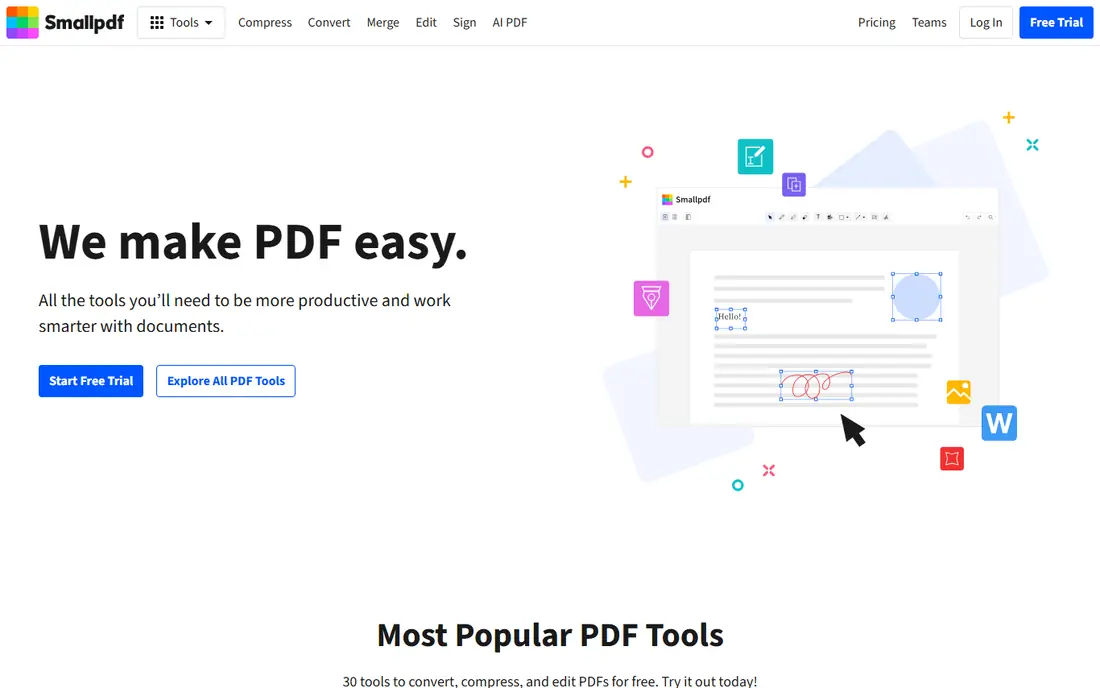
Smallpdf is the first name most people reach for when they need to combine PDFs, and the merge tool shows why. You drag files in, rearrange pages as thumbnails, hit merge, and download. It accepts Word, Excel, and image files alongside PDFs, converting them on the fly, and it can save straight to Google Drive or Dropbox. It scores 4.5 out of 5 on G2 across 306 reviews checked in October 2026. Pro costs $10 per month billed annually, or $15 month-to-month, with a 7-day free trial.
The free tier rations use with daily limits, and files travel to Smallpdf's servers, though they are TLS-encrypted and deleted within an hour. For quick online merges with no software to install, Smallpdf is our top pick.
- Extremely easy merge workflow with page previews
- Merges Word, Excel, and images too
- Files auto-deleted after one hour
- Free tier has daily task limits
- Pro features like OCR and batch work need a subscription
- Uploads go to servers
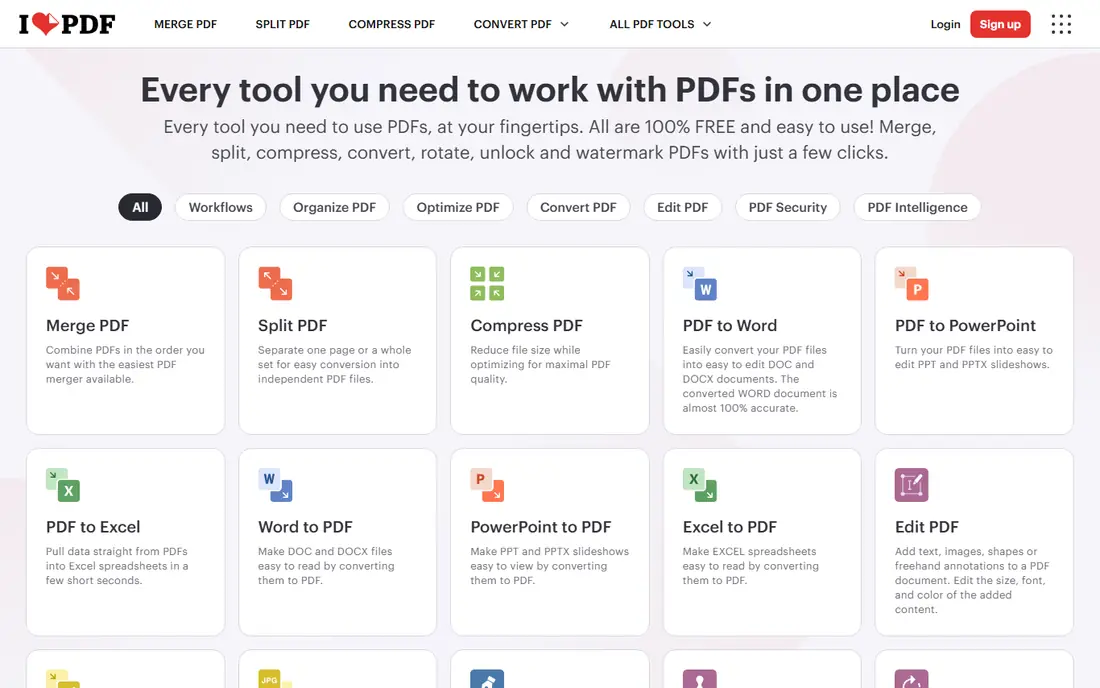
iLovePDF is the best free PDF merger in 2026 testing, since it handled repeated merges with no observed daily task limit and a 100 MB per-task ceiling. Its merge page is simple, it covers split, compress, convert, and sign tools on the same site, and desktop apps are available. Premium costs about $9 per month.
Ads appear on the free page, and files upload to servers for processing. For a quick, one-off free merge, or repeated free merges, iLovePDF is the best free choice.
- Best free merger in testing
- Repeated merges with no observed daily task limit
- 100 MB per-task ceiling
- Ads on the free page
- Files upload to servers
- Premium needed for OCR and editing existing text
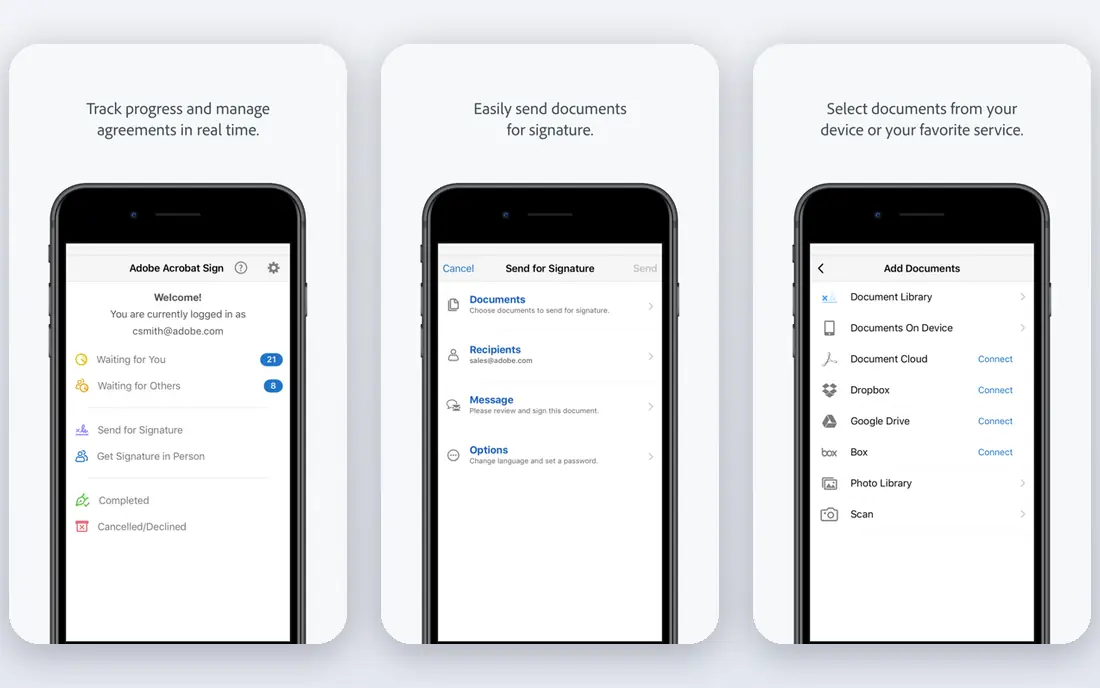
Adobe Acrobat offers comprehensive PDF merging as part of its full editing suite, with excellent quality and reliability, desktop and online options, and enterprise security features. It handles large or complex files most reliably, while lighter web tools may slow down or drop formatting on big documents.
It requires a subscription for full use, and the free tier covers only a small number of tasks. For enterprise teams with existing Adobe licenses, Acrobat is the natural merger.
- Excellent quality and reliability
- Part of a complete PDF editing solution
- Desktop and online options
- Requires a subscription for full use
- Overkill for occasional merging
- Free tier limited to a small number of tasks
PDF24 Tools offers unlimited free merging with large file limits, no watermark, and no account needed, which makes it the best free option for frequent merging. It covers split, compress, convert, and other tools alongside merging, and desktop apps keep files local for Windows users.
Free pages carry ads, and web merges upload files to servers. For frequent free merging without caps, PDF24 is the best pick.
- Unlimited free use
- Large file limits up to 500 MB
- No watermark on results
- Ads on free pages
- Files upload to servers
- Interface is functional
Sejda is the privacy-conscious pick for quick merges, marketing itself around careful processing and straightforward page selection. It works without an account for casual use, and it is a favorite of guides ranking free PDF tools for its balance of simplicity and trust.
The free plan has limits, and the toolset is smaller than full suites. For a quick merge where privacy matters, Sejda is a reliable choice.
- Privacy-conscious processing
- Quick merges without an account
- Clean page selection
- Free plan has limits
- Smaller toolset than suites
- Files upload to servers
PDFgear suits frequent merging without caps, with free merging that holds up better than capped free tiers in 2026 comparisons, plus desktop and mobile apps and full PDF editing tools. It is a strong choice for users who merge often and refuse to pay.
It is a newer brand than Adobe or Smallpdf, and advanced features vary by platform. For frequent free merging with an app, PDFgear is the best newer option.
- Free merging without daily caps in most guides
- Desktop and mobile apps
- Full PDF editing tools
- Newer brand than Adobe or Smallpdf
- Advanced features vary by platform
- Smaller community
Lumin fits best when merging and splitting are part of ongoing document work rather than isolated tasks, and when keeping everything in one place matters. It integrates with Google Drive and Microsoft OneDrive, so you can work with stored files and save results back, with SOC 2 Type 2 compliance and AES-256 encryption.
Pricing varies, and the full platform suits ongoing work more than one-off merges. For teams whose merging flows into editing and signing, Lumin keeps it in one place.
- Merging and splitting inside ongoing document work
- Google Drive and OneDrive integration
- SOC 2 Type 2 compliance
- Pricing varies
- Full platform suits ongoing work more than one-off merges
- Free plan has limits
PDF Merge is a dedicated single-purpose tool for combining PDFs without extras. Its focused functionality, fast processing, and simple interface suit quick one-time merges where you want no distractions and no learning curve. The basic tool is free, with premium options for extras.
It does merging only, so editing, signing, or converting needs another tool. For a simple, fast, one-time merge, PDF Merge is the cleanest option.
- Extremely focused single-purpose tool
- Fast processing
- Simple interface with no distractions
- Limited to merging only
- Fewer features than suites
- Premium options for extras
macOS Preview is the best offline Mac option for sensitive files. It merges PDFs without uploading anything, since it is built into every Mac, with no account or install needed. For bank statements, ID cards, or contracts, keeping files on your device beats any online tool.
It is Mac only, and weaker image optimization sometimes produces noticeably larger files after merging. For Mac users merging sensitive documents, Preview is the safest free choice.
- Free and built into every Mac
- Files never leave your device
- No account or install needed
- Mac only
- Weaker image optimization can produce larger files
- No Windows or web version
How we picked these
We compared official pricing pages and independent 2026 comparisons of PDF mergers, favoring tools with current availability in October 2026, a real free tier or free built-in option, and a clear job: quick online merges, free repeated merges, enterprise reliability, offline privacy, or document workflow integration. We mixed web tools, desktop apps, and one built-in OS tool. Prices change often, so confirm on each vendor page before you pay. We did not test every tool hands-on; our comparison rests on published features, pricing, ratings, and public reviews.
Merging safely and well
Two checks matter before a big job. First, test on a sample file to confirm the output keeps its formatting, since very large or complex files can trouble lighter web tools. Second, think about privacy: reputable tools encrypt files in transit and delete them after processing, but for sensitive documents, choose a tool that processes files in your browser or a desktop app that works offline, like Preview or PDF24 Creator for Windows.
Merging itself does not reduce quality when a tool preserves the file's original structure, which most tools tested did. The exception is Preview's weaker image optimization, which can enlarge files. If size matters, compress after merging.
Sources
- https://pdf.net/blog/best-pdf-merger
- https://comfortablepdf.com/blog/merge-pdf-free-online-combiner-2026
- https://rankite.com/blog/best-pdf-merge-software
- https://moguldom.com/466356/online-pdf-merger-and-splitter-recommendations-for-2026/
- https://copyprogramming.com/howto/how-to-merge-pdf-files-without-adobe
- https://smallpdf.com
- https://www.ilovepdf.com
- https://www.adobe.com
- https://tools.pdf24.org
- https://www.sejda.com
- https://www.pdfgear.com
- https://www.luminpdf.com
- https://pdfmerge.com
- https://www.apple.com
Frequently asked questions
What is the best rated PDF merging software?
Smallpdf is the best rated online merger, with a 4.5 out of 5 G2 score and Pro from $10 per month billed annually. iLovePDF is the best free merger, PDF24 is the best unlimited free option, and Adobe Acrobat is best for enterprise teams with Adobe licenses.
Is it better to merge PDFs online or offline?
Merging online works better for most people because it needs no installation and runs on any device. Offline merging through Preview or desktop apps only makes sense when you are combining sensitive files and want to avoid uploading them anywhere, or when you work without an internet connection.
Does merging PDFs reduce quality?
Merging PDFs does not reduce quality when a tool preserves the file's original structure, which most tools tested did. The exception is macOS Preview, whose weaker image optimization sometimes produces noticeably larger files after merging.
What is the best free PDF merger?
iLovePDF is the best free PDF merger, since it handled repeated merges in testing with no observed daily task limit and a 100 MB per-task ceiling. PDF24 is the best unlimited free option, and PDFgear holds up well for frequent free merging.
Is it safe to merge PDFs online?
Well-known tools use encrypted connections and say they delete uploaded files after a short time, typically within an hour. Still, most send your file to their servers, so for bank statements, ID cards, or contracts, use a tool that processes files in your browser or a desktop app that works offline.