Best Recording Software in 2026: 10 Tools Compared
By ToolNimba Editorial Team November 9, 2026 11 min read

- Top pick
 Audacity
Free multitrack voice and audio editing
Starting priceFreeCheck out AudacityRead our review - Runner-up
 GarageBand
Music and podcasts on Mac and iPhone
Starting priceFreeCheck out GarageBandRead our review - Also great
 OBS Studio
Screen recording and live streaming
Starting priceFreeCheck out OBS StudioRead our review
How we researched this
We compared official pricing and feature pages, app store listings, privacy policies and public user reviews. Prices change, so check the provider's site before you pay.
Key takeaways
- Audacity, GarageBand, and OBS Studio cover most voice, music, and screen recording needs at no cost, so paid software should earn its price with a clearer workflow.
- Remote shows need local recording for each guest, which is why Riverside and Zencastr stand apart from simple desktop recorders.
- Descript suits creators who prefer editing words on a page, while REAPER and Adobe Audition suit people who want detailed control over tracks and sound.
- The best free recording software depends on the job: Audacity for voice editing, GarageBand for music on a Mac, and OBS Studio for screen and live capture.
- Check the operating system before you pay, because several strong tools work on only one platform or only in a browser.
Quick comparison
| Name | Best for | Starting price | Free plan | |
|---|---|---|---|---|
| Audacity | Free multitrack voice and audio editing | Free | Yes | Visit |
| GarageBand | Music and podcasts on Mac and iPhone | Free | Yes | Visit |
| OBS Studio | Screen recording and live streaming | Free | Yes | Visit |
 Descript | Editing audio by editing a transcript | See website | Yes | Visit |
 Riverside | Remote interviews in studio quality | See website | Yes | Visit |
 Zencastr | Simple browser-based remote recording | See website | Yes | Visit |
 Adobe Audition | Professional cleanup and mixing | $22.99 per month | Free trial | Visit |
 REAPER | A full studio at a low one-time price | $60 one-time | Free trial | Visit |
 Ocenaudio | Fast, simple voice recording and edits | Free | Yes | Visit |
 WavePad | Quick voice cleanup on Windows and Mac | Free | Yes | Visit |
The best recording software
Recording software is not one kind of tool. Some tools capture a microphone, some capture a screen, and some record guests in different cities. The picks below cover those jobs, with prices checked against vendor pages and public listings in October 2026.
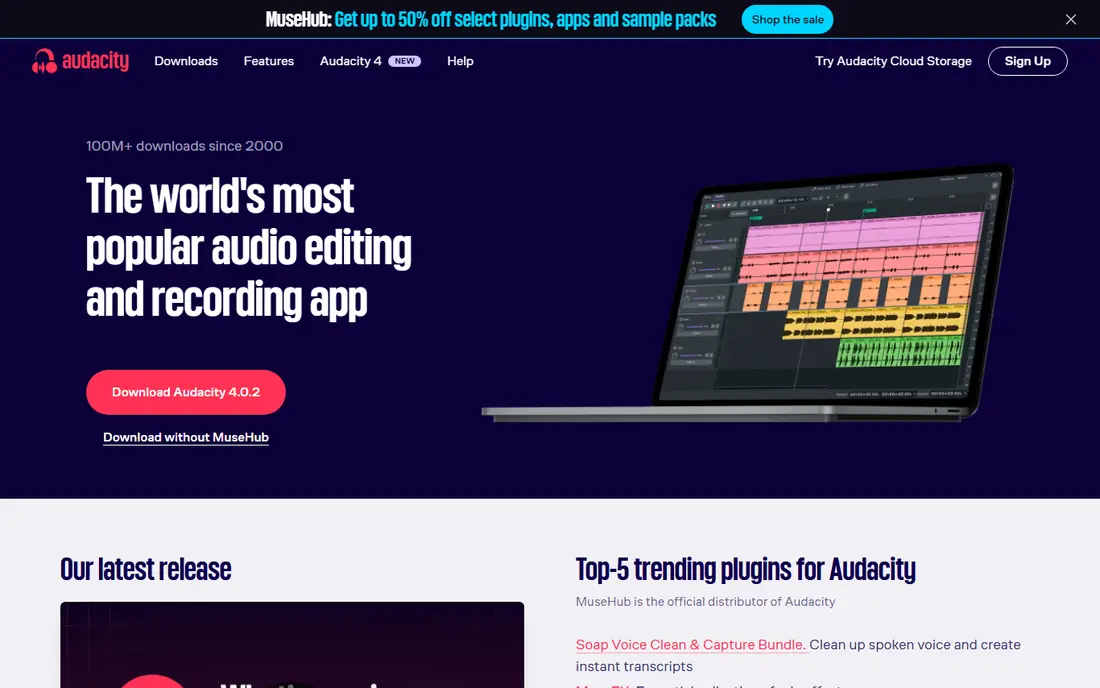
Audacity is our pick for most people who just need to record and edit audio well. You can record one track or several, cut mistakes, adjust volume, reduce background noise, and export common formats such as MP3 and WAV. It runs on all three major desktop systems, and it costs nothing, which makes it easy to recommend as a first tool.
The honest catch is the learning curve. The menus hold a lot of options, and a new user may need a short tutorial before the workflow feels natural. It also lacks built-in remote recording, so podcast hosts who interview guests online will need another tool for that part. For solo voice work, narration, and basic music demos, though, few paid tools beat it on value.
- Free and open source on Windows, Mac, and Linux
- Multitrack recording and editing
- Strong noise reduction and effects
- The interface looks dated
- It does not record remote guests on its own
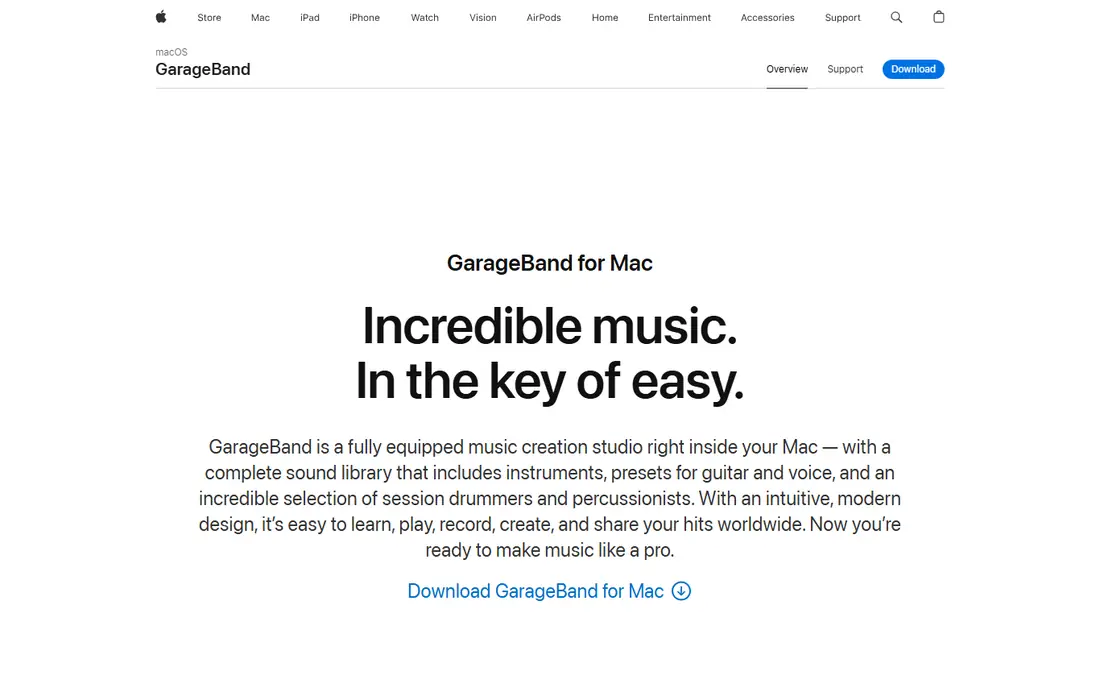
GarageBand is the easiest starting point if you already own a Mac or an iPhone. It comes with virtual instruments, drum patterns, and ready-made loops, so a songwriter can sketch a song without buying extra sounds. Podcasters can record multiple voices, add music beds, and trim sections with a layout that stays readable even for a first project.
The limit is the platform. If you switch to Windows, you cannot take GarageBand with you, and you may need to learn a new tool. It also stops short of a full professional studio, so serious mix engineers will outgrow it. For school projects, demos, and a first podcast, it is a strong free choice that needs no extra purchase.
- Free with Mac and iOS devices
- Built-in instruments and loops
- Simple layout for beginners
- Not available on Windows or Android
- Advanced mixing features are limited
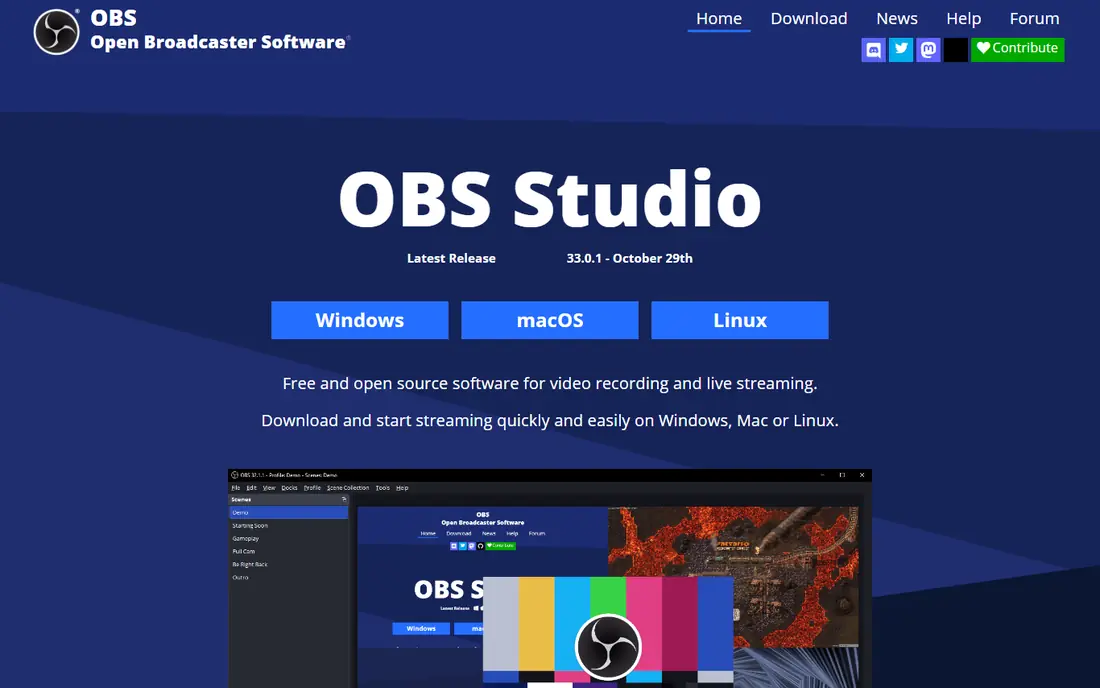
OBS Studio is the tool we point to for screen recording, tutorials, gameplay, and live streams. You can build scenes that combine a screen, a webcam, and a microphone, switch between them while you record, and save the result in high quality. It is free, it runs on Windows, Mac, and Linux, and a large community shares guides and plugins for it.
That power comes with setup work. A new user must choose capture sources, audio inputs, and output settings before the first clean recording. People who only need a voice memo will find Audacity simpler. For anyone who records what happens on screen, OBS Studio is hard to beat, and its price makes the setup time easy to accept.
- Free and open source
- Records screen, webcam, and microphone together
- Supports live streaming to major platforms
- Setup takes time for a first-time user
- Audio-only editing tools are basic
Descript changes the editing job for people who think in words. You record or upload audio, Descript transcribes it, and you delete a sentence from the transcript to delete it from the audio. That method makes podcast editing much faster for hosts who cut filler words, repeat lines, and long pauses. It also offers tools that tidy up room noise and uneven volume.
The trade-off is scope. Descript is not a music studio, and people who need detailed track mixing will prefer REAPER or Audition. Longer projects and higher transcription use move you to a paid plan, so check current pricing before you commit to a long series. For spoken-word creators, the time saved in editing can justify that cost.
- Transcript-based editing feels like editing a document
- Includes transcription and studio-style cleanup
- Works for audio and video
- Paid plans are needed for longer projects
- Music production tools are limited
Riverside solves the main problem with remote recording: a shaky connection should not ruin the final audio. Each guest is recorded locally on their own device, and those separate tracks are uploaded and matched in the cloud. The result sounds far better than a recording of a video call, and the video version works well for shows that also publish on video platforms.
Free use is limited, so regular hosts will need a paid plan. The live call still needs a usable connection for guests to hear each other, even though the recorded tracks stay clean. For interview podcasts and remote panels, Riverside is one of the safest choices, because it protects the recording that matters most.
- Records each guest locally in high quality
- Supports audio and video
- Includes transcription and editing tools
- Paid plans are needed for more recording hours
- A strong internet connection still helps for the live call
Zencastr is a good fit for hosts who want remote recording without asking guests to install software. You send a link, the guest opens it in a browser, and Zencastr records each voice as a separate track. That separation makes editing much easier, because you can fix one voice without touching the others. The interface stays simple, which helps when a guest is not comfortable with technology.
It does not match Riverside or Descript for video editing depth, and people who want a full production suite will need another tool after recording. Free use also has limits on hours and features. For audio-first shows that value a low-friction guest experience, Zencastr earns its place.
- Guests join from a browser with no install
- Records separate tracks for each voice
- Simple setup for new hosts
- Video and advanced editing features are thinner than some rivals
- Free use has limits
Adobe Audition is the professional pick for people who clean up difficult audio for a living. Its tools can reduce hum, hiss, and room echo, repair clipped sections, and balance voices across a multitrack session. Podcast producers and broadcast editors who already use Adobe tools will find the workflow familiar, and the presets help with common jobs such as voice leveling.
The price is the main barrier. At a monthly subscription, Audition costs far more over a year than REAPER, and casual users will not use enough of it to justify that. Beginners may also feel lost among the panels and effects. For full-time audio work, though, the depth and reliability make it a serious option.
- Strong noise removal, repair, and mixing tools
- Multitrack editing for podcasts and broadcast
- Works with other Adobe apps
- Monthly cost adds up
- Beginners may find the interface dense
REAPER gives you a complete digital audio workstation for a one-time license that costs far less than most rivals. You can record many tracks, use third-party plugins, automate volume and effects, and mix a full song or podcast episode. It runs on all major desktop systems, and the trial lets you learn it before you pay.
The look is plain, and new users may need tutorials to set up tracks, routing, and plugins. It also ships with fewer ready-made instruments than GarageBand, so musicians often add their own plugins. For people who want professional control without a monthly bill, REAPER is the best value on this list.
- Full multitrack recording and mixing at a low price
- Runs on Windows, Mac, and Linux
- Highly customizable
- The plain interface can feel stark at first
- It includes few built-in virtual instruments
Ocenaudio suits people who want Audacity-style editing without Audacity-style menus. You can record a voice track, preview an effect before you apply it, and make quick cuts for narration, voiceovers, and class recordings. The clean layout helps new users finish a job in minutes rather than hunting through settings.
It is not a replacement for a full multitrack studio. If you layer many tracks or produce music, Audacity or REAPER will serve you better. For single-track voice work, though, Ocenaudio is one of the fastest free tools we found, and its cross-platform support makes it easy to use on any computer.
- Free and easy to learn
- Real-time effect previews
- Runs on Windows, Mac, and Linux
- Multitrack features are thinner than Audacity
- No remote recording
WavePad is a practical pick for office voice work, dictation cleanup, and short audio clips. You can record, trim, normalize volume, and remove noise without learning a studio program. Batch processing helps when you have many files to treat the same way, such as a set of training clips or interview segments.
The free version is aimed at non-commercial use, so businesses should check the paid license before using it for client work. It also lacks the depth of a full music studio. For quick, everyday voice editing, WavePad keeps the job short and the cost low.
- Simple recording and editing for voice work
- Batch processing for many files
- Free version for non-commercial use
- The free version has limits
- Advanced music production features are thin
How we picked these
We compared official feature pages, pricing pages, and app store listings for each tool, along with public reviews and documentation about platform support and limits. We favored tools that are still maintained, that state their price clearly, and that fit a real recording job rather than a vague promise. We did not claim hands-on testing, and we left out tools that no longer work, that hide pricing behind a sales call, or that fit only a narrow niche.
What to check before you choose
Start with the job, not the brand. A solo narrator needs a clean microphone recording and simple editing, while a remote podcast needs separate local tracks for each guest. A musician needs instruments and multitrack mixing, while a teacher needs screen capture with a webcam. Matching the tool to the job saves money and avoids a second purchase later.
Check the platform and the price over time
Confirm the tool runs on your computer or phone, and add up the cost over a year. A free tool may be enough, and a one-time license may beat a monthly plan if you record every week. Also check storage and export limits on free plans, because a limit on hours or file quality can matter more than a missing effect.
Test the workflow with a short project
Record a two-minute test before you commit to a series. Listen on headphones, check background noise, and try one edit, one export, and one share. That short test reveals setup problems, confusing menus, and file format issues while they are still easy to fix.
Sources
Frequently asked questions
What is the best recording software for beginners?
Audacity is a safe free start on Windows, Mac, and Linux, and GarageBand is simpler still if you own a Mac or iPhone. Ocenaudio is another gentle option for single-track voice work. Pick the one that runs on your device and matches the kind of recording you plan to do most.
What is the best app to record audio on a phone?
Your phone already has a voice recorder, and GarageBand on iPhone adds multitrack recording and instruments at no extra cost. For Android, a simple recorder plus Audacity or Ocenaudio on a computer gives you a clean path from capture to edit. Check microphone quality first, because a quiet room matters more than the app.
What is the best free music recording software?
GarageBand is the best free music option on Mac and iOS, with instruments and loops included. On Windows or Linux, REAPER has a generous trial and a low one-time price, while Audacity handles basic multitrack recording for free. Serious producers often add third-party plugins to either setup.
What is the best recording software for podcasts?
For solo shows, Audacity or Descript cover recording and editing well. For remote guests, Riverside or Zencastr record each voice locally, which protects quality when connections vary. Descript then helps you edit the episode by editing its transcript.
What is the best free recording software for screen capture?
OBS Studio is the best free screen recorder for tutorials, gameplay, and live streams, and it records microphone and webcam at the same time. It takes some setup, but it costs nothing and runs on all major desktop systems. For a quick clip with no editing, your system recorder may be enough.
Do I need paid software to record good audio?
No, in most cases. A decent microphone, a quiet room, and a free tool such as Audacity or GarageBand produce clean results for voice and simple music. Paid software earns its cost when you need remote guest recording, fast transcript editing, or professional cleanup tools used every week.