Best Reminder App in 2026: 9 Tools Compared
By ToolNimba Editorial Team November 9, 2026 8 min read

- Top pick
 Todoist
Power users
Starting price$5 per month billed annuallyCheck out TodoistRead our review - Runner-up
 TickTick
All-in-one tasks and habits
Starting price$49.99 per yearCheck out TickTickRead our review - Also great
 Any.do
Polished cross-platform lists
Starting price$4.99 per month billed annuallyCheck out Any.doRead our review
How we researched this
We compared official pricing and feature pages, app store listings, privacy policies and public user reviews. Prices change, so check the provider's site before you pay.
Key takeaways
- Todoist is the best reminder app for power users, with projects, labels, and natural-language dates from $5 per month billed annually.
- TickTick is the best all-in-one pick, combining tasks, habits, calendar, and a Pomodoro timer for $49.99 per year.
- Apple Reminders and Google Tasks are the best free built-in options, if you stay inside one ecosystem.
- Due is the best nagging reminder app, with persistent alerts that repeat until you act.
- Any.do is the most polished cross-platform option, with daily planning and shared lists from $4.99 per month billed annually.
Quick comparison
| Name | Best for | Starting price | Free plan | |
|---|---|---|---|---|
| Todoist | Power users | $5 per month billed annually | Yes | Visit |
| TickTick | All-in-one tasks and habits | $49.99 per year | Yes | Visit |
| Any.do | Polished cross-platform lists | $4.99 per month billed annually | Yes | Visit |
 Microsoft To Do | Free Microsoft users | Free | Yes | Visit |
 Google Tasks | Free Google users | Free | Yes | Visit |
 Apple Reminders | Free Apple users | Free | Yes | Visit |
 Things 3 | Premium Apple-only design | $9.99 one-time | No | Visit |
 Due | Persistent nagging reminders | $9.99 one-time | No | Visit |
 Remember The Milk | Email and message reminders | $49.99 per year | Yes | Visit |
The best reminder app
The best reminder app is judged on one thing above features: does the reminder reach you and get you to act? A beautiful list that stays silent is useless, and a noisy app you mute is worse. The tools below cover free built-ins, cross-platform task managers, and specialist nagging apps, so the right pick depends on your devices and how stubborn your reminders need to be.
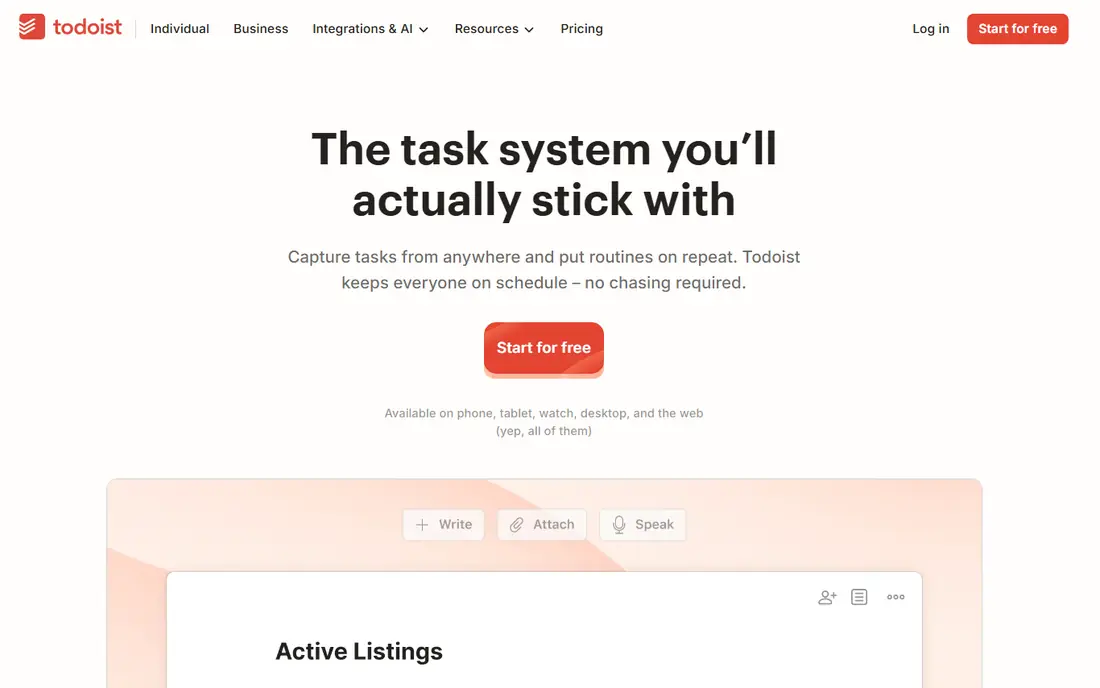
Todoist is the best reminder app for power users. Type "call Mom tomorrow at 6pm" and it parses the date, then organizes tasks into projects with labels, priorities, and filters. It runs on web, iOS, Android, Windows, and Mac, so reminders follow you everywhere. The free tier is genuinely usable, and Pro costs $5 per month billed annually, or $7 per month billed monthly.
The catch is that reminders themselves are a Pro feature, so free users get tasks without alerts. For users who want reminders on top of a proper task system, Todoist is our top pick.
- Natural-language dates
- Projects, labels, and filters
- Every platform covered
- Reminders are a Pro feature
- Free tier has limits
- Monthly billing costs $7 per month
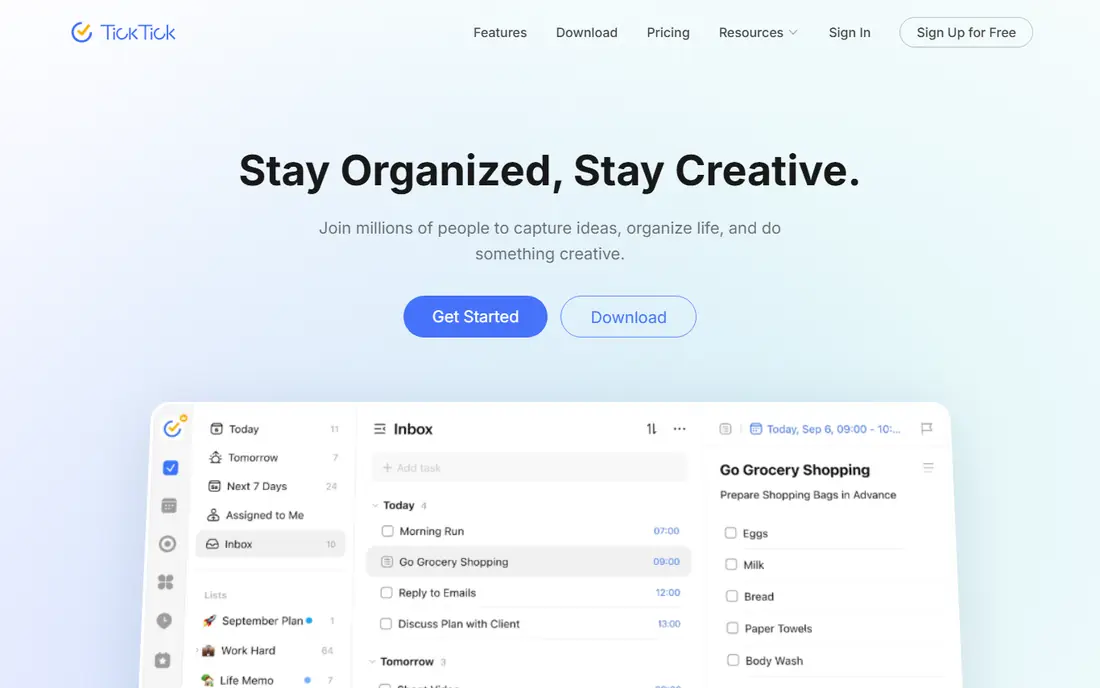
TickTick is the best all-in-one pick. It combines task lists, habit tracking, a calendar view, and a Pomodoro timer in one app, with reminders built in from the start. The free tier covers everyday use, and Premium costs $49.99 per year, which works out to about $4 per month.
Free tier caps hit reminders directly: two reminders per task and nine lists, plus five habits. For users who want one app for tasks, habits, and focus sessions, TickTick offers the most features per dollar.
- Tasks, habits, calendar, and Pomodoro in one app
- Strong free tier
- Every platform covered
- Free tier caps reminders at two per task
- Free tier caps habits at five
- Premium needed for full use
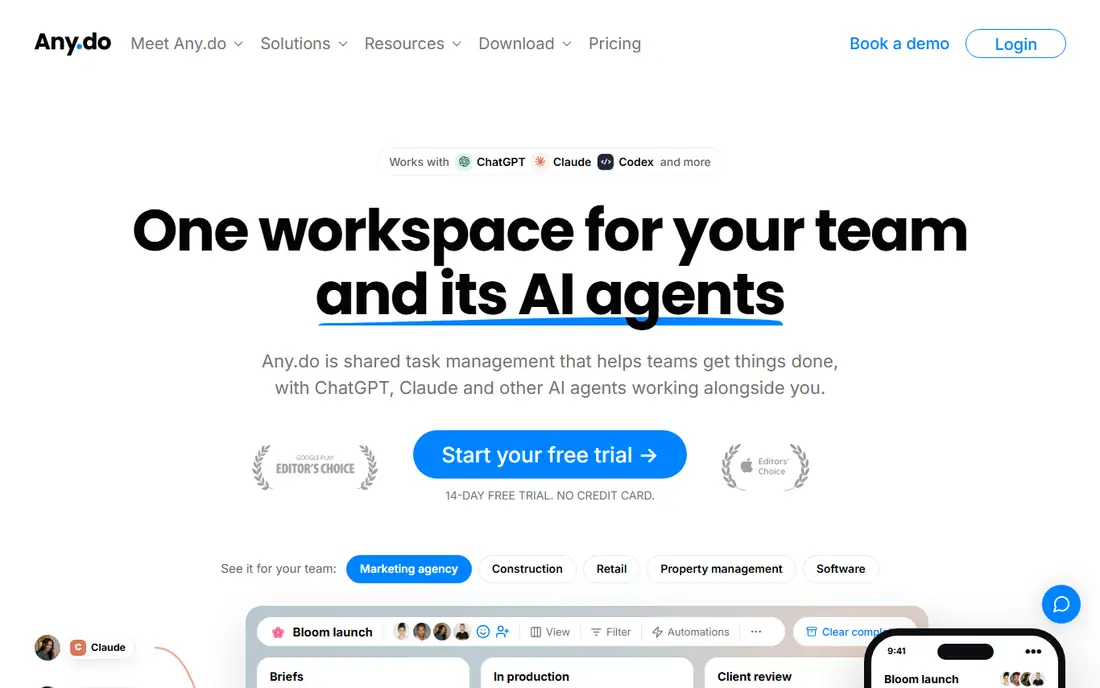
Any.do is the most polished cross-platform task app, with a daily planning ritual that walks you through today's tasks each morning. Shared and family lists work well, and Premium adds WhatsApp reminders that come back to you. Premium costs $4.99 per month billed annually, or $7.99 per month billed monthly, with a free tier for basic use.
The WhatsApp bot is Premium only, and the app stays the system of record. For users who want a beautiful, simple daily planner across devices, Any.do is the best-looking choice.
- Most polished interface
- Daily planning workflow
- Shared and family lists
- WhatsApp reminders on Premium
- WhatsApp integration needs Premium
- Monthly billing costs $7.99 per month
- Some features paywalled
Microsoft To Do is the best free cross-platform pick, strongest on Windows and in Outlook. It is free with a Microsoft account, syncs with Outlook tasks, and offers My Day planning for daily focus. It runs on Windows, web, iOS, and Android.
Reminders do not travel outside the Microsoft world, and notifications stay basic with no nagging. For Outlook and Microsoft 365 users who want free reminders without a new subscription, To Do is the obvious choice.
- Completely free with a Microsoft account
- Lives inside Outlook and Microsoft 365
- My Day planning
- Reminders stay inside the Microsoft world
- No nagging alerts
- Basic notifications
Google Tasks is the free, minimal pick for Gmail and Calendar users. It lives inside both apps, so tasks and reminders sit next to your mail and schedule, and it runs on web, Android, and iOS. There is no cost and no learning curve.
Notifications stay basic, there is no natural-language input, and location reminders are gone. For Google users who want simple, free reminders without another app, Tasks is enough.
- Completely free with a Google account
- Lives inside Gmail and Calendar
- Minimal and fast
- Basic notifications with no nag
- No natural-language input
- No location reminders
Apple Reminders is the free built-in pick for iPhone, iPad, and Mac owners. It syncs instantly across devices, works with Siri for hands-free capture ("remind me to call Mom when I get home"), and supports location-based reminders and smart lists. Recent iOS versions add plain-language input, though the newest natural-language feature needs an iPhone 15 Pro or newer.
There is no Android app, and collaboration is weaker than dedicated apps. For Apple users who want frictionless reminders without installing anything, Reminders is all most people need.
- Free and preinstalled on every Apple device
- Deep Siri integration
- Location-based reminders
- No Android app
- Collaboration weaker than dedicated apps
- Plain-language input needs newer iPhones
Things 3 is the premium Apple-only task manager, with a calm design that makes planning feel pleasant rather than frantic. It covers reminders, projects, and areas, with deep Apple integration and no subscription: $9.99 for iPhone, with iPad and Mac versions priced up to $49.99 as one-time purchases.
It is Apple only, and buying all three versions costs more than a year of some subscriptions. For Apple users who hate subscriptions and want the best-designed task app, Things 3 is worth the one-time cost.
- Beautiful, calm design
- One-time purchase, no subscription
- Deep Apple integration
- Apple only
- $49.99 for the Mac version
- No free tier
Due solves the problem other apps ignore: reminders you snooze and forget. Due repeats its alert until you act, which makes it the best app for time-critical tasks like taking medicine or making a call. It costs $9.99 as a one-time purchase on iOS, with a macOS version available.
It is Apple only, with no collaboration and minimal task management. For people whose main problem is ignoring reminders, Due's persistence is the feature that matters.
- Persistent reminders that repeat until you act
- Fast capture
- One-time purchase
- IOS and macOS only
- No collaboration
- Minimal task management
Remember The Milk is the veteran reminder app, with reminders by email and instant message alongside app alerts, smart lists, and every platform covered. The free tier exists, but reminders require Pro at $49.99 per year.
The interface feels dated next to Todoist or Any.do. For users who want reminders delivered by email or message rather than only by app notification, Remember The Milk still has a unique edge.
- Reminders by email and instant message
- Smart lists
- Every platform covered
- Reminders require Pro
- Interface feels dated
- Free tier is limited
How we picked these
We compared official pricing pages and independent 2026 comparisons of reminder apps, favoring apps with current availability in October 2026, a real free tier or one-time price, and a clear job: power task management, all-in-one habits, free built-ins, or persistent nagging. We mixed free, subscription, and one-time options across platforms. Prices change often, so confirm on each vendor page before you pay. We did not test every app hands-on; our comparison rests on published features, pricing, and public reviews.
Making reminders actually work
Two habits matter more than the app. First, set the reminder for the moment you can act, not the moment you think of the task, since a reminder at the wrong time just gets snoozed. Second, keep the list short: a daily list of three priorities beats a list of thirty tasks you learn to ignore.
Check the free tier carefully before committing. Several apps offer free tasks but charge for reminders, which is the one feature a reminder app must include. Test your real workflow, including recurring reminders, on the free tier before paying.
Sources
- https://nagmelater.com/blog/best-reminder-apps-android.html
- https://planfix.com/blog/industry-insights/best-reminder-apps/
- https://nagmelater.com/blog/best-reminder-app.html
- https://blog.saner.ai/best-reminder-apps/
- https://todoist.com
- https://ticktick.com
- https://www.any.do
- https://todo.microsoft.com
- https://tasks.google.com
- https://www.apple.com
- https://culturedcode.com
- https://www.dueapp.com
- https://www.rememberthemilk.com
Frequently asked questions
What is the best reminder app?
For most people, Todoist is the best reminder app, with natural-language dates, projects, and every platform covered from $5 per month billed annually. TickTick is the best all-in-one pick, Apple Reminders and Google Tasks are the best free built-ins, and Due is best if you keep ignoring reminders.
Is there a good free reminder app?
Yes. Apple Reminders is free on Apple devices, Google Tasks is free with a Google account, and Microsoft To Do is free with a Microsoft account. Todoist, TickTick, and Any.do offer free tiers, though Todoist charges for reminders on Pro.
What is the best reminder app for iPhone?
Apple Reminders is the best free iPhone option, with Siri and location-based reminders built in. Due is best for persistent nagging reminders, Things 3 is best for premium design, and Todoist or TickTick are best if you also use Android or Windows.
Can reminder apps send WhatsApp reminders?
Yes, with conditions. Any.do sends WhatsApp reminders on Premium plans, and specialist tools like NagMeLater run entirely in WhatsApp for $4.99 per month. Most mainstream apps notify inside their own app instead.
Do reminder apps work for medication reminders?
Yes, and this is where persistent apps shine. Due repeats alerts until you act, which suits time-critical doses. Studies find a high share of patients report forgetting medication, so a nagging reminder app can genuinely help, though it is not a substitute for medical advice.