Best Remote Control Software for Small Business in 2026: 10 Tools Compared
By ToolNimba Editorial Team November 12, 2026 10 min read

- Top pick
 TeamViewer
Widely known all rounder
Starting price$24.90 per monthCheck out TeamViewerRead our review - Runner-up
 AnyDesk
Fast sessions on weak connections
Starting priceSee websiteCheck out AnyDeskRead our review - Also great
 Splashtop
Value for support teams
Starting price$5 per monthCheck out SplashtopRead our review
How we researched this
We compared official pricing and feature pages, app store listings, privacy policies and public user reviews. Prices change, so check the provider's site before you pay.
Key takeaways
- Zoho Assist is the best free starting point for a small support team, with a free plan for one technician and five unattended computers.
- Splashtop and RemotePC offer the strongest value for small businesses that need regular remote access without enterprise pricing.
- TeamViewer and AnyDesk are the most widely known options, but their business pricing rises fast as you add users or devices.
- ConnectWise ScreenConnect suits IT focused teams and managed service providers that need deeper control and self hosting.
- Chrome Remote Desktop and RustDesk cover basic free access, but they lack the support workflows a growing team needs.
Quick comparison
| Name | Best for | Starting price | Free plan | |
|---|---|---|---|---|
| TeamViewer | Widely known all rounder | $24.90 per month | Yes | Visit |
| AnyDesk | Fast sessions on weak connections | See website | Yes | Visit |
| Splashtop | Value for support teams | $5 per month | Free trial | Visit |
 RemotePC | Cheap unattended access to your own computers | $2.95 per month | Free trial | Visit |
 Zoho Assist | Small support teams on a budget | $10 per technician per month | Yes | Visit |
 ConnectWise ScreenConnect | IT teams and managed service providers | See website | Yes | Visit |
 GoTo Resolve | Support plus device management | See website | Yes | Visit |
 RealVNC Connect | Cross platform and device access | $8.25 per month | Free trial | Visit |
 Chrome Remote Desktop | Free basic access for individuals | Free | Yes | Visit |
 RustDesk | Self hosted open source access | Free | Yes | Visit |
The best remote control software for small business
Small businesses need remote control that is simple to set up, safe to use, and priced for a handful of users, not an enterprise. These ten tools cover that range, from free basics to full support platforms.
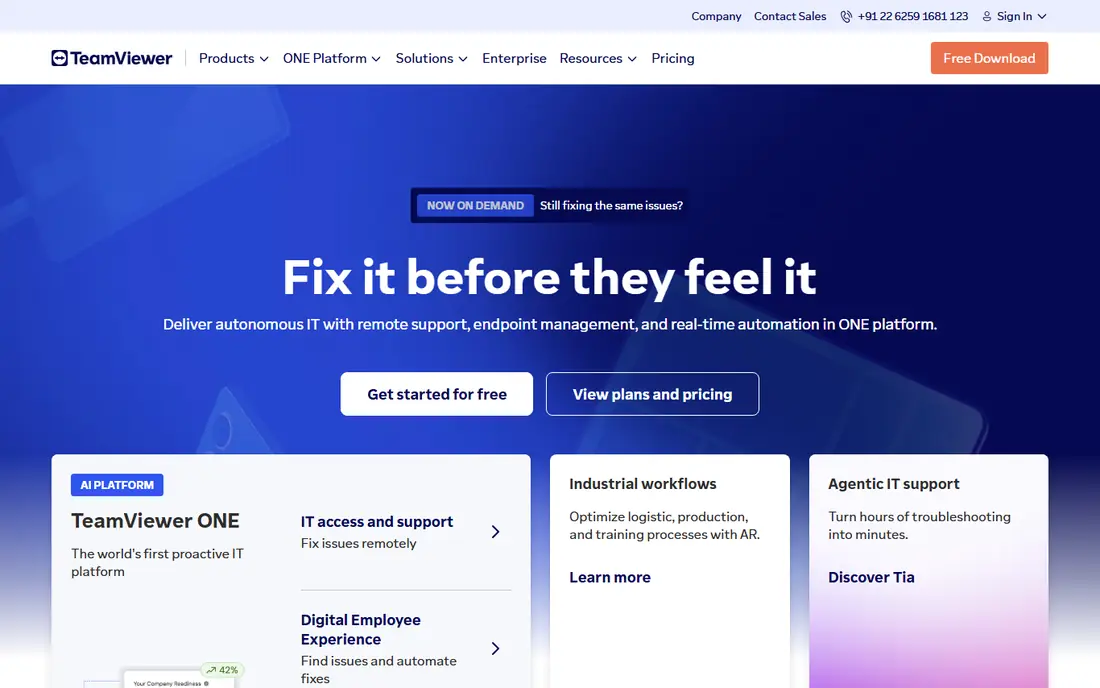
TeamViewer is the name most clients already know, which makes it easy to explain and quick to start. A client can join a session with a code, and the technician gets file transfer, multi monitor support, and session recording on business plans. That familiarity reduces support calls before the session even starts.
The downside is price. Business plans start higher than several rivals here, and costs climb as you add users or managed devices. Small teams that only need occasional access may find better value elsewhere, but teams that value recognition and breadth will still consider it first.
- Very widely recognized
- Works across Windows, Mac, mobile, and Linux
- Strong session features
- Business pricing rises quickly
- Free personal use is flagged if used commercially
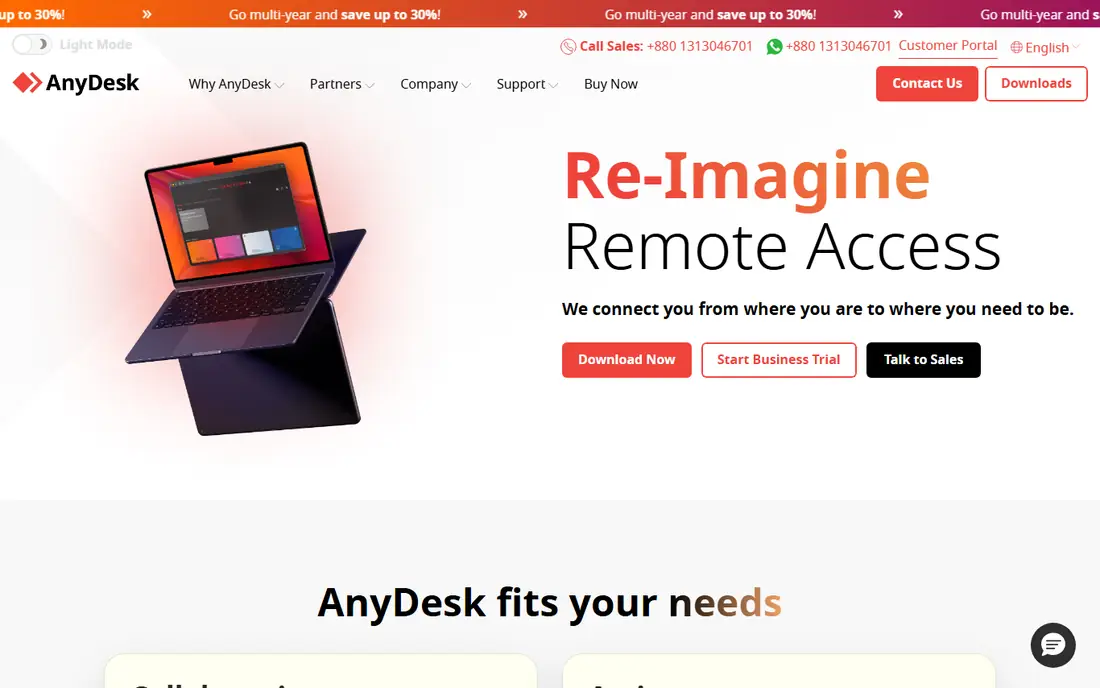
AnyDesk is known for speed, with a codec designed to keep sessions smooth even on slower connections. The client is light to install, and sessions start quickly, which matters when you support staff who are not technical. It covers Windows, Mac, Linux, mobile, and more.
Pricing is the part to check carefully, because AnyDesk moved to a connection based model and business prices vary by region. The free tier is for personal use only, so any business use needs a paid plan. For teams that prioritize session quality, it remains a strong contender.
- Low latency performance
- Light client
- Works across major platforms
- Business pricing varies by region and plan
- Commercial use needs a paid license
Splashtop offers some of the best value in this list, with business access plans starting low and support plans aimed at technicians. Streaming quality is good for everyday office work, and unattended access is straightforward to set up. Small IT teams often pick it because it covers most support needs without enterprise pricing.
The catch is plan complexity. Splashtop sells different products for remote access and remote support, so you need to match the plan to your job. Read the plan details before you buy, and you will likely find a fit that undercuts the big names.
- Strong value on business access plans
- Good streaming quality
- Support focused options
- Plan names and prices differ by use case
- Some advanced features need higher tiers
RemotePC is priced by computer rather than by technician, which makes it very cheap for a small business that needs always on access to its own machines. Setup is simple, and the core features, including file transfer and multi monitor support, cover everyday remote work. For owners who just need to reach office PCs from home, it is hard to beat on price.
It is less of a helpdesk platform than Zoho Assist or ScreenConnect, with fewer ticket and support workflows. If your main job is supporting clients rather than reaching your own machines, a support focused tool may fit better.
- Priced per computer, not per user
- Low entry cost
- Simple unattended setup
- Less helpdesk depth than support focused tools
- Interface is plain
Zoho Assist gives small teams a real free starting point: one technician and five unattended computers, with remote support sessions included. Paid plans start low per technician and add more unattended machines and features. If your business already uses Zoho Desk or CRM, the integration is a bonus.
The limit is depth. Larger IT teams may want the self hosting and automation options that ScreenConnect offers. For a team of one to five support staff, Zoho Assist covers the core job at a price that is easy to justify.
- Free plan for one technician
- Unattended access included
- Integrates with Zoho apps
- Fewer advanced enterprise features
- Best value if you already use Zoho tools
ConnectWise ScreenConnect
Best for: IT teams and managed service providers
ConnectWise ScreenConnect is a favorite among IT teams and managed service providers because it offers deep control, customization, and a self hosted option. The free single technician license lets a solo IT person start without cost, and paid plans scale to multi technician teams. Session features, access control, and auditing suit professional support work.
Setup takes more thought than a simple access tool, and pricing varies by plan and billing model. Small businesses that only need occasional access will find it heavier than they need. IT focused teams, though, will appreciate the control.
- Single technician free option
- Self hosting available
- Strong control and customization
- Pricing and setup are more complex
- Overkill for simple remote access
GoTo Resolve, formerly part of the LogMeIn family, combines remote support with endpoint management features such as patching and monitoring on higher plans. A free tier covers small teams with a few agents and devices, which makes it a low risk way to test the platform. Support sessions are simple for end users to join.
Paid plans are needed for the fuller management feature set, and pricing depends on agent numbers. If you want support and basic device management in one tool, GoTo Resolve is worth a trial. If you only need remote sessions, a simpler tool may cost less.
- Free tier for small teams
- Remote support plus device management
- Ticket features
- Full features need paid plans
- Pricing varies by agent count
RealVNC Connect is built on the VNC standard and works across Windows, Mac, Linux, Raspberry Pi, and mobile devices. That breadth suits businesses with mixed hardware, including small devices and older machines. The client is light, and unattended access is straightforward.
It is more of an access tool than a helpdesk platform, so teams that need ticket integration and advanced support workflows may prefer Zoho Assist or ScreenConnect. For mixed device access at a modest price, RealVNC remains a solid choice.
- Long established VNC standard
- Works across many platforms
- Light client
- Support workflow features are thinner
- Pricing is per device on some plans
Chrome Remote Desktop is the simplest free option here. Install the extension, sign in with a Google account, and you can reach your own computers or help a friend with a one off session. There is no cost, no plan to choose, and almost nothing to learn.
That simplicity is also its limit. There are no technician queues, ticket tools, or advanced access controls, so it does not scale to a support team. For a solo owner who needs occasional access to one or two machines, it is enough.
- Completely free
- Simple setup with a Google account
- Works in the browser
- No helpdesk features
- Limited controls for business support
RustDesk is an open source remote desktop tool that you can run with its public servers or self host on your own infrastructure. That control appeals to privacy focused teams and to businesses that want to avoid per user fees. The core remote session features cover everyday access well.
Self hosting takes technical work, including server setup and maintenance, so it is not a zero effort choice. Teams without IT skills should use the hosted option or pick a managed tool instead. For technical teams that value control, RustDesk is a strong free option.
- Open source
- Self hosting option
- No vendor lock in
- Self hosting needs technical setup
- Support features are basic
How we picked these
We compared official pricing pages, feature pages, and documentation for remote control tools that small businesses actually use for support and remote access. We favored tools with a free tier or trial, clear per user or per device pricing, unattended access, and cross platform support. We did not claim hands-on testing, and we noted where pricing varies by plan or region instead of stating a single figure as fixed.
How to choose remote control software for a small business
Count technicians, not just computers
Some tools charge per technician, others per computer. A business with many machines and few support staff will pay less on a per technician plan, while a business with few machines and many users may do better on a per computer plan. Model your real numbers before you compare headline prices.
Check unattended access needs
If you need to reach machines when no one is present, confirm that unattended access is included on your plan, not just attended sessions. Free plans often limit unattended machines, so check that number against your fleet.
Test security and consent controls
Look for two factor authentication, session consent prompts, access logs, and the ability to restrict which machines a technician can reach. These controls matter more than small price differences, especially when you support client machines.
Run a real support trial
Invite a non technical colleague to join a session and see how long it takes from first contact to a working connection. The tool that feels easiest to the person being helped will save your team time on every ticket.
Sources
Frequently asked questions
What is the best remote control software for a small business?
Zoho Assist is our pick for most small support teams, thanks to its free plan and low paid pricing. Splashtop and RemotePC are strong value picks for remote access, while ScreenConnect suits IT focused teams that need deeper control.
Is there a free remote control tool for business use?
Zoho Assist offers a free plan for one technician, and ScreenConnect offers a free single technician option. Chrome Remote Desktop and RustDesk are free for basic access, but they lack helpdesk features. Always check the license terms, because personal free tiers do not cover commercial use.
What is the best remote support software for small business?
For support work, meaning helping clients or staff rather than reaching your own PCs, Zoho Assist, Splashtop SOS, and ScreenConnect are the strongest fits here. They include session tools, unattended access, and technician workflows that basic access tools lack.
How much does remote control software cost?
Prices range from free to about 25 dollars per month per user or technician on entry business plans, with per computer plans often cheaper. TeamViewer and AnyDesk sit at the higher end, while RemotePC, Splashtop, and Zoho Assist sit at the lower end for small teams.
Can I use remote control software on Mac and Windows?
Yes, all of the tools listed here support Windows and Mac, and most support Linux and mobile devices as well. Check the specific plan if you need mobile support or Raspberry Pi access, since some features vary by platform.
Is remote control software safe?
Reputable tools use encrypted connections, session consent, and access controls, but safety also depends on how you configure them. Use strong passwords, two factor authentication, and least privilege access, and only grant unattended access to machines you manage.