Best Remote Control Software in 2026: 8 Tools Compared
By ToolNimba Editorial Team November 1, 2026 8 min read

- Top pick
 TeamViewer
Most users and all round use
Starting price$24.90 per monthCheck out TeamViewerRead our review - Runner-up
 AnyDesk
Fast low latency access
Starting price$22.90 per monthCheck out AnyDeskRead our review - Also great
 Splashtop
Value remote work access
Starting price$6 per monthCheck out SplashtopRead our review
How we researched this
We compared official pricing and feature pages, app store listings, privacy policies and public user reviews. Prices change, so check the provider's site before you pay.
Key takeaways
- TeamViewer is our pick for most users for its cross platform support and free personal tier.
- AnyDesk leads for low latency sessions on weak connections.
- Splashtop is the best value for remote work access at $6 per month for Solo.
- Chrome Remote Desktop is the best free option for simple personal access.
- For IT teams, ConnectWise ScreenConnect and RealVNC offer stronger admin and security controls.
Quick comparison
| Name | Best for | Starting price | Free plan | |
|---|---|---|---|---|
| TeamViewer | Most users and all round use | $24.90 per month | Yes | Visit |
| AnyDesk | Fast low latency access | $22.90 per month | Yes | Visit |
| Splashtop | Value remote work access | $6 per month | Free trial | Visit |
 Chrome Remote Desktop | Simple free personal access | Free | Yes | Visit |
 Zoho Assist | Budget small teams | See website | Yes | Visit |
 RemotePC | Low cost per computer access | See website | Free trial | Visit |
 ConnectWise ScreenConnect | IT support teams | $33 per month | Free trial | Visit |
 RealVNC Connect | Secure lightweight access | $8.25 per month | Yes | Visit |
The best remote control software
Remote control software lets you view and control another computer from your own device, for work, support, or personal access. Security, speed, and price differ widely, so we compared official pricing pages, feature pages, encryption claims, and public reviews to match each tool to its real user.
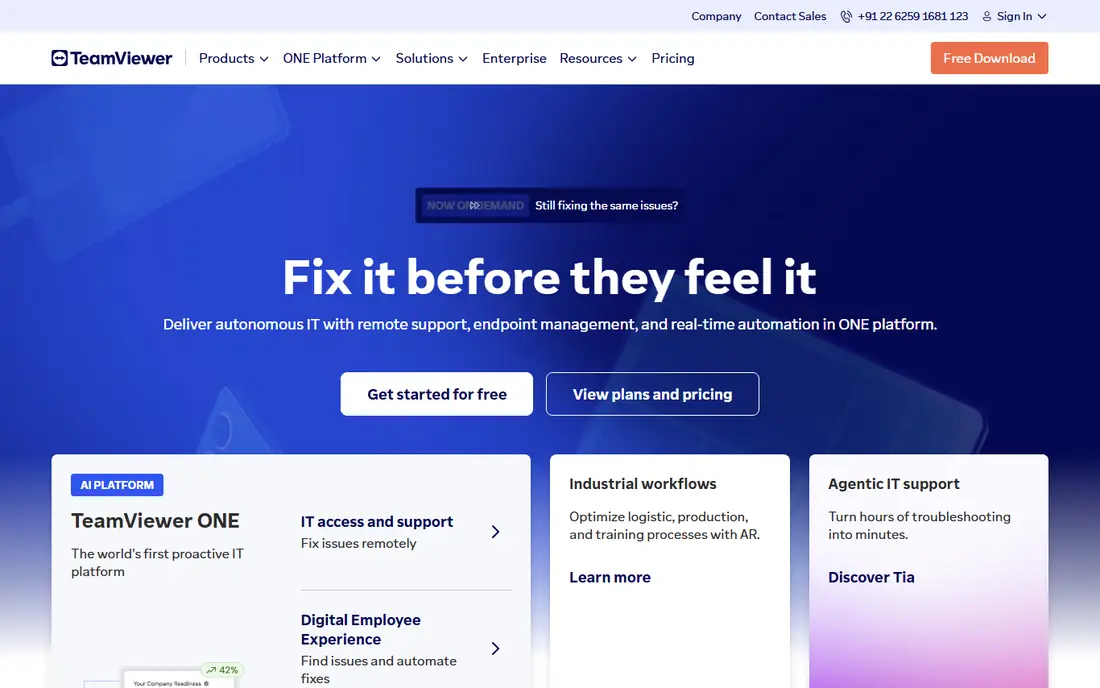
TeamViewer is our pick for most users because it works across Windows, macOS, Linux, iOS, and Android, and its free tier covers genuine personal use. File transfer, remote printing, and session management are built in, and the company notes ISO, SOC, and HIPAA aligned compliance, which matters for business users.
The catch is business price and use detection. Paid plans start at $24.90 per month for remote access in public listings, and higher tiers climb fast for teams. Personal users should also avoid using a free account for business work, since TeamViewer may flag commercial use. For mixed personal and business needs, TeamViewer still sets the standard.
- Cross platform support
- Free personal tier
- Strong security compliance claims
- Business pricing is higher than budget rivals
- Commercial use detection can flag personal accounts
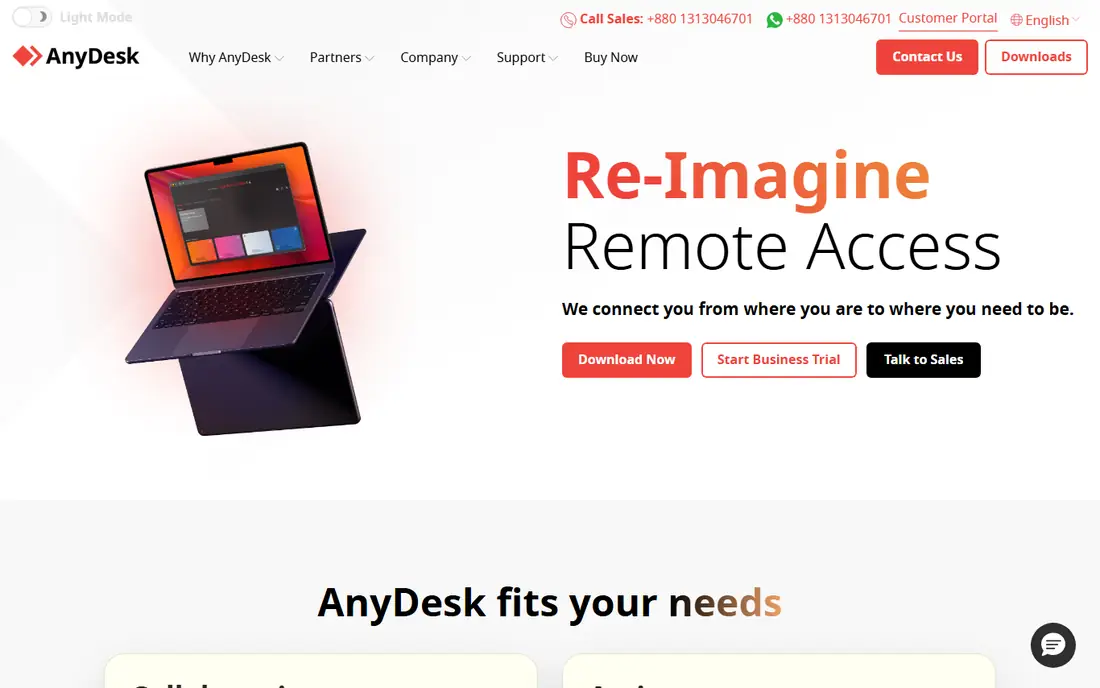
AnyDesk wins when speed matters. Its codec is built for low latency, so remote sessions feel responsive even on slower connections or when working with video and design files. The download is small and setup is fast, which helps when supporting a family member or client who is not technical.
The trade off is price and depth. At $22.90 per month in public listings, AnyDesk is not the budget pick, and some team admin features sit on higher plans. For users who value responsiveness above all else, especially on weak networks, AnyDesk is worth the premium over cheaper tools.
- Low latency performance
- Small download
- Works on weak connections
- Paid plans are not the cheapest
- Some advanced admin features need higher tiers
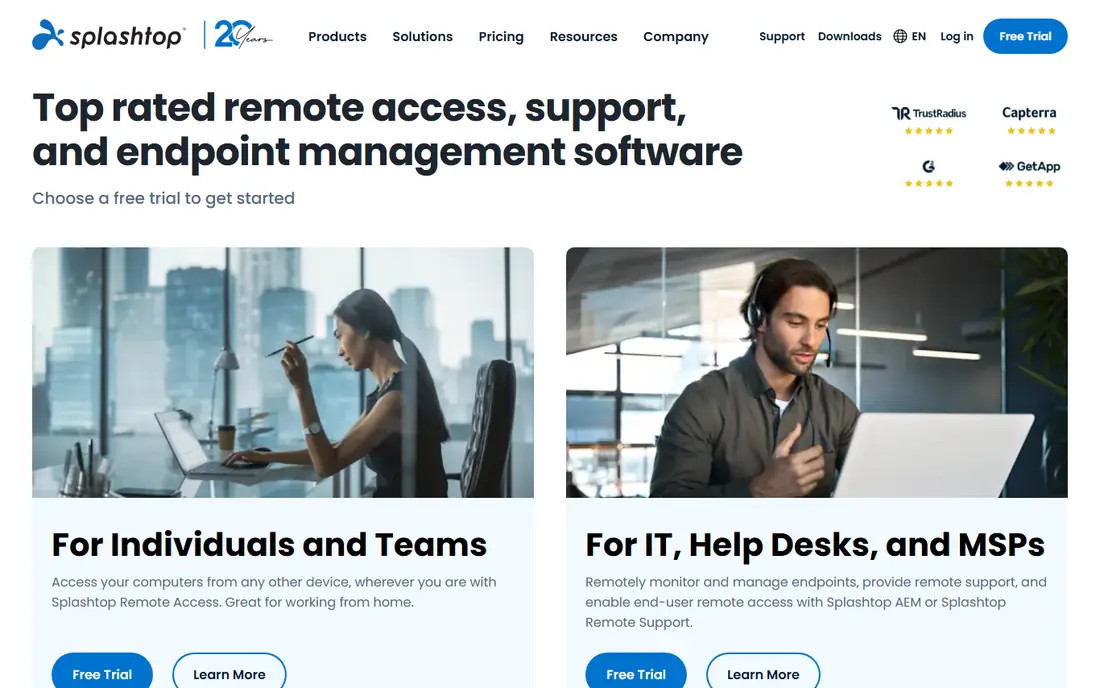
Splashtop is the best value for remote work. Its Solo plan, from $6 per month billed annually in public listings, gives high quality remote access to your own computers for work from home or travel. Video and audio streaming quality is strong, which helps for media work and presentations.
For IT support, Splashtop offers separate support tiers, so buyers should check which plan matches their job. Solo suits personal remote work, while support teams need the higher remote support plans. Priced per user rather than per computer in many plans, Splashtop stays affordable as computer counts grow.
- Solo plan from $6 per month in public listings
- High quality video and audio
- Good for remote work
- Support focused features need higher tiers
- Free personal use is more limited than TeamViewer
Chrome Remote Desktop is the simplest free option. It runs in the Chrome browser, uses a Google account for sign in, and lets you access your own computers or help someone with a one time code. Setup takes minutes, with no complex server settings.
The limit is features. There is no team console, advanced reporting, or rich support workflow, so IT teams should look elsewhere. For personal access to a home PC, or occasional help for a relative, Chrome Remote Desktop is free, safe enough with Google account security, and hard to beat for simplicity.
- Completely free
- Browser based setup
- Easy Google account sign in
- Few admin or support features
- No advanced file or session management
Zoho Assist suits small teams that already use Zoho products or want a low cost support tool. It covers attended and unattended access, file transfer, and session tools at a price below TeamViewer and AnyDesk in public listings, with a free plan for basic use.
The catch is polish. Its interface and session feel are less refined than the top two, and larger teams may miss advanced admin controls. For a small business that needs reliable remote support without enterprise pricing, Zoho Assist is a practical budget pick.
- Free plan available
- Unattended access
- Good value for small support teams
- Interface is less polished than TeamViewer
- Some features need paid tiers
RemotePC is built around low cost access to your own computers. Its plans often price by computer count rather than by user, which suits individuals and small firms with many machines but few operators. Unattended access, file transfer, and remote chat cover the core remote work job.
Performance is the honest weakness. On fast local networks it works well, but on weak connections it can feel slower than AnyDesk or Splashtop. For budget remote work access where cost per computer matters most, RemotePC is a strong choice.
- Low cost per computer plans in public listings
- Unattended access
- File transfer and chat
- Performance can lag behind AnyDesk
- Support tools are lighter than ScreenConnect
ConnectWise ScreenConnect, formerly ScreenConnect, is built for IT support teams and managed service providers. It offers unattended access, machine grouping, session tools, and integrations with ticketing and management systems. That workflow matters when a team supports hundreds of endpoints.
The trade off is fit. At $33 per month in public listings, with setup and admin time, ScreenConnect is overkill for personal use or a single remote worker. IT teams that need a support console, not just a remote viewer, will find it one of the most capable tools here.
- Strong support workflow
- Unattended access and grouping
- Good for MSPs
- Price and setup suit IT teams, not casual users
- Learning curve for new admins
RealVNC Connect appeals to users who want secure, lightweight remote access without a heavy platform. It uses the VNC protocol with encryption, runs on many platforms, and offers a free plan for basic personal use. At $8.25 per month in public listings, paid plans are affordable for individuals.
The limit is breadth. RealVNC is leaner than TeamViewer for support workflows, file management, and integrations. For personal access and small teams that value a small, secure client over a full support suite, RealVNC is a good fit.
- Lightweight client
- Strong encryption focus
- Free plan for basic personal use
- Feature set is leaner than TeamViewer
- Team features need paid tiers
How we picked these
We compared official pricing pages and feature pages, security and encryption claims, platform support, and public reviews. We did not claim hands on testing. We favored tools with clear personal and business pricing, two factor authentication support, and a real free or trial path for testing.
How to choose safely
Start with your use case. Personal access to your own PC suits Chrome Remote Desktop, Splashtop Solo, or RealVNC. Helping family or clients suits TeamViewer or AnyDesk. Running an IT support team suits ScreenConnect or Zoho Assist. That filter avoids paying for team features you will never use.
Next, lock down security before your first session. Turn on two factor authentication, use strong unique passwords, and only allow unattended access on machines you control. Never share access codes publicly, and end sessions when work is done. Remote access is powerful, so access controls matter as much as speed.
Finally, test performance on your real connection. Run a session over the wifi and network you will actually use, and check video smoothness, file transfer, and multi monitor support. A tool that feels fast in a demo may lag on a weak home connection, and that test is worth more than any spec sheet.