Best Remote Support Software in 2026: 9 Tools Compared
By ToolNimba Editorial Team November 9, 2026 8 min read

- Top pick
 TeamViewer
Best all-rounder
Starting price$24.90 per monthCheck out TeamViewerRead our review - Runner-up
 AnyDesk
Fast low-latency access
Starting price$22.90 per monthCheck out AnyDeskRead our review - Also great
 Splashtop
Best value remote work
Starting price$6 per monthCheck out SplashtopRead our review
How we researched this
We compared official pricing and feature pages, app store listings, privacy policies and public user reviews. Prices change, so check the provider's site before you pay.
Key takeaways
- TeamViewer remains the best-known all-rounder, with a free personal tier and paid Remote Access from $24.90 per month billed annually.
- Splashtop undercuts everyone on price for remote work access, with Solo from $6 per month billed annually.
- AnyDesk wins on speed and low latency, at $22.90 per month, though its licensing model changed in late 2025.
- RemotePC and Zoho Assist are the budget picks for small teams that need many computers covered cheaply.
- Enterprise security and compliance point to BeyondTrust, ConnectWise ScreenConnect, or RealVNC Connect.
Quick comparison
| Name | Best for | Starting price | Free plan | |
|---|---|---|---|---|
| TeamViewer | Best all-rounder | $24.90 per month | Yes | Visit |
| AnyDesk | Fast low-latency access | $22.90 per month | Yes | Visit |
| Splashtop | Best value remote work | $6 per month | Free trial | Visit |
 RemotePC | Cheap per-computer pricing | $1.84 per month | No | Visit |
 Zoho Assist | Budget-friendly small teams | See website | Free trial | Visit |
 ConnectWise ScreenConnect | IT support teams | $33 per month | Free trial | Visit |
 BeyondTrust Remote Support | Enterprise security | $2,097 per year | No | Visit |
 ISL Online | European privacy compliance | $16.90 per month | Free trial | Visit |
 RealVNC Connect | Secure lightweight access | $8.25 per month | Yes | Visit |
The best remote support software
Remote support software covers three jobs: reaching your own computers from anywhere, connecting to someone else's machine for a support session, and managing fleets of machines unattended. The tools below cover all three, from free personal access to enterprise platforms with audit trails and compliance controls.
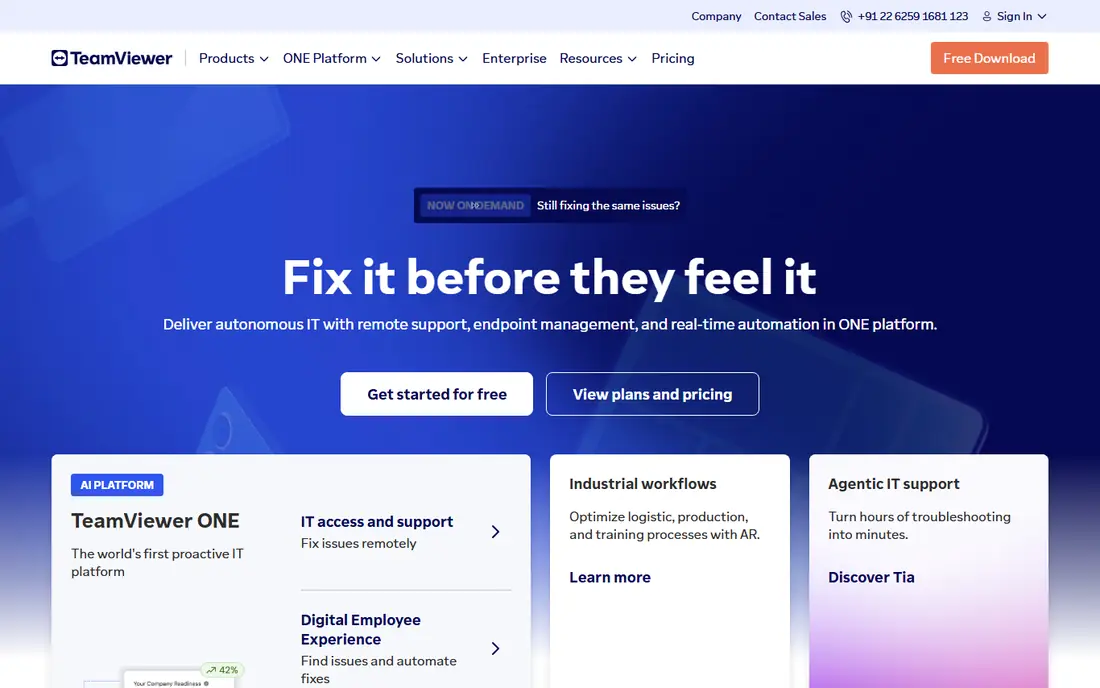
TeamViewer is the name most people think of for remote access, covering support, unattended access, and AR-assisted guidance across Windows, Mac, Linux, mobile, and IoT devices. Its AI agent summarizes sessions and builds automations from repeated fixes, and security credentials are strong, with ISO 27001, HIPAA, and SOC 2 compliance. Remote Access starts at $24.90 per month billed annually, with a free tier for personal use.
Commercial pricing is premium, and the free version is strictly personal. For businesses that want the safe, widely recognized choice with AI assistance on top, TeamViewer remains the benchmark.
- Best-known brand with broad device support
- Free personal tier
- AI session summaries on paid plans
- Commercial pricing is premium
- Free version limited to personal use
- Quote-based enterprise pricing
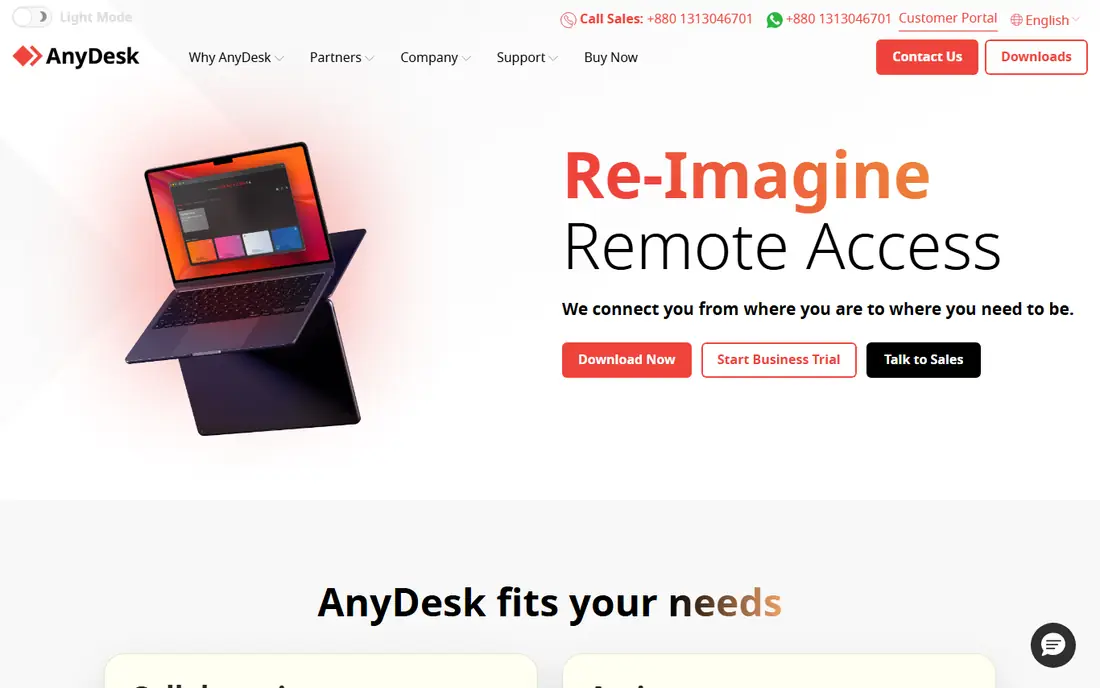
AnyDesk built its reputation on speed. Its lightweight client delivers low-latency connections that feel local even on weaker networks, which matters for design work, video, and anything where lag kills productivity. Solo pricing starts at $22.90 per month, with a free tier for personal use.
The catch is licensing: AnyDesk switched to a connection-based model in late 2025, pricing is now region-dependent, and it no longer has the clear pricing edge it once held. For raw connection speed at a fair price, it still leads the field.
- Very fast, lightweight connections
- Low latency for demanding sessions
- Free personal tier
- Licensing moved to connection-based model in late 2025
- Pricing is region-dependent
- Fewer enterprise extras
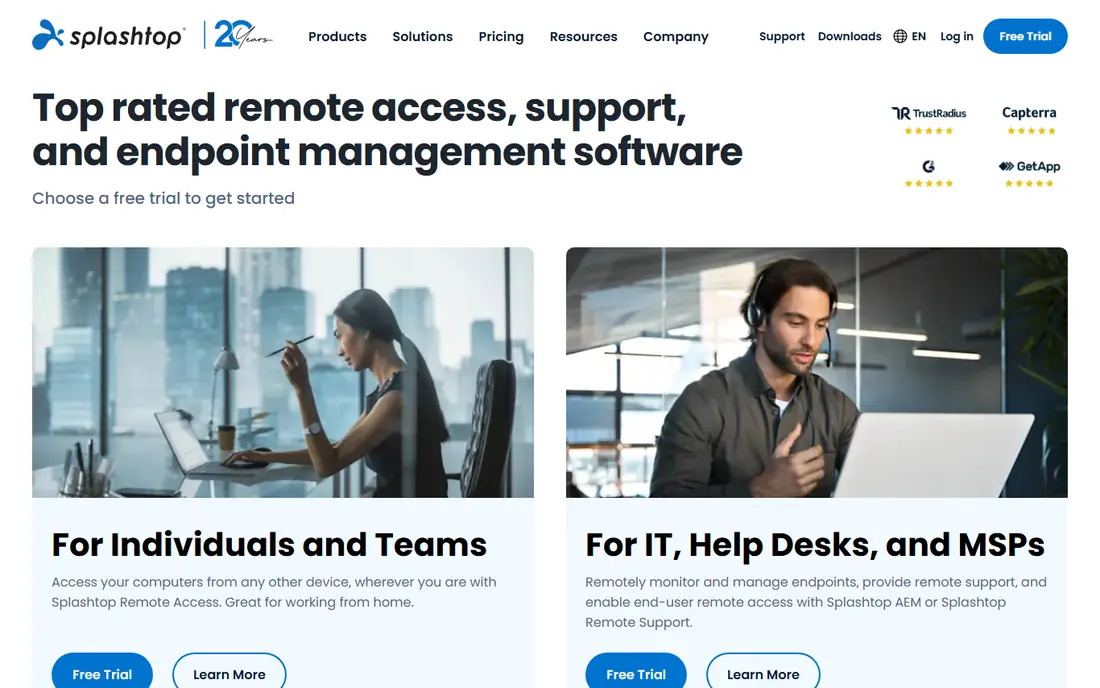
Splashtop undercuts the whole category on price. Solo starts at $6 per month billed annually for remote work access, and its streaming quality is high, with low latency that reviewers consistently praise. Small IT teams get per-technician value that beats TeamViewer and AnyDesk at comparable tiers.
There is no permanent free tier, only a trial, and dedicated remote support plans cost more than Solo. For small businesses that need reliable remote access and support at the lowest price, Splashtop is our top value pick.
- Lowest price for remote work access
- Fast, high-quality streaming
- Strong for IT support teams
- Free trial only, no permanent free tier
- Remote support plans cost more than Solo
- Fewer AI extras
RemotePC is the simplest and most affordable option for people who need to reach their own computers remotely. Solo pricing runs about $1.84 per month, and the per-computer model stays cheap as you add machines, which suits owners with several PCs at home or in a small office.
Advanced IT features trail TeamViewer and ScreenConnect, and there is no free plan. For non-technical owners who just need reliable access to their own machines, RemotePC is the cheapest credible choice.
- Very low per-computer cost
- Simple setup for non-technical owners
- Covers many machines cheaply
- No free plan
- Fewer advanced IT features
- Interface is basic
Zoho Assist is the budget-friendly pick for small teams, especially those already using Zoho products. It covers on-demand support and unattended access with solid security, and reviewers rate its value highly. A 15-day free trial lets teams test it before paying.
Pricing varies by plan and region, so check the current page, and the brand is smaller than TeamViewer. For Zoho ecosystem teams and cost-conscious small businesses, Zoho Assist delivers strong support features for the money.
- Strong value for small teams
- Integrates with Zoho apps
- Secure unattended access
- Pricing sits behind plan pages
- Free trial lasts 15 days
- Smaller brand than TeamViewer
ConnectWise ScreenConnect, formerly ConnectWise Control, is built for managed service providers and IT support teams. Session management, technician toolboxes, and integration with the wider ConnectWise suite suit teams supporting many clients. Pricing starts at $33 per month, with a free trial available.
It is overkill for personal use, and the full feature set takes learning. For IT teams and MSPs that live in ConnectWise, ScreenConnect is the natural, powerful choice.
- Built for MSPs and IT teams
- Strong session management
- Integrates with ConnectWise suite
- Starts at $33 per month
- Overkill for personal use
- Learning curve for full features
BeyondTrust Remote Support is the enterprise security pick. It combines remote support with privileged access management, detailed audit logs, and vaulting, which regulated industries and large enterprises require. Pricing starts at $2,097 per year.
That price and the implementation effort put it out of reach for small teams. For organizations where every remote session must be audited and controlled, BeyondTrust is the standard.
- Strongest enterprise security and audit controls
- Privileged access management
- Trusted by regulated industries
- Costs $2,097 per year to start
- No free plan
- Implementation effort for enterprises
ISL Online suits European teams that care about data residency and privacy compliance. Hosting and privacy practices align with EU requirements, setup is fast, and pricing starts at $16.90 per month with a free trial. Reviewers rate it highly for ease of use.
Outside Europe the brand is smaller and integrations fewer. For EU-focused businesses that want a compliant, easy remote support tool, ISL Online is a strong pick.
- European hosting and privacy compliance
- Fast setup
- Good for EU-focused teams
- Smaller brand outside Europe
- Free trial only
- Fewer integrations than TeamViewer
RealVNC Connect is the secure, lightweight option. It offers strong encryption, a free tier for personal use, and paid plans from $8.25 per month. The client is small and dependable, which suits users who want remote access without a heavy platform.
Support-team features like advanced session management trail ScreenConnect and TeamViewer, and the interface is plain. For secure, no-fuss remote access at a low price, RealVNC Connect is a dependable choice.
- Lightweight and secure
- Free tier available
- Strong encryption
- Fewer support-team features
- Interface is plain
- Advanced features need higher tiers
How we picked these
We compared official pricing pages, product documentation, and independent 2026 comparisons of remote access software, favoring tools with current availability in October 2026, a real free tier or trial, and a clear job: personal access, small-team support, or enterprise compliance. We mixed free and paid tools across team sizes. Prices change often and some vendors moved to quote-based or region-dependent pricing, so confirm on each vendor page before you buy. We did not test every tool hands-on; our comparison rests on published features, pricing, and public reviews.
Choosing by team size
Solo users and tiny teams should start free: TeamViewer or AnyDesk for personal use, Chrome Remote Desktop for the simplest case, or RemotePC for cheap multi-computer access. Small IT teams get the best value from Splashtop or Zoho Assist, while MSPs should look at ScreenConnect. Enterprises with compliance needs should shortlist BeyondTrust and TeamViewer.
Check licensing carefully before paying. Some vendors price per technician, some per computer, and some per connection, and the cheapest headline price can cost more at your team size. Trial the exact plan you will buy, with your real devices, before committing.
Sources
- https://rankite.com/blog/top-10-remote-access-software
- https://rankite.com/blog/best-computer-remote-access-software
- https://www.spotsaas.com/list/anydesk-alternative-for-android
- http://sonary.com/remote-desktop/
- https://www.teamviewer.com
- https://www.anydesk.com
- https://www.splashtop.com
- https://www.remotepc.com
- https://www.zoho.com
- https://www.connectwise.com
- https://www.beyondtrust.com
- https://www.islonline.com
- https://www.realvnc.com
Frequently asked questions
What is the best remote support software for small business?
Splashtop is the best overall value for small businesses, with Solo from $6 per month billed annually and strong streaming quality. Zoho Assist is best for teams in the Zoho ecosystem, while RemotePC is cheapest for owners who just need access to their own computers.
Is there free remote support software?
Yes, for personal use. TeamViewer, AnyDesk, and RealVNC Connect all offer free personal tiers, and Chrome Remote Desktop is free for personal access. Commercial support use requires a paid license on all of these platforms, so do not use a personal tier for business support.
What is the difference between remote access and remote support?
Remote access means reaching your own computers from anywhere, usually unattended. Remote support means a technician connects to someone else's machine for a session, often with the user present. Most tools here do both, but pricing and features differ by job.
How much does remote support software cost?
Entry prices here run from $1.84 per month for RemotePC Solo to $33 per month for ScreenConnect, with enterprise platforms like BeyondTrust starting at $2,097 per year. Free personal tiers exist, but business use always needs a paid plan.
Is remote support software secure?
Reputable tools use encryption, two-factor authentication, and access controls, and enterprise tools add audit logs and privileged access management. Risks come from misuse: never let an unknown caller connect to your machine, and only grant access to support teams you trust and can verify.