Best Resource Management Software in 2026: 8 Tools Compared
By ToolNimba Editorial Team November 9, 2026 8 min read

- Top pick
 Float
Dedicated resource planning
Starting price$7 per monthCheck out FloatRead our review - Runner-up
 Asana
Tasks plus workload
Starting price$10.99 per monthCheck out AsanaRead our review - Also great
 monday.com
Visual boards and planning
Starting price$9 per monthCheck out monday.comRead our review
How we researched this
We compared official pricing and feature pages, app store listings, privacy policies and public user reviews. Prices change, so check the provider's site before you pay.
Key takeaways
- Float is the most focused resource planning tool here, built around people, capacity and workload views.
- Asana, monday.com, ClickUp and Wrike suit teams that want resource planning inside a broader project tool.
- Smartsheet suits spreadsheet-friendly teams that plan resources in grid and Gantt views.
- Price depends on seats, so compare totals at your real team size, not just the entry per-user price.
Quick comparison
| Name | Best for | Starting price | Free plan | |
|---|---|---|---|---|
| Float | Dedicated resource planning | $7 per month | Free trial | Visit |
| Asana | Tasks plus workload | $10.99 per month | Yes | Visit |
| monday.com | Visual boards and planning | $9 per month | Yes | Visit |
 ClickUp | All-in-one work and workload | $7 per month | Yes | Visit |
 Wrike | Large team resource control | $10 per month | Yes | Visit |
 Smartsheet | Spreadsheet-style planning | $9 per month | Free trial | Visit |
 Mosaic | Capacity and utilisation | See website | Free trial | Visit |
 Productive | Agency resource and finance | See website | Free trial | Visit |
The best resource management software
Resource management software answers a simple question: who has time, who is overloaded, and what can we take on next. Some tools answer it with a dedicated scheduling view, while others add workload views to a full project platform. The best pick depends on whether planning people is your main job or one part of project work.
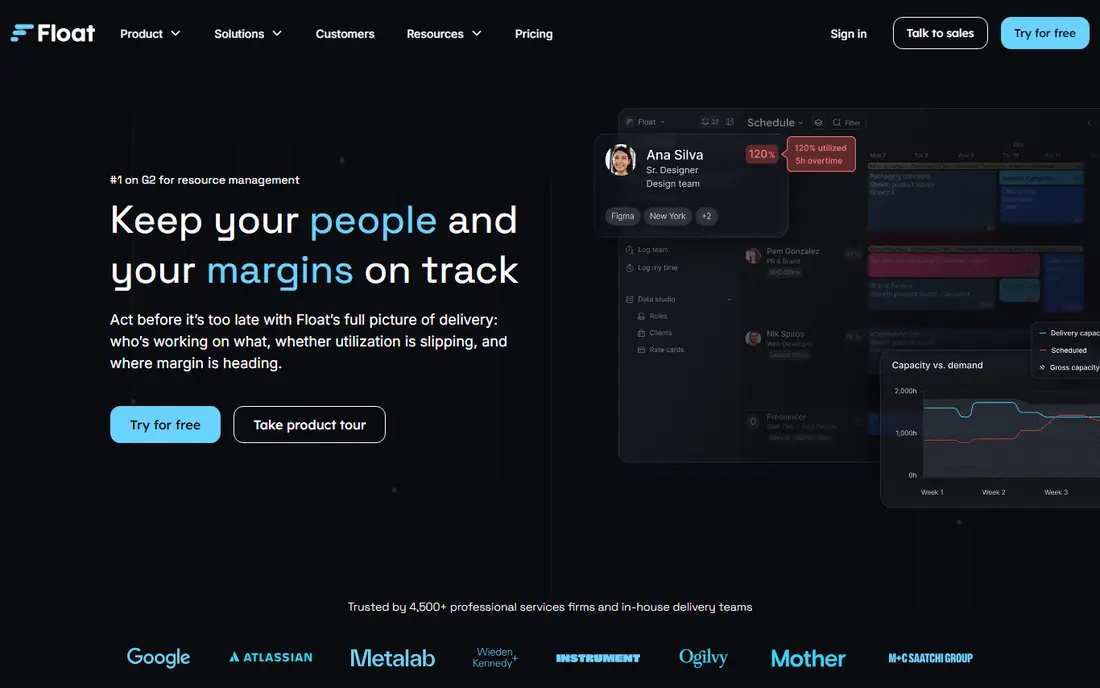
Float is the purest resource planning tool on this list. Its timeline shows who is booked, who has spare capacity and where overloads are forming, and you can test project previews before committing people. Professional services teams use it to staff projects, balance workloads and spot hiring needs early.
It is not a full project management suite. Task dependencies, docs and complex workflows are thinner than Asana or ClickUp, so many teams pair Float with a project tool. If your main pain is people planning rather than task tracking, Float is the most focused choice here.
- Clear capacity and workload views
- Scheduling by person and project
- Skill tags for staffing
- Lighter project management than Asana or monday.com
- Reporting depth limited on lower plans
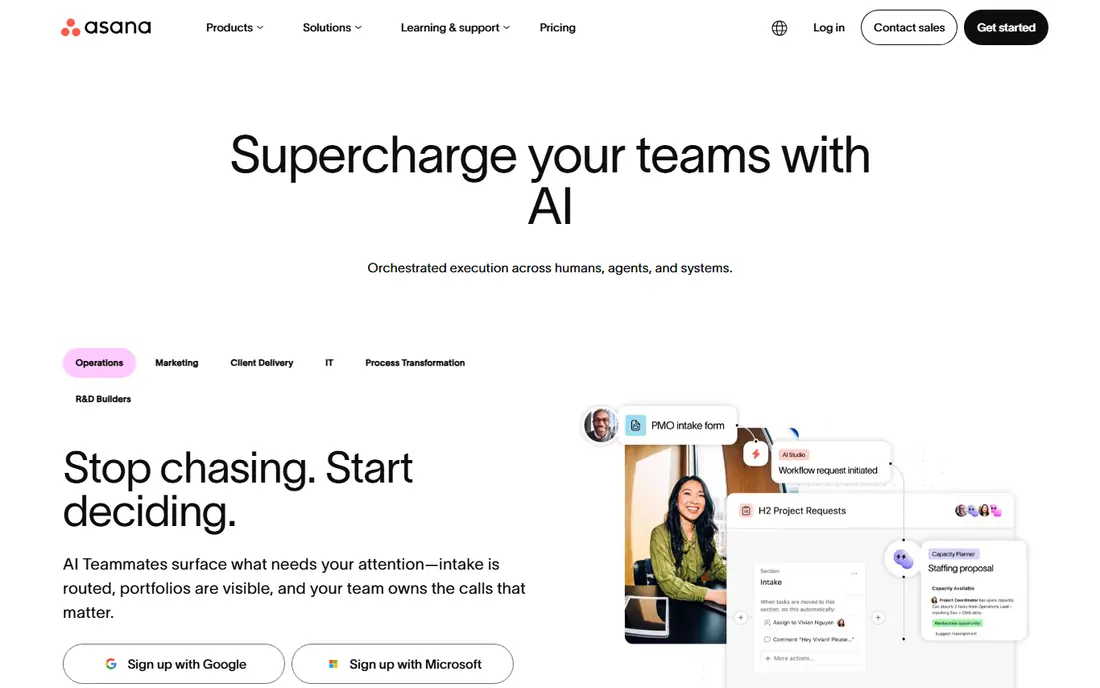
Asana suits teams that live in tasks and want resource views without a second tool. Its Workload view shows capacity across projects, its Timeline shows schedules, and Portfolios roll up work for managers. The free plan covers small teams well, which makes Asana easy to start.
Dedicated capacity planning is less deep than Float or Mosaic. Forecasting, utilisation reporting and skill matching need workarounds or higher plans. If your team already runs projects in Asana, adding Workload on a paid plan is often simpler than adopting a separate planner.
- Generous free plan
- Workload view on paid plans
- Portfolios and goals
- Workload features need paid plans
- Resource forecasting thinner than Float
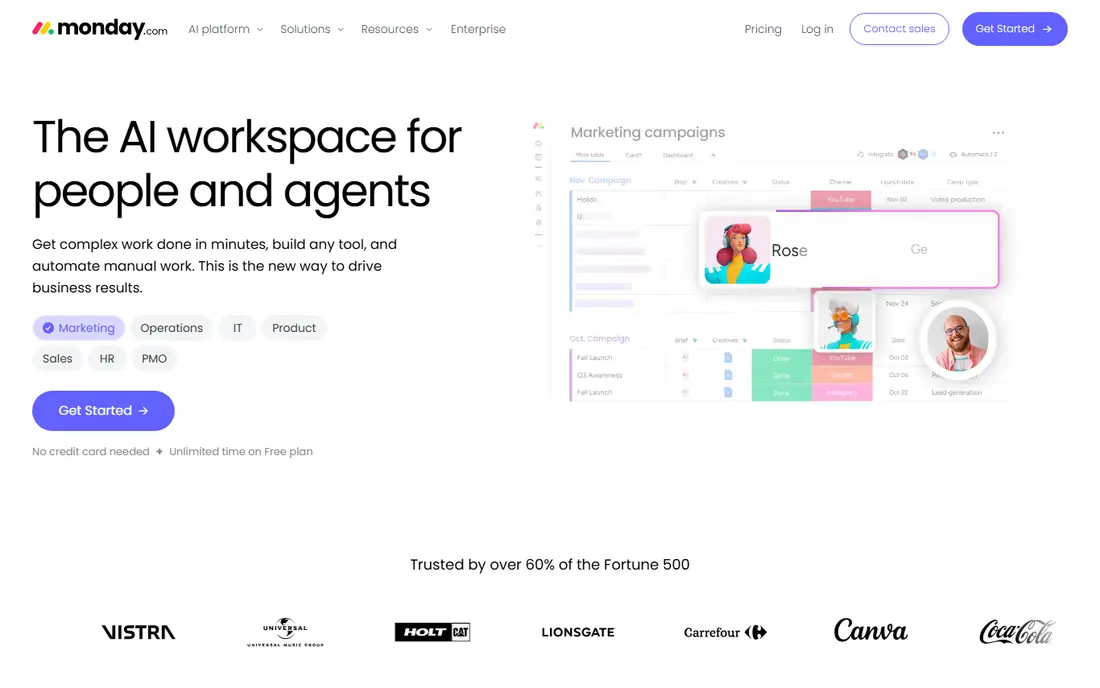
monday.com appeals to teams that want to see resource plans as colourful boards, timelines and dashboards. Its workload widgets show who is over capacity, and its flexible columns let you track skills, locations and project phases in one view. Managers who present plans to leadership often like its dashboards.
The free plan covers only two seats, and entry paid plans have a seat minimum, so small-team costs need a careful check. Customisation also needs admin time to stay clean. For visual planning across departments, monday.com is a strong, flexible choice.
- Highly visual boards
- Workload widgets
- Flexible columns and dashboards
- Free plan limited to two seats
- Costs rise with seats and features
ClickUp is the value all-in-one for teams that want tasks, docs, goals and workload views in one subscription. Its Workload view shows capacity by person, its dashboards roll up utilisation, and its free plan is generous for small teams. Consolidating tools can save licence costs for a growing team.
The breadth is also the drawback. ClickUp has many features, and large workspaces can feel busy or slow on modest hardware. Teams that need only resource planning may prefer Float for clarity. Teams that want one tool for most work will find ClickUp hard to beat on price.
- Low entry price
- Workload view
- Docs, goals and time tracking in one place
- Interface can feel busy
- Performance can lag on very large workspaces
Wrike suits larger teams that need structured resource management, reporting and approvals. Its workload views, capacity planning and time tracking help managers balance work across departments, and its enterprise controls suit regulated or complex organisations. High-volume project teams often pick Wrike for that structure.
Setup and admin time are higher than Float or Asana, and the most useful resource features sit on paid plans. Small teams may find it heavy. For a large team with many projects and shared staff, Wrike gives managers the control they need.
- Strong resource and workload tools
- Reporting for large teams
- Enterprise controls
- Setup takes time
- Higher plans costly for small teams
Smartsheet suits teams that already think in spreadsheets. Its grid view feels familiar, while Gantt, card and calendar views turn the same data into schedules. Resource management features help track allocation, and dashboards roll up capacity for managers. Finance, operations and construction teams often adopt it quickly.
It feels less modern than monday.com or ClickUp, and some advanced resource features need add-ons or higher plans. If your team lives in spreadsheets and wants planning without a steep learning curve, Smartsheet is a practical fit.
- Familiar grid view
- Gantt and card views
- Resource management add-ons
- Interface less modern than rivals
- Some resource features need add-ons or higher plans
Mosaic focuses on capacity, utilisation and staffing for professional services and agencies. It shows who is available, who is overbooked and how utilisation trends over time, and it integrates with project tools many agencies already use. Managers use it to make staffing decisions with data, not guesswork.
Pricing is less public than rivals, so you will need a quote or trial to confirm cost at your team size. Its ecosystem is also smaller than Asana or monday.com. If capacity and utilisation are your core metrics, Mosaic deserves a trial alongside Float.
- Capacity and utilisation focus
- AI-assisted staffing suggestions
- Integrations with project tools
- Pricing not fully public
- Smaller ecosystem than Asana or monday.com
Productive suits agencies that need resource planning tied to budgets and profitability, not just schedules. It combines people planning with project budgets, time tracking and financial reporting, so managers can see whether a well-staffed project is also profitable. That link between people and money is its main advantage.
It is heavier than Float for a team that only needs scheduling, and pricing often requires a trial or quote. For an agency managing many clients, budgets and staff together, Productive can replace separate planning and finance tools. For a small internal team, a lighter planner will be simpler.
- Resource planning plus budgets and profitability
- Agency workflows
- Time tracking
- Pricing needs a quote for many teams
- Heavier than a pure planner
How we picked these
We compared official pricing pages, feature pages and public reviews for resource management tools, focusing on capacity views, workload balancing, forecasting and integrations. We favoured tools still available in 2026, with clear pricing or a stated trial, and with a real resource planning function rather than only task lists. We did not claim hands-on testing, and prices change, so check the vendor site before you buy.
Setting up resource planning that sticks
Start with clean data: real team members, real working hours and real project dates. A planner filled with guesswork will produce pretty charts and wrong decisions. Review capacity weekly, not quarterly, and update allocations when projects slip, since a plan that is out of date quickly loses trust.
Capacity, utilisation and overload
Capacity is the hours a person can actually work, utilisation is how much of that capacity is booked, and overload is booked work beyond capacity. Aim for a sustainable utilisation target, not 100 percent, since leave, meetings and unplanned work always take time. Use the planner to protect focus time, not just to fill every hour.
Choosing a dedicated planner or a project suite
Choose a dedicated planner such as Float or Mosaic when people planning is a daily job and forecasting matters. Choose a project suite such as Asana, monday.com or ClickUp when tasks, docs and resource views need to live together. Many teams start in a suite, then add a dedicated planner when capacity decisions become complex enough to need it.
Sources
Frequently asked questions
What is resource management software?
It is software that helps managers plan who works on what, when, and for how long. It shows capacity, workload, availability and utilisation across projects, so teams can avoid overloads, spot spare capacity and plan hiring. Some tools focus only on this job, while others add it to project management.
Is Float better than Asana for resource planning?
Float is more focused on resource planning, with clearer capacity views and project previews. Asana is broader, combining tasks, portfolios and workload views in one tool. Choose Float if people planning is your main job, and Asana if you want resource views inside a tool your team already uses for tasks.
Do I need resource management software for a small team?
A small team can often manage with a shared calendar and a simple board, but a planner helps once you juggle several projects, shared staff or client deadlines. Start with a free plan from Asana or ClickUp, and move to a dedicated planner when overloads or staffing questions become regular.
How is utilisation calculated?
Utilisation usually compares booked or billable hours against available capacity over a period. Definitions vary by tool, since some count all booked work and others count only billable work. Check how your chosen tool defines it, and use the same definition over time so trends remain comparable.
Can resource tools integrate with time tracking?
Many can, either with built-in time tracking or integrations with tools such as Harvest, Toggl or their own time modules. Time data improves utilisation accuracy, since planned hours can be compared with actual hours. Check integration options before you buy if time tracking is central to your workflow.