Best Restaurant Software in 2026: 8 Tools Compared
By ToolNimba Editorial Team November 11, 2026 9 min read

- Top pick
 Toast
Full-service restaurants
Starting priceFreeCheck out ToastRead our review - Runner-up
 Square for Restaurants
Small cafes and new spots
Starting priceFreeCheck out Square for RestaurantsRead our review - Also great
 Lightspeed
Multi-location groups
Starting priceSee websiteCheck out LightspeedRead our review
How we researched this
We compared official pricing and feature pages, app store listings, privacy policies and public user reviews. Prices change, so check the provider's site before you pay.
Key takeaways
- Toast is our pick for full-service restaurants because its kitchen displays, tableside tools, and restaurant reports are built for peak service.
- Square for Restaurants suits small cafes and new spots because it starts free and grows with simple paid plans.
- Lightspeed is strong for multi-location groups that need central menus, pricing, and inventory control.
- Total cost includes software, hardware, and payment processing, so compare that full total, not just the monthly plan.
Quick comparison
| Name | Best for | Starting price | Free plan | |
|---|---|---|---|---|
| Toast | Full-service restaurants | Free | Yes | Visit |
| Square for Restaurants | Small cafes and new spots | Free | Yes | Visit |
| Lightspeed | Multi-location groups | See website | Free trial | Visit |
 Clover | Hardware flexibility | $14.95 per month | Free trial | Visit |
 TouchBistro | iPad tableside service | $69 per month | Free trial | Visit |
 SpotOn | Marketing and loyalty | $25 per month | Free trial | Visit |
 Lavu | Food trucks and mobile spots | $69 per month | Free trial | Visit |
 Revel Systems | Multi-location chains | See website | Free trial | Visit |
The best restaurant software
Restaurant software usually means a point of sale system, but the best choice also covers kitchen displays, online ordering, tables, inventory, staff, and payments. A cafe, a food truck, and a full-service restaurant do not need the same setup. We compared official pricing pages, feature pages, and public guides, and we kept only tools that are still sold in 2026.
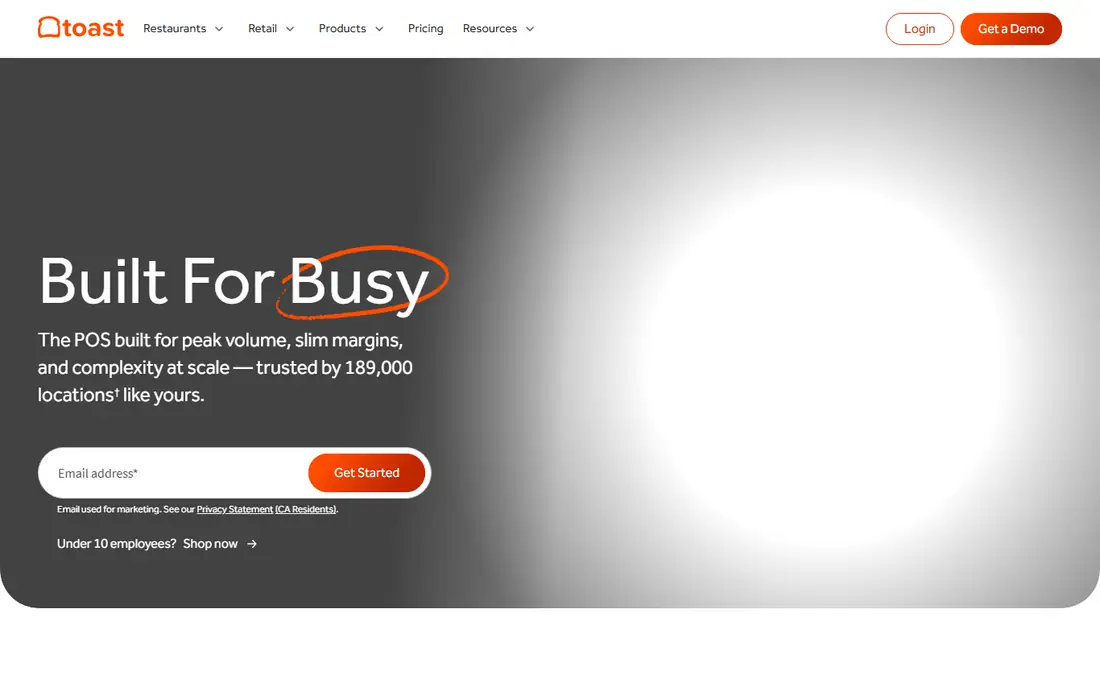
Toast is built only for restaurants, and that focus shows during service. Kitchen display systems route orders by station, handheld devices support tableside ordering and payment, and table management, split checks, and menu changes are part of the core system. For a busy dining room, that depth matters.
Reporting and online ordering are also strong. Managers can see sales by item, server, and hour, and online orders can flow into the same kitchen queue as in-house orders. That single queue helps a team that serves dine-in, takeout, and delivery at the same time.
The trade-offs are hardware and terms. Toast runs on its own Android hardware, and payment processing and contract terms need a careful read before you sign. If you run a full-service restaurant and want a system built for that work, Toast is still the easiest first choice.
- Restaurant-focused kitchen displays
- Tableside ordering
- Strong reporting
- Hardware is tied to Toast
- Contracts and processing terms need care
- Setup takes time
Square for Restaurants is the simplest way to start taking orders and payments. The free plan covers basic point of sale, menu, and payment tools, and paid plans add table management, kitchen displays, and deeper reporting. Setup can be done in days, not weeks, for a small spot.
The wider Square ecosystem is a benefit. Payments, online ordering, loyalty, payroll, and marketing can sit in one account, which reduces the number of vendors a small owner must manage. That simplicity is valuable when the team is small.
The limits show up in a large dining room. Table layouts, kitchen routing, and server workflows are less deep than Toast or TouchBistro, and some advanced features sit on higher plans. For a cafe, counter-service spot, or new restaurant, Square is a strong and low-risk start.
- Free start
- Simple setup
- Broad Square ecosystem for payments and payroll
- Full-service depth is thinner than Toast
- Advanced restaurant features need paid plans
- Hardware costs add up
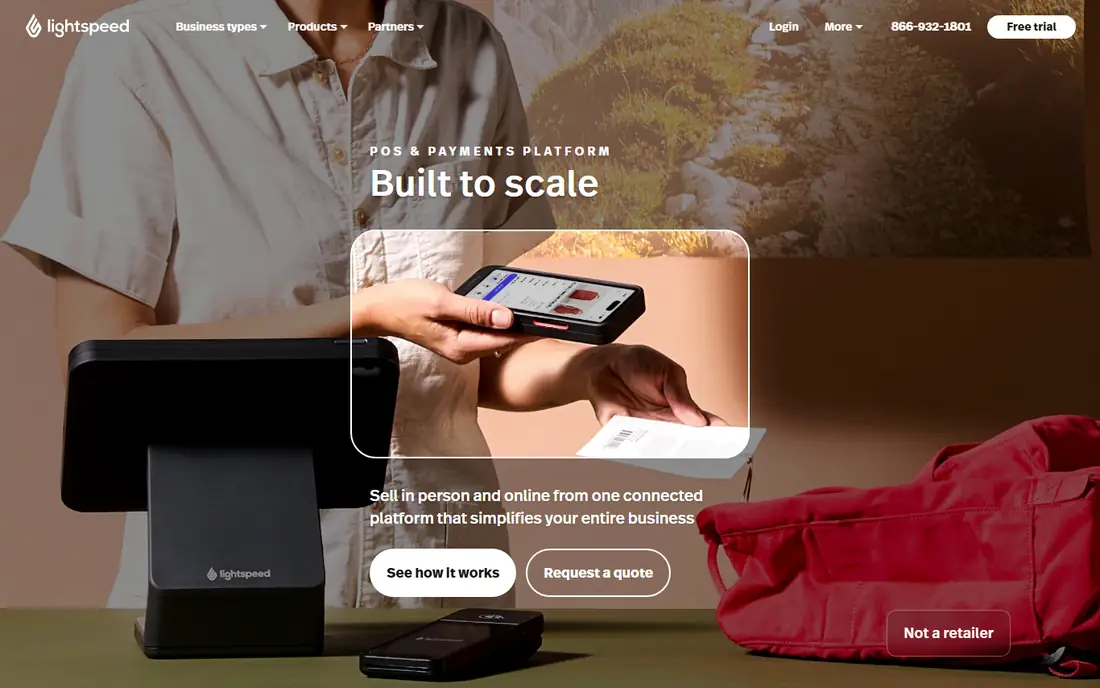
Lightspeed Restaurant suits a group that needs one view across locations. Menus, pricing, and inventory can be managed centrally, while each site keeps its own sales, staff, and reporting. That control helps a group that is growing from one site to several.
Inventory is a particular strength. Ingredient-level tracking, supplier links, and cost reports help managers see which items make money and which items waste stock. For a group with tight margins, that visibility can matter more than a lower monthly plan price.
The catch is cost and complexity. Entry pricing is higher than Square, and the system takes time to learn. Add-ons can also raise the total. If you run one small cafe, Lightspeed may be more than you need. If you run several sites, it is one of the strongest options.
- Central menu and inventory control
- Multi-location reporting
- Strong integrations
- Higher entry price
- Learning curve
- Some features need add-ons
Clover offers a wide range of hardware, from small readers to counter terminals and handheld devices. That flexibility helps a restaurant that wants a specific counter setup or a mobile ordering flow. The app marketplace adds ordering, loyalty, inventory, and reporting tools as needed.
Software pricing in published listings starts around 14.95 dollars per month for a basic plan, although total cost depends on hardware, apps, and processing. Because Clover is sold through resellers as well as directly, terms can vary, so get the full quote in writing.
The trade-off is consistency. A direct plan and a reseller plan may not match, and useful features may need separate apps. If hardware choice matters most, and you compare quotes carefully, Clover is a capable and flexible option.
- Wide hardware range
- Large app marketplace
- Flexible counter and handheld options
- Pricing varies by reseller
- Some features need apps
- Processing terms vary
TouchBistro is built around iPad point of sale for full-service restaurants. Servers can take orders and payments at the table, floor plans and table status are clear, and kitchen displays keep orders moving. That tableside flow suits a dining room where speed and accuracy matter.
Menu management, staff permissions, and reporting cover the daily management job. Online ordering and loyalty can be added, although the ecosystem is smaller than Toast. For a restaurant that already uses iPads or prefers them, the setup feels natural.
The limits are hardware and scale. You need iPad hardware, and a very large group may want the deeper multi-location tools of Lightspeed or Toast. For a single full-service restaurant or a small group, TouchBistro is a strong iPad-first choice.
- IPad-based tableside ordering
- Table and floor management
- Restaurant reporting
- IPad hardware is required
- Ecosystem is smaller than Toast
- Add-ons raise cost
SpotOn pairs a restaurant point of sale with marketing, loyalty, and customer tools. That combination helps a restaurant that wants to bring guests back, not just take orders. Email campaigns, reviews, and loyalty offers can run from the same customer data as sales.
The point of sale covers menus, tables, kitchen displays, and payments, so it is not only a marketing add-on. For a neighborhood restaurant that relies on repeat visits, that link between sales and marketing is useful.
The catch is total cost and focus. Marketing tools add value only if you use them, and processing and hardware terms need a careful read. If you want marketing built into your point of sale, SpotOn deserves a demo. If you only need core ordering, a simpler system may cost less.
- Built-in marketing and loyalty
- Customer data tools
- Restaurant point of sale
- Marketing depth may be more than some need
- Processing terms need care
- Hardware costs vary
Lavu is an iPad point of sale that works well for food trucks, quick-service spots, and small restaurants. Orders, payments, menu changes, and basic reporting are straightforward, and the system can keep working when connectivity is weak, which matters for a truck or market stall.
The setup is simpler than an enterprise system, and the price is clear in published listings at around 69 dollars per month for a basic plan. That makes it easy to budget for a small mobile business.
The limits are ecosystem and reporting depth. Integrations are fewer than Toast or Lightspeed, and large-group reporting is thinner. For a mobile or small quick-service spot, Lavu is a practical pick. For a large dining room or group, compare it with Toast or TouchBistro first.
- IPad point of sale
- Good for mobile and quick-service spots
- Offline mode support
- Smaller ecosystem than larger rivals
- Reporting is less deep
- Support quality varies
Revel Systems is built for chains and larger restaurant groups. It covers point of sale, kitchen displays, inventory, customer management, and reporting across locations, with controls that help a head office set menus and prices for many sites. That structure suits a growing chain.
Enterprise reporting is a strength. Managers can compare sites, track costs, and see sales trends in one view, which helps when decisions affect many locations at once. Kitchen and inventory tools support that scale as well.
The trade-offs are cost and setup. Revel is not a low-cost start for a single cafe, and implementation takes time. If you run a chain or plan to grow into one, Revel is worth a demo. If you run one small spot, Square or Toast will be simpler and cheaper.
- Multi-location management
- Kitchen and inventory tools
- Enterprise reporting
- Higher total cost
- Setup takes time
- Less suited to a single small cafe
How we picked these
We compared official pricing pages, feature pages, and public guides for restaurant software that is still sold in 2026. We favored tools with point of sale, kitchen, ordering, and payment features, and we noted where pricing is published and where it is quote-based. We did not claim hands-on testing.
We also kept a mix by restaurant type. A cafe, a food truck, a full-service restaurant, and a chain have different needs, so the list includes tools for each. The right pick depends on service style, location count, and how much you value marketing, inventory, or tableside tools.
What to check before you choose
Start with service style. A counter-service cafe needs speed and simple menus, while a full-service restaurant needs tables, kitchen routing, and split checks. A food truck needs mobile hardware and offline support. Match the system to the service, not to a generic feature list.
Next, work out the full cost. Add software, hardware, installation, payment processing, and any add-ons for online ordering, loyalty, or inventory. A free software plan with high processing fees can cost more than a paid plan with lower fees, depending on your sales volume.
Finally, test a full service shift in a trial or demo. Take orders, send them to the kitchen, split a check, handle a refund, and run the end-of-day report. Problems in that flow will cost time every service, so fix them before you sign a contract.
Sources
Frequently asked questions
What is the cheapest restaurant software to start with?
Square for Restaurants and Toast both offer a free starting point, although hardware and payment processing still apply. Compare the full monthly cost, including processing on your expected sales, before you choose.
Do I need separate hardware for a restaurant POS?
Most systems need a terminal, tablet, or handheld device, plus a card reader and often a receipt printer and kitchen display. Some run on iPads you already own, while others, such as Toast, use their own hardware, so check hardware terms carefully.
Can restaurant software handle online ordering?
Yes, most tools on this list offer online ordering, either built in or through an integration. Check whether online orders flow into the same kitchen queue as in-house orders, because a separate queue can cause delays.
How does payment processing affect the total cost?
Processing fees are charged on each card sale, usually as a percentage plus a small fixed fee, and they often make up the largest part of the total cost. A system with a low monthly plan but high processing fees can cost more than a higher plan with lower fees.
Should a small cafe use the same system as a large chain?
Not usually. A small cafe benefits from a simple, low-cost system, while a chain needs central menus, inventory, and multi-location reporting. Choose for the size you have now, with room to grow, rather than buying enterprise tools too early.