Best Retirement Planning Software in 2026: 9 Tools Compared
By ToolNimba Editorial Team November 9, 2026 11 min read

- Top pick
 Boldin
Detailed DIY retirement scenarios
Starting price$168 per yearCheck out BoldinRead our review - Runner-up
 ProjectionLab
Early retirement and what-if planning
Starting price$129 per yearCheck out ProjectionLabRead our review - Also great
 Empower
Linked accounts in one free dashboard
Starting priceFreeCheck out EmpowerRead our review
How we researched this
We compared official pricing and feature pages, app store listings, privacy policies and public user reviews. Prices change, so check the provider's site before you pay.
Key takeaways
- Boldin and ProjectionLab give DIY planners the deepest scenario tools, with paid plans at $168 and $129 per year.
- Empower, Fidelity, and Schwab offer strong free planners, but the free tools are tied to holding accounts with those firms.
- A Monte Carlo result is a range, not a promise, so rerun your plan when income, spending, or tax rules change.
- The best retirement software for most people is the one they will actually update once or twice a year.
- This is not financial advice. Tax and Social Security rules change, so confirm big decisions with a qualified professional.
Quick comparison
| Name | Best for | Starting price | Free plan | |
|---|---|---|---|---|
| Boldin | Detailed DIY retirement scenarios | $168 per year | Yes | Visit |
| ProjectionLab | Early retirement and what-if planning | $129 per year | Yes | Visit |
| Empower | Linked accounts in one free dashboard | Free | Yes | Visit |
 Fidelity Planning and Guidance Center | Fidelity customers who want a guided plan | Free | Yes | Visit |
 Betterment | Hands-off investing with a retirement goal | $5 per month | No | Visit |
 Vanguard Digital Advisor | Low cost managed retirement investing | See website | No | Visit |
 Schwab Intelligent Portfolios | Managed investing with no advisory fee | Free | Yes | Visit |
 T. Rowe Price Retirement Income Calculator | Stress-testing withdrawals | Free | Yes | Visit |
 OnTrajectory | Simple visual retirement projections | See website | Yes | Visit |
The best retirement planning software
Retirement planning software answers one question in many ways: can your savings, income, and spending support the life you want, and for how long. Some tools link your real accounts, some ask you to enter numbers by hand, and some manage the investments for you. We compared official pricing pages, free tiers, and planning features to build this list.
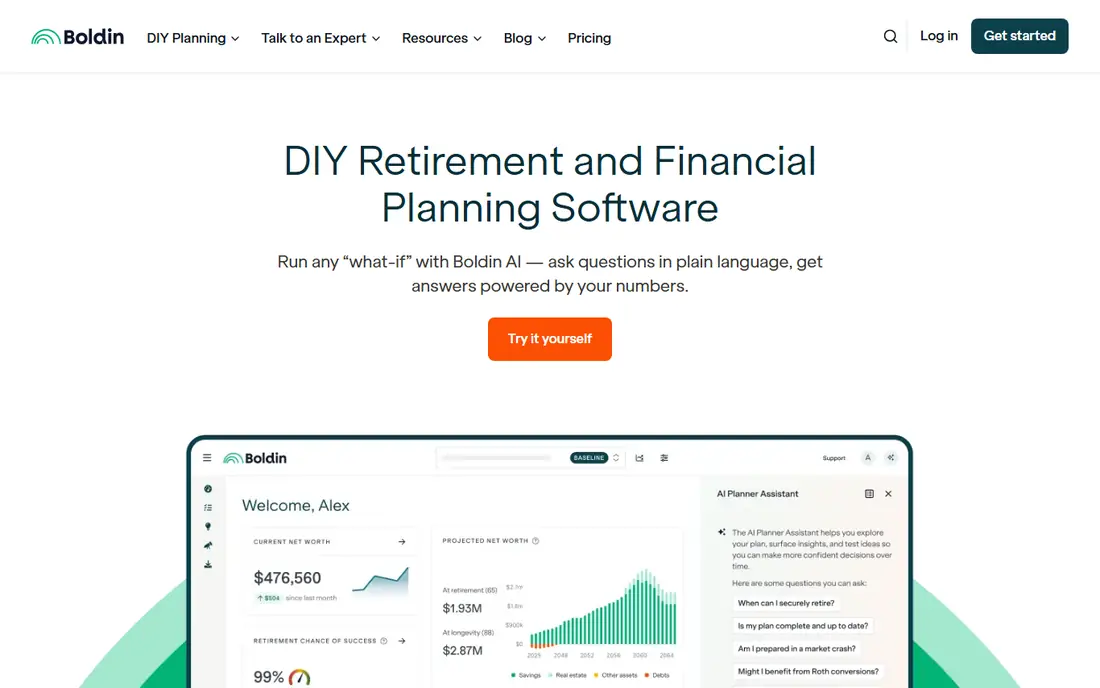
Boldin, formerly NewRetirement, builds a full household plan from your income, spending, accounts, debts, and property. The free Basic tier covers a personal plan and what-if scenarios, while PlannerPlus at $168 per year adds Monte Carlo analysis, tax projections, a Roth conversion explorer, and deeper budgeting. You can model retiring earlier, moving states, selling a home, or changing spending, and see how each choice shifts the long term picture.
The strength here is depth, and depth brings a learning curve. Entering accurate data takes time, and the tool is only as good as the assumptions you set for returns, inflation, and lifespan. Boldin suits planners who enjoy detail and want to test many paths. It suits less well if you want a firm to invest the money for you, since you still place the trades yourself.
- Covers taxes, Social Security, real estate, and health costs
- Monte Carlo analysis on the paid plan
- Free Basic tier to start
- Paid price rose in October 2026
- Does not manage your investments for you
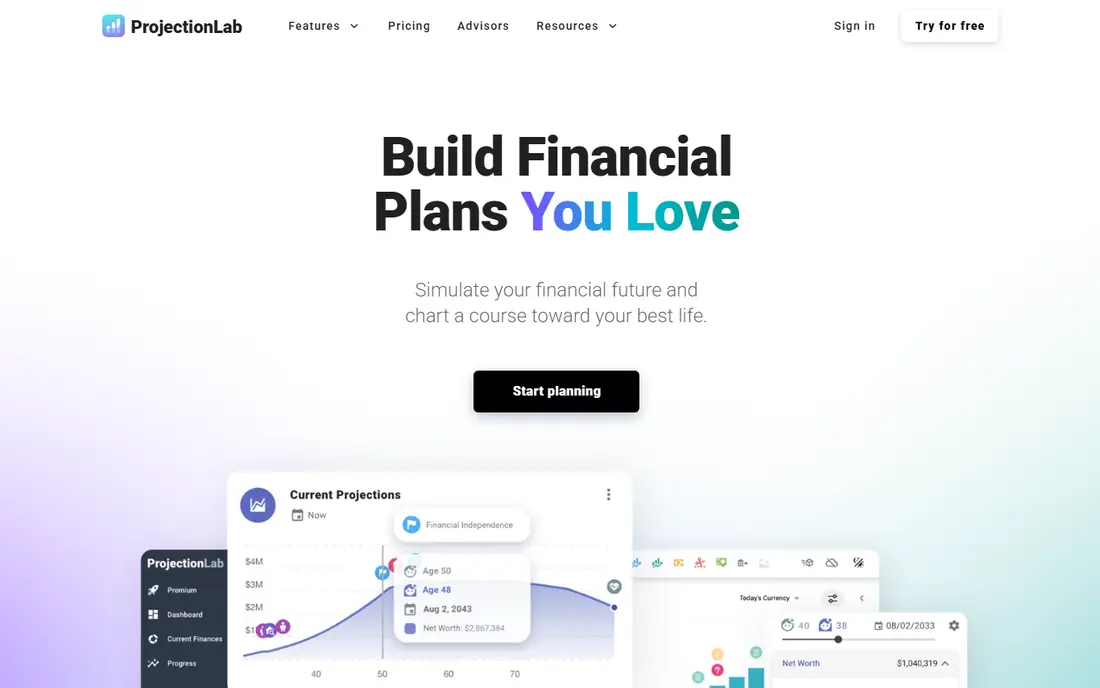
ProjectionLab is built for people planning financial independence and early retirement. You enter income, spending, savings rate, asset allocation, Social Security timing, and tax details, then run forecasts, Monte Carlo simulations, and historical backtests. Premium costs $129 per year and adds cash flow projections, tax optimization, withdrawal strategies, Roth conversions, estate planning, and plan comparison. A Pro plan at $549 per year is aimed at advisers.
The manual approach is both the appeal and the limit. You do not have to link bank accounts, which some users prefer for privacy, but you must keep the numbers current yourself. For a one-time check, the free tier is generous. For a living plan you revisit, Premium is the realistic choice.
- Free Basic tier includes Monte Carlo and backtesting
- Strong tax and withdrawal tools on Premium
- No account linking required
- Basic plan does not save plans between sessions in some reports
- Manual entry takes effort
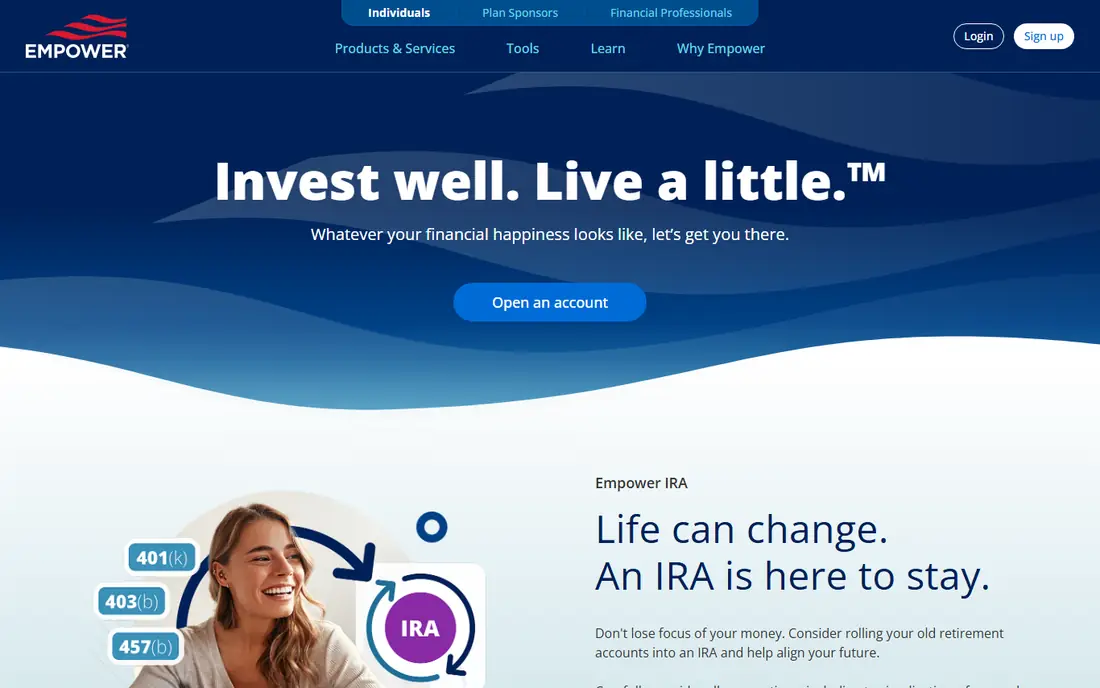
Empower, formerly Personal Capital, links your checking, savings, brokerage, retirement, and loan accounts into one dashboard at no charge. Its retirement planner lets you model different retirement ages, savings amounts, and spending levels against your real balances, and its investment checkup flags fees and allocation gaps. Paid wealth management, with human advisers, starts at 0.89 percent of assets under management for the first $1 million.
The free tools are genuinely useful, but they double as a path to paid advice. Users with more than $100,000 in linked assets often report outreach from advisers. If you can ignore the pitch, Empower is one of the best free starting points. If sales calls bother you, a manual tool such as ProjectionLab may feel calmer.
- Free retirement planner and net worth tracking
- Links banks, brokerages, and 401k accounts
- Fee analyzer and investment checkup
- Expect sales outreach if you hold large balances
- Paid wealth management starts at 0.89 percent of assets
Fidelity Planning and Guidance Center
Best for: Fidelity customers who want a guided plan
Fidelity customers can build a retirement plan in the Planning and Guidance Center at no extra charge. The tool asks about age, retirement date, income, expenses, and accounts, then shows how income and investments may cover planned spending. You can test what-if changes, such as retiring later or spending less, and review asset allocation alongside the plan.
The limit is scope. The planner works best when your accounts sit at Fidelity, and outside accounts need manual entry or linking where supported. It also points toward Fidelity products, which is normal for a brokerage tool but worth noticing. For existing Fidelity customers, it is a strong free option. For others, a standalone planner may fit better.
- Free for Fidelity customers
- Pulls in Fidelity account balances
- Covers income, expenses, and taxes in one plan
- Most useful inside Fidelity accounts
- Investment fees still apply to the funds you hold
Betterment manages a diversified portfolio toward a retirement goal you set, rebalancing as markets move and harvesting tax losses where eligible. Digital investing costs $5 per month for smaller balances or 0.25 percent per year for larger ones, with fund fees on top. Premium advice at 0.40 percent adds access to human advisers. The retirement view shows whether your contributions and target date are on track.
Betterment suits savers who want investing handled for them and do not want to model Roth conversions or estate details by hand. It suits less well if you want to compare dozens of scenarios, since the planning view is simpler by design. Use it for execution, and pair it with a detailed planner if you need scenario depth.
- Automatic rebalancing and tax-loss harvesting on eligible accounts
- Clear retirement goal tracking
- Human advice available on higher tiers
- Advisory fee applies on top of fund fees
- Planning depth is lighter than Boldin or ProjectionLab
Vanguard Digital Advisor
Best for: Low cost managed retirement investing
Vanguard Digital Advisor builds and manages a portfolio toward your retirement goal, with automatic rebalancing and guidance on contributions and timing. Published fee comparisons put its advisory cost near 0.15 to 0.20 percent per year for many accounts, with fund fees on top, but exact terms depend on the offer and balance. Vanguard also offers free calculators for savers who only want a quick estimate.
The trade is control for simplicity. You answer questions about goals and risk, and Vanguard handles the portfolio. That helps savers who stall on investment choices, but it will not replace a detailed tax or withdrawal plan. Check the current fee and minimum on Vanguard's own pages before you enroll, since managed offers change.
- Low cost managed portfolios from a firm known for index funds
- Automatic rebalancing
- Retirement goal guidance
- Pricing and minimums vary by offer
- Less hands-on scenario modeling than DIY planners
Schwab Intelligent Portfolios
Best for: Managed investing with no advisory fee
Schwab Intelligent Portfolios manages a diversified ETF portfolio with no advisory fee, no commissions, and a $5,000 minimum for the basic tier. A premium tier adds human adviser access for a monthly fee. The portfolios hold a cash allocation that Schwab describes as part of the strategy, and that cash can drag on returns in strong markets while cushioning falls.
For cost-focused savers, the zero advisory fee is a real advantage, though fund fees and the cash effect still matter. Schwab also offers free retirement calculators for quick checks. Pick this if you want managed investing at low cost and you are comfortable with the cash position. Pick a DIY planner if withdrawal sequencing and tax modeling matter more to you.
- No advisory fee and no commissions on the managed portfolios
- Automatic rebalancing
- Tax-loss harvesting on higher tier accounts
- Cash allocation can be high
- Planning tools are simpler than dedicated planners
T. Rowe Price Retirement Income Calculator
Best for: Stress-testing withdrawals
T. Rowe Price offers a free retirement income calculator that runs 1,000 Monte Carlo simulations and returns a confidence score, which estimates the chance your money lasts through retirement. It places your result in, above, or below a confidence zone, which makes the output easy to read at a glance. You enter savings, income, and spending, then adjust assumptions to see how the score moves.
The tool is narrow by design. It does not track your accounts day to day, model real estate, or build a tax plan. Its value is as a second opinion on a plan built elsewhere. Run it once a year, change one assumption at a time, and treat a low score as a prompt to save more, spend less, or retire later, not as a verdict.
- Free to use
- Runs 1,000 Monte Carlo simulations
- Gives a clear confidence score for your spending plan
- Not a full household planner
- Best as a check on a broader plan
OnTrajectory turns a retirement plan into a visual timeline, showing how income, spending, and account balances may evolve year by year. You can shift your retirement age, savings rate, or spending and watch the curve change, which helps couples and visual learners talk through trade-offs. A free tier covers basic projections, with paid plans adding more detail.
The simplicity is the point, and also the limit. OnTrajectory does not match Boldin on tax modeling or ProjectionLab on backtesting depth. It fits savers who want a clear picture without a long setup, and it works well as a first planner before moving to a deeper tool. Confirm current paid pricing on its site before you upgrade.
- Visual timeline of income, spending, and savings
- Easy to test retirement ages
- Free tier to start
- Less tax depth than Boldin or ProjectionLab
- Pricing details require a visit to the site
How we picked these
We compared official pricing pages, free tiers, and each tool's own description of its planning method. We kept tools that model retirement income and spending over time, not just a single savings calculator. We included both DIY planners and managed investing services, because readers arrive at retirement planning from both directions. Prices were checked against vendor pages and recent reviews in October 2026.
How to use a retirement planner well
Start with honest inputs. Use real balances, real spending, and a retirement age you can live with, then test a lower return and a longer life than you expect. A plan that only works if markets stay strong is a warning, not a plan. Save the assumptions you used, so next year's rerun compares like with like.
Separate the plan from the portfolio. A planner can tell you how much to save and when to claim Social Security, but it does not pick funds for you unless it is also a managed service. If you use a DIY planner, you still need an investment plan. If you use a managed service, you still need to check withdrawal order, taxes, and health costs. This is not financial advice, and a fee-only planner can help with the decisions that carry the largest tax cost.
Sources
- https://www.boldin.com
- https://www.projectionlab.com
- https://www.empower.com
- https://www.fidelity.com
- https://www.betterment.com
- https://www.vanguard.com
- https://www.schwab.com
- https://www.troweprice.com
- https://www.ontrajectory.com
- https://projectionlab.com/pricing
- https://thecollegeinvestor.com/44369/projectionlab-review/
- https://thecollegeinvestor.com/33680/newretirement-review/
Frequently asked questions
What is the best free retirement planning software?
Empower and Fidelity offer the strongest free planners if you hold accounts with them, since they pull in real balances. Boldin and ProjectionLab both offer free tiers for manual planning, and ProjectionLab's free tier includes Monte Carlo simulations. T. Rowe Price offers a free calculator that is best used as a check on another plan.
What is the best retirement planning app for early retirement?
ProjectionLab is built for early retirement planning, with savings rate, withdrawal, and tax tools aimed at financial independence. Boldin also handles early retirement well, with detailed spending and real estate modeling. Both require careful manual input, which matters more when retirement is decades away.
Is retirement planning software worth paying for?
Paid plans make sense when you need Monte Carlo analysis, tax projections, or Roth conversion modeling that free tiers leave out. Boldin PlannerPlus at $168 per year and ProjectionLab Premium at $129 per year are both cheaper than a single adviser meeting for many people. If your finances are simple, a free planner plus an annual review may be enough.
How accurate is retirement planning software?
It is directionally useful, not precise. Every result depends on assumptions about returns, inflation, taxes, and lifespan, and small changes compound over decades. Prefer tools that show a range of outcomes and rerun your plan yearly. Treat a single number as a guide, not a guarantee.
Should I use a retirement planner or hire an adviser?
A planner helps you understand trade-offs and test scenarios at low cost. An adviser helps with tax law, estate details, and decisions you only make once, such as pension choices or large Roth conversions. Many people use both, with software for ongoing tracking and an adviser for major decision points.
What is the best retirement software for couples?
Boldin stands out for couples because it models a household, with separate incomes, Social Security timing, and shared spending in one plan. ProjectionLab also handles household scenarios well. Whichever tool you pick, enter both partners' accounts and benefits, since a plan built on one income will mislead you.