Best RMM Software in 2026: 8 Tools Compared
By ToolNimba Editorial Team November 12, 2026 9 min read

- Top pick
 NinjaOne
Modern unified endpoint RMM
Starting priceSee websiteCheck out NinjaOneRead our review - Runner-up
 ConnectWise Automate
Large MSP automation
Starting priceSee websiteCheck out ConnectWise AutomateRead our review - Also great
 Datto RMM
MSP endpoint management
Starting priceSee websiteCheck out Datto RMMRead our review
How we researched this
We compared official pricing and feature pages, app store listings, privacy policies and public user reviews. Prices change, so check the provider's site before you pay.
Key takeaways
- NinjaOne suits teams that want a modern, fast RMM with patching and automation.
- Atera and Syncro suit small MSPs with per-technician pricing and unlimited endpoints.
- Datto RMM suits MSPs aligned with Datto backup and security tools.
- N-able N-central suits mature MSPs with complex automation needs.
- ConnectWise Automate suits large MSPs already in the ConnectWise ecosystem.
Quick comparison
| Name | Best for | Starting price | Free plan | |
|---|---|---|---|---|
| NinjaOne | Modern unified endpoint RMM | See website | Free trial | Visit |
| ConnectWise Automate | Large MSP automation | See website | Free trial | Visit |
| Datto RMM | MSP endpoint management | See website | Free trial | Visit |
 N-able N-central | Mature MSP operations | See website | Free trial | Visit |
 Atera | Per-technician all-in-one IT | $129 per technician per month | Free trial | Visit |
 ManageEngine Endpoint Central | Endpoint and patch management | See website | Free trial | Visit |
 Pulseway | Mobile-first RMM | See website | Free trial | Visit |
 Syncro | Small MSP RMM plus PSA | $129 per user per month | Free trial | Visit |
The best RMM software
The best rmm tool helps an IT team or MSP monitor endpoints, patch fast, automate routine work and support users remotely from one console. Pricing models differ sharply, so model cost on your real endpoint and technician counts.
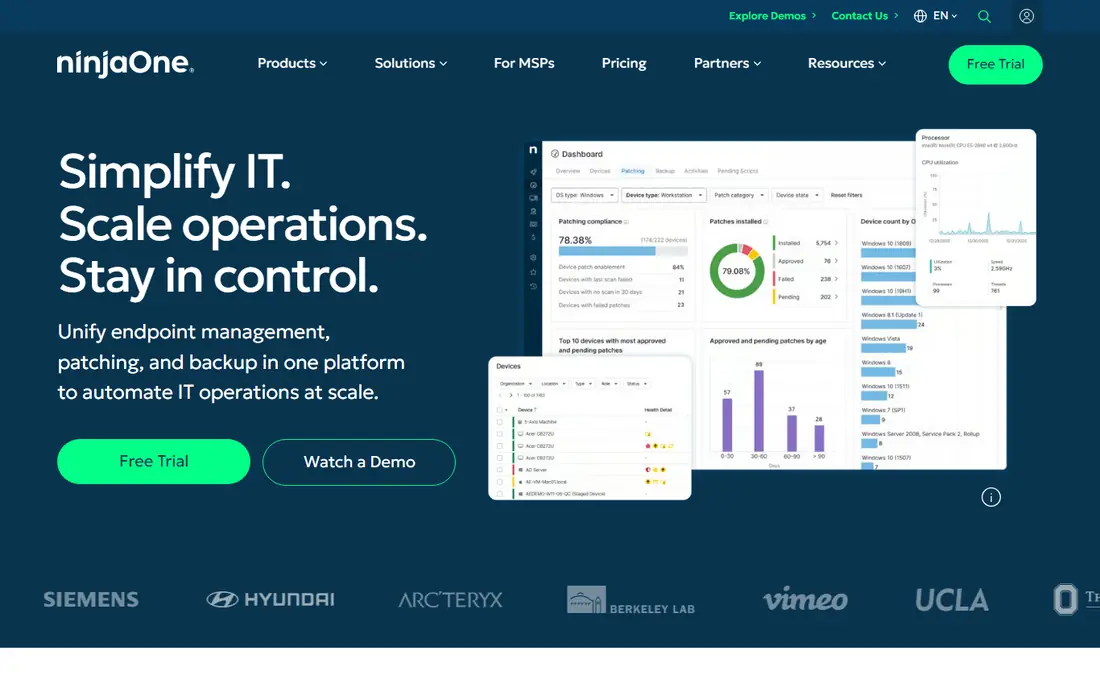
NinjaOne fits MSPs and IT teams of many sizes. Its main strength is a fast, modern RMM console. NinjaOne covers monitoring, patching, scripting and remote support in a clean console. The catch is volume pricing needs a written quote for your fleet. Trial it on a real client group, not a lab. We would shortlist it if you want speed and breadth in one console. When you trial NinjaOne, test it on the exact job you listed for modern unified endpoint rmm. Use real data, real users and real deadlines, and write down what worked, what failed and what cost extra. That short trial record will tell you more than a demo, and it makes the final choice easier to defend to colleagues or family.
- Patching, monitoring, automation and backup options
- Fast interface
- PSA integrations
- Pricing is quote-based and varies by volume
- Backup and extras add cost
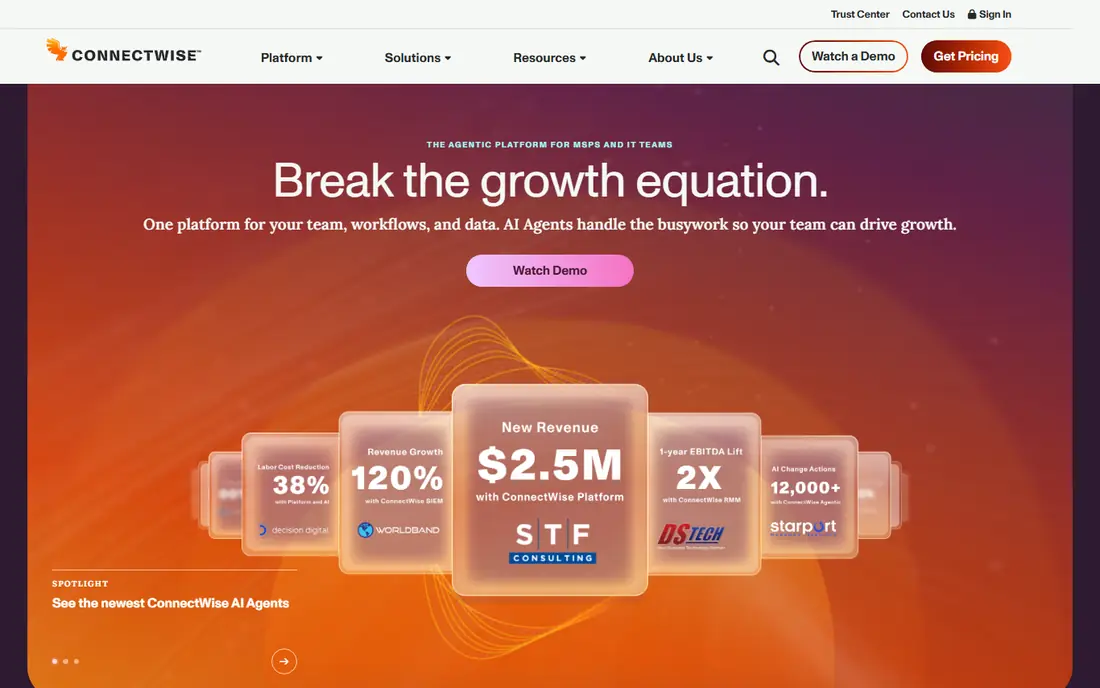
ConnectWise Automate fits large MSPs in the ConnectWise world. Its main strength is deep automation inside ConnectWise. Automate lets large MSPs build detailed policies and scripts across many clients. The catch is small teams may find it heavy to run. Budget training time alongside licence cost. We would shortlist it if you already run ConnectWise PSA. When you trial ConnectWise Automate, test it on the exact job you listed for large msp automation. Use real data, real users and real deadlines, and write down what worked, what failed and what cost extra. That short trial record will tell you more than a demo, and it makes the final choice easier to defend to colleagues or family.
- Deep automation and scripting
- Network monitoring
- ConnectWise PSA links
- Complex setup
- Learning curve is steep
- Pricing is quote-based
Datto RMM fits MSPs aligned with Datto tools. Its main strength is policy-driven MSP endpoint management. Datto RMM uses policies to standardize monitoring and patching across clients. The catch is standalone buyers should check integration needs. Test policy rollout on one client first. We would shortlist it if you already use Datto backup tools. When you trial Datto RMM, test it on the exact job you listed for msp endpoint management. Use real data, real users and real deadlines, and write down what worked, what failed and what cost extra. That short trial record will tell you more than a demo, and it makes the final choice easier to defend to colleagues or family.
- Policy-based monitoring
- Automation
- Ransomware detection features
- Quote-based pricing
- Best fit is inside the Datto and Kaseya stack
N-able N-central fits mature MSPs with complex needs. Its main strength is mature automation for complex MSPs. N-central handles varied client environments with deep monitoring and automation. The catch is smaller MSPs may find it more than they need. Ask for a staged rollout plan. We would shortlist it if your MSP has complex, varied clients. When you trial N-able N-central, test it on the exact job you listed for mature msp operations. Use real data, real users and real deadlines, and write down what worked, what failed and what cost extra. That short trial record will tell you more than a demo, and it makes the final choice easier to defend to colleagues or family.
- Monitoring, patching, backup and security integrations
- Mature automation
- Quote-based
- Setup and tuning take time
Atera fits small to mid MSPs and internal IT. Its main strength is per-technician pricing that scales with staff, not devices. Atera charges per technician, so a small team with many endpoints can save money. The catch is teams that need deep PSA features may need another tool. Model cost at your technician count, not endpoint count. We would shortlist it if each technician manages many endpoints. When you trial Atera, test it on the exact job you listed for per-technician all-in-one it. Use real data, real users and real deadlines, and write down what worked, what failed and what cost extra. That short trial record will tell you more than a demo, and it makes the final choice easier to defend to colleagues or family.
- RMM plus ticketing and remote access
- Unlimited endpoints per technician
- AI workflows
- PSA features are lighter than full PSA suites
- Per-tech cost rises with staff
ManageEngine Endpoint Central
Best for: Endpoint and patch management
ManageEngine Endpoint Central fits internal IT teams and mid-size companies. Its main strength is endpoint control for internal IT. Endpoint Central covers patching, deployment and asset inventory for internal fleets. The catch is MSP billing and client portals are less central. Trial patching across Windows, Mac and Linux together. We would shortlist it if you manage an internal fleet, not clients. When you trial ManageEngine Endpoint Central, test it on the exact job you listed for endpoint and patch management. Use real data, real users and real deadlines, and write down what worked, what failed and what cost extra. That short trial record will tell you more than a demo, and it makes the final choice easier to defend to colleagues or family.
- Patching, software deployment and asset tools
- Wide OS support
- Zoho links
- Interface can feel busy
- Full MSP multi-tenancy is lighter than MSP-first tools
Pulseway fits IT teams that need mobile control. Its main strength is mobile-first monitoring and actions. Pulseway lets technicians act from a phone, which suits on-call work and small teams. The catch is larger MSPs may want deeper PSA integration. Test mobile patch approval and remote actions on call. We would shortlist it if mobile response matters most. When you trial Pulseway, test it on the exact job you listed for mobile-first rmm. Use real data, real users and real deadlines, and write down what worked, what failed and what cost extra. That short trial record will tell you more than a demo, and it makes the final choice easier to defend to colleagues or family.
- Mobile alerts and remote actions
- Endpoint monitoring
- Light PSA features
- Pricing is quote-based
- Depth varies by module
Syncro fits small MSPs that want one workspace. Its main strength is RMM and PSA in one per-user price. Syncro combines monitoring, tickets, billing and scripting, so small MSPs need fewer tools. The catch is growth beyond small MSP scale may need a wider suite. Trial tickets, billing and RMM together, not alone. We would shortlist it if you want one workspace for a small MSP. When you trial Syncro, test it on the exact job you listed for small msp rmm plus psa. Use real data, real users and real deadlines, and write down what worked, what failed and what cost extra. That short trial record will tell you more than a demo, and it makes the final choice easier to defend to colleagues or family.
- RMM plus PSA, billing and scripting
- Per-user pricing
- Client portal
- Interface is simpler than enterprise suites
- Large MSP features are lighter
How we picked these
We compared official feature pages, pricing pages and app store listings, and we kept only products that exist and work in October 2026 and truly fit the topic. We favoured clear pricing, usable free plans or trials where they exist, and features that match the main job. We did not claim hands-on testing, and we left out products that had closed, changed focus or did not fit, even when they were well known nearby. Prices change, so treat the figures here as a snapshot from October 2026 and confirm the current price on the vendor site before you pay. Where we could not verify a price, we wrote See website rather than guessing.
How to choose RMM software
Model per-device versus per-technician pricing
Per-technician pricing wins when each technician manages many endpoints. Per-device pricing can win for small fleets or fluctuating counts. Model both at your two-year endpoint projection, since switching RMM tools later is costly.
Trial on real clients, not a lab
Patching, alerting and remote access behave differently under real load. Run the trial on a real client group, test patch windows, alert noise and remote sessions, and check how fast support answers.
Check PSA, backup and security fit
Most MSPs end up with RMM plus PSA, backup and security tools. A standalone RMM that integrates well can beat an all-in-one with weak parts. List your current stack first, then shortlist RMM tools that fit it.
Sources
Frequently asked questions
What is the best rmm software overall?
NinjaOne is a strong default for modern RMM, while Atera and Syncro suit small MSPs on per-technician pricing. Datto RMM and N-able suit mature MSPs. Pick by fleet size, stack and pricing model.
What are the best rmm tools for small MSPs?
Atera and Syncro suit small MSPs because per-technician pricing covers unlimited endpoints. NinjaOne also works well for small teams that want a modern console. Trial each on a real client.
What is the top rmm software for patch management?
NinjaOne, ManageEngine Endpoint Central and Datto RMM all cover patching well. Endpoint Central suits internal IT fleets, while NinjaOne and Datto suit MSP client fleets. Test patch windows in the trial.
How much does RMM software cost?
Pricing varies by model. Atera and Syncro publish around $129 per technician or user per month, while NinjaOne and others are quote-based per endpoint. Always get a written quote for your fleet.
Do I need a PSA with RMM software?
Not always, but most growing MSPs end up with both. Syncro bundles PSA with RMM, Atera includes ticketing, and NinjaOne integrates with PSA tools. If you already run a PSA, a standalone RMM may fit better.