Best Search Visibility Checking Tools in 2026: 9 Apps Compared
By ToolNimba Editorial Team November 9, 2026 10 min read

- Top pick
 Google Search Console
Free baseline checking
Starting priceFreeCheck out Google Search ConsoleRead our review - Runner-up
 SE Ranking
Daily agency checking
Starting priceSee websiteCheck out SE RankingRead our review - Also great
 Semrush
All-in-one checking plus research
Starting priceSee websiteCheck out SemrushRead our review
How we researched this
We compared official pricing and feature pages, app store listings, privacy policies and public user reviews. Prices change, so check the provider's site before you pay.
Key takeaways
- Google Search Console is the free baseline for search visibility checking, and every paid tool should be compared against it.
- SE Ranking gives strong daily checking value for agencies, while AccuRanker suits teams that need fast, on-demand rechecks.
- Wincher and Mangools suit small sites and freelancers who need simple daily checks without a full SEO suite.
- Check frequency, location depth, and keyword limits matter more than extra features when the job is accurate rank checking.
Quick comparison
| Name | Best for | Starting price | Free plan | |
|---|---|---|---|---|
| Google Search Console | Free baseline checking | Free | Yes | Visit |
| SE Ranking | Daily agency checking | See website | Free trial | Visit |
| Semrush | All-in-one checking plus research | See website | Free trial | Visit |
 Ahrefs | Backlink-led visibility checking | See website | Free trial | Visit |
 AccuRanker | Fast on-demand rechecks | See website | Free trial | Visit |
 Wincher | Simple daily rank checks | See website | Free trial | Visit |
 Nightwatch | Local and visual checking | See website | Free trial | Visit |
 Mangools | Budget-friendly checking | See website | Free trial | Visit |
 Serpstat | Suite checking on a budget | See website | Free trial | Visit |
The best search visibility checking tools
We compared check frequency, keyword limits, location options, SERP feature coverage, and pricing, focusing on tools that give a reliable daily picture of where a site appears in search.
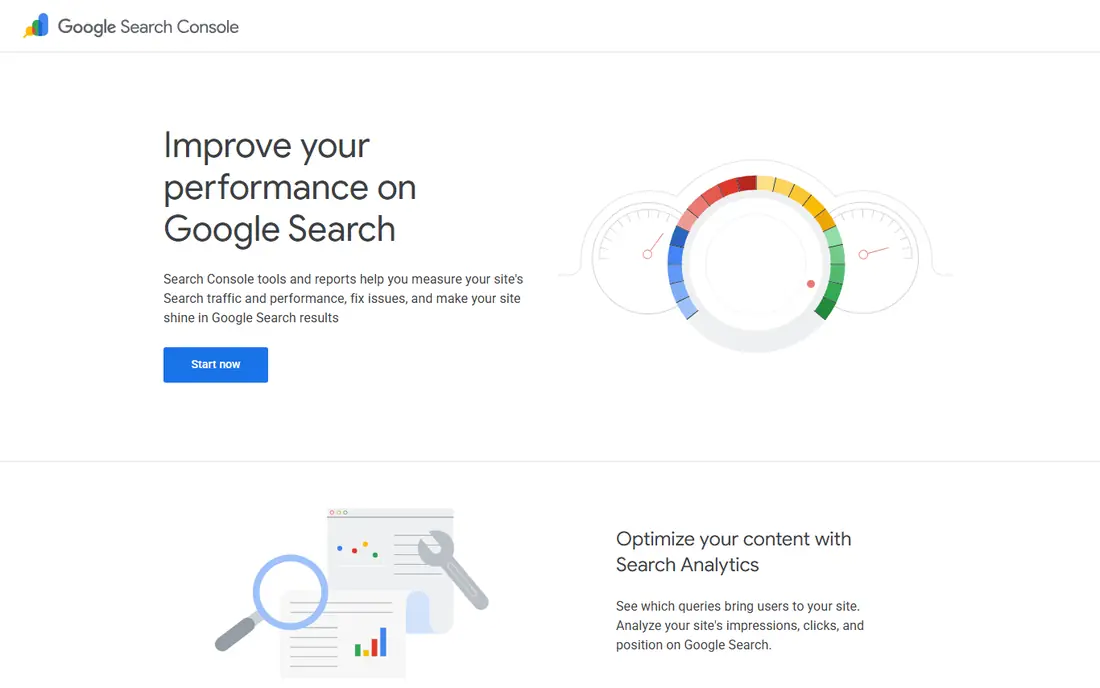
Google Search Console is the starting point for any search visibility checking workflow, because it reports what Google actually saw for your own site. Clicks, impressions, average position, and queries show which pages and terms drive visibility, and coverage reports help explain sudden drops. It is free, and it should be connected before you judge any paid tool, since paid rank data is a model of search results, while Search Console reflects real search performance for your property.
The limits are clear. Search Console does not track competitors, it does not give on-demand rank checks, and its data arrives with a delay. It also groups positions in ways that can hide daily movement. Use it as the truth layer for your own site, and add a paid checker when you need daily competitor tracking, location-specific checks, or faster alerts.
- Free first-party data from Google
- Shows clicks, impressions, and average position
- Essential for diagnosing visibility drops
- Data has a delay
- No competitor rank checking
- Limited daily rank history compared with paid trackers
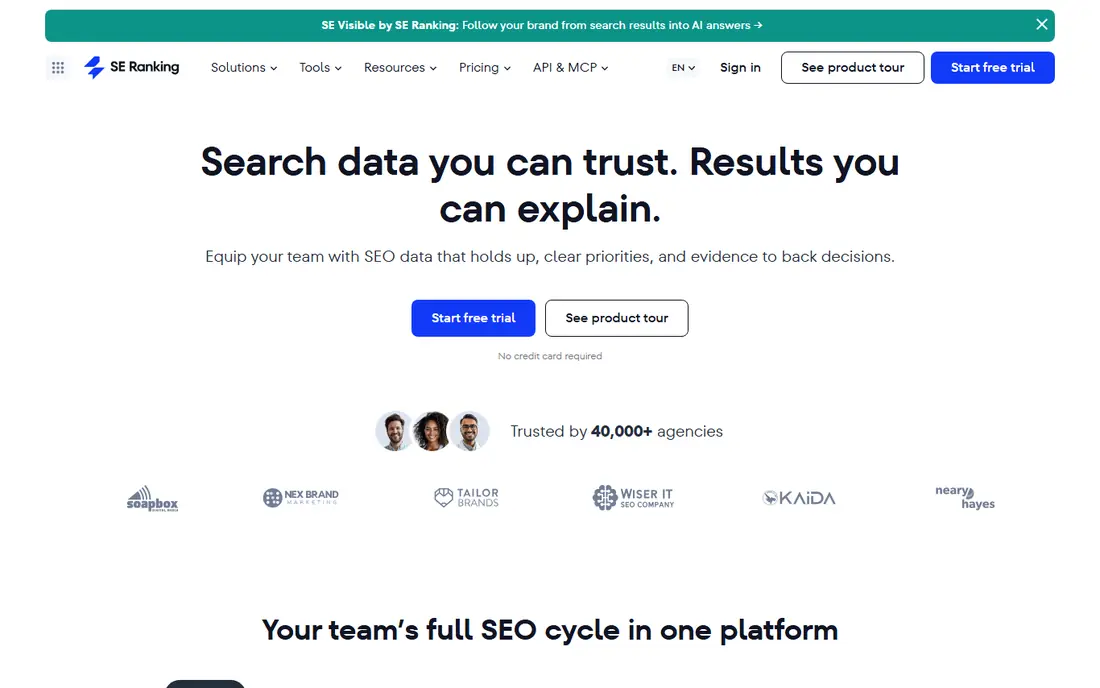
SE Ranking suits agencies and in-house teams that need reliable daily checks without enterprise pricing. Rankings update daily on current plans, with desktop and mobile tracked separately, and on-demand rechecks help when a SERP shifts suddenly. Location options cover country, city, and region, which matters for local and multi-location businesses that need to know visibility where customers actually search.
The suite includes keyword research, audits, and backlink tools, which is useful for teams that want one platform, but rank-only users may pay for modules they rarely open. Keyword limits also vary by plan, so count the terms you truly need to track. For balanced daily checking with strong reporting, SE Ranking is one of the best search visibility checking tools available.
- Daily checks on entry plans
- Broad location and device options
- AI visibility features alongside rank tracking
- Full suite can be more than a rank-only user needs
- Keyword limits vary by plan

Semrush is the best search visibility checking tool for teams that want checking inside a full SEO suite. Position Tracking monitors daily rankings, SERP features, and competitor movement, while keyword research, site audits, and backlink data sit in the same project. That combination helps when a rank drop needs an explanation, since you can check technical issues, content gaps, and competitor changes without exporting data between tools.
The price is higher than a specialist rank tracker, and the interface packs many modules into one dashboard. Small sites that only need daily rank checks may find Wincher or Mangools cheaper and simpler. For marketing teams that already use Semrush for research, adding Position Tracking is a natural and efficient choice.
- Position Tracking with daily updates
- Huge keyword and competitor data
- Reporting and audit tools in one suite
- Higher entry price than rank-only tools
- Interface can feel crowded for simple checking
Ahrefs suits teams that explain visibility changes through backlinks and content, not just rank positions. Rank Tracker shows where pages appear, while Site Explorer and keyword tools show which links, pages, and competitors may be driving movement. That context helps when a drop is not a simple algorithm shift, but a loss of links or a competitor gaining stronger pages.
Rank updates on lower plans are less frequent than on daily specialist trackers, so check the plan details if you need daily data. Ahrefs is also pricier than budget options, and its strength is breadth rather than the fastest recheck. For teams that value backlink-led analysis alongside checking, Ahrefs is a strong, well-established pick.
- Strong Rank Tracker with backlink context
- Deep keyword and competitor data
- Reliable historical trends
- Rank update frequency varies by plan
- Entry price is higher than budget trackers
AccuRanker is built for accuracy and speed. On-demand rechecks let you verify a rank change within minutes, rather than waiting for the next daily update, which matters during algorithm updates, site migrations, or client reporting deadlines. Daily tracking and SERP feature data give a detailed picture of visibility, not just a single position number.
The entry price is higher than budget trackers, and some plans have minimum keyword levels, so small sites should compare the total cost carefully. AccuRanker is less of a full research suite than Semrush or Ahrefs, but for teams where checking accuracy is the main job, it is one of the best search visibility checking software options.
- Very fast on-demand rank updates
- Accurate daily tracking
- Strong SERP feature coverage
- Higher entry price
- Minimum keyword levels on some plans
- Less of a full SEO suite
Wincher suits freelancers, bloggers, and small teams that want a clean daily rank check without a large suite. Setup is fast, daily updates run on all plans, and the dashboard focuses on positions, movement, and competitors rather than dozens of extra modules. That focus keeps the monthly cost lower and the learning curve short.
The trade-off is breadth. Wincher does not match Semrush or Ahrefs for keyword research, audits, or backlink analysis, and its AI visibility features are more limited. For the specific job of checking search visibility every day, though, Wincher is efficient and easy to maintain. It is a good first paid checker after Google Search Console.
- Daily checks on all plans
- Very easy setup
- Unlimited sites on many plans
- Fewer research and audit features
- AI visibility coverage is limited compared with larger suites
Nightwatch suits local SEO teams and agencies that need location-specific visibility checks. Country, city, and postcode-level tracking shows how rankings differ across service areas, which national tools can hide. Dashboards and reports are also client-friendly, which helps agencies explain movement without exporting raw data.
Pricing depends on keyword volume and features, so count local keywords carefully, since each location can multiply the total. Nightwatch is less of a full research suite than larger platforms, but for local checking and reporting, it is a strong specialist choice among the best search visibility checking tools.
- Daily and on-demand checks
- Strong local and postcode-level tracking
- Clear client-facing reports
- Pricing varies by keywords and features
- Full suite is less broad than Semrush
Mangools, through SERPWatcher, suits solo SEOs and small businesses that need simple daily tracking at a low price. The interface is clean, setup is quick, and keyword research tools sit alongside rank tracking, which helps small sites plan content as well as check positions. For a single site or a handful of clients, Mangools covers the essentials without a large monthly bill.
Advanced features such as on-demand rechecks at scale, deep local grids, and enterprise reporting are limited compared with AccuRanker or Nightwatch. Keyword limits also matter for agencies with many clients. For budget-conscious checking, though, Mangools is a practical pick, and it pairs well with Google Search Console as a free baseline.
- Low entry price
- Simple SERPWatcher rank tracking
- Keyword research included
- Fewer advanced tracking features
- Keyword limits are lower than agency tools
Serpstat suits small teams that want a suite, including rank tracking, keyword research, and site audits, at a lower price than Semrush or Ahrefs. Daily rank checks cover the core visibility job, while research tools help explain movement and plan new content. That combination makes Serpstat a useful middle ground between a rank-only tool and a premium suite.
Check quotas and plan limits need attention, since heavy tracking can use credits faster than expected. The interface also packs many tools into one platform, so new users should start with rank tracking and add research features gradually. For budget suite checking, Serpstat is a solid option among the best search visibility checking software tools.
- Rank tracking plus research and audit tools
- Daily checks on many plans
- Competitive pricing for a suite
- Check quotas can limit heavy use
- Interface takes time to learn
How we picked these
We compared official feature and pricing pages, along with recent independent comparisons from 2026, and we kept only tools with active rank tracking and a working free plan or trial. We favored tools that report check frequency, location depth, and keyword limits clearly, since those details decide whether a checker is useful in practice. We treated vendor claims about accuracy as claims to verify with your own Search Console data, not as guaranteed results.
How to set up visibility checking that you can trust
Start with Google Search Console, then add one paid checker that matches your keyword count and location needs. Track the same core terms in both tools for a month, and compare movement, not just single-day positions. Single-day ranks can shift with personalization, location, and SERP layout, so weekly trends and average position give a steadier picture.
Choose checks that match your business
Local businesses should prioritize city and postcode checks, while national sites should prioritize device and SERP feature coverage. Agencies should prioritize reporting, on-demand rechecks, and keyword limits across clients. Set alerts for large drops, but investigate before you act, since a single-day fall can reflect a SERP change, a tracking issue, or a real ranking loss.
Sources
Frequently asked questions
What is the best search visibility checking tool for small businesses?
Google Search Console is free and essential, and Wincher or Mangools are strong paid additions for simple daily checks. SE Ranking suits small agencies that need more locations and reporting. The best search visibility checking tool for a small business depends on keyword count, locations, and whether you also need research tools.
What is the best search visibility checking software for agencies?
SE Ranking and AccuRanker suit agencies well, with daily checks, reporting, and on-demand rechecks. Semrush suits agencies that want checking inside a full suite. Compare keyword limits across all clients, since agency costs rise quickly when each client adds tracked terms and locations.
How often should I check search visibility?
Daily checks suit agencies, local businesses, and sites during migrations or algorithm updates. Weekly trend reviews suit most small sites, since daily ranks can fluctuate for reasons unrelated to site quality. Use alerts for large drops, and review weekly averages for decisions about content and technical work.
Is Google Search Console enough on its own?
For many small sites, Search Console plus a simple tracker is enough. Search Console gives first-party clicks and impressions, but it lacks competitor tracking, on-demand checks, and detailed location grids. Add a paid checker when you need those features or faster reporting for clients.
What is the difference between rank tracking and search visibility?
Rank tracking reports the position of specific keywords, while search visibility also considers impressions, clicks, SERP features, and coverage across many terms. A site can rank well for a few terms yet lose overall visibility if impressions fall or SERP features take clicks. Check both position and Search Console performance together for a fuller picture.
Can free tools check search visibility accurately?
Google Search Console is accurate for your own site, within its delay and grouping limits. Free trials from paid tools can also give a useful short-term check, but they end and may limit keywords. For ongoing competitor and location checking, a paid tool is usually needed, even if the free baseline remains essential.