Best Small Business Payroll Software for Startups in 2026: 9 Options Compared
By ToolNimba Editorial Team November 11, 2026 9 min read

- Top pick
 Gusto
Small teams that want clear pricing
Starting price$49 per monthCheck out GustoRead our review - Runner-up
 Square Payroll
Businesses already using Square
Starting price$35 per monthCheck out Square PayrollRead our review - Also great
 OnPay
Owners who want one simple plan
Starting price$49 per monthCheck out OnPayRead our review
How we researched this
We compared official pricing and feature pages, app store listings, privacy policies and public user reviews. Prices change, so check the provider's site before you pay.
Key takeaways
- Gusto and OnPay publish the clearest starter pricing, both starting at $49 per month plus $6 per person.
- Square Payroll is a strong fit for shops already using Square for payments and point of sale.
- Full-service payroll matters more than a low base fee, because tax filing mistakes cost far more than the monthly plan.
- Quote-only providers such as ADP RUN and Paychex Flex suit startups that want a specialist and expect fast growth.
Quick comparison
| Name | Best for | Starting price | Free plan | |
|---|---|---|---|---|
| Gusto | Small teams that want clear pricing | $49 per month | No | Visit |
| Square Payroll | Businesses already using Square | $35 per month | No | Visit |
| OnPay | Owners who want one simple plan | $49 per month | Free trial | Visit |
 SurePayroll | Small teams in several states | $29 per month | Free trial | Visit |
 Patriot Software | Tight budgets and small teams | $37 per month | Free trial | Visit |
 Rippling | Startups that want HR and IT in one place | See website | No | Visit |
 QuickBooks Payroll | Businesses already using QuickBooks | $50 per month | Free trial | Visit |
 ADP RUN | Startups planning to scale | See website | No | Visit |
 Paychex Flex | Owners who want a payroll specialist | See website | No | Visit |
The best small business payroll software for startups
Payroll is one of the first tasks a startup should hand to software. The options below cover full-service tax filing, contractor payments, and the extras that matter when a team is still small.
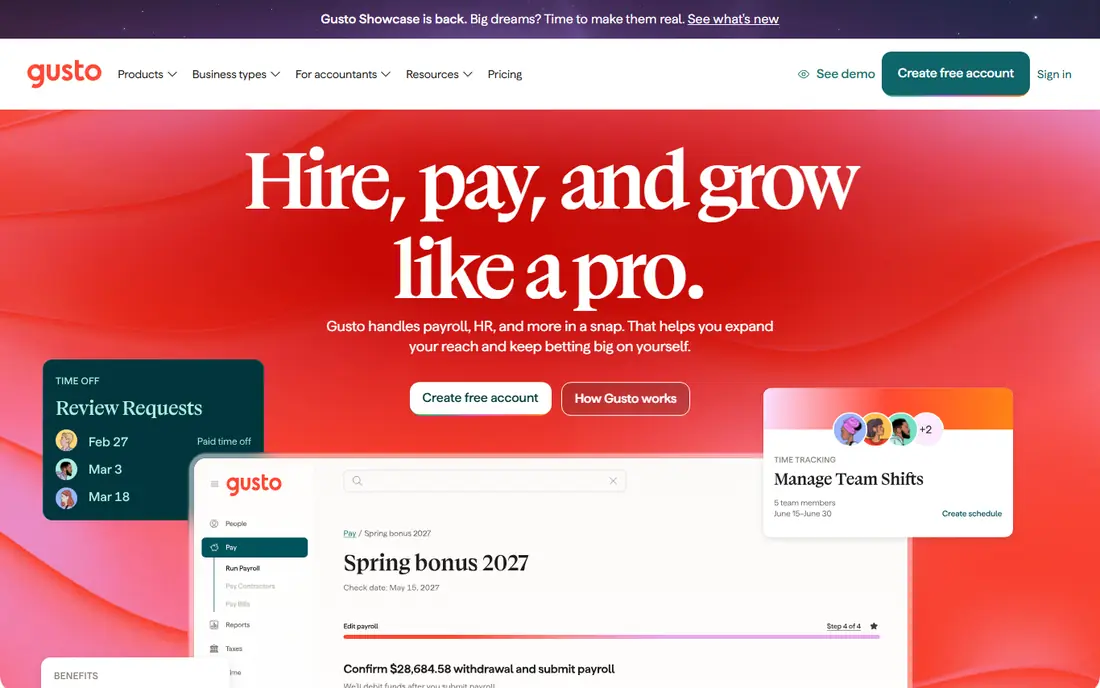
Gusto is our pick for most startups because the pricing is easy to understand and the product covers the basics well. The Simple plan starts at $49 per month plus $6 per person, and it includes unlimited payroll runs, tax filings, and direct deposit. New hires can onboard themselves, which saves a founder from chasing forms in the first weeks of a hire.
The catch is scope. Simple covers payroll in one state, so a team spread across states needs the Plus plan at $80 per month plus $12 per person. That plan adds multi-state payroll, time tracking, and next-day pay. If your team is in one state and you want a calm, predictable setup, Gusto is hard to beat.
- Published pricing with no long contract
- Automated tax filings
- Simple onboarding for new hires
- Simple plan covers one state only
- Per-person fees add up as headcount grows
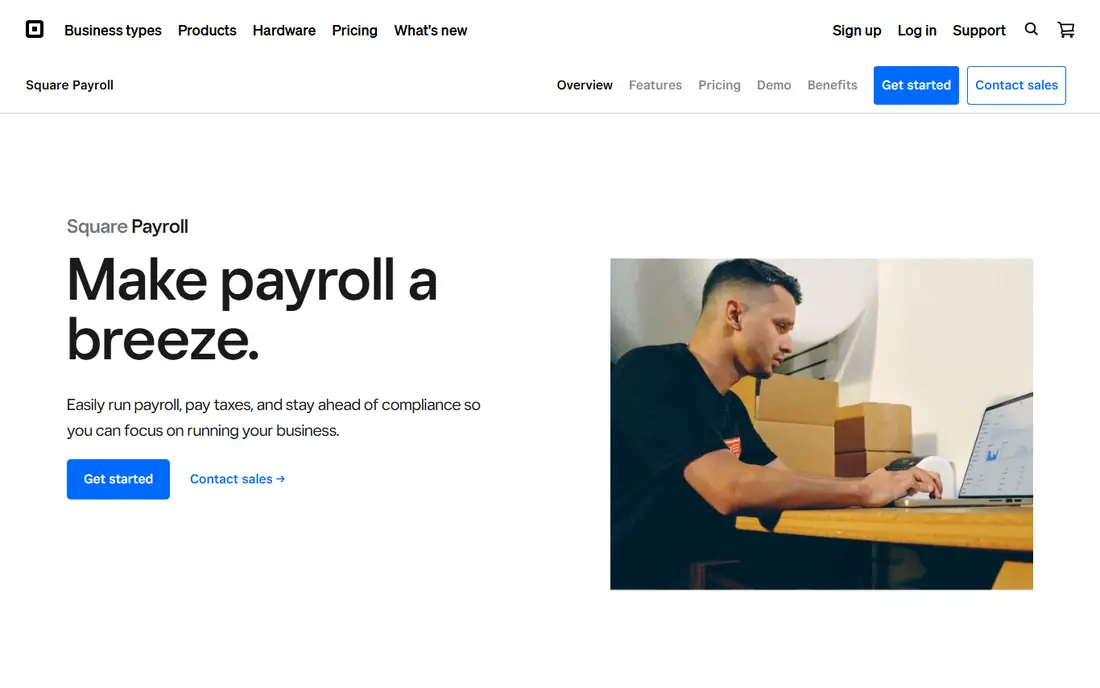
Square Payroll starts at $35 per month plus $6 per person paid for full-service payroll, which makes it one of the cheaper published options here. It handles federal and state tax payments and filings, multiple pay rates, and multi-state payroll. If you already run a cafe, shop, or service business on Square, keeping payroll in the same dashboard removes a weekly chore.
It is less of an HR platform than some rivals. You get payroll done well, but hiring, benefits, and performance tools are not the focus. For a startup that mainly needs people paid correctly and on time, that trade is often worth it.
- Low base fee
- Fits Square point of sale and team tools
- Unlimited pay runs
- HR tools are thinner than Gusto or Rippling
- Contractor plan is separate
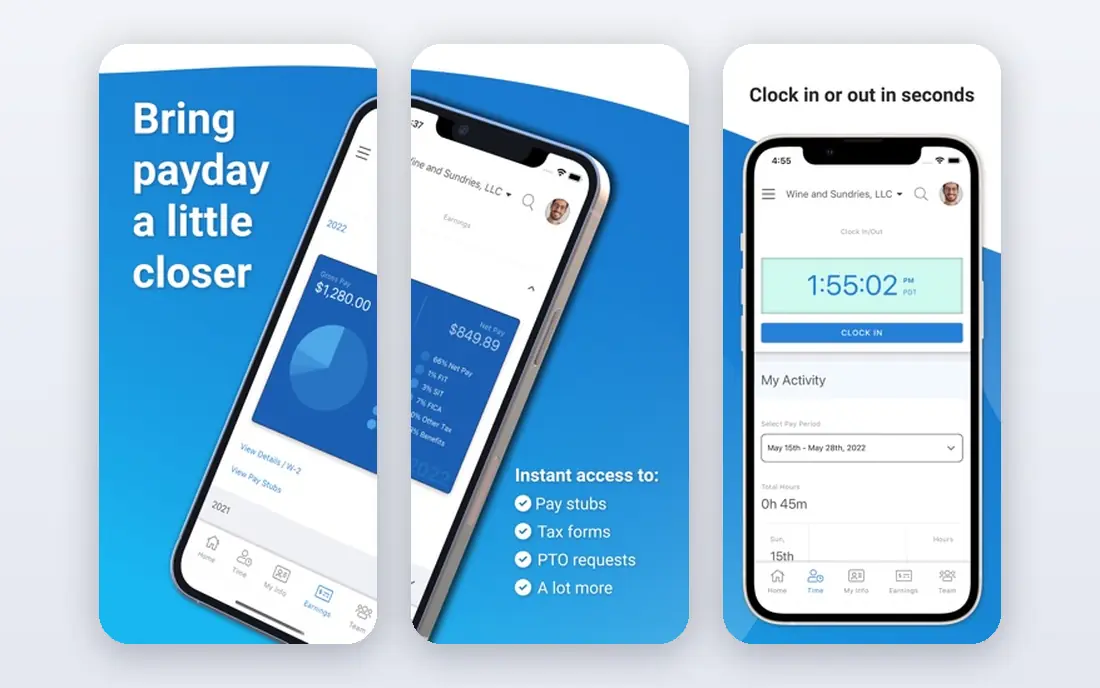
OnPay keeps its pitch simple: one Payroll Essentials plan at $49 per month plus $6 per worker, with tax filings included. That clarity helps a founder compare costs without a sales call. The company also states there is no implementation fee, and new accounts often get a first month free, so trying it carries little risk.
Bundles add time tracking, HR tools, and compliance help at higher per-worker prices, which can push the total above rivals if you need everything. Still, for a startup that wants payroll first and HR later, OnPay is a calm, honest choice with a support team that small firms tend to rate well.
- Single clear payroll plan
- No implementation fee
- First month free in many offers
- HR and time tracking cost extra in bundles
- Smaller integration list than Rippling
SurePayroll, owned by Paychex, lists Full Service payroll from $29 per month plus $7 per employee, though the exact price shown can vary with promotions, so confirm it before you sign up. It suits teams of one to about 25 people, and it has a dedicated plan for household employers such as nanny payroll, which most rivals handle poorly.
The main gap is time tracking, which costs extra, and the design is less modern than Gusto. If you pay a small team, work in more than one state, and want a long-established provider, SurePayroll earns a close look despite the older feel.
- Low published base fee
- Household employer plan
- Tax guarantee on full-service plans
- Time tracking is a paid add-on
- Interface feels dated next to newer rivals
Patriot Software lists Full Service payroll at $37 per month plus $5 per worker paid, which undercuts most rivals on a small team. It files taxes for you, runs unlimited payrolls, and offers a 30-day free trial, so a startup can test a real pay run before paying. The setup is plain and direct, which suits owners who do payroll themselves.
You give up depth. Patriot is not the place for advanced HR, benefits administration, or a large integration catalog. For a team under ten people that needs correct, low-cost payroll and nothing fancy, that is a fair trade.
- Low full-service price
- 30-day free trial
- Simple setup for very small teams
- HR features are basic
- Fewer integrations than larger platforms
Rippling is the choice when a startup expects to grow fast and wants one system for payroll, hiring, benefits, device management, and app access. New hires can be set up with payroll, accounts, and equipment from one flow, which saves real time once headcount passes twenty or thirty. Its integration catalog is also much wider than the simpler tools here.
The trade is price and complexity. Rippling does not publish a single starter price, so you need a quote, and small teams may pay for capacity they do not use yet. If growth is the plan and you want to avoid switching systems in a year, Rippling is worth the sales conversation.
- Payroll, HR, and IT in one system
- Wide integration catalog
- Built for fast growth
- Pricing is quote-based
- Can be more than a small team needs at first
QuickBooks Payroll starts at $50 per month plus a per-employee fee on its Core plan, and it keeps payroll inside the accounting system many small firms already use. That link matters: payroll costs flow into the books without retyping, and an accountant who knows QuickBooks can review both in one place. Tax filings and direct deposit are included.
Outside QuickBooks, the case weakens, since the price is not the lowest here and the higher tiers add cost quickly. But if QuickBooks Online is already your bookkeeping home, adding its payroll is usually simpler than running a separate system.
- Books and payroll stay in sync
- Tax filings included
- Familiar to many accountants
- Per-employee fees rise with higher tiers
- Best value only inside QuickBooks
ADP RUN is built for small businesses that want a large, established provider behind their payroll. It covers payroll, tax filing, hiring, and compliance help, and it gives a clear path to larger ADP products if the company grows past the small-business stage. Reporting is stronger than on most budget tools, which helps once investors or lenders ask questions.
The downside is opacity on price: ADP RUN is quoted, not published, so budgeting takes a call. Setup can also feel more formal than Gusto or Square. For founders who value scale and compliance over the lowest bill, ADP RUN is a serious option.
- Deep compliance support
- Room to grow into larger ADP systems
- Strong reporting
- Pricing is quote-only
- Setup can feel heavier than simpler rivals
Paychex Flex pairs payroll software with a dedicated specialist on many plans, which appeals to owners who want a person to call when a tax notice arrives. It handles payroll, tax administration, time, and benefits, and its HR add-ons cover hiring and compliance as the team grows. Paychex has served small firms for decades, so its tax processes are well tested.
Like ADP RUN, it is quote-only, so you cannot compare an exact price without talking to sales. The product can also feel more corporate than the newer startups on this list. If personal support matters more than a slick app, Paychex Flex deserves a quote.
- Dedicated payroll specialist on many plans
- Long track record
- Wide HR add-ons
- Pricing is quote-only
- Interface can feel corporate for a tiny team
How we picked these
We compared official pricing pages, plan descriptions, and app store listings, plus public reviews of payroll accuracy and support. We favored full-service payroll with tax filing, published or quotable pricing, and a clear fit for teams under about 50 people. We did not claim hands-on testing; our notes reflect what vendors publish and what reviewers report.
What to check before you choose
Start with tax scope. Full-service payroll means the vendor files and pays taxes for you, while self-service plans leave filings to you, and that difference matters more than a few dollars of base fee. Next, count states: a plan that covers one state looks cheap until a remote hire in a second state forces an upgrade.
Then check the per-person math at your real headcount, including contractors, and ask about fees for new state registrations, paper checks, and year-end forms. Finally, run one real pay cycle in a trial where offered, and confirm your accountant can access reports without extra seats.
Sources
- https://www.gusto.com
- https://squareup.com/us/en/payroll
- https://onpay.com
- https://www.surepayroll.com
- https://www.patriotsoftware.com
- https://www.rippling.com
- https://quickbooks.intuit.com/payroll/
- https://www.adp.com/what-we-offer/products/run-powered-by-adp.aspx
- https://www.paychex.com/payroll
- https://rankite.com/blog/best-payroll-software-for-small-business
- https://leadchangegroup.com/payroll-software/pricing/
Frequently asked questions
What is the best payroll software for a startup with five employees?
For most five-person startups, Gusto Simple or Square Payroll fit well, because both publish low base fees and include tax filings. Gusto suits office teams that want onboarding help, while Square suits shops already using Square. Compare the total at five people, not just the base fee, before you decide.
Is full-service payroll worth it for a small business?
For most small firms, yes. Full-service plans calculate, file, and pay payroll taxes, which removes the most error-prone part of payroll. Self-service plans cost less but leave deadlines and filings with you, and a missed filing can cost more than a year of the upgrade.
How much does small business payroll software cost per month?
Published starter plans here range from $29 to $50 per month plus a per-person fee, usually $5 to $7 per worker. Quote-only providers vary with headcount and add-ons, so get a written quote. Always add the per-person fee to the base fee to get your real monthly total.
Can payroll software pay contractors too?
Yes, most tools here pay contractors and prepare year-end 1099 forms, and some offer a contractor-only plan at a lower price. Gusto and Square both list contractor-only options. If you have only contractors, do not pay for a full employee plan you do not need.
Do I need HR software as well as payroll?
Not at first. Payroll plus simple onboarding covers most startups under ten people. HR tools matter once you add benefits, performance reviews, or multi-state compliance, and at that point Gusto Plus, Rippling, or Paychex Flex make more sense than a payroll-only tool.