Best Software for Esports Poster Design in 2026: 9 Tools Compared
By ToolNimba Editorial Team November 11, 2026 9 min read

- Top pick
 Adobe Photoshop
Photo-heavy esports posters
Starting priceSee websiteCheck out Adobe PhotoshopRead our review - Runner-up
 Adobe Illustrator
Logos and sharp vector art
Starting priceSee websiteCheck out Adobe IllustratorRead our review - Also great
 Canva
Fast template posters
Starting priceFreeCheck out CanvaRead our review
How we researched this
We compared official pricing and feature pages, app store listings, privacy policies and public user reviews. Prices change, so check the provider's site before you pay.
Key takeaways
- Photoshop and Illustrator remain the pro pairing for photo-heavy posters and sharp logos, while Canva and Adobe Express win on speed.
- Affinity is now free as a single app, which makes it a strong no-cost route to professional poster tools.
- For esports posters, check text size at small sizes, since most fans first see a poster as a phone thumbnail.
- Keep team logos, sponsor marks, and player photos licensed, and export a print version plus a social version.
Quick comparison
| Name | Best for | Starting price | Free plan | |
|---|---|---|---|---|
| Adobe Photoshop | Photo-heavy esports posters | See website | Free trial | Visit |
| Adobe Illustrator | Logos and sharp vector art | See website | Free trial | Visit |
| Canva | Fast template posters | Free | Yes | Visit |
 Adobe Express | Quick branded social posters | Free | Yes | Visit |
 Affinity | Free pro design suite | Free | Yes | Visit |
 CorelDRAW | Vector posters and print | See website | Free trial | Visit |
 Figma | Team collaboration on posters | Free | Yes | Visit |
 Photopea | Free browser photo editing | Free | Yes | Visit |
 GIMP | Free desktop photo editing | Free | Yes | Visit |
The best software for esports poster design
We compared official feature and pricing pages, template options, vector and photo tools, and export formats, and we favoured tools that handle bold type, player cutouts, glow and gradient effects, and social sizes without a painful workaround. We did not claim hands-on testing.

Photoshop is still the default for esports posters built around player photos. You can cut out a player, blend them into a dramatic background, add glow, lighting, and bold type, and control every layer separately. That control matters when a poster must look sharp on a large screen and still read well as a phone thumbnail.
The cost and learning curve are the trade-offs. A beginner can make a decent poster quickly with templates and tutorials, but mastering masks, blending, and colour grading takes time. If you only need one poster a month, a template tool may be faster, but for a team with weekly matches, Photoshop pays for itself in flexibility.
- Deep photo editing and compositing
- Strong text, glow, and blending tools
- Huge plugin and tutorial base
- Subscription cost adds up
- Can feel heavy for a simple match announcement
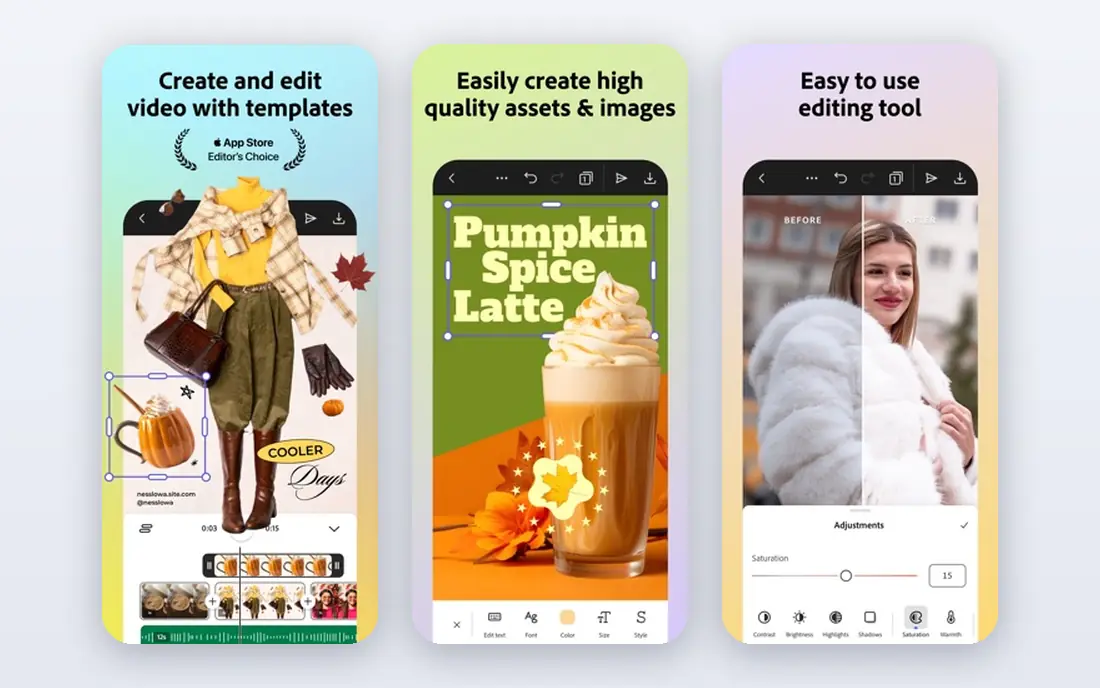
Illustrator is the right tool when the poster centres on a logo, badge, or custom lettering rather than a photo. Vector shapes stay crisp whether the poster is printed large or shrunk to a social avatar, and that matters for team marks that appear in many sizes. Pair it with Photoshop for photos, and you have the classic pro workflow.
On its own, Illustrator is less handy for photo-heavy posters. You can place photos in it, but retouching and compositing belong in Photoshop or Affinity Photo. Use Illustrator for the identity layer of a poster, then finish the photo work elsewhere.
- Vector art stays sharp at any size
- Ideal for logos, badges, and typography
- Strong print export
- Not built for photo editing
- Subscription cost
- Steeper learning curve for beginners
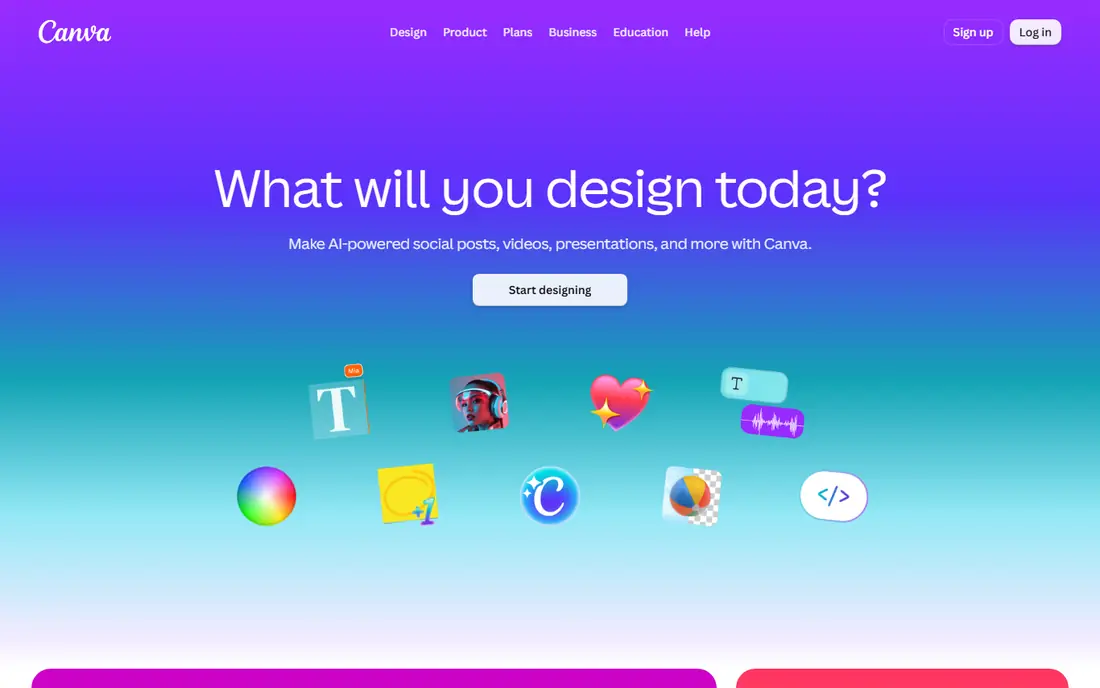
Canva is the fastest route to a match-day poster for most small teams. Start from a poster template, swap in team colours, player photos, and match details, then resize for Instagram, X, and Discord in a few clicks. A volunteer with no design training can produce a clean poster in under an hour.
The limit is control. Complex cutouts, custom lighting, and layered effects are harder here than in Photoshop, and heavy use of templates can make posters look similar across teams. Customise colours, fonts, and layouts enough that your posters have a recognisable team style, not just a template style.
- Many poster and social templates
- Drag-and-drop editing
- Team sharing and brand kit on paid plans
- Less precise photo compositing than Photoshop
- Some best assets need a paid plan
Adobe Express suits teams that post constantly and need a fresh poster for every match, stream, or roster change. Brand tools keep colours and logos consistent, and one design can be resized for stories, feeds, and banners without rebuilding it. That speed matters when a match result changes the next poster at short notice.
For a flagship poster, such as a tournament final or a season launch, you may still want Photoshop or Illustrator. Adobe Express handles the weekly rhythm well, while the pro tools handle the posters that need to stand out for months.
- Fast branded templates
- Easy resizing for social channels
- Adobe fonts and stock on paid plans
- Less depth for complex posters
- Best features need a paid plan
Affinity is now the most interesting free option for esports poster design. The single app combines photo editing, vector design, and page layout, so one download can cover cutouts, logos, and the final poster layout. For a team on a tight budget, that removes the main reason to pay for a subscription.
The catch is familiarity. If your team already works in Adobe files and plugins, switching takes adjustment, and some Adobe-specific features have no exact match. For a new team starting from scratch, though, Affinity gives professional tools at no cost, which is hard to beat.
- Single free app combining photo, vector, and layout tools
- Fast performance
- No subscription
- Smaller plugin base than Adobe
- Some workflows differ from Photoshop and Illustrator
CorelDRAW is a solid vector choice, especially for print posters, banners, and merchandise art that must stay sharp at large sizes. Its typography and layout tools handle bold esports type well, and print export options suit teams that produce physical posters for events and venues.
It is less common than Adobe or Canva in esports circles, so file sharing with other designers may need extra export steps. If your team already uses CorelDRAW for merch or print, it makes sense for posters too; if not, Canva or Affinity may be easier to share.
- Strong vector tools
- Good for print posters and large formats
- One-time purchase options in some plans
- Less common in esports teams, so sharing files can need conversion
- Photo editing is secondary
Figma works well when several people build posters together, such as a social manager, a designer, and a team captain checking details. Components for logos, sponsors, and score blocks keep every poster consistent, and comments let the team approve a design without endless file versions. The free plan is enough for small teams to start.
Photo-heavy compositing is not Figma's strength, and print work needs careful export settings. Use Figma for the layout and approval stage, with photos prepared in Photoshop, Affinity, or Photopea first, and you get the best of both worlds.
- Real-time collaboration
- Components keep team styles consistent
- Free plan for starters
- Browser-based, so large photo files can feel slower
- Print export needs care
Photopea is the best free browser option for Photoshop-style poster work. It opens PSD files, supports layers and masks, and runs without installing anything, which helps on shared or school computers. A designer who knows Photoshop basics can move to Photopea with little relearning.
Ads and browser performance are the trade-offs, and very large files can slow down on weaker machines. For most social posters, though, Photopea is more than enough, and it pairs well with Canva templates or Figma layouts when you need a polished cutout.
- Free in the browser
- Opens PSD files
- Layers, masks, and blending modes for poster work
- Ads on the free tier
- Performance depends on your browser and computer
GIMP is the long-running free desktop alternative for photo-based posters. It handles cutouts, glow, gradients, and compositing, and it runs offline, which suits teams without reliable internet. The tutorial base is large, so most common poster effects have a step-by-step guide somewhere.
The interface and text tools feel older than modern rivals, and logo work belongs in a vector tool instead. Still, for a free desktop editor that can produce a bold match poster, GIMP remains a dependable pick, especially paired with Affinity or Inkscape-style vector work for logos.
- Free and open source
- Layers, masks, and filters for poster effects
- Large community and tutorials
- Interface feels dated
- Text and vector tools are weaker than Illustrator or Affinity
How we picked these
We compared official feature pages, pricing, template libraries, vector and photo capabilities, and export options for print and social use. We favoured tools that support layered editing, bold typography, and social sizes, since esports posters live mostly on phones and streams. We did not claim hands-on testing, and we left out tools that only generate images without giving you layout and text control.
How to design a poster that reads well
Start with the hierarchy: match or event first, teams second, date and time third. If a fan cannot tell what the poster is about in two seconds on a phone, the design needs simplifying, no matter how good the effects look. Use one strong player image or logo mark, not three competing focal points.
Next, check contrast and size. Bold type over a busy photo needs a dark overlay, an outline, or a solid panel behind the text. Test the poster at phone size before you publish, and check that sponsor logos and small print are still legible. A poster that only works at full size will fail where most fans see it.
Finally, export two versions: a high-resolution print file and a compressed social file for each channel. Keep the source file with editable text, so a date change or roster swap does not force a rebuild. Save team colours, fonts, and logo files in one shared folder to keep every poster on brand.
Sources
Frequently asked questions
What is the best software for esports poster design for beginners?
Canva or Adobe Express are the easiest starting points, since templates and drag-and-drop editing speed up the first posters. Move to Affinity or Photoshop when you need deeper photo editing and custom effects.
Do I need Photoshop to make a good esports poster?
No. Affinity, Photopea, and GIMP can produce strong photo-based posters for free, and Canva can handle template-based posters well. Photoshop helps most when you need advanced compositing or work in a pro Adobe workflow.
What size should an esports poster be?
It depends on where it will be seen. Use a portrait poster for feeds and stories, a wide version for stream overlays and banners, and a high-resolution file for print. Always check each platform's current size guide before export.
Can I use player photos and team logos freely?
Not always. Player photos, team logos, and sponsor marks may need permission or a licence, depending on who owns them. Use official assets supplied by the team or event, and check the rules before publishing.
How do I make poster text readable on a phone?
Use large, bold type, limit the words on the poster, and place text over a dark overlay or solid panel rather than a busy photo. Test the design at phone size before you publish it.
Should I design for print or social first?
Design for social first, since most esports fans see posters on phones, then adapt the layout for print. Keep text editable and export a separate high-resolution print file rather than enlarging a social image.