Best Software for Movie Clip Editing in 2026: 8 Tools Compared
By ToolNimba Editorial Team November 10, 2026 9 min read

- Top pick
 Adobe Premiere Pro
Professional teams
Starting price$22.99 per monthCheck out Adobe Premiere ProRead our review - Runner-up
 DaVinci Resolve
Free professional editing
Starting priceFreeCheck out DaVinci ResolveRead our review - Also great
 Final Cut Pro
Mac users
Starting priceSee websiteCheck out Final Cut ProRead our review
How we researched this
We compared official pricing and feature pages, app store listings, privacy policies and public user reviews. Prices change, so check the provider's site before you pay.
Key takeaways
- DaVinci Resolve offers the strongest free editor for movie clips, with professional colour grading and audio tools included.
- Adobe Premiere Pro remains the industry standard for teams and freelancers who need Adobe integration and broad plugin support.
- Final Cut Pro suits Mac users who want a one-time purchase and fast performance on Apple hardware.
- Filmora, PowerDirector and CapCut suit short clips and social edits where speed and templates matter more than deep colour work.
- Check export limits on free plans, since some free editors add watermarks or cap resolution.
Quick comparison
| Name | Best for | Starting price | Free plan | |
|---|---|---|---|---|
| Adobe Premiere Pro | Professional teams | $22.99 per month | No | Visit |
| DaVinci Resolve | Free professional editing | Free | Yes | Visit |
| Final Cut Pro | Mac users | See website | No | Visit |
 Wondershare Filmora | Beginners and creators | See website | Yes | Visit |
 CyberLink PowerDirector | Fast AI-assisted edits | See website | Yes | Visit |
 CapCut | Short social clips | Free | Yes | Visit |
 Microsoft Clipchamp | Quick Windows edits | Free | Yes | Visit |
 Shotcut | Free open-source editing | Free | Yes | Visit |
The best software for movie clip editing
We compared official feature pages, pricing pages and public reviews for eight editors that handle short movie clips, from quick social cuts to colour-graded short films.
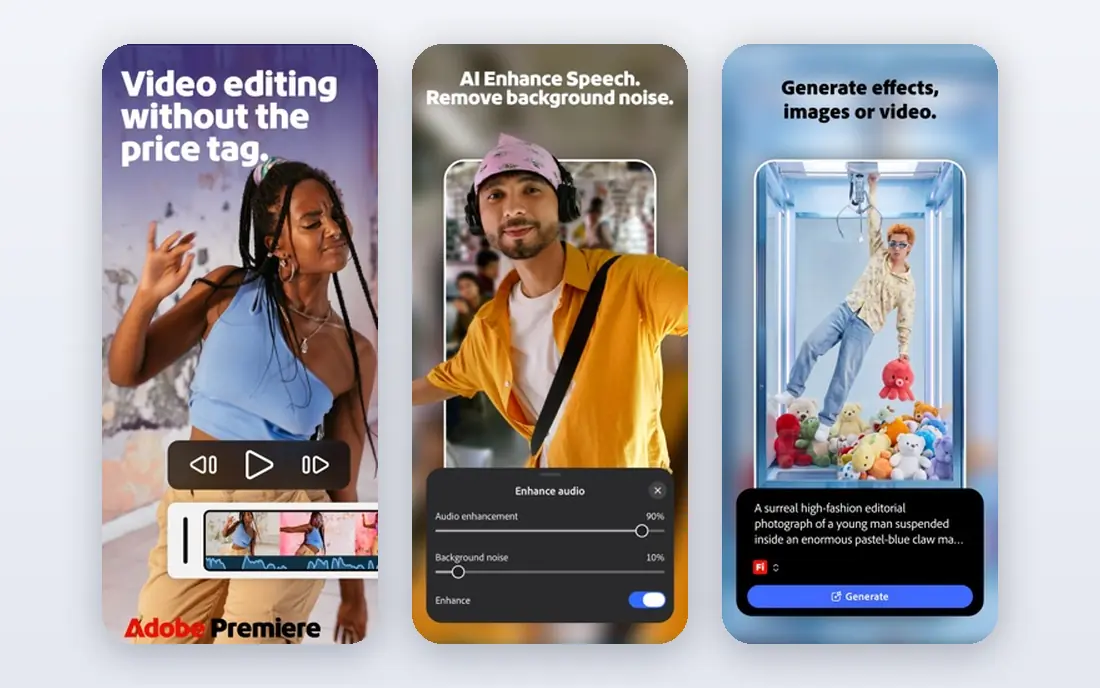
Premiere Pro is the editor most professional teams expect, and that matters when you share projects with freelancers or clients. Its timeline handles multi-camera edits, captions, audio mixing and effects in one workspace, and its plugin library covers almost any workflow. Integration with After Effects, Photoshop and Audition keeps a full post-production pipeline inside Adobe. The cost is a monthly subscription, with a short trial rather than a free plan. Performance also matters: 4K timelines, effects and AI tools need a capable computer with enough memory and a dedicated graphics card. For short movie clips destined for festivals, client work or YouTube, Premiere Pro gives you room to grow without switching tools later.
- Industry-standard timeline and plugin support
- Deep Adobe Creative Cloud integration
- AI tools for speech, reframing and captions
- Subscription only
- Needs a strong computer for 4K work
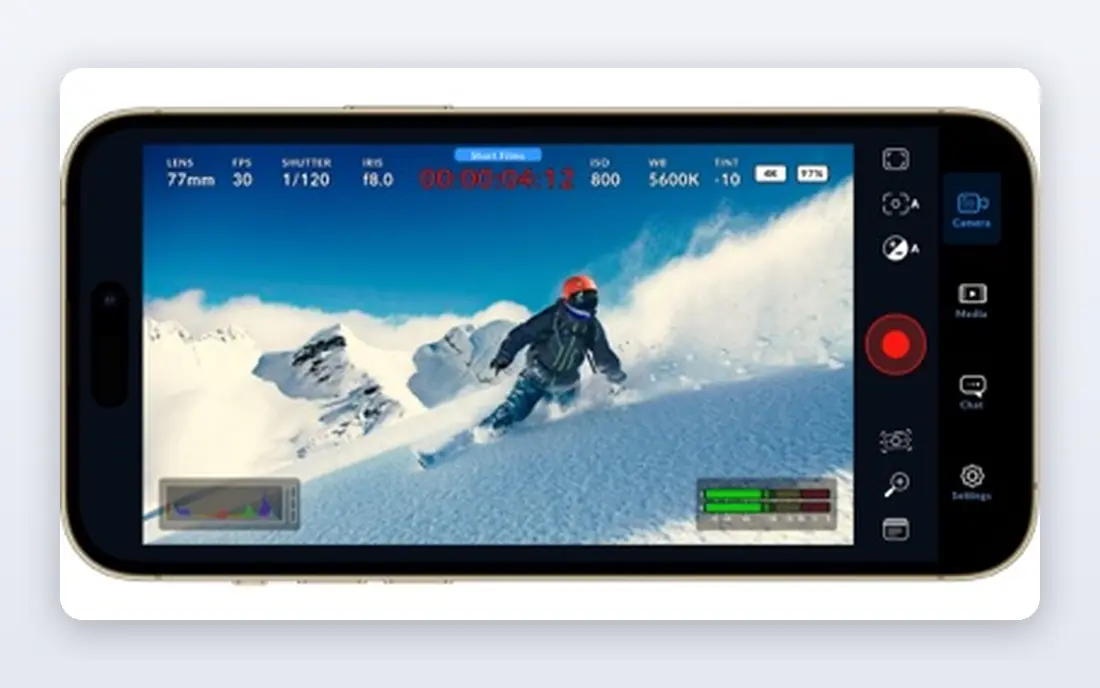
DaVinci Resolve is the best value in video editing. The free version includes professional editing, colour grading, Fusion effects and Fairlight audio, and it exports without a watermark. The Cut page speeds up assembly for short clips, while the Colour page gives filmmakers control that rivals dedicated grading tools. That power takes time to learn. The interface has several pages, and beginners may feel lost at first. System demands are also higher than Filmora or CapCut, so test it on your own computer before committing to a project. For movie clips where colour and sound quality matter, Resolve is the free editor to beat, and the one-time Studio version adds advanced AI tools.
- Professional editing, colour, effects and audio in one app
- Free version exports without a watermark
- Cut page for fast assembly
- Steeper learning curve
- Higher system demands than simpler editors
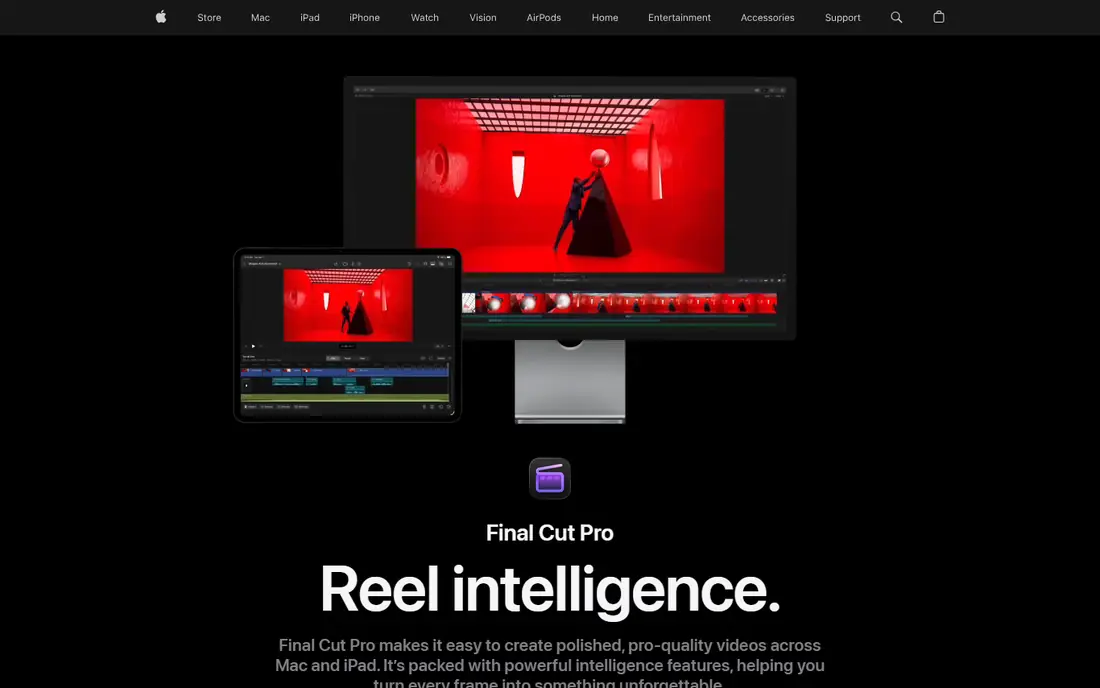
Final Cut Pro is built for Mac, and it shows in speed. The magnetic timeline snaps clips together without gaps, which makes assembling a short movie clip fast, and performance on Apple silicon handles 4K footage smoothly. It is sold as a one-time purchase, so long-term costs stay lower than a subscription editor. The limit is platform. Final Cut Pro runs only on Mac, so Windows-based collaborators cannot open its projects directly. Its plugin library is smaller than Premiere Pro, though still broad for most short-film work. For Mac owners who want a fast, polished editor without a monthly fee, it is a strong pick.
- Fast performance on Apple silicon
- Magnetic timeline for quick assembly
- One-time purchase rather than subscription
- Mac only
- Smaller plugin library than Premiere Pro
Filmora sits between simple mobile editors and professional tools. Its timeline is easy to learn, templates and effects speed up short clips, and AI tools handle background removal, captions and audio cleanup. That mix suits creators who publish often and need a polished result without a long learning curve. The free version adds a watermark to exports, so it is best for testing rather than publishing. Paid plans are sold yearly, and some AI features use credits that run out on heavy projects. If you want a friendly desktop editor for movie clips, trailers and social cuts, Filmora is a solid step up from free mobile apps.
- Easy drag-and-drop timeline
- Large template, effect and title library
- AI tools for cutout, captions and audio
- Free version adds a watermark
- Some AI features need credits or higher plans
PowerDirector combines a full timeline with AI tools that speed up routine work. Text-based editing lets you cut by editing a transcript, object removal cleans up distracting items, and templates help with titles and transitions. Rendering is fast on Windows, which helps when you export several versions of a clip. The interface packs in many features, so new users may need a few sessions to find their way. A trial is available, but full features need a paid plan. For Windows users who want AI help without the learning curve of Resolve or the subscription cost of Premiere Pro, PowerDirector is a practical middle ground.
- AI tools for text-based editing and object removal
- Fast rendering on Windows
- Large effect and template library
- Interface can feel busy
- Some features need a subscription plan
CapCut is the fastest route from raw footage to a short social clip. Templates, trending effects, auto captions and beat sync help creators cut a movie-style clip for TikTok, Reels or Shorts in minutes. It runs on mobile and desktop, so you can start on a phone and finish on a computer. The limit is scope. CapCut is built for short-form video, and it lacks the colour grading depth, audio mixing and project management of Resolve or Premiere Pro. For a 30-second trailer or a social teaser, that is fine. For a full short film, use CapCut for the teaser and a desktop editor for the main cut.
- Free editing with templates and effects
- Auto captions and beat sync
- Works on mobile and desktop
- Best for short-form video, not long films
- Some premium effects need a paid plan
Clipchamp is a browser-based editor that comes pre-installed on Windows 11, which makes it the easiest starting point for Windows users. Templates, text-to-speech and stock media help you assemble a clean movie clip quickly, without installing a large desktop app. The timeline is simple enough for a first edit. Free exports are capped at 1080p, which is fine for social clips but limiting for festival or 4K work. Browser editing also needs a reliable connection, and local files may need relinking when projects move between devices. For quick Windows edits and social clips, Clipchamp is a fast, free choice.
- Free plan with browser-based editing
- Easy templates and stock media
- Pre-installed on Windows 11
- Free exports are capped at 1080p
- Needs a stable internet connection for browser use
Shotcut is a free, open-source editor that exports without a watermark and runs on Windows, Mac and Linux. It supports a wide range of formats, offers filters, transitions and keyframing, and suits editors who want full control without a subscription or a watermark. There is no paid tier to open, so what you download is the full editor. The interface is less polished than Filmora or PowerDirector, and it lacks the template libraries and AI tools of commercial editors. Learning takes patience, but the payoff is a capable free editor for movie clips that you can keep using without ongoing costs. For budget filmmakers and Linux users, Shotcut is a dependable option.
- Fully free with no watermark
- Cross-platform on Windows, Mac and Linux
- Wide format support
- Interface is less polished than rivals
- Fewer templates and AI tools
How we picked these
We compared official feature and pricing pages for editors active in October 2026, plus public reviews on ease of use, export quality and performance. We kept editors that handle short movie clips on desktop or mobile, and we left out tools that only generate video from text prompts. Prices were checked against vendor pages, and we used "See website" where plans varied by billing period or region.
How to choose a clip editor
Match the editor to the clip length and destination. Short social teasers need speed, templates and captions, which favour CapCut, Clipchamp and Filmora. Short films and festival clips need colour grading, audio mixing and high-resolution export, which favour Resolve, Premiere Pro and Final Cut Pro. Check your computer before you commit. Edit a test clip in 4K if that is your target format, and watch for dropped frames, slow rendering and overheating. A free editor that runs well on your machine beats a professional editor that stutters. Also confirm the export settings you need, including resolution, frame rate and captions, before you spend hours on a timeline.
Keep your footage organised
Name clips clearly, keep raw footage and project files in one folder, and back up before you start effects work. A simple folder structure saves more time than any AI tool when a deadline is close, and it makes it easy to move a project to another editor if needed.
Sources
- https://www.adobe.com/products/premiere.html
- https://www.blackmagicdesign.com/products/davinciresolve
- https://www.apple.com/final-cut-pro/
- https://filmora.wondershare.com
- https://www.cyberlink.com/products/powerdirector-video-editing-software
- https://www.capcut.com
- https://clipchamp.com
- https://shotcut.org
- https://rankite.com/blog/top-5-video-editing-software-for-pc
Frequently asked questions
What is the best free software for movie clip editing?
DaVinci Resolve has the strongest free version for movie clips, with professional editing, colour and audio tools and no watermark. Shotcut is a good free open-source alternative, while Clipchamp suits quick Windows edits at 1080p.
Is Premiere Pro worth it for short clips?
Premiere Pro is worth it if you work with clients, share projects with other editors, or need Adobe integration. For personal short clips, DaVinci Resolve free version covers most needs without a subscription.
Can I edit movie clips on a phone?
Yes, CapCut and similar mobile editors handle short clips well, with templates, captions and beat sync. For longer clips, colour grading and detailed audio work, move to a desktop editor such as Resolve or Final Cut Pro.
What computer do I need for 4K clip editing?
For short 1080p clips, a recent mid-range computer is usually enough. For 4K work, aim for at least 16GB of memory, a dedicated graphics card and fast storage, and test your chosen editor on your own machine first.
Do free editors add watermarks?
Some do and some do not. DaVinci Resolve free version and Shotcut export without a watermark, while Filmora free version adds one. Check the free plan terms before you publish a clip.