Best Software Testing Tools in 2026: 10 Tools Compared
By ToolNimba Editorial Team November 1, 2026 11 min read

- Top pick
 Playwright
Modern web test automation
Starting priceFreeCheck out PlaywrightRead our review - Runner-up
 Selenium
Enterprise web automation standard
Starting priceFreeCheck out SeleniumRead our review - Also great
 Cypress
Developer-friendly front-end testing
Starting priceFreeCheck out CypressRead our review
How we researched this
We compared official pricing and feature pages, app store listings, privacy policies and public user reviews. Prices change, so check the provider's site before you pay.
Key takeaways
- Playwright is our default pick for new web test automation, while Selenium remains the enterprise standard for large, legacy suites.
- Cypress suits front-end teams who want fast debugging in the browser, and its paid Cloud adds parallel runs and analytics.
- BrowserStack, Sauce Labs, and LambdaTest solve device and browser coverage, while Katalon, TestRail, and Applitools cover low-code authoring, test management, and visual checks.
- Start with a free framework for your app type, then add a cloud grid or management tool only when coverage or reporting becomes the bottleneck.
Quick comparison
| Name | Best for | Starting price | Free plan | |
|---|---|---|---|---|
| Playwright | Modern web test automation | Free | Yes | Visit |
| Selenium | Enterprise web automation standard | Free | Yes | Visit |
| Cypress | Developer-friendly front-end testing | Free | Yes | Visit |
 Katalon | Low-code test platform | See website | Yes | Visit |
 BrowserStack | Cross-browser and device cloud | See website | Free trial | Visit |
 Postman | API testing and automation | Free | Yes | Visit |
 TestRail | Test case management | See website | Free trial | Visit |
 Applitools | Visual AI testing | See website | Free trial | Visit |
 Sauce Labs | Enterprise device and browser cloud | $39 per month | Free trial | Visit |
 LambdaTest | Affordable cloud testing grid | $15 per month | Free trial | Visit |
The best software testing tools
Software testing covers frameworks that run tests, grids that provide browsers and devices, and tools that manage cases or check visuals. The ten tools below span those jobs, so a team can pick a framework first and add supporting tools as its suite grows.
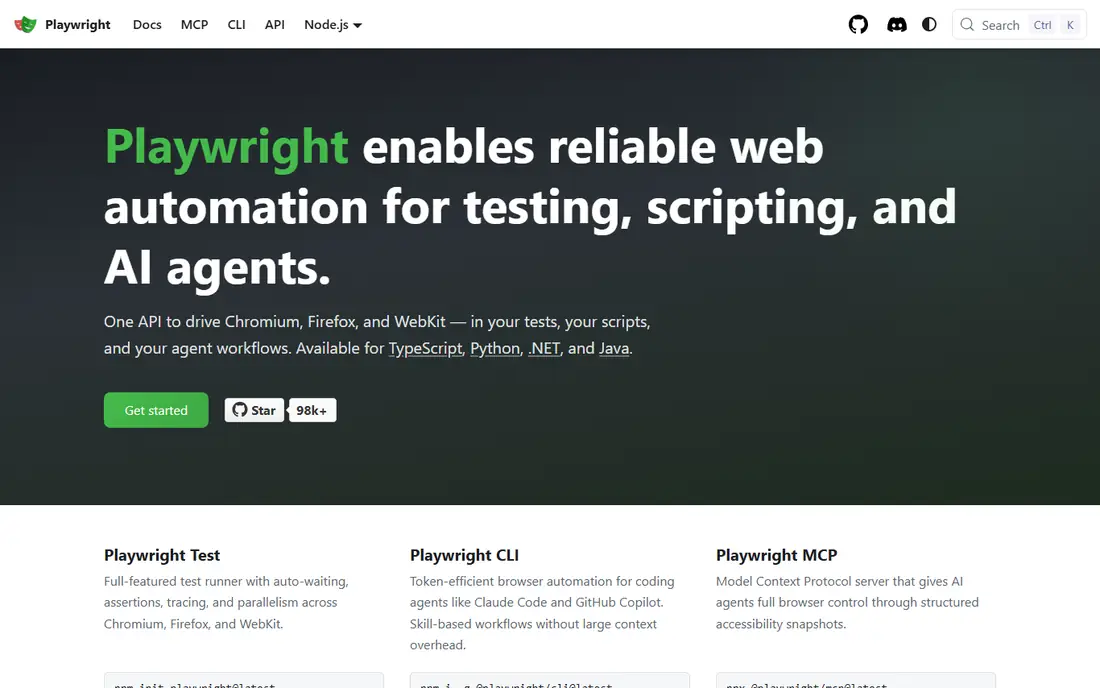
Playwright has become the default for new web automation projects, and the reasons are practical. It is free and open source, runs tests across Chromium, Firefox, and WebKit from one API, and handles waiting, parallel execution, and tracing in ways that reduce flaky tests. Teams in TypeScript, Python, Java, and .NET can all use it, which helps mixed stacks.
The cost is engineering skill. Playwright is a code-first framework, so teams without automation developers will need training or a low-code layer on top. It also focuses on web, not native mobile apps, so mobile teams need Appium or a cloud grid partner. For code-first web teams starting fresh, Playwright is our first recommendation.
- Free and open source
- Tests Chromium, Firefox, and WebKit
- Fast, stable auto-waiting and parallel runs
- Requires coding skill
- Smaller legacy community than Selenium
- Mobile app testing needs other tools
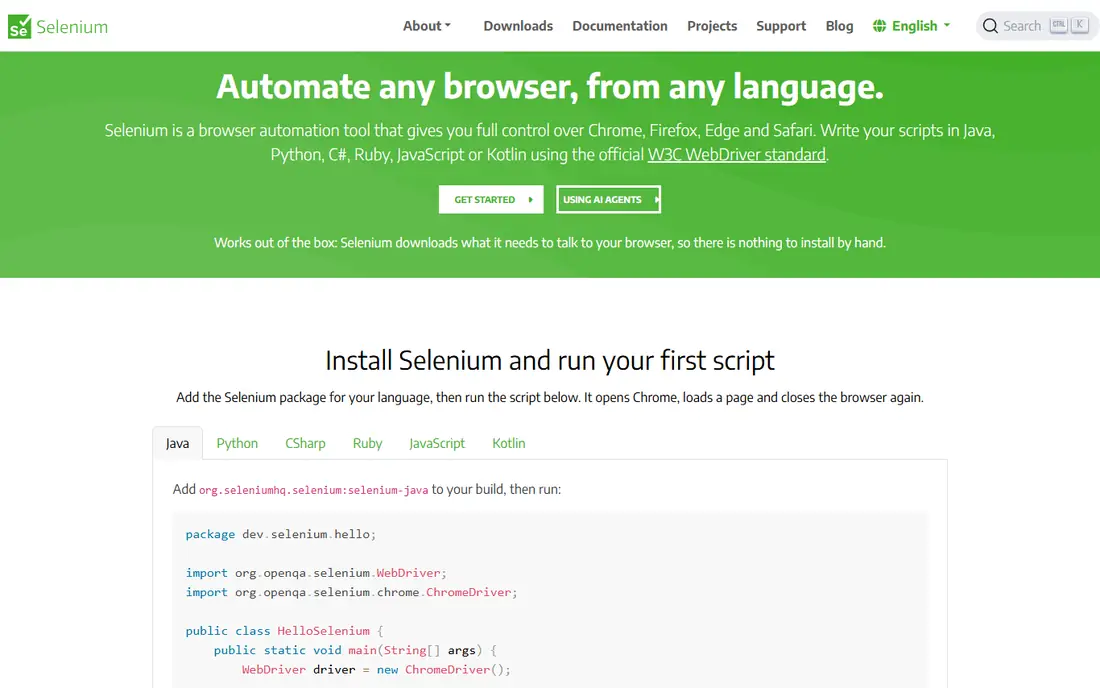
Selenium remains the enterprise standard, even as Playwright gains new projects. It supports many languages and browsers, integrates with almost every CI and reporting tool, and has a huge community and hiring pool. Selenium Grid lets teams run their own browser farm for free, apart from infrastructure costs, which appeals to large organizations with strict controls.
The trade-off is maintenance. Selenium tests need more explicit waiting and setup than Playwright, and modern single-page apps can expose flakiness that newer frameworks handle better. Running Grid at scale also means owning servers, browser images, and video storage. For large legacy suites and enterprises with deep Selenium skill, staying with Selenium still makes sense.
- Free and open source
- Largest ecosystem and language support
- Selenium Grid for self-hosted runs
- More setup and flakiness than Playwright
- Slower for modern single-page apps
- Grid maintenance falls on your team
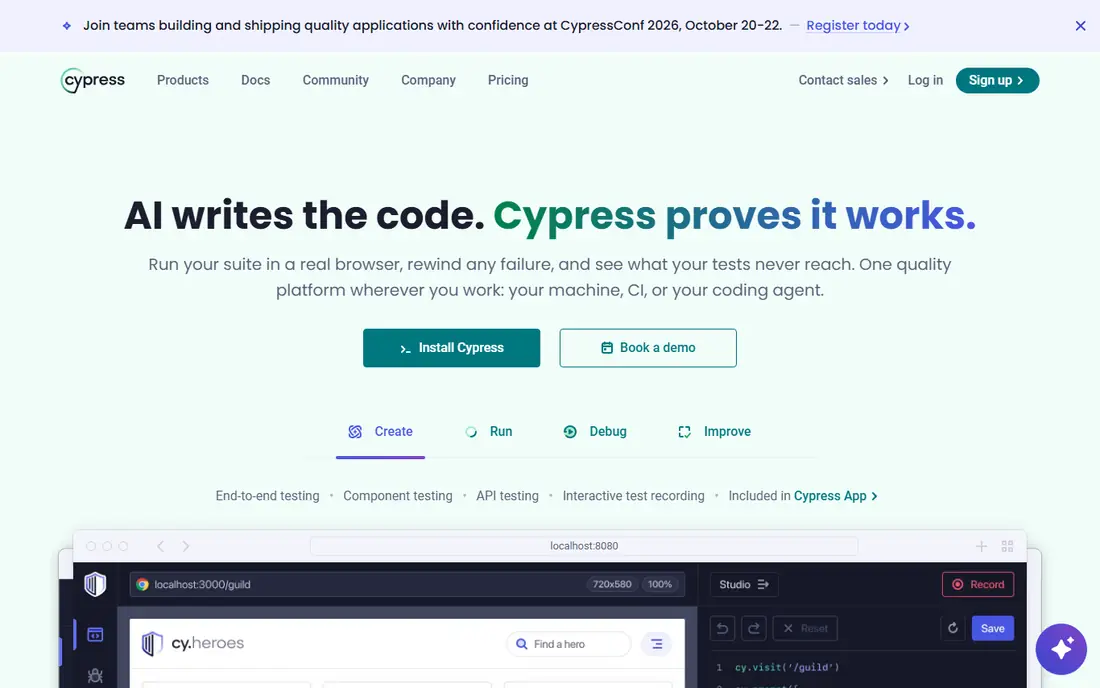
Cypress wins on developer experience for front-end teams. The free runner opens in the browser, shows each command as it runs, and lets developers step back through a failing test to see what happened. Setup for a JavaScript project is fast, and the documentation is among the best in testing, which shortens onboarding for new hires.
Paid Cloud features are where costs appear. Parallelization, load balancing, Test Replay, and longer retention sit behind paid tiers, with Team listed at $799 per year in recent comparisons, while the free Starter tier includes a limited number of recorded test results. Cypress also focuses on web, with limits on multi-tab flows. For front-end teams who debug in the browser daily, it remains a strong pick.
- Free open source runner
- Excellent time-travel debugging
- Easy setup for JavaScript teams
- Cloud parallel features are paid
- Multi-tab and multi-origin limits apply
- Mobile app testing is out of scope
Katalon suits teams that mix testers and developers. Non-technical testers can build tests with low-code recording and keywords, while developers can drop into scripting when a case needs custom logic. Web, mobile, and API testing live in one platform, with reporting and CI integrations included, which reduces the tool sprawl of a framework plus separate runners.
Pricing requires a quote or a trial check for many team plans, so budget planning is harder than with a free framework. Katalon is also heavier to install and learn than Playwright or Cypress alone. For mixed-skill QA teams that need one platform for several test types, Katalon is a practical middle path between code-only frameworks and fully codeless tools.
- Low-code and coded testing in one platform
- Web, mobile, and API coverage
- Built-in reporting
- Pricing is not fully transparent on the site
- Heavier than a pure framework
- Advanced scripting still needs skill
BrowserStack solves a different problem from frameworks: where do tests run. Its cloud offers thousands of real browsers and devices, so a team can check a site on Safari, older Chrome, and many Android and iOS devices without buying hardware. Live plans for manual testing start around $29 per month billed annually in recent comparisons, with Automate plans higher.
It does not write or repair tests, so a team with flaky scripts will still have flaky scripts, just on more devices. Costs also scale with parallel sessions, which can surprise teams that run large suites on every pull request. Pair BrowserStack with Playwright, Selenium, or Cypress when device coverage, not authoring, is the bottleneck.
- Very broad browser and device coverage
- Live, Automate, and App Automate products
- No local device lab needed
- Pricing varies by product and parallels
- No test authoring or healing
- Costs grow with parallel sessions
Postman is the standard starting point for API testing. The free tier lets developers send requests, save collections, write test scripts, and run monitors, which covers most API checks for small teams. Public workspaces and shared collections also make it easy to learn an API or hand off endpoints to a new teammate.
Postman does not test user interfaces, so it complements Playwright or Cypress rather than replacing them. Team collaboration, advanced monitors, and enterprise controls sit on paid plans, and a messy collection can become hard to maintain. For API-first teams, Postman belongs in the stack alongside a web framework, not instead of one.
- Free tier for API requests and collections
- Easy test scripts and monitors
- Huge API community and public workspaces
- Not a UI testing tool
- Team and enterprise features are paid
- Large collections need organization to stay useful
TestRail manages the tests themselves, which matters once a suite grows beyond a spreadsheet. Teams organize cases by section, build test runs for a release, track results over milestones, and report coverage to stakeholders. Integrations with automation frameworks and issue trackers link manual and automated results in one view.
TestRail does not execute automated tests, so it needs a framework or CI tool to run the code. Pricing also requires checking current plans, since team pricing is not always a simple published figure. For QA teams that need traceability, release reporting, and a shared source of truth for cases, TestRail is a solid management layer.
- Clear test case organization
- Test runs, milestones, and reporting
- Integrations with automation and issue trackers
- Pricing needs a quote for many teams
- It does not run automated tests itself
- Manual case upkeep takes discipline
Applitools focuses on what functional tests miss: does the page still look right. Its visual AI compares screenshots against baselines, flags layout shifts, missing elements, and rendering differences across browsers, and integrates with Playwright, Selenium, Cypress, and other frameworks. That catches regressions that pass a functional check but break the user experience.
Visual testing adds a maintenance job, since baselines must be updated when designs change on purpose, and pricing is often quote-based. Applitools also complements, rather than replaces, functional and API tests. Teams with design-sensitive products, frequent UI changes, or strict brand standards will get the most value from adding it to a framework they already use.
- AI visual checks catch layout breaks
- Works with major frameworks
- Cross-browser visual baselines
- Pricing is quote-based for many teams
- Visual baselines need upkeep
- Not a full functional test replacement
Sauce Labs is a long-standing cloud grid for web and mobile testing, with thousands of browser and device combinations. Entry cross-browser plans have been listed from $39 per month in recent comparisons, with higher tiers for mobile and parallel runs. Enterprises value its compliance features, analytics, and support for existing Selenium and Appium suites.
Smaller teams may find LambdaTest cheaper for the same basic grid need, and Sauce Labs pricing still scales with parallel sessions. Solo testers and tiny startups should start with a free framework and add a grid only when real device coverage becomes essential. For regulated enterprises with large suites, Sauce Labs is a dependable grid choice.
- Large device and browser cloud
- Strong enterprise and compliance features
- Supports Selenium and Appium suites
- Entry pricing is higher than LambdaTest
- Costs scale with parallels
- Setup suits larger teams more than solo testers
LambdaTest, now also known under the TestMu AI brand in some listings, offers a broad cloud grid at a lower entry price than BrowserStack or Sauce Labs, with plans from $15 per month. It supports Selenium, Playwright, Cypress, and Appium runs, plus manual live testing on real devices, which makes it a practical grid for budget-conscious teams.
Like other grids, it does not author or heal tests, and enterprise support and analytics sit on higher tiers. Performance can also vary by region and device demand. For teams that need real device coverage without enterprise grid pricing, LambdaTest is the best value grid on this list, and it pairs well with a free framework.
- Low entry price from $15 per month
- Broad browser and device coverage
- Supports major frameworks
- Enterprise features and support vary by tier
- Performance can vary by region
- Test authoring is not included
How we picked these
We compared official feature pages, pricing pages, and documentation for testing tools active in October 2026, and we kept only tools that run, manage, host, or visually check software tests as a core function. We favored a mix of free frameworks, cloud grids, API tools, and management platforms, and we noted where pricing is quote-based rather than published. We did not claim hands-on testing we did not do, and we checked that each homepage below belongs to the tool named.
How to build a testing stack without overbuying
Start with one framework that matches your app: Playwright or Cypress for modern web, Selenium for legacy enterprise web, and Postman for APIs. Run those tests in CI on a small set of browsers first, and add a cloud grid only when you need Safari, older browsers, or real mobile devices that CI runners do not provide. Add TestRail when case tracking outgrows spreadsheets, and Applitools when visual regressions slip past functional tests.
Measure the suite before you pay for scale. Count how many tests run per day, how often they fail for real bugs versus flakiness, and how long the suite takes on each pull request. Paid Cloud, parallel grids, and visual baselines all cost more as volume grows, so a small, stable suite on a free framework beats a large, flaky suite on an expensive platform. Fix flakiness first, then buy coverage.