Best Solitaire App in 2026: 8 Apps Compared
By ToolNimba Editorial Team November 9, 2026 9 min read

- Top pick
 Solitaire Bliss
Most game variations
Starting priceFreeCheck out Solitaire BlissRead our review - Runner-up
 Brainium Solitaire
Clean classic Klondike
Starting priceFreeCheck out Brainium SolitaireRead our review - Also great
 Microsoft Solitaire Collection
Daily challenges
Starting priceFreeCheck out Microsoft Solitaire CollectionRead our review
How we researched this
We compared official pricing and feature pages, app store listings, privacy policies and public user reviews. Prices change, so check the provider's site before you pay.
Key takeaways
- Solitaire Bliss is our pick for variety, with more than 35 solitaire variations on iOS, Android, and the web.
- Brainium Solitaire is the best free Klondike app for players who want a clean game with a lighter ad load.
- Microsoft Solitaire Collection suits Windows and mobile players who want daily challenges and Xbox-linked progress.
- MobilityWare Solitaire remains a solid classic choice, but its ads are heavier than Brainium or Bliss.
- The best free solitaire app depends on whether you want one classic game done well or many variants in one place.
Quick comparison
| Name | Best for | Starting price | Free plan | |
|---|---|---|---|---|
| Solitaire Bliss | Most game variations | Free | Yes | Visit |
| Brainium Solitaire | Clean classic Klondike | Free | Yes | Visit |
| Microsoft Solitaire Collection | Daily challenges | Free | Yes | Visit |
 MobilityWare Solitaire | Classic play with themes | Free | Yes | Visit |
 Solitaired | Free web play | Free | Yes | Visit |
 FreeCell Solitaire by Brainium | FreeCell fans | Free | Yes | Visit |
 Spider Solitaire by Brainium | Spider fans | Free | Yes | Visit |
 Solitaire by Solebon | Large cards and simple play | Free | Yes | Visit |
The best solitaire app
Solitaire looks simple, but the best app for you depends on the variant you play, how much advertising you tolerate, and whether you want daily challenges or a quiet classic game. The apps below all offer a free way to play, and each one fits a different kind of player.
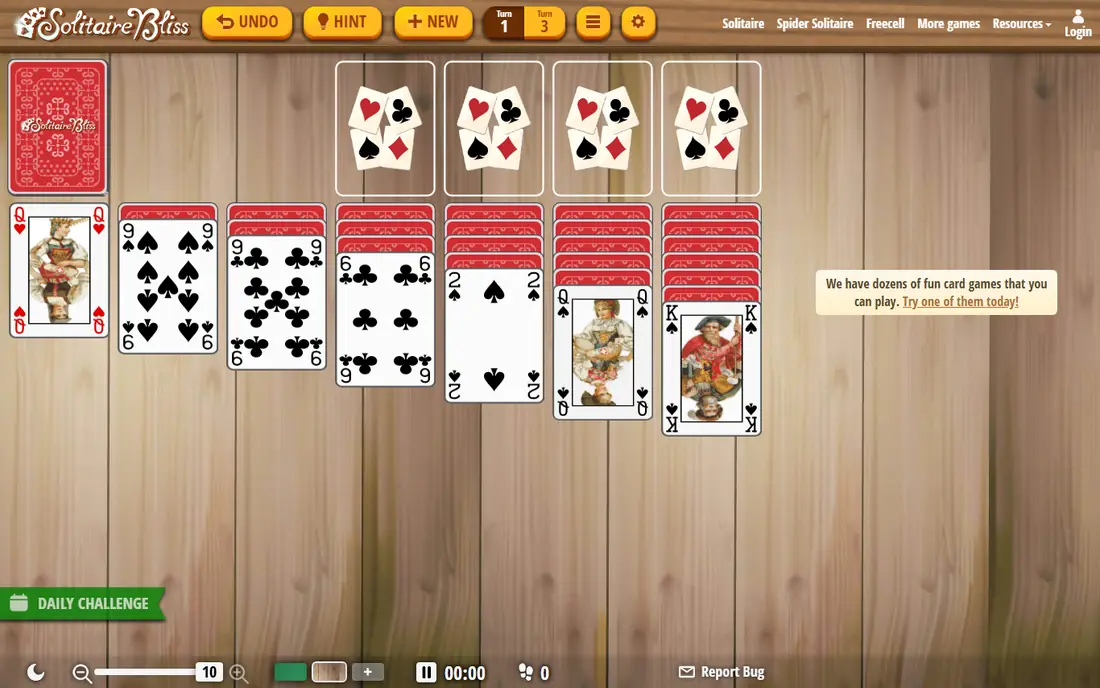
Solitaire Bliss is the app we would recommend first to most players. It covers Klondike, Spider, FreeCell, TriPeaks, Golf, Pyramid, and many lesser-known variants, so you can switch games without installing a second app. Ads appear between rounds rather than during a game, which keeps play calm, and an ad-free upgrade is available for a monthly or yearly fee.
The catch is that the free version still shows ads, and the sheer number of games can feel crowded when you first open the app. Stick to the favorites list to keep your regular games one tap away. For players who like variety and a polished interface, Bliss is the strongest all-round free solitaire app.
- More than 35 variations
- Ads only between rounds
- Works on mobile and web
- Paid upgrade needed to remove ads
- Large library can feel busy at first
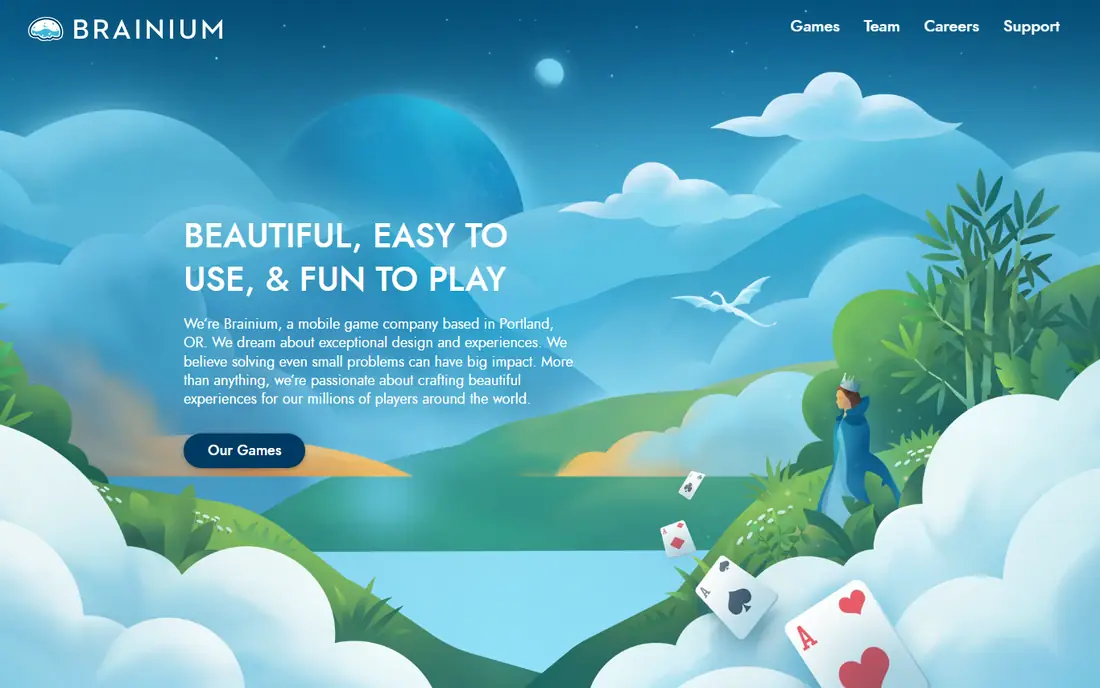
Brainium Solitaire is the quiet classic in this list. It focuses on Klondike, with clean cards, clear layouts, and helpful hints and undo options that keep a game moving without frustration. Brainium has a reputation for less aggressive advertising than many free card apps, which matters when you play a few hands a day.
The limit is variety. If you want Spider, FreeCell, and TriPeaks in one app, Bliss covers more ground. Brainium also offers separate apps for FreeCell and Spider, which we list below, so fans of one variant can still stay in the Brainium family. For pure Klondike, this is our pick.
- Classic Klondike done well
- Lighter ad load than many rivals
- Smooth play and hints
- Fewer variants than Bliss
- Some features need a paid upgrade
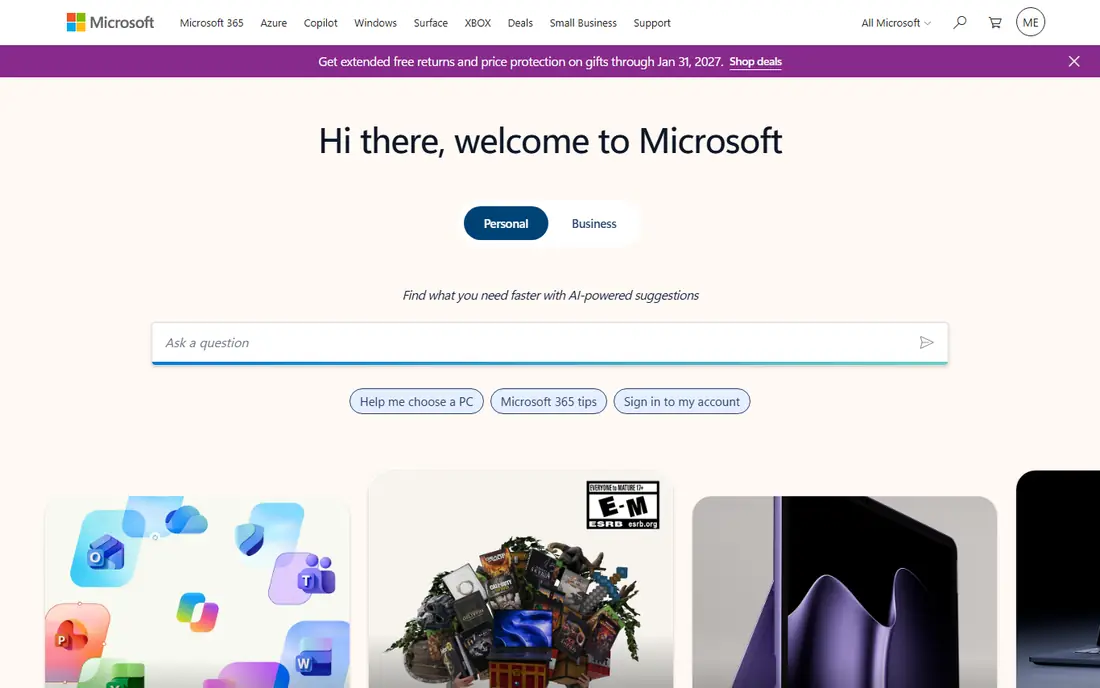
Microsoft Solitaire Collection is the most game-like pick here, and that is a plus for players who like goals. Daily challenges, themed events, and a progression system give you a reason to return each day, and the collection covers five major variants in one download. Signing in with a Microsoft account keeps progress across Windows and mobile.
The downside is commercial pressure. Ads appear in the free version, and the store pushes themes and ad removal. The interface is also busier than a plain Klondike app, with events and rewards competing for attention. If daily goals keep you playing, this collection is worth it; if you want a calm game, Brainium is calmer.
- Daily challenges and events
- Klondike, Spider, FreeCell, TriPeaks, and Pyramid
- Progress sync on Microsoft accounts
- Ads and optional purchases throughout
- Interface is busier than Brainium
MobilityWare Solitaire is one of the longest-running solitaire apps on mobile, and it shows in the polish of the card handling and themes. You can change card backs, backgrounds, and layouts to suit your taste, and daily challenges add a small goal to each session. For players who have used it for years, the familiarity itself is a draw.
The honest catch is advertising. Reviewers often cite full-screen ads between games as the main frustration, and removing them requires a paid subscription. If ads bother you, try Brainium or Bliss first. If you already like MobilityWare's look and do not mind the ads, it remains a dependable classic.
- Long-running classic app
- Many card backs and backgrounds
- Daily challenges
- Heavier ad load than Brainium
- Premium subscription needed to remove ads
Solitaired suits players who do not want another app on their phone. You open the website, pick a variant, and play in the browser on a phone, tablet, or computer. The range covers classic Klondike plus Spider, FreeCell, TriPeaks, and other variants, with daily games and simple statistics.
The trade is that a browser game cannot match a dedicated app for offline play or notifications, and web ads fund the free service. For occasional play at a desk or on a shared device, though, Solitaired is the fastest way to start a game. It also makes a good backup when your usual app is not installed on a device.
- No install needed
- Many variants in a browser
- Works on phones and computers
- Web ads support the free games
- No single polished mobile app experience
FreeCell players have different needs from Klondike players, since nearly every FreeCell deal can be won with careful play. Brainium's dedicated FreeCell app leans into that, with a clear layout, hints, and unlimited undo options that let you test lines of play. The interface stays out of the way, which matters in a game where planning ahead is the whole point.
The obvious limit is that it plays one game. That focus is the appeal for FreeCell fans, but players who switch variants will need another app. Ads appear in the free version, with a paid option to remove them. If FreeCell is your game, this focused app beats a crowded all-in-one.
- Focused FreeCell play
- Clean Brainium interface
- Hints and undo support
- Single game only
- Ads in the free version
Spider Solitaire rewards patience, and Brainium's version gives you the tools to play it well. One-suit games suit beginners, while two-suit and four-suit modes give experienced players a real challenge. The layout stays readable even when the tableau fills up, which is not true of every Spider app.
New players should start on one suit, since four-suit Spider can feel punishing without practice. Like the other Brainium apps, this one includes ads in the free version and a paid removal option. For Spider specialists, a dedicated app with proper difficulty levels is worth more than a variant buried inside a larger collection.
- One, two, and four suit modes
- Clean layout
- Good for longer sessions
- Single game only
- Harder modes can frustrate new players
Solebon's Solitaire, including its Solitaire for Seniors version, is built around readability. Cards are large, navigation is simple, and the game sticks to classic Klondike without extra modes competing for attention. That makes it a good choice for players who want big, clear cards or who find busier apps hard to read.
The trade is depth. You will not find the variant library of Bliss or the daily event system of Microsoft here. Check the app's data and ad settings on install, since free card apps vary in what they collect. For straightforward, easy-to-read Klondike, Solebon is a solid, simple pick.
- Large cards and clear navigation
- Simple classic Klondike
- Updated regularly
- Fewer features than Bliss or Microsoft
- Ads and data practices vary by version
How we picked these
We compared official app pages, app store listings, and public reviews for the most widely used free solitaire apps, with attention to variant coverage, ad placement, offline play, and ease of use. We favored apps that offer a genuinely free way to play classic solitaire without requiring a purchase to finish a game. We did not claim hands-on testing; our findings rest on published app descriptions, store listings, and player feedback about ads and usability.
Choosing the right solitaire app for how you play
Start with the variant you actually play. Klondike-only players should pick the cleanest Klondike app, while variant collectors should pick Bliss or Microsoft's collection and ignore the rest. A single-variant app usually plays its game better, with clearer layouts and better difficulty options, than a collection that treats it as an afterthought.
Check ads before you commit
Free solitaire apps pay for themselves with ads, in-app purchases, or both, so test the ad load during a normal session before settling in. Ads between games are easy to live with; ads during a game are not. If an app interrupts play often, switch early, since your card habits and statistics will not transfer to a new app.
Use hints, undo, and statistics wisely
Hints and unlimited undo make solitaire more relaxing, but they also change the challenge. Turn hints on while learning a variant, then turn them off once you know the strategy. Statistics and win rates are useful for tracking progress, but a single unlucky run says little; judge an app over a week of play, not one session.
Play offline when you can
Offline play matters on flights, commutes, and in areas with weak signal. Dedicated mobile apps usually support it, while web games need a connection. Download your chosen app before a trip, and check whether daily challenges need a connection to refresh, since some features pause offline even when the core game works.
Sources
Frequently asked questions
What is the best free solitaire app?
Solitaire Bliss is our best free solitaire app overall, thanks to its wide variant library and ads that stay between rounds. Brainium Solitaire is the best free choice if you only play Klondike and want the cleanest game. Both are free to download, with optional paid upgrades to remove ads.
What are the best solitaire apps for iPhone and Android?
Solitaire Bliss, Brainium Solitaire, Microsoft Solitaire Collection, and MobilityWare Solitaire all run on both iPhone and Android. Solitaired adds a web option that works on either platform without an install. Pick based on variant coverage and ad tolerance rather than platform, since the top apps cover both stores.
Is there a solitaire app with no ads?
Most free solitaire apps show ads, but paid upgrades remove them in Bliss, Brainium, and MobilityWare. A fully ad-free experience usually requires that upgrade or a one-time purchase, so check the app's store page for the current removal price. Web play on Solitaired is free but ad-supported.
Can I play solitaire offline?
Yes, most dedicated mobile solitaire apps let you play classic games offline once installed. Daily challenges and leaderboards may need a connection to update, but the core card game usually works without one. Web-based games need an internet connection to load and play.
Which solitaire app has the most game types?
Solitaire Bliss leads this list, with more than 35 variations including Klondike, Spider, FreeCell, TriPeaks, Golf, and Pyramid. Microsoft Solitaire Collection covers five major variants with daily challenges. If variety matters most, Bliss is the clear pick.
Is solitaire good for your brain?
Solitaire involves planning, sequencing, and short-term memory, which many players find mentally engaging and relaxing. It is a game, not a medical treatment, and it will not prevent or treat any health condition. Play it because you enjoy it, and take breaks if long sessions strain your eyes or hands.