Best Study Apps for High School Students in 2026: 9 Apps Compared
By ToolNimba Editorial Team November 9, 2026 9 min read

- Top pick
 Khan Academy
Free lessons and SAT prep
Starting priceFreeCheck out Khan AcademyRead our review - Runner-up
 Quizlet
Quick flashcards and shared sets
Starting priceFreeCheck out QuizletRead our review - Also great
 Anki
Long-term memory
Starting priceFreeCheck out AnkiRead our review
How we researched this
We compared official pricing and feature pages, app store listings, privacy policies and public user reviews. Prices change, so check the provider's site before you pay.
Key takeaways
- Khan Academy is the best free lesson app, with video lessons and practice for maths, science, and SAT prep.
- Quizlet is easiest for quick flashcards, while Anki is better for long-term memory through spaced repetition.
- Notion and My Study Life help students organise homework, deadlines, and revision plans in one place.
- Forest and Photomath solve specific problems, focus and maths checking, but they do not replace lessons or practice.
Quick comparison
| Name | Best for | Starting price | Free plan | |
|---|---|---|---|---|
| Khan Academy | Free lessons and SAT prep | Free | Yes | Visit |
| Quizlet | Quick flashcards and shared sets | Free | Yes | Visit |
| Anki | Long-term memory | Free | Yes | Visit |
 Notion | Notes and planning | Free | Yes | Visit |
 My Study Life | Timetable and exam countdown | Free | Yes | Visit |
 Forest | Staying focused | See website | Yes | Visit |
 Photomath | Checking maths work | Free | Yes | Visit |
 Grammarly | Writing and essays | Free | Yes | Visit |
 Desmos | Graphing and maths visualisation | Free | Yes | Visit |
The best study apps for high school students
We compared official app pages and free-plan details for study tools that suit high school subjects, homework, and test prep. The list covers lessons, flashcards, notes, planning, and focus, because no single app does all of those jobs well.
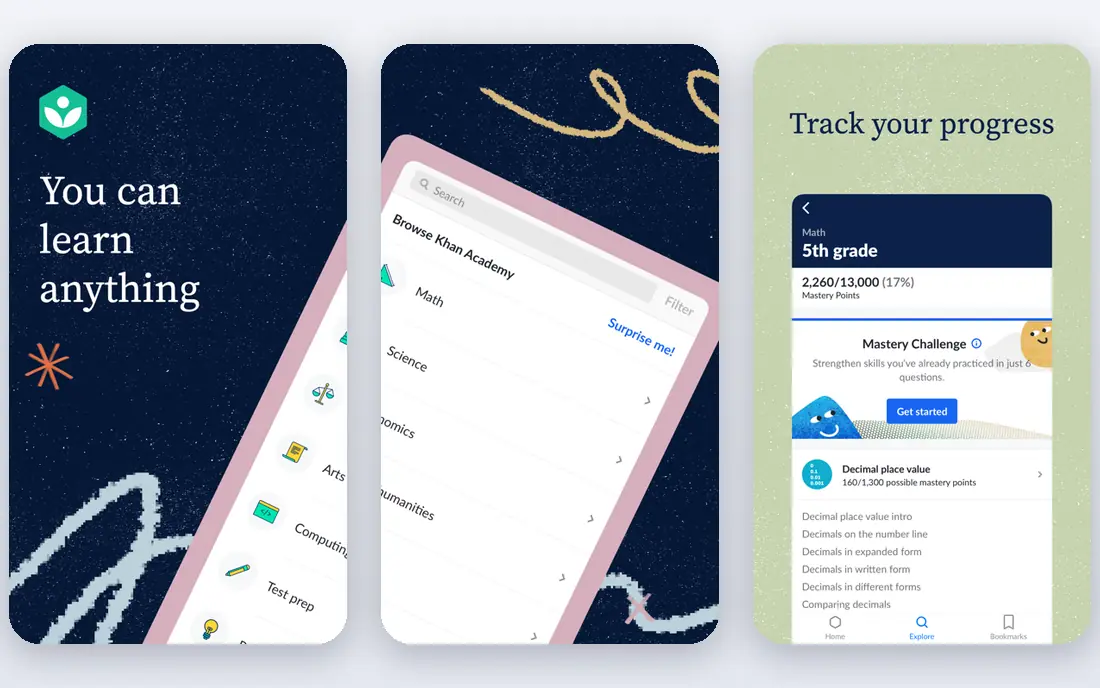
For households that want one subscription to cover the main devices, this is a sensible starting point. Khan Academy is the best free lesson app for high school, with video lessons and practice across maths, science, and English.
It covers topics from basic algebra to calculus, biology, chemistry, and history, with instant feedback on practice exercises. Official digital SAT prep, built with College Board, makes it especially useful for juniors and seniors. Some content is web-focused, and humanities coverage is thinner than maths and science. As a free supplement to class lessons, it is hard to beat.
- Free and ad-free
- Wide subject coverage
- Official SAT prep
- No offline app for all content
- Less for humanities depth
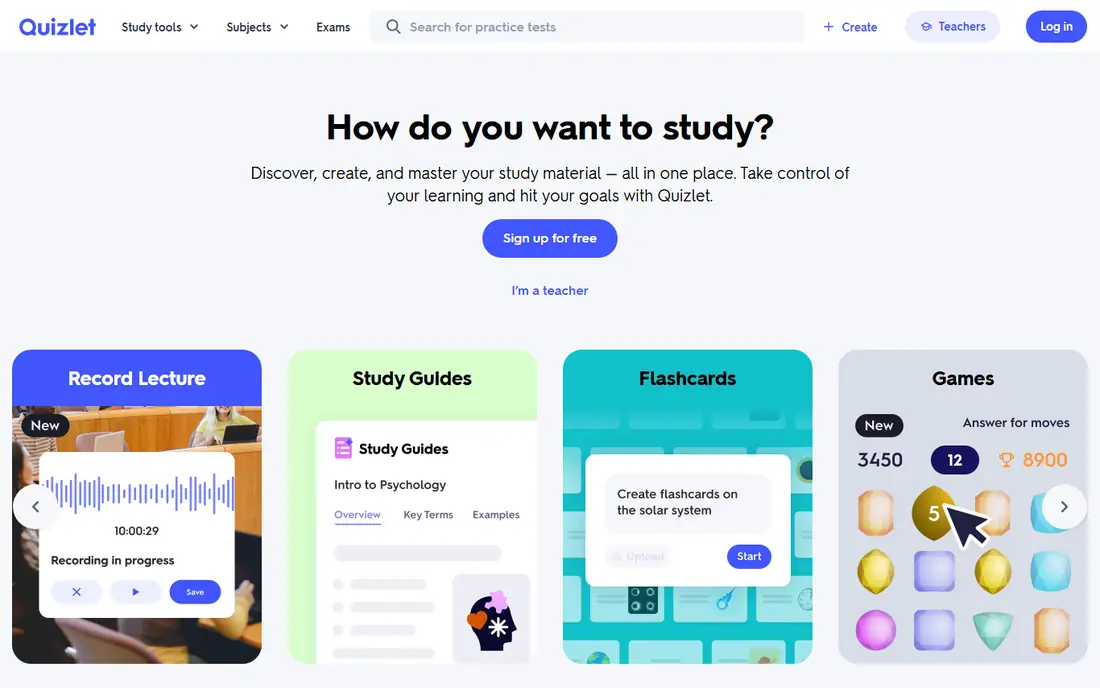
If you want strong protection without a lot of setup, this option earns a close look. Quizlet is the easiest flashcard app to start with, because you can search for existing sets for popular courses and exams.
The free tier covers flashcards, matching, and test modes, while Plus adds unlimited Learn rounds and more features. Shared sets save time for vocabulary, science terms, and history dates. Free Learn and Test modes are capped, and ads appear on the free tier. For long-term spaced repetition, Anki may serve you better, but Quizlet is faster to start.
- Large shared library
- Easy to start
- Multiple study modes
- Free Learn mode is capped
- Ads on free tier
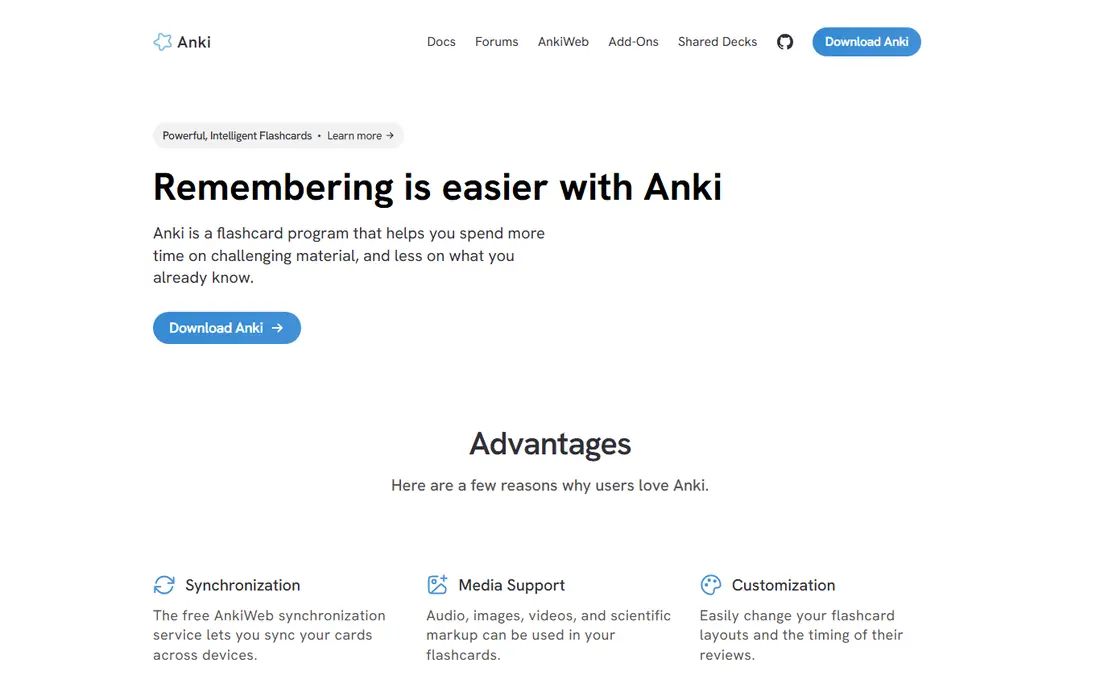
Shoppers who care most about value for a large household will find a lot to like here. Anki is the best app for remembering material for months, because its spaced repetition algorithm schedules reviews at the right time.
Desktop, web, and Android versions are free, and you can build custom decks or download shared decks for many subjects. Daily reviews take 10 to 20 minutes once a deck is set up, which is efficient for vocabulary and science facts. Setup takes longer than Quizlet, and the iPhone app is a one-time purchase. If you invest an hour in setup, the long-term payoff for exams is strong.
- Powerful spaced repetition
- Free on desktop and Android
- Custom decks
- Steep setup
- IPhone app is paid
This one suits people who already know what they want and do not want extra tools in the way. Notion is the best app for organising notes, homework, and revision plans in one workspace.
The free tier handles notes, task lists, and databases for most students, and templates help you start a study planner or subject notebook quickly. Group projects benefit from shared pages and task boards. It can feel complex at first, and the free plan limits file size and page history. Start with a simple weekly planner, then add databases only if you need them.
- Flexible notes and tasks
- Templates
- Good for group projects
- Can feel complex
- Free limits on file uploads
A good choice when ease of use matters more than a long list of extras. My Study Life is the best planner for school timetables, because it is built around classes, homework, and exams.
You can enter your timetable once, add homework with due dates, and see exam countdowns in one view. Reminders help you avoid missed homework, and sync works across phone and web. It is not a notes app, so you will still need Notion, OneNote, or paper notes for lesson content. As a planner alone, it is clear and focused.
- Timetable and exams in one app
- Reminders
- Cross-device sync
- Fewer note features
- Smaller community
Consider this if you want a well-known name with support that is easy to reach. Forest helps students stay off their phones during study, by growing a virtual tree while you focus.
If you leave the app, the tree dies, which gives a simple incentive to finish a study block. Timed sessions with breaks fit the Pomodoro style many students use for homework. It does not teach or test material, so it works best alongside a lesson or flashcard app. Some platforms charge for extra features, so check the store listing for your device.
- Gamified focus timer
- Simple to use
- Helps reduce phone use
- Paid features on some platforms
- Focus only, no lessons
This pick stands out for a specific strength that the broader suites do not match as well. Photomath is useful for checking maths homework, because it scans an equation and shows step-by-step solutions.
The free tier solves many equations and shows steps, which helps when you are stuck on algebra, geometry, or calculus. It is best used to check work after you try a problem yourself, not to copy answers. Relying on it for every problem will hurt exam performance, where phones are not allowed. Use it to understand mistakes, then practise similar problems without it.
- Camera equation solver
- Step-by-step solutions
- Good for homework checks
- Can become a crutch
- Some steps need Plus
For buyers on a tighter budget, this is worth checking before paying for a full suite. Grammarly helps high school writers polish essays, with spelling, grammar, and clarity checks in a browser or document editor.
The free version catches common errors and suggests clearer phrasing, which helps for English essays and college applications. It works in Google Docs and Word, so you do not need to copy text elsewhere. Advanced style and plagiarism features need Premium, and it cannot replace planning, drafting, and teacher feedback. Use it as a final check, not as a writer.
- Spelling and grammar checks
- Tone suggestions
- Works in browser and docs
- Advanced style checks need Premium
- Not a substitute for revision
When privacy or a lighter footprint is the priority, this option deserves attention. Desmos is the best free graphing tool for high school maths, with a calculator that visualises functions instantly.
The graphing calculator helps with algebra, geometry, and calculus, and it is built into the digital SAT, so practising with it helps on test day. The scientific calculator and classroom activities add value for teachers and students. It does not teach lessons, so pair it with Khan Academy or class notes. For homework and SAT practice, it is a free tool every maths student should know.
- Free graphing calculator
- Built into digital SAT
- Easy to use
- No lesson content
- Needs a device
How we picked these
We reviewed official pages for study apps that are still available on web, iOS, and Android in October 2026, and we checked free tiers, subject coverage, and age suitability for high school students. We kept only apps that are useful for school subjects, not just general productivity tools.
We compared lesson quality, flashcard methods, note features, planning tools, and focus features, and we noted where a free plan caps features. We did not claim hands-on testing, and we treated school-provided premium access as a bonus, not a requirement.
How to build a study system that works
Start with one app per job. Use a lesson app to learn a topic, a flashcard app to remember it, a notes app to organise it, and a planner to schedule revision. Adding five apps for the same job creates confusion, not better grades. ### Learn, then recall. Watching a video is not the same as knowing the material, so follow lessons with practice problems or flashcards. Spaced repetition, where you review cards just before you forget them, works better than rereading notes the night before a test. ### Plan backwards from tests. Put test dates in a planner, then schedule short revision sessions in the weeks before, not one long session the night before. A planner that shows exams, homework, and revision together helps you spot busy weeks early. ### Focus and phones. A focus timer can help, but the bigger win is a phone-free study block: put the phone in another room for 25 minutes, then take a short break. If you need your phone for flashcards, use app limits to block social apps during study time.
Sources
Frequently asked questions
What is the best study app for high school students?
Khan Academy is the best free starting point, because it covers maths, science, and English with lessons and practice. Quizlet is best for quick flashcards, Anki is best for long-term memory, and Notion is best for organising notes and deadlines. Most students need two or three apps, not one.
Is Quizlet free for students?
Quizlet has a free tier that covers basic flashcards and shared sets, with ads and limits on Learn and Test modes. Quizlet Plus removes those limits and adds more study modes. For unlimited spaced repetition, Anki is free on desktop and Android, with a one-time purchase on iPhone.
What app helps with SAT prep?
Khan Academy offers free official digital SAT prep, with practice questions and full-length practice through College Board Bluebook. Quizlet and Anki help with vocabulary and facts, while a planner helps schedule practice tests. Start SAT prep early, with short regular sessions.
How can I stay focused while studying?
Forest gamifies focus by growing a virtual tree while you stay off your phone, which helps some students. A simpler method is timed study blocks with breaks, plus app limits for social media. Choose the method you will actually use, and keep study sessions short and regular.
Are these apps safe for high school students?
These apps are widely used in schools, but students should avoid sharing personal data, passwords, or school login details in public flashcard sets or forums. Parents and teachers can check privacy settings and school policies. For school work, use school-provided accounts where offered.