Best Team Management Software in 2026: 8 Tools Compared
By ToolNimba Editorial Team November 9, 2026 8 min read

- Top pick
 Asana
Cross-functional team projects
Starting price$10.99 per monthCheck out AsanaRead our review - Runner-up
 monday.com
Visual boards and automations
Starting price$9 per monthCheck out monday.comRead our review - Also great
 ClickUp
All-in-one value
Starting price$7 per monthCheck out ClickUpRead our review
How we researched this
We compared official pricing and feature pages, app store listings, privacy policies and public user reviews. Prices change, so check the provider's site before you pay.
Key takeaways
- Asana and monday.com suit teams that want clear ownership and visual progress tracking.
- ClickUp and Trello offer the lowest starting cost for teams that need a free plan first.
- Notion works best when docs, notes, and tasks need to live in the same workspace.
- Wrike and Teamwork fit larger or client-facing teams with more formal workflows.
- Basecamp is the simplest choice when flat pricing matters more than advanced reporting.
Quick comparison
| Name | Best for | Starting price | Free plan | |
|---|---|---|---|---|
| Asana | Cross-functional team projects | $10.99 per month | Yes | Visit |
| monday.com | Visual boards and automations | $9 per month | Yes | Visit |
| ClickUp | All-in-one value | $7 per month | Yes | Visit |
 Trello | Simple kanban boards | $5 per month | Yes | Visit |
 Notion | Docs plus light project tracking | $10 per month | Yes | Visit |
 Wrike | Complex cross-department work | $10 per month | Yes | Visit |
 Teamwork | Client projects and billing | $9.99 per month | Yes | Visit |
 Basecamp | Simple flat-price team hubs | $15 per month | Yes | Visit |
The best team management software
We compared official pricing pages, feature lists, and free plan limits to find tools that help a team assign work, see progress, and finish projects without constant status meetings. The list below covers simple boards, full project suites, and one flat-price option.
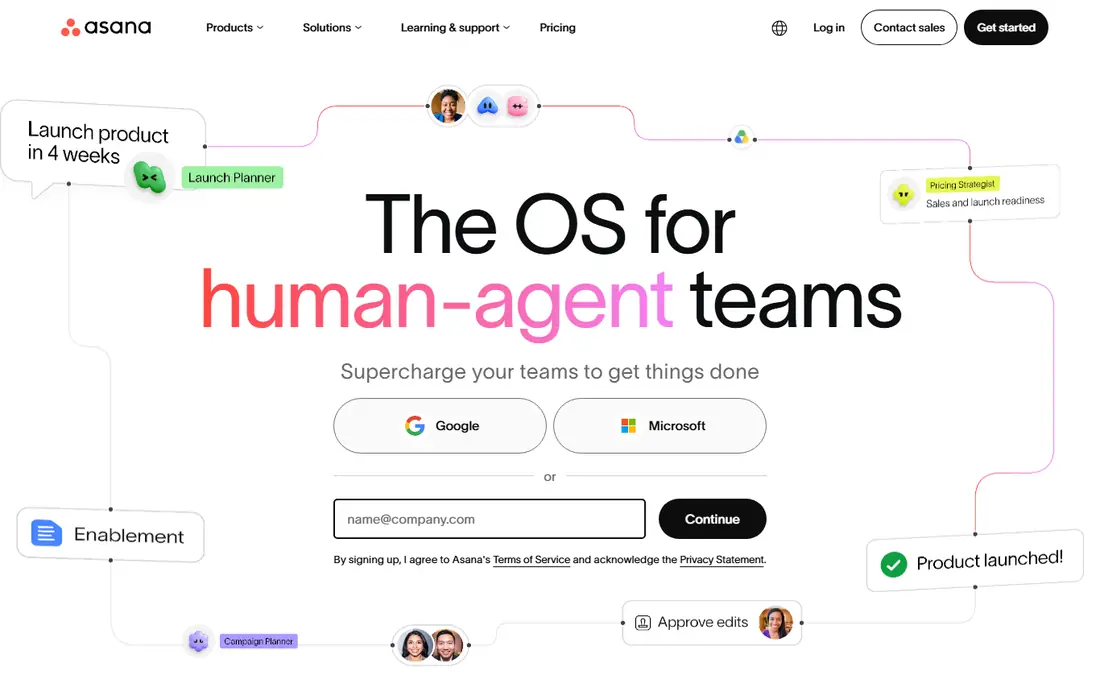
Asana gives each task an owner, a due date, and a clear place for comments and files, so work stops living in chat threads. Timeline view helps managers spot overloaded weeks, while list and board views let each person work in the layout they prefer. It fits marketing, product, and operations teams that run repeatable projects with several contributors.
The catch is price and depth. The free plan covers basic work well, but portfolios, workload views, and stronger reporting require paid plans. Teams that only need a shared to-do list may find Asana more structured than they need, and per-user pricing means a large team should budget carefully before adding everyone.
- Clear task ownership and timelines
- Strong integrations
- Generous free plan for small teams
- Advanced reporting sits on higher plans
- Costs add up per user as teams grow
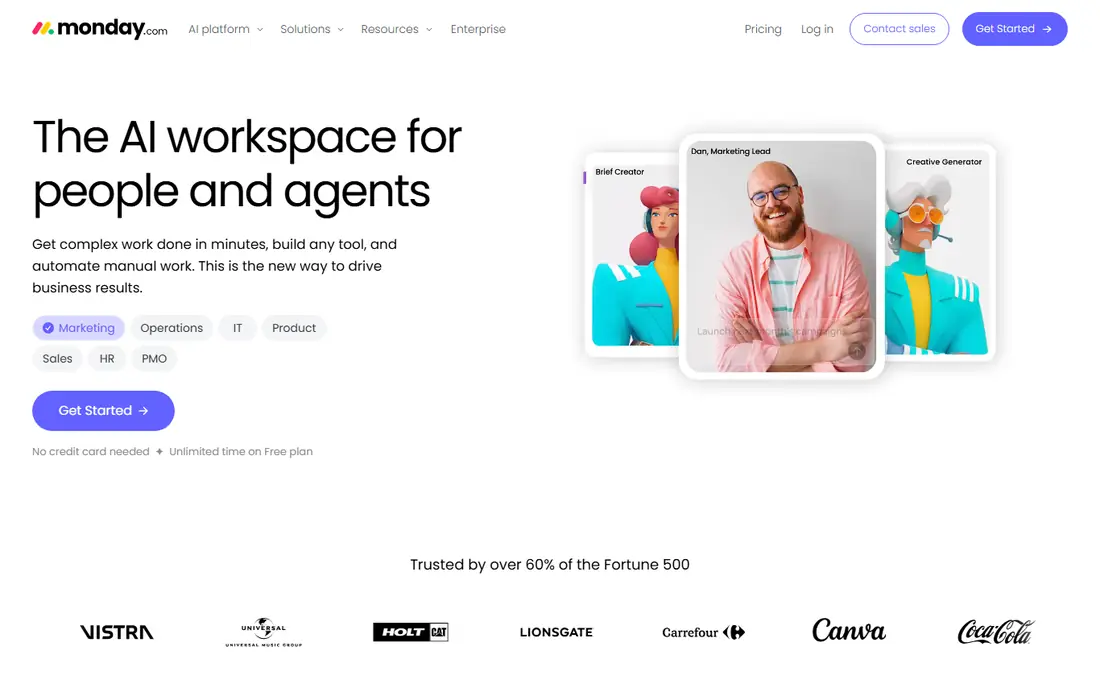
Monday.com turns projects into boards with columns for status, owner, dates, and priorities, which makes progress easy to read at a glance. Templates for campaigns, hiring, and product launches shorten setup, and automations can move items, send reminders, and notify owners when a status changes. It is a strong pick for teams that like visual work and want to get started quickly.
The free plan is narrow, so most real teams will pay. Paid plans require a minimum number of seats, which can raise the bill for a very small team. It also works best when someone owns board design, because a board with too many columns can become hard to scan.
- Colourful, easy-to-read boards
- Useful automations
- Many templates
- Free plan is limited to two seats
- Pricing uses a seat minimum on paid plans

ClickUp packs tasks, docs, goals, whiteboards, and time tracking into one workspace, which helps teams that are tired of paying for five separate tools. The free plan supports unlimited members for basic work, and the paid plans add goals, dashboards, and more automation. For a budget-conscious team, it offers more breadth per dollar than most rivals.
Breadth is also its weakness. New users face many views, settings, and feature toggles, so a team needs a short setup phase and agreed conventions. Without that discipline, workspaces can sprawl. Teams that want a simple board and nothing else may prefer Trello.
- Many features for the price
- Docs, goals, and chat in one place
- Generous free plan
- Setup takes time
- The number of options can overwhelm new users
Trello is built around cards on boards, and that simplicity is the point. A team can create a board, add cards, assign members, set dates, and drag work from to do to done in minutes. It suits small teams, content calendars, and support queues where the workflow is mostly linear and visible.
For larger or more complex work, Trello shows its limits. Reporting, workload views, and dependencies are thinner than in Asana or Wrike, and some features depend on paid upgrades. If your projects have many dependencies or strict reporting needs, a fuller suite will save time later.
- Very easy to learn
- Clean kanban boards
- Low starting price
- Limited reporting
- Complex projects need paid Power-Ups and add-ons
Notion lets a team keep meeting notes, specs, and task boards in the same workspace, which cuts down on hunting for context. Databases can track tasks by owner and status, and pages link neatly to related docs. It is a natural fit for knowledge-heavy teams, startups, and small agencies that already write a lot in Notion.
It is not a full project management suite. Timeline and reporting features exist, but they are lighter than those in Asana or Wrike, and heavy project tracking can feel stretched. Teams with strict deadlines, resource planning, or client billing usually need a dedicated tool alongside it.
- Docs, wikis, and tasks in one place
- Flexible pages and databases
- Good free plan
- Project reporting is lighter than dedicated tools
- Large databases need care
Wrike suits teams that juggle many projects, approvals, and dependencies across departments. Gantt charts, workload views, and request forms help managers plan capacity and keep intake orderly. It also offers templates and integrations that fit larger organisations with formal processes.
Smaller teams may find Wrike heavy at first. Setup and permissions take thought, and the most useful reporting sits on higher-priced plans. If your team has under ten people and simple workflows, a lighter tool will likely feel faster.
- Strong planning and workload views
- Good for large teams
- Many integrations
- Learning curve is steeper
- Higher plans are costly
Teamwork is designed for agencies and service teams that manage work for clients. Projects can include tasks, milestones, time logs, and files, and clients can be given limited access to see progress without seeing internal work. That mix of delivery and billing support sets it apart from general task tools.
The interface packs in a lot, so new users need a short learning period. Some reporting and resource features sit on higher plans, which matters for larger agencies. Still, for client work where time and budget tracking matter, it is a practical, focused choice.
- Client-friendly project views
- Time tracking and billing features
- Good templates
- Interface can feel busy
- Some features need higher plans
Basecamp keeps projects in one place with message boards, to-do lists, schedules, and file storage, plus a Campfire chat for quick discussion. The appeal is calm simplicity and predictable pricing, especially on the flat-rate plan for larger teams. Small businesses that dislike per-user bills often like this model.
It trades power for simplicity. There is no Gantt chart depth, advanced reporting, or detailed resource planning like Wrike offers. Teams that need those views should look elsewhere, but teams that want a tidy hub without feature overload will find Basecamp easy to adopt.
- Predictable flat pricing option
- Combines chat, tasks, and files
- Very simple
- Fewer advanced project views
- No built-in time tracking depth
How we picked these
We compared official pricing pages, free plan limits, and feature descriptions, and we favoured tools that are widely available in the United States, support team collaboration, and publish clear pricing. We looked for a mix of simple boards, full suites, and client-focused tools, and we noted where paid plans are needed for reporting or advanced planning. We did not claim hands-on testing, and we checked that each homepage belongs to the product listed.
Choosing the right tool for your team
Start with how your team actually works, not with the longest feature list. A team that runs simple, visible workflows will move faster on Trello or Basecamp, while a team with dependencies and reporting needs will benefit from Asana, Wrike, or Teamwork. Count the people who will really use the tool, because per-user pricing changes the total quickly.
Try before you commit
Use the free plan or trial with a real project, not a demo board. Assign owners, set due dates, and test the view your manager will check each week. If the team still needs a spreadsheet to understand progress after two weeks, the tool is not doing its job.
Keep the setup simple
Pick one board structure, a small set of statuses, and clear naming rules before inviting everyone. Add automations only after the basic workflow feels natural. A simple setup that the whole team uses beats a powerful setup that only one person understands.
Sources
Frequently asked questions
What is the best team management software for most small teams?
Asana or ClickUp are good starting points. Asana offers clear ownership and timelines, while ClickUp gives more features for a lower starting price. Trello is better if you want the simplest possible board.
Is there good free team management software?
Yes. Asana, ClickUp, Trello, Notion, Wrike, Teamwork, and Basecamp all offer a free plan or free tier, but limits differ. Check user limits, board limits, and whether reporting is included before you rely on a free plan for a whole team.
How much does team management software cost per user?
Starting prices in this list range from $5 to $15 per user per month on the lowest paid plans, with annual billing often lower than monthly billing. Flat-price plans, such as Basecamp, can be cheaper for larger teams. Always check the vendor pricing page for current terms.
Should we choose a simple board or a full project suite?
Choose a simple board if work is linear and visibility is the main need. Choose a full suite if you need dependencies, workload planning, reporting, or client billing. Switching later is possible, but it costs time, so pick the level of control you will actually use.
Can team management software replace chat and email?
It can reduce them, but it rarely replaces them fully. Most teams still use chat for quick questions and keep project decisions, files, and deadlines in the management tool. The goal is one clear record of who owns what, not zero messages.