Best Time Blocking App in 2026: 9 Apps Compared
By ToolNimba Editorial Team November 9, 2026 10 min read

- Top pick
 Sunsama
Guided daily planning
Starting price$20 per monthCheck out SunsamaRead our review - Runner-up
 Motion
Full auto-scheduling
Starting price$19 per monthCheck out MotionRead our review - Also great
 Reclaim
Auto focus and habit blocks
Starting priceFreeCheck out ReclaimRead our review
How we researched this
We compared official pricing and feature pages, app store listings, privacy policies and public user reviews. Prices change, so check the provider's site before you pay.
Key takeaways
- Reclaim is the best free starting point, because it auto-schedules habits and focus time inside your existing calendar.
- Sunsama suits people who want a calm daily planning ritual instead of an algorithm running the whole day.
- Motion is the most automated option, but it costs more and gives you less say over the order of work.
- Google Calendar alone covers basic time blocking for free, so try it before paying for any app.
- The best app for time blocking depends on whether you want automation, a ritual, or simple manual blocks.
Quick comparison
| Name | Best for | Starting price | Free plan | |
|---|---|---|---|---|
| Sunsama | Guided daily planning | $20 per month | No | Visit |
| Motion | Full auto-scheduling | $19 per month | No | Visit |
| Reclaim | Auto focus and habit blocks | Free | Yes | Visit |
 Clockwise | Team focus time | Free | Yes | Visit |
 Google Calendar | Free manual blocking | Free | Yes | Visit |
 Todoist | Task lists that feed blocks | Free | Yes | Visit |
 TickTick | Tasks, calendar, and timer in one | Free | Yes | Visit |
 Akiflow | Unified inbox plus planning | See website | No | Visit |
 Morgen | Multi-calendar planning | $15 per month | No | Visit |
The best time blocking apps
Time blocking means assigning tasks to specific slots on your calendar, instead of keeping a list you hope to get through. The apps below take very different paths to that goal. Some automate the whole day, some guide a short planning ritual, and some just give you a clean calendar to fill by hand.
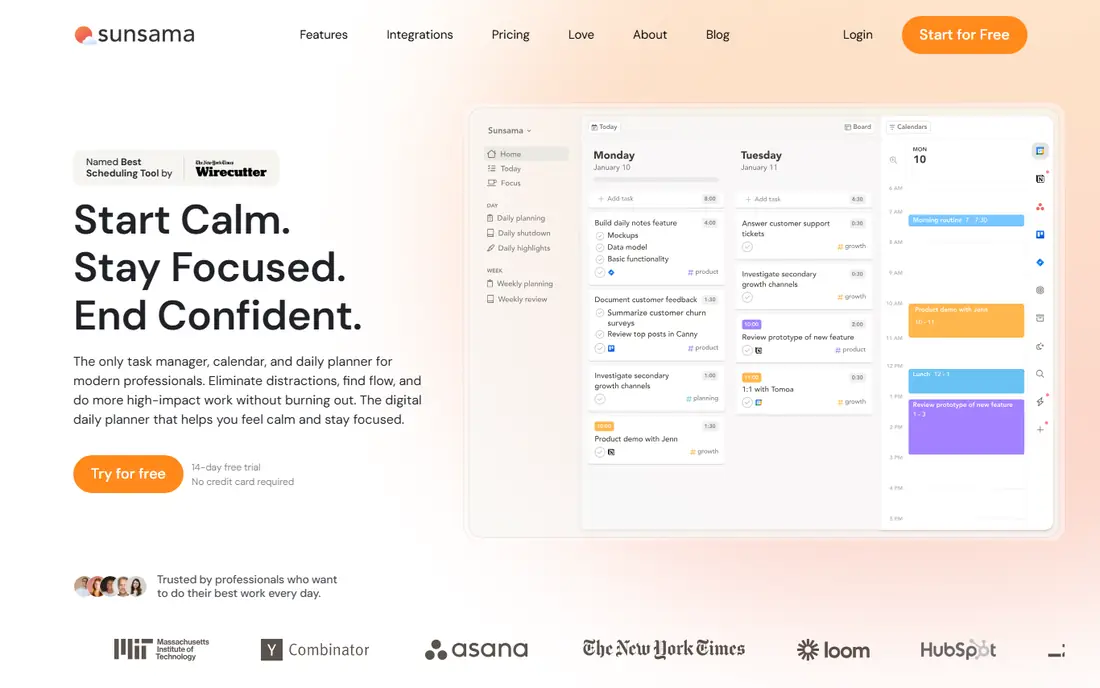
Sunsama is built around a short daily ritual. Each morning you pull tasks into the day, estimate how long each takes, and drag them onto your calendar. At the end of the day a shutdown step reviews what got done. That structure helps people who know what matters but struggle to protect time for it.
The trade-off is deliberate. Sunsama does not auto-schedule your whole day, so you stay in control, but you also do the planning work yourself. At 20 dollars a month with no free plan, it is a considered purchase. We think it earns its price for people who stick with a daily ritual, and not for people who want automation.
- Calm daily planning ritual
- Pulls tasks from Asana, Trello, and other tools
- Focus mode and daily shutdown
- No free plan
- Price is high for a planner
- Auto-scheduling is limited by design
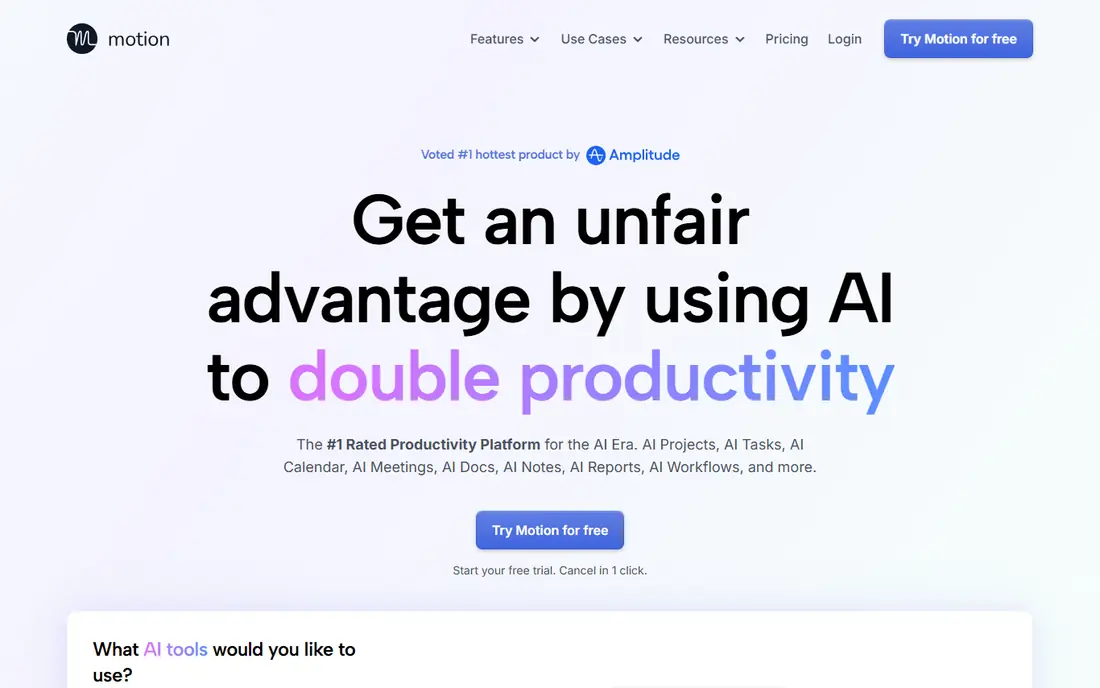
Motion takes your tasks, deadlines, and meetings and builds the day for you. When a meeting moves or a task runs long, it reshuffles the plan on its own. For busy professionals with packed calendars, that automatic repair is the main reason to pay. It also covers projects, so teams can plan work and time in one tool.
The cost is control. Motion decides order and timing, and people who like to plan by feel may fight it. Pricing starts at 19 dollars a month for the entry plan, and team plans cost more. If you want the most hands-off day possible and accept the price, Motion is the strongest automation pick here.
- Auto-schedules tasks around meetings
- Rebuilds the plan when things move
- Combines tasks, projects, and calendar
- Expensive at higher tiers
- Opinionated workflow
- No free plan
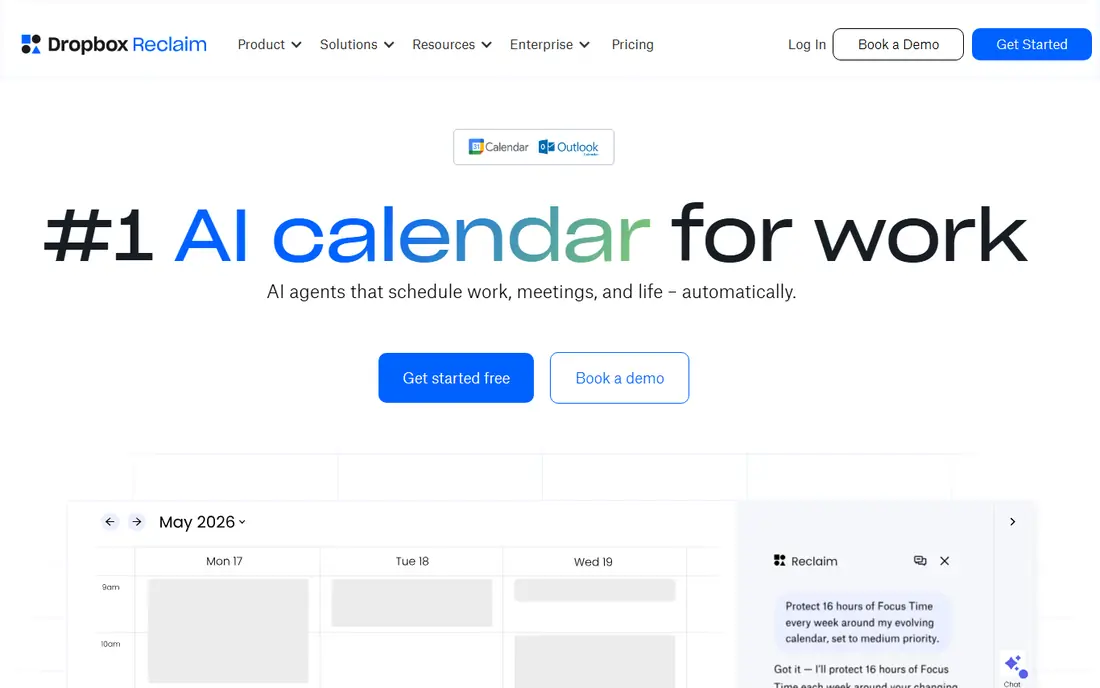
Reclaim is our pick for most people trying time blocking for the first time. It books habits, lunch, focus time, and one-on-ones into open gaps, and it moves those blocks when a meeting takes their slot. That defense of focus time is the part most manual calendars miss. The free plan covers personal use well, which makes it easy to try without paying.
Reclaim is not a task manager, so you still need a list app alongside it. It also works best inside Google Calendar, and Outlook users get a thinner experience. Even with those limits, it is the best balance of automation and price in this list, and our pick for most readers.
- Genuine free plan
- Auto-schedules habits and focus time
- Reschedules blocks when meetings land on them
- Works best with Google Calendar
- Not a full task manager
- Outlook support is thinner
Clockwise focuses on team calendars. It finds and protects blocks of focus time, groups meetings together, and suggests better meeting times. For a team drowning in scattered meetings, that coordination matters more than any single-person planner. Individuals can use the free plan, but the real payoff comes when a whole team uses it.
The catch is scope. Clockwise improves your calendar, it does not manage your tasks. Solo users who want a daily planner should look at Sunsama or Reclaim instead. Team leads who want fewer fragmented days will get the most from Clockwise.
- Protects focus time across a team
- Smart meeting scheduling
- Free plan for individuals
- Built for teams, so solo users get less value
- Needs calendar access to work well
Google Calendar is the best app for time blocking if your budget is zero. Create color-coded blocks for deep work, admin, email, and personal time, and treat them like appointments. Focus time blocks can auto-decline meetings, which gives you a basic version of what paid tools sell. Most people already have it, so there is nothing to install and nothing to learn.
The limit is manual work. When a meeting moves, you move your blocks by hand, and nothing reminds you to plan the day. That is fine for disciplined planners and a good test of whether time blocking suits you. If manual blocks hold up for two weeks, a paid tool may be worth it. If they fall apart, automation from Reclaim or Motion may help more.
- Free
- Everyone already has it
- Focus time and appointment schedules built in
- Works with almost everything
- No auto-rescheduling
- You move every block by hand
- No task planning ritual
Todoist is the best task list in this roundup, and it earns its place because good blocks start with a good list. Capture tasks fast, set priorities and due dates, and sync them to your calendar for blocking. Its free plan covers personal use, and the paid plan starts at 5 dollars a month. It runs on every device, so your list is always within reach.
Todoist alone does not block time well. There is no daily planning view that places tasks on a timeline, so you still need Google Calendar or a planner app to finish the job. Pick Todoist if your main problem is capturing and organizing tasks, and pair it with a calendar for the actual blocking.
- Fast task capture
- Free plan is useful
- Calendar sync and integrations
- Available everywhere
- No real time blocking view on its own
- Needs a calendar alongside it
- Planning ritual is up to you
TickTick is the best budget all-in-one here. It combines a task list, a calendar, habits, and a focus timer, so you can plan a block, time it, and track the habit in one place. The free plan covers personal use, and premium costs about 35.99 dollars a year. For the price, few apps pack in this much.
Blocking itself is manual, and the app can feel crowded because it tries to do so much. Teams that need shared projects and deep collaboration should look elsewhere. For one person who wants tasks and time in a single affordable app, TickTick is hard to beat.
- Tasks, calendar, habits, and Pomodoro timer in one app
- Affordable premium plan
- Free plan is generous
- Calendar blocking is manual
- Interface packs in many features
- Collaboration is basic
Akiflow is built for people whose tasks live in five different tools. It pulls them into one inbox, then lets you drag them onto your calendar to block time. Keyboard shortcuts and a command bar make capture fast, which matters when you plan a day in a few minutes. The design is clean, and the planning flow feels closer to Sunsama than to a project tool.
The price is the barrier. There is no free plan, and monthly billing runs well above the annual rate. If your tasks are already in one place, a cheaper tool does the same job. If your work is scattered across Gmail, Slack, Asana, and more, Akiflow's unified inbox may justify the cost.
- Pulls tasks from many tools into one inbox
- Fast keyboard-first capture
- Calendar time blocking built in
- No free plan
- Price is high
- Monthly billing costs much more than annual billing
Morgen suits people juggling several calendars. It merges Google, Outlook, and Apple calendars into one view, so you can block time without double-booking yourself. It also pulls tasks from tools like Todoist and Notion, and it can suggest times for tasks. That multi-calendar strength is rare, and it is the main reason to pick Morgen over a simpler planner.
There is no free plan, and the paid plan starts at 15 dollars a month on annual billing. Task features depend on integrations, so it works best alongside a task app you already use. If you live in one calendar, Reclaim or Sunsama gives you more for less. If you live in three, Morgen earns its place.
- Combines Google, Outlook, and Apple calendars
- Assisted scheduling suggestions
- Task lists from several tools
- No free plan
- Tasks depend on integrations
- Price is high for personal use
How we picked these
We compared official feature pages, pricing pages, and app store listings, and we checked that each homepage loads and belongs to the product named. We looked for real time blocking support, not just a calendar view or a task list. We included free, mid-price, and premium options, and we favored apps that are still actively sold and supported in 2026.
How to choose the right time blocking app
Start by deciding how much automation you want. If you like choosing the order of your day, pick a guided planner such as Sunsama or a manual setup with Google Calendar. If your calendar is packed and blocks keep getting overrun, pick an automated tool such as Reclaim or Motion that defends and reschedules blocks for you.
Next, check the calendar you actually use. Reclaim works best with Google Calendar, while Morgen covers Google, Outlook, and Apple together. An app that fights your calendar will fail no matter how good its planning view looks. Run a two-week trial with real work before paying, and judge it on whether blocks survive contact with real meetings.
Finally, keep the system small. One task list, one calendar, and one planning habit beat three apps that overlap. Start free with Google Calendar or Reclaim, add a task app only if capture is the problem, and pay only when a clear gap remains.
Sources
Frequently asked questions
What is the best app for time blocking?
Reclaim is our pick for most people, because its free plan auto-schedules focus time and habits and moves blocks when meetings change. Sunsama suits people who prefer a guided daily ritual, while Motion suits people who want full automation. Try the free options first.
What are the best time blocking apps that are free?
Google Calendar and Reclaim offer the strongest free time blocking. Todoist and TickTick also have useful free plans that pair a task list with a calendar. Free plans cover personal use well, though teams and heavy users may need paid plans.
What is the best tool for time blocking on a team?
Clockwise is the best team pick, because it protects focus time across shared calendars and groups meetings together. Motion also works for teams that want tasks, projects, and auto-scheduling in one tool. Solo planners get less from team tools, so match the pick to team size.
Is Sunsama worth the price?
Sunsama is worth it if you use its daily planning and shutdown ritual most workdays. At 20 dollars a month with no free plan, it is a poor value if you only open it once a week. Use the trial period with real work before committing to a paid plan.
Can I do time blocking with just Google Calendar?
Yes. Create color-coded blocks for deep work, admin, and personal time, and use focus time blocks to decline conflicting meetings. The manual upkeep is the main cost. If blocks keep slipping, an automated tool such as Reclaim can defend them for you.