Best Time Clock App in 2026: 9 Apps Compared
By ToolNimba Editorial Team November 11, 2026 10 min read

- Top pick
 Homebase
Hourly teams with scheduling
Starting priceFreeCheck out HomebaseRead our review - Runner-up
 Clockify
Simple free time tracking
Starting priceFreeCheck out ClockifyRead our review - Also great
 Deputy
Compliance and shift teams
Starting price$5 per user per monthCheck out DeputyRead our review
How we researched this
We compared official pricing and feature pages, app store listings, privacy policies and public user reviews. Prices change, so check the provider's site before you pay.
Key takeaways
- Homebase is our pick for most hourly teams because it pairs a free time clock with scheduling and team messaging.
- Clockify is the best free option for simple clock-in and clock-out tracking without scheduling or payroll.
- Deputy and QuickBooks Time suit teams that need compliance controls, GPS verification, or direct payroll integration.
- GPS and geofencing features sit on paid tiers for most apps, so check those limits before you buy for field teams.
Quick comparison
| Name | Best for | Starting price | Free plan | |
|---|---|---|---|---|
| Homebase | Hourly teams with scheduling | Free | Yes | Visit |
| Clockify | Simple free time tracking | Free | Yes | Visit |
| Deputy | Compliance and shift teams | $5 per user per month | Free trial | Visit |
 QuickBooks Time | QuickBooks payroll users | $20 per month base plus $10 per user | Free trial | Visit |
 Connecteam | Mobile field teams | $29 per month | Yes | Visit |
 When I Work | Shift scheduling plus time | $2.50 per user per month | Free trial | Visit |
 Buddy Punch | Flexible clock-in rules | $19 per month base plus $4.99 per user | Free trial | Visit |
 Jibble | Free facial recognition clock-ins | Free | Yes | Visit |
 OnTheClock | GPS-verified clock-ins | $5 per month base plus $4 per employee | Free trial | Visit |
The best time clock app
A time clock app should make clock-ins easy for staff and timesheets easy for managers. The best choice depends on whether you need scheduling, GPS verification, overtime controls, or a direct feed into payroll. We compared official pricing pages and feature lists for the apps below, focusing on free limits, GPS features, and payroll integration.
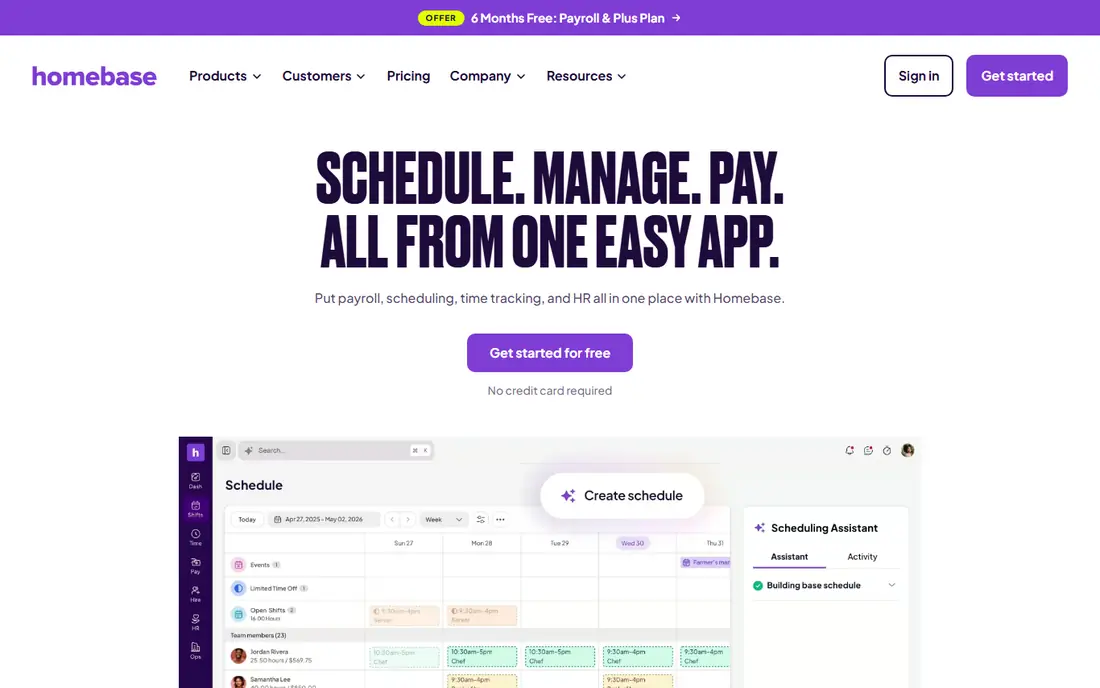
Homebase is the most complete free starting point for hourly teams. The free plan covers a time clock, scheduling, and team messaging for one location with up to 10 employees, which suits restaurants, retail shops, and small service businesses. Timesheets flow toward payroll, and a payroll add-on is available when you are ready to run pay inside Homebase.
Paid plans start per location rather than per user, which changes the math for multi-site businesses. GPS and geofencing features also sit on higher tiers, so field teams should check those limits. For a single-location hourly team that wants scheduling and time tracking together, Homebase is our pick.
- Free plan for one location and up to 10 employees
- Scheduling and messaging included
- Payroll add-on available
- Paid plans price per location
- Advanced GPS features need higher tiers
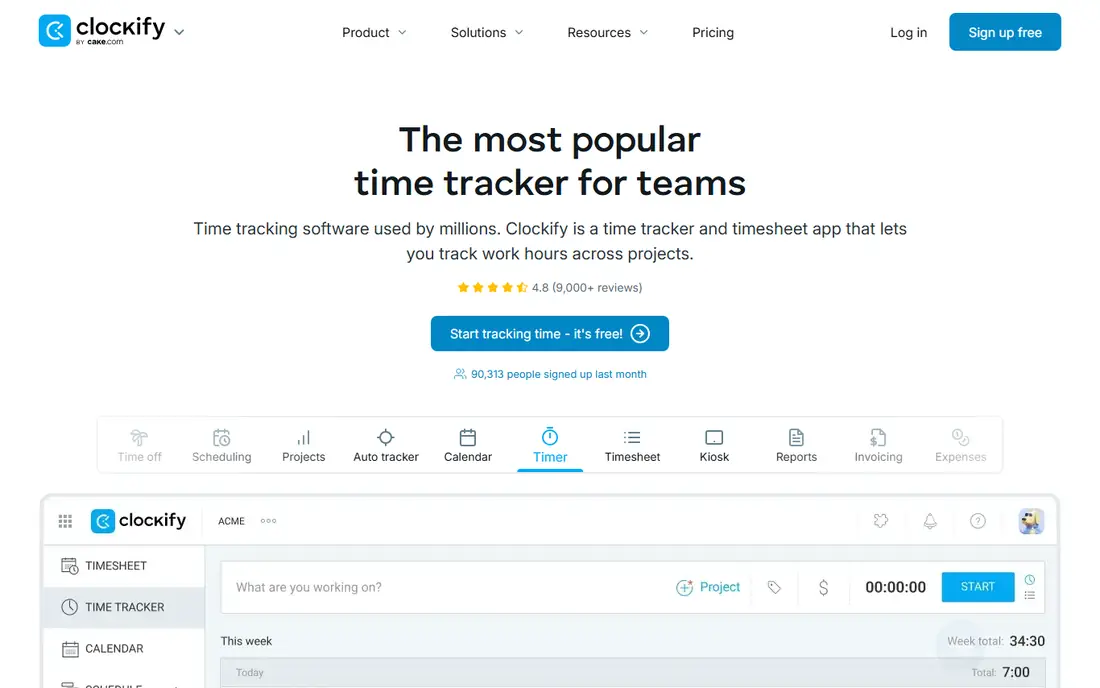
Clockify is the best free time clock app for teams that only need hours tracked accurately. Staff can clock in from a browser or phone, managers can review timesheets, and reports show hours by person, project, or client. Paid plans start around 3.99 dollars per user per month and add approvals, targets, and deeper reporting.
The limit is scope. Clockify does not offer shift scheduling, GPS geofencing, or payroll in the way Homebase, Deputy, or QuickBooks Time do. For project teams and small businesses that just need reliable hours, that simplicity is a strength. For hourly shift teams, a dedicated shift tool will fit better.
- Free for unlimited users on the basic plan
- Simple clock-in and timesheets
- Project tracking included
- No scheduling or payroll depth
- GPS tracking is limited compared with shift tools
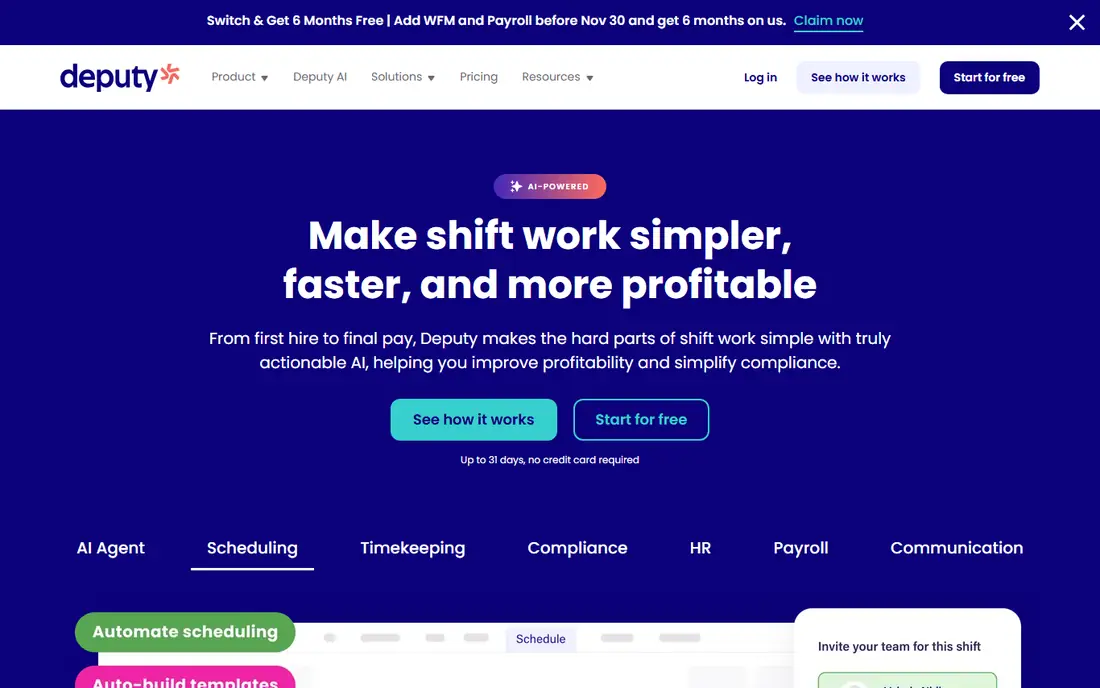
Deputy suits hospitality, retail, and healthcare teams that need compliance controls around hours, breaks, and wage rules. Scheduling, time clock, and leave management sit together, with GPS tracking and geofenced check-ins for mobile staff. Payroll integrations, including an add-on through Paycor, connect timesheets to pay runs.
The pricing catch is the 30 dollar monthly minimum per invoice, which raises the effective cost for very small teams. Add-ons for payroll, HR, messaging, and analytics also stack up, so the schedule you evaluate is rarely the bill you receive. For teams where compliance risk lives in hours and wages, Deputy is worth that cost.
- Strong scheduling and compliance controls
- GPS and geofenced clock-ins
- Payroll integrations
- Monthly minimum of 30 dollars per invoice
- Add-ons raise the total cost
QuickBooks Time, formerly TSheets, is the natural time clock for businesses already running QuickBooks Payroll. Hours flow directly into payroll without retyping, GPS tracking verifies where staff clock in, and geofencing can restrict clock-ins to approved locations. Overtime rules and timesheet approvals help managers catch errors before pay runs.
The price structure is the drawback. A 20 dollar monthly base fee plus 10 dollars per user per month adds up for larger teams, and the value drops if you do not use QuickBooks Payroll. For QuickBooks shops, the time saved on payroll alone often justifies the cost. For others, Homebase or Deputy may be cheaper.
- Direct feed into QuickBooks Payroll
- GPS tracking and geofencing
- Overtime and timesheet approvals
- Requires QuickBooks for full value
- Base fee plus per-user fee adds up
Connecteam is built for mobile-first teams that work across job sites. Its free plan covers up to 10 users across its operations, communications, and HR hubs, including GPS features that many rivals charge for. Paid plans cover the first 30 users from 29 dollars per month when billed annually, with higher tiers adding geofencing and continuous GPS tracking.
The pricing model needs care. Costs rise as you add hubs and users beyond the included bundle, so a team that needs everything should price the full bundle, not just the headline tier. For field teams that need GPS, forms, and messaging in one app, Connecteam is a strong choice.
- Free plan for up to 10 users
- GPS stamps and geofencing
- Forms and checklists included
- Paid plans price per bundle of users
- Costs rise as hubs are added
When I Work starts with scheduling and adds time tracking, which suits shift-heavy businesses that plan rosters first and track hours second. The entry price of 2.50 dollars per user per month is low, and team messaging helps managers fill shifts quickly. Staff can view schedules, swap shifts where allowed, and clock in from their phones.
Time tracking sits as an add-on rather than a core inclusion, so the total price depends on which modules you enable. GPS verification is also limited on lower tiers. For restaurants and retailers that live by the roster, When I Work is a practical and affordable pick.
- Low entry price
- Shift scheduling at the core
- Team messaging included
- Time tracking is an add-on
- GPS features need higher tiers
Buddy Punch suits small businesses that want control over how staff clock in. Facial recognition, photo capture, and GPS options help prevent buddy punching, while overtime rules and punch editing controls give managers flexibility for complex pay structures. Timesheets are detailed and payroll-ready for common providers.
The price combines a 19 dollar monthly base with 4.99 dollars per user when billed annually, which is fair for small teams but adds up at scale. Scheduling is lighter than Homebase or Deputy, so roster-first teams should look elsewhere. For clock-in integrity and pay rule control, Buddy Punch is a strong option.
- Facial recognition clock-ins
- Flexible overtime and punch rules
- Detailed timesheet controls
- Base fee plus per-user fee
- Scheduling is lighter than Homebase or Deputy
Jibble offers one of the most generous free time clock plans, covering unlimited users with clock-ins, facial recognition, GPS, and basic timesheets. That makes it a real alternative for small businesses that need verified clock-ins without paying for a full workforce suite. Paid plans add approvals, scheduling depth, and integrations.
The trade-off is breadth. Jibble is a time tracker first, not a scheduling and payroll suite, so teams that need rosters, labor costing, and payroll in one place will still need another tool or a paid upgrade. For free, verified time tracking, Jibble is hard to beat.
- Free plan for unlimited users
- Facial recognition and GPS clock-ins
- Simple timesheets
- Scheduling and payroll depth lighter than shift suites
- Advanced features need paid plans
OnTheClock focuses on one job: verified clock-ins that produce payroll-ready data. GPS stamps show where each punch happened, managers can review and edit timesheets, and exports feed common payroll providers. Setup is simple, which suits small businesses that want to replace paper timesheets without learning a full suite.
There is no free plan beyond a 30-day trial, and scheduling and HR features are lighter than Homebase or Deputy. For a small business that mainly needs trustworthy hours with location proof, OnTheClock is a focused and affordable choice.
- GPS-verified clock-ins
- Payroll-ready timesheets
- Simple setup for small businesses
- No free plan beyond trial
- Feature depth lighter than larger suites
How we picked these
We compared official pricing pages and feature lists, and we favored apps that offer a real time clock for employees, not just project timers for desk workers. We checked that each app is available in October 2026 and that its homepage loads and matches the app named. We did not claim hands-on testing. Prices vary with billing cycle and user count, so confirm the total monthly cost on the vendor site before you buy.
How to choose a time clock app
Start with your team shape. A single-location restaurant or shop benefits most from Homebase, with scheduling and time tracking together. A project team that only needs hours benefits most from Clockify or Jibble at no cost. A field team that needs location proof should shortlist Connecteam, Deputy, QuickBooks Time, or OnTheClock based on GPS tier.
Next, check payroll flow. The best time clock is the one whose timesheets reach payroll without retyping or spreadsheet cleanup. If you run QuickBooks Payroll, QuickBooks Time wins on that test. If you run another payroll provider, check native integrations and export formats before you commit, since a manual export each pay period erodes the time saved.
Finally, trial with real staff, not just managers. Ask two or three employees to clock in for a week, including from the locations they actually work. Check whether clock-ins fail on weak signal, whether GPS prompts feel intrusive, and whether managers can fix missed punches easily. A time clock that staff resist will produce worse data than a simpler tool they actually use.
Sources
- https://www.joinhomebase.com
- https://clockify.me
- https://www.deputy.com
- https://quickbooks.intuit.com/time-tracking
- https://connecteam.com
- https://wheniwork.com
- https://buddypunch.com
- https://www.jibble.io
- https://www.ontheclock.com
- https://rankite.com/blog/best-time-tracking-software-for-small-business
- https://www.ontheclock.com/blog/best-clock-in-out-apps-for-small-businesses
Frequently asked questions
What is the best time clock app?
Homebase is our pick for most hourly teams because it pairs a free time clock with scheduling and messaging. Clockify is best for simple free tracking, Deputy is best for compliance-heavy shift teams, and QuickBooks Time is best for QuickBooks Payroll users.
What is the best free time clock app?
Clockify offers free time tracking for unlimited users on its basic plan, Homebase offers a free plan for one location and up to 10 employees, and Jibble offers a free plan for unlimited users with facial recognition. Choose Clockify for project hours, Homebase for hourly scheduling, and Jibble for verified clock-ins.
What is the best time clock software for small business?
Homebase, Clockify, and Jibble all suit small businesses at low or no cost, while Deputy and Buddy Punch suit small businesses that need compliance controls or facial recognition. Match the tool to team size, scheduling needs, and payroll provider rather than to feature count alone.
What is the best app for daily schedule and time tracking?
When I Work pairs shift scheduling with time tracking, and Homebase pairs scheduling, time clock, and messaging in one app. Both suit shift teams that plan rosters weekly. Project teams that need daily task schedules rather than shifts should compare Clockify with a project tool instead.
Does a time clock app need GPS tracking?
Only field teams truly need GPS tracking or geofencing to verify where staff clock in. Desk and single-site teams gain little from GPS and may find it erodes trust without improving hours data. Check whether GPS sits on a paid tier before you buy for field use.