Best Tool for Backlink Analysis in 2026: 9 Tools Compared
By ToolNimba Editorial Team November 11, 2026 10 min read

- Top pick
 Ahrefs
Deep competitor link research
Starting price$29 per monthCheck out AhrefsRead our review - Runner-up
 Semrush
All-in-one SEO and link work
Starting price$139 per monthCheck out SemrushRead our review - Also great
 Moz Pro
Simple link vetting and tracking
Starting price$49 per monthCheck out Moz ProRead our review
How we researched this
We compared official pricing and feature pages, app store listings, privacy policies and public user reviews. Prices change, so check the provider's site before you pay.
Key takeaways
- Ahrefs and Semrush have the broadest link data in this group, and they suit teams that check links every week.
- Majestic is the most focused choice when link quality, rather than a full SEO suite, is the main question.
- Google-style free checks are useful for your own site, but they do not replace a paid index for competitor research.
- Prices rise fast with seats and limits, so check how many projects, users, and rows a plan really includes.
- For a small site on a tight budget, a lower-priced tool plus free checks for your own domain is often enough.
Quick comparison
| Name | Best for | Starting price | Free plan | |
|---|---|---|---|---|
| Ahrefs | Deep competitor link research | $29 per month | Yes | Visit |
| Semrush | All-in-one SEO and link work | $139 per month | Yes | Visit |
| Moz Pro | Simple link vetting and tracking | $49 per month | Yes | Visit |
 Majestic | Link quality analysis | $49.99 per month | No | Visit |
 SE Ranking | Agency link monitoring | $129 per month | Free trial | Visit |
 Serpstat | Budget all-in-one research | $69 per month | Yes | Visit |
 Mangools | Beginners who want simple reports | See website | Yes | Visit |
 Ubersuggest | Low-cost first look at links | $29 per month | Yes | Visit |
 Linkody | Simple new and lost link alerts | See website | Free trial | Visit |
The best tools for backlink analysis
Backlinks still shape how search engines judge a page, but raw link counts tell only part of the story. We looked for tools that show who links to a site, how strong those links look, and whether links are gained or lost over time. The nine tools below cover that job at very different prices.

Ahrefs is our pick for most people who take link research seriously. Its Site Explorer shows referring domains, anchor text, and the pages that attract the most links, and the layout makes it easy to move from a competitor overview to a single linking page. The Starter plan at $29 per month covers basic lookups, while the Lite plan at $129 per month opens the fuller research workflow.
The catch is cost and credit limits. Heavy users can hit limits faster than expected, and adding seats pushes the bill up. If you only check links once a month, a cheaper tool may cover you. If you build links weekly, Ahrefs earns its place through depth and speed.
- Very large link index
- Clear new and lost link alerts
- Strong competitor comparison
- Full plans get expensive
- Some features need higher tiers or add-ons

Semrush suits teams that want one subscription for several SEO jobs. Its Backlink Analytics and Backlink Audit tools sit beside keyword research, site audits, and position tracking, so a link finding can be checked against rankings and content in the same session. The link gap view, which shows domains linking to competitors but not to you, is a practical starting point for outreach lists.
The trade-off is price and breadth. At $139 per month, it is a poor fit for a hobby site, and the free plan allows only a small number of reports per day with no export. Buy it when you will use the wider suite, not for links alone.
- Links, keywords, audits, and outreach in one account
- Useful link gap tool
- Disavow support
- High starting price
- Free plan limits reports and exports
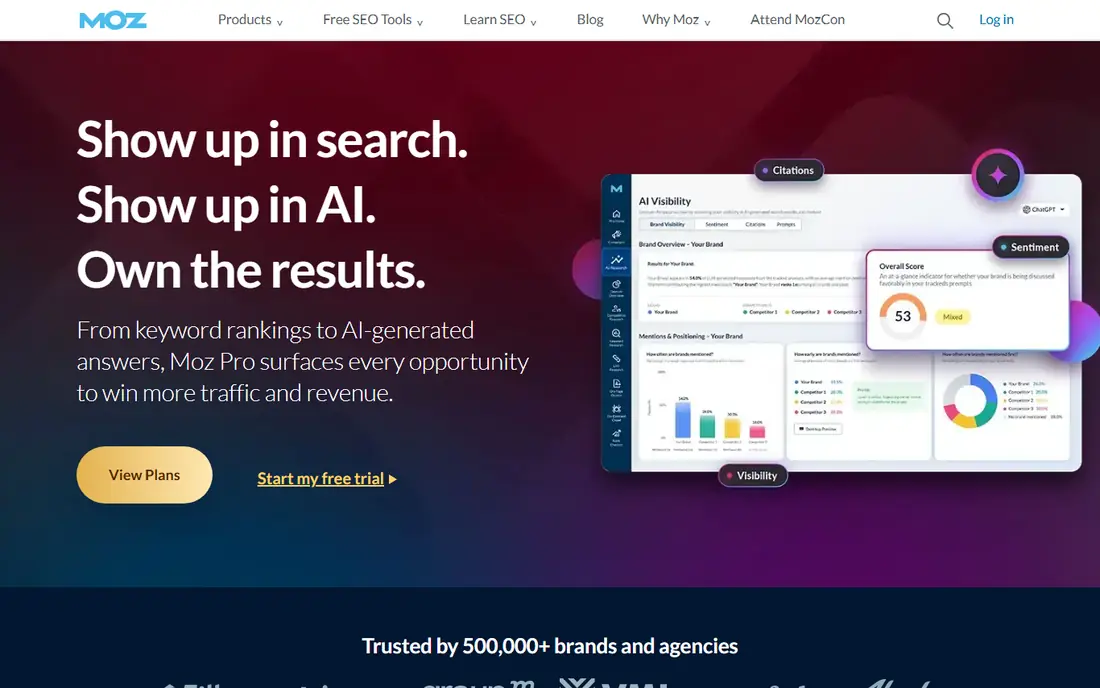
Moz Pro is a calmer tool for small teams. Link Explorer gives a quick read on a domain, its top linking pages, and anchor text, and the spam score helps flag links that deserve a closer look before outreach. Campaign tracking ties link work to rankings, which helps when you need to show a client or a manager what changed.
Moz will feel thin if you compare huge competitor profiles side by side. Its index does not match the two leaders above, and the $49 per month Starter plan is built around a single website. For vetting prospects and tracking a small portfolio, though, it is clear and dependable.
- Easy-to-read Domain Authority and spam score
- Clear campaign tracking
- Helpful learning material
- Link index is smaller than Ahrefs or Semrush
- Starter covers one site
Majestic does one job and does it well. It has built its name on link data, and its Trust Flow and Citation Flow metrics give a quick sense of whether a linking domain looks trusted, widely cited, or both. The history charts help you spot sudden link gains or drops that might follow a campaign, a redesign, or a penalty risk.
Because Majestic is not a full SEO suite, you will still need another tool for keyword research or site audits. The $49.99 per month Lite plan is fair for a specialist, but generalists get more breadth elsewhere for similar money. Pick Majestic as a second opinion on link quality, or as your main tool if links are your whole job.
- Focused link index
- Trust Flow and Citation Flow scores
- Detailed link history
- No wider SEO suite
- Interface feels dated to new users
SE Ranking fits agencies and freelancers who manage several client sites. Its backlink monitor tracks new and lost links, and its reporting tools make it simple to send a client a regular summary without building one by hand. Rank tracking, audits, and keyword tools come in the same account, so link work does not live in isolation.
The Core plan at $129 per month includes a 14-day free trial and no card requirement for the trial, which makes it easy to test. The catch is scale: one manager seat on Core means larger teams pay for extra seats or a higher plan. Check seat costs before you commit a whole team.
- Backlink monitoring with alerts
- White-label reports on higher plans
- Rank tracking included
- Link index is smaller than the leaders
- Entry plan has one manager seat
Serpstat is a sensible budget pick for small teams that need more than links alone. You can check a domain, a batch of URLs, or a competitor backlink profile, then move to keyword ideas and a site audit without switching tools. The Individual plan at $69 per month, or $50 per month billed annually, keeps the entry cost well below the big suites.
Limits matter here. Tracking consumes checks, and some advanced features sit on higher plans, so a busy agency can outgrow the entry tier. For a solo marketer or a small site, the balance of price and breadth is hard to beat.
- Backlinks, keywords, and audits at a lower price
- Batch analysis for many URLs
- API on higher plans
- Entry plan excludes some features such as JavaScript rendering
- Tracking uses checks that run out
Mangools is the tool we would hand to someone new to link research. LinkMiner, which draws on Majestic data, lists the links pointing to a page and marks their strength in a way that is easy to scan. The wider Mangools suite adds keyword research and rank tracking, so a beginner can learn the basics in one place.
Depth is the limit. Weekly rank updates on the Basic plan and a smaller crawl allowance mean Mangools suits small sites rather than large portfolios. If you need daily data or deep technical audits, look at SE Ranking or Semrush instead.
- Very easy interface
- LinkMiner shows link strength at a glance
- Good for small sites
- Rank updates are weekly on lower plans
- No full technical crawl for large sites
Ubersuggest works as a first step. It shows referring domains, top pages, and a simple overview of a competitor profile without a steep learning curve, and the $29 per month Individual plan is one of the cheapest paid entries here. Small site owners who check links a few times a month will find it covers the basics.
Do not expect specialist depth. Free use is capped at a small number of searches per day, and the link data is thinner than Ahrefs, Semrush, or Majestic. Treat it as a low-cost way to learn what link research can tell you, then upgrade when the questions get harder.
- Low entry price
- Simple backlink overview
- Keyword ideas in the same tool
- Free searches are capped each day
- Link depth is basic next to specialists
Linkody takes a different angle from the research tools above. Instead of digging into huge competitor profiles, it watches the links you already have and tells you when they change. That makes it a good companion tool for a site owner who has built links and wants to know if any vanish, change anchor text, or lose value.
It is not the tool for prospecting from scratch. If you need large-scale competitor analysis, start with Ahrefs or Semrush and add Linkody only if steady monitoring matters to you. For quiet, ongoing watch duty, its simplicity is the point.
- Clear alerts when links appear or disappear
- Simple dashboard
- Useful for ongoing monitoring
- Not a deep research tool
- Smaller feature set than full suites
How we picked these
We compared official feature pages, pricing pages, and app store listings, along with public reviews, for tools that are sold and supported today. We favored tools that show referring domains, link quality signals, and new or lost link tracking, and we left out tools that only check a single URL or that have no current pricing or product page. Prices in this article are starting prices as listed by the vendors, and they can change, so check the pricing page before you buy.
What to check before you pay
Start with the job, not the brand. If you need competitor research, pick a tool with a large index and strong comparison views. If you need monitoring, pick a tool with reliable alerts and history. If you only need to vet a few outreach prospects, a cheaper tool with a quality score may be enough.
Next, count the limits that affect your bill. Projects, tracked domains, seats, rows per report, and refresh frequency all shape the real cost. A low headline price can turn expensive once a second teammate or a tenth project joins. Use free plans and trials to run your own domain and one competitor through each shortlisted tool, and compare what each one finds before you pay for a year.
Sources
Frequently asked questions
What is backlink analysis?
Backlink analysis is the study of the links pointing to a website. It shows which domains link to you, which pages attract links, what anchor text they use, and whether links are new, lost, or potentially harmful. That picture helps you plan outreach, protect rankings, and spot problems early.
What is the best free backlink analysis tool?
For your own site, free checks from the search engines and free tiers from Ahrefs and other vendors are a good start. They show real links to domains you verify, but they do not give full competitor data. Paid tools add larger indexes, history, and export options that free checks lack.
How many backlinks do I need to rank?
There is no fixed number, because link quality, relevance, and the strength of competing pages matter more than count alone. A small number of links from trusted, relevant sites can beat hundreds of low-quality links. Focus on earning links that fit your topic and audience.
Should I disavow bad links?
Only disavow links after a careful review, and usually only if you see a clear pattern of spammy links or a manual action notice. Most ordinary low-quality links can be ignored, and a careless disavow file can remove links that help you. Use the audit tools in Semrush or a similar suite before you act.
How often should I check backlinks?
Check monthly for a small site and weekly for an active campaign or a competitive niche. Set alerts for new and lost links so you hear about big changes between checks. A sudden drop can point to a site change, a removed page, or a partner taking a link down.
Is Majestic better than Ahrefs for links?
Majestic is stronger as a focused link-quality tool, with its Trust Flow and Citation Flow scores. Ahrefs is stronger as an all-round research tool, with a larger index and wider SEO features. Many link builders use Majestic to judge quality and Ahrefs to find prospects.