Best Tool to Split PDF Files in 2026: 9 Tools Compared
By ToolNimba Editorial Team November 10, 2026 10 min read

- Top pick
 iLovePDF
Quick online splits
Starting price$7 per monthCheck out iLovePDFRead our review - Runner-up
 Smallpdf
Polished online workflow
Starting price$12 per monthCheck out SmallpdfRead our review - Also great
 Sejda
Flexible split rules online
Starting price$7.50 per monthCheck out SejdaRead our review
How we researched this
We compared official pricing and feature pages, app store listings, privacy policies and public user reviews. Prices change, so check the provider's site before you pay.
Key takeaways
- PDFsam Basic is our pick for private, offline splitting because it runs on your computer and costs nothing.
- iLovePDF and Smallpdf suit quick online jobs, but their free plans cap how much you can do each day.
- Sejda stands out online for splitting by bookmarks, page ranges, and file size in one tool.
- If a PDF holds sensitive details, pick an offline tool so the file never leaves your device.
- Most paid plans here cost under 13 dollars a month, so a paid plan only makes sense if you split files often.
Quick comparison
| Name | Best for | Starting price | Free plan | |
|---|---|---|---|---|
| iLovePDF | Quick online splits | $7 per month | Yes | Visit |
| Smallpdf | Polished online workflow | $12 per month | Yes | Visit |
| Sejda | Flexible split rules online | $7.50 per month | Yes | Visit |
 PDFsam Basic | Free offline splitting | Free | Yes | Visit |
 PDF24 Tools | Free online and desktop tools | Free | Yes | Visit |
 Adobe Acrobat | Full PDF editing plus splitting | See website | No | Visit |
 PDFgear | Free desktop PDF tools | Free | Yes | Visit |
 PDF2Go | Simple browser splitting | Free | Yes | Visit |
 Stirling PDF | Self-hosted PDF toolkit | Free | Yes | Visit |
The best tools to split PDF files
Splitting a PDF sounds simple until you face a 200-page report, a scanned contract, or a file you cannot upload anywhere. We compared official feature pages, pricing pages, and free-plan limits to find tools that handle real jobs, not just single-page files.
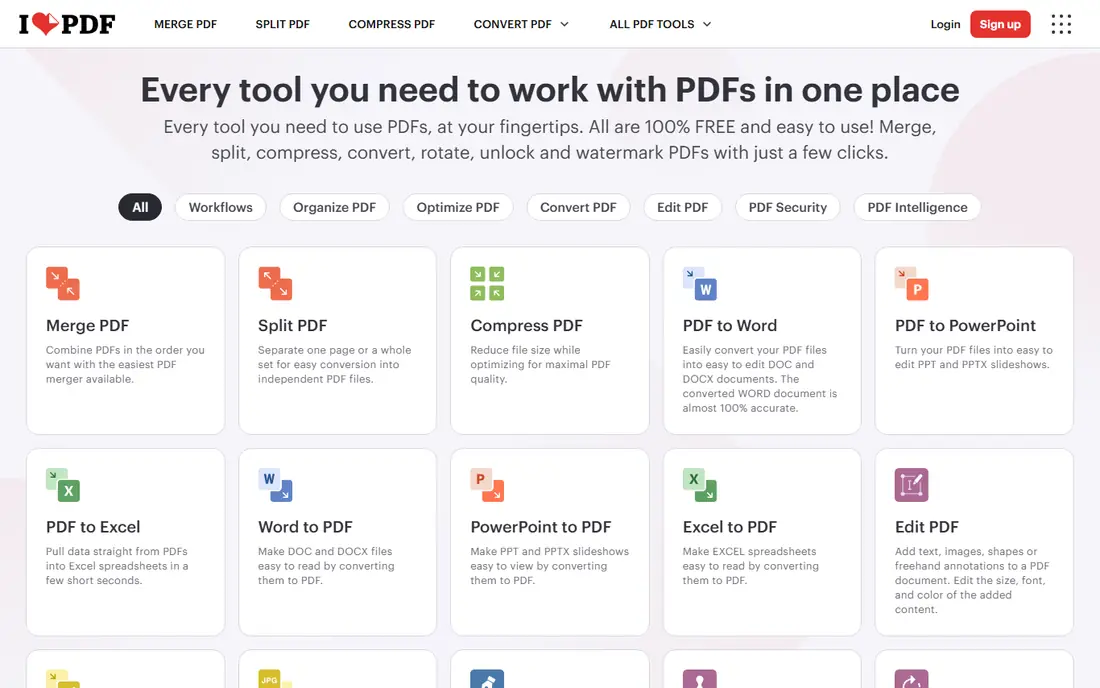
iLovePDF is the tool we point most casual users to first. You upload a file, pick the pages or ranges you want, and download the results in a few clicks. The interface shows page thumbnails, so you can see exactly what goes into each new file before you split it.
The catch is the free plan. It covers occasional jobs well, but heavy users will hit limits and need the paid plan. Files are also processed online, so we would not use it for medical records, legal papers, or anything with private personal details. For school handouts, invoices, and everyday documents, it is fast and hard to beat.
- Very easy to use
- Split by range, fixed range, or selected pages
- Works in any browser
- Free plan has daily limits
- Files are uploaded to its servers

Smallpdf feels like the most finished online option in this list. Its split tool lets you extract pages or divide a document into separate files, and the same account covers compression, conversion, and signing. If you already use Smallpdf for other PDF jobs, splitting inside it keeps everything in one place.
The downside is price and free limits. The free plan allows only a few tasks per day, which frustrates anyone with a batch of files to process. Paid users get more room, but at 12 dollars a month it is one of the pricier options here. We would pick it for ease of use, not for value.
- Clean, simple interface
- Good mobile experience
- Strong set of related PDF tools
- Free use is limited to a small number of tasks per day
- Paid plan costs more than rivals
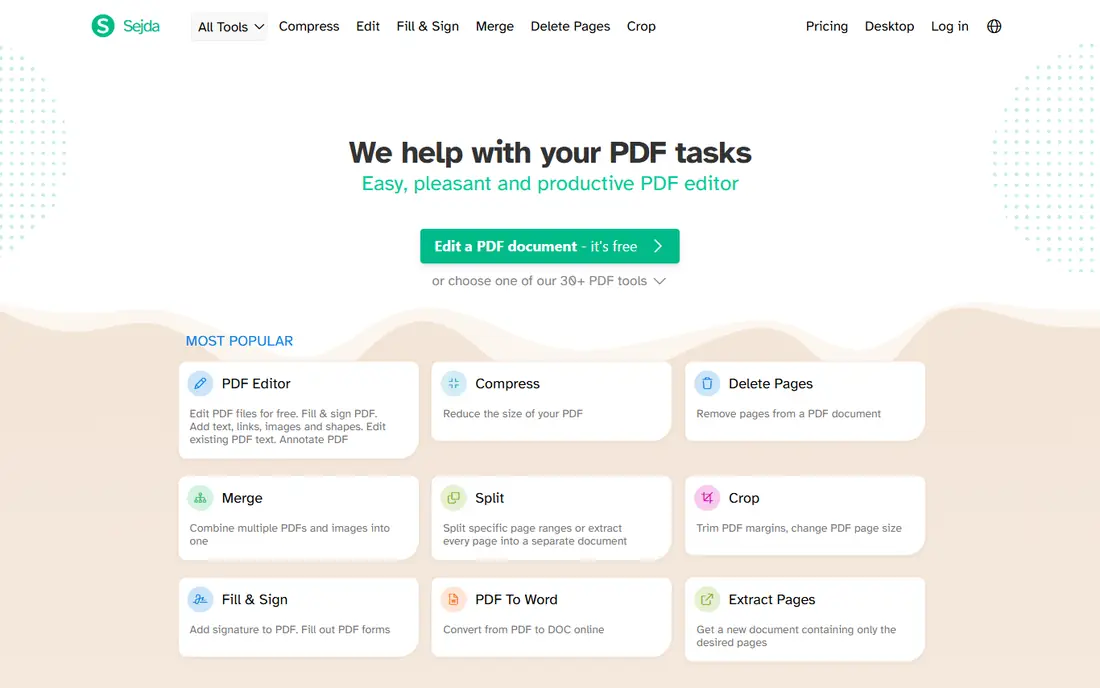
Sejda is the most capable online splitter for people who need control. You can split a document at bookmarks, which is ideal for chapters and reports. You can also split by page ranges, split every page into its own file, or split when the file reaches a set size. Few browser tools offer all of those options.
The free plan handles files up to 200 pages or 50 MB, with a few tasks per hour. That covers most personal jobs. People who split long reports every day will want the paid plan or a desktop tool. Sejda states that uploaded files are deleted after processing, which is a plus, but offline tools still win for truly sensitive files.
- Split by range, every page, bookmarks, size, or text
- No account needed for basic use
- Desktop app available
- Free plan caps pages and tasks per hour
- Large files need a paid plan
PDFsam Basic is our pick for most people who split PDFs more than once a month. It runs on Windows, Mac, and Linux, and it never uploads your file anywhere. That privacy advantage alone makes it the right choice for work documents, tax forms, and contracts.
It also splits in more ways than most free tools. You can split after every set number of pages, split at bookmarks, split by file size, or extract selected pages. The interface is plain and takes a few minutes to learn, but the controls are clear once you run your first job. There is no account, no daily cap, and no cost.
- Free and open source
- Runs offline so files stay private
- Split by page, bookmark, or size
- Desktop install required
- Interface looks plain next to web tools
PDF24 Tools is a good middle ground between a quick website and a full desktop app. The online splitter needs no account and places no obvious daily cap on use, which makes it handy for a one-off job on a borrowed computer. The same project offers PDF24 Creator for Windows, which handles PDF work offline.
We like PDF24 for students and office workers who need many PDF tools without paying. The trade-off is the same as with any online tool: your file goes to a server for processing. For routine, non-sensitive files that is fine. For private files, use the Creator app or PDFsam Basic instead.
- Online tools are free with no account
- Desktop Creator app for Windows
- Wide PDF toolset
- Online jobs upload your file
- Desktop app is Windows only
Adobe Acrobat is the heavyweight here. Its desktop app splits by page count, file size, or bookmarks, and it handles very large documents that choke smaller tools. If your job already pays for Acrobat for editing and signing, splitting inside it costs nothing extra and keeps your workflow in one app.
For splitting alone, though, Acrobat is hard to justify. Paid plans cost far more than a dedicated splitter, and the free online tools are limited. We would only pick Acrobat if you need its editing, forms, and signing features too. Everyone else gets the same split result free elsewhere.
- Split, edit, sign, and protect PDFs in one app
- Strong handling of large files
- Trusted by offices everywhere
- Paid plans are expensive
- Online free tools are limited
PDFgear gives you a free desktop PDF editor that also splits and extracts pages. Because it runs on your computer, your files stay local, which suits anyone handling client or company documents. It also covers editing, conversion, and compression, so it can replace several single-purpose tools.
The free tier is generous for everyday PDF work, though a few advanced features require a paid plan. The interface packs in many tools, so first-time users may need a minute to find the split option. Once you know where it is, splitting is quick and the results are clean.
- Free desktop app with no watermark on basic tools
- Split and extract pages offline
- Available on Windows, Mac, and mobile
- Some advanced features sit behind paid tiers
- Interface can feel busy
PDF2Go is a straightforward browser tool for people who want to split a file and move on. You upload, choose your split points, and download the parts. It also connects to cloud storage, which helps if your files already live in Drive or Dropbox.
Free use covers small and medium files, but larger files push you toward a paid plan. As with other online tools, uploaded files pass through its servers, so skip it for sensitive material. For a quick classroom handout or a chapter from a public report, it does the job with little fuss.
- No install needed
- Split by page or range
- Optional cloud storage connections
- Free plan has file size limits
- Uploads are required for online use
Stirling PDF is the pick for teams and technical users who want a private PDF toolkit they control. You run it on your own server or computer, and it offers splitting alongside merging, compression, conversion, and signing. That makes it a strong choice for a small company that handles many PDFs and wants nothing sent to a third party.
The catch is setup. Installing and maintaining a self-hosted tool takes more skill than opening a website, and support comes mainly from community docs. If that sounds like too much work, PDFsam Basic gives you offline splitting with far less setup. If you want a full private toolkit, Stirling PDF is worth the effort.
- Free and open source
- More than 60 PDF tools in one install
- You control where files are processed
- Self-hosting setup takes technical skill
- No simple hosted free plan for private use
How we picked these
We compared official feature pages, pricing pages, and free-plan terms for each tool, and we checked that each homepage loads and belongs to the product named. We favored tools that truly split PDFs in several ways, not tools that only extract a single page. We also weighed privacy, because splitting often involves work or personal documents, and we kept both free and paid options so readers at any budget find a fit.
What to check before you split a PDF
Start with privacy. If the file holds personal, medical, financial, or client details, use an offline tool such as PDFsam Basic or PDFgear. Online tools are fine for public or routine files, but read the deletion policy before you upload anything you would not want stored elsewhere.
Next, match the split method to the job. Splitting every page suits scanned handouts and receipts. Splitting by range suits chapters and sections. Splitting by bookmark suits long reports that already have a table of contents. Splitting by size suits email limits and upload caps. Pick a tool that offers the method you need, rather than settling for page-by-page extraction.
Finally, check the free limits before you start a big batch. Page caps, file size caps, and daily task caps are the most common surprises. If you split files weekly, a free desktop tool beats a capped online plan. If you split once in a while, a free online tool is simpler and costs nothing.
Sources
Frequently asked questions
What is the best tool to split PDF files for free?
PDFsam Basic is our pick for free splitting, because it is free, runs offline, and has no daily caps. PDF24 Tools is a strong free online choice when you cannot install software. Both handle page ranges and single-page extraction without a paid plan.
What are the best tools to split PDF files online?
iLovePDF, Smallpdf, Sejda, and PDF24 Tools are the strongest online options. Sejda offers the most split methods, while iLovePDF and Smallpdf are the easiest to use. Online tools require uploading your file, so avoid them for sensitive documents.
Can I split a PDF without uploading it?
Yes. PDFsam Basic, PDFgear, PDF24 Creator, and Stirling PDF process files on your own computer or server. That keeps private documents off third-party servers. Install one of these before you split anything with personal or work details.
How do I split a PDF by chapters?
Use a tool that splits by bookmarks, such as PDFsam Basic, Sejda, or Adobe Acrobat. Bookmarks usually match chapter headings in a well-made PDF. If the file has no bookmarks, split by page ranges instead, using the chapter start pages.
Does splitting a PDF reduce its quality?
No, splitting alone does not change page quality, because it copies pages into new files rather than recompressing them. Quality can drop only if you also compress the output or convert pages to images. Keep the original file until you check the split results.