Best Tools for Building Containers in 2026: 8 Tools Compared
By ToolNimba Editorial Team November 10, 2026 9 min read

- Top pick
 Docker
Most developers and teams
Starting priceFreeCheck out DockerRead our review - Runner-up
 Podman
Secure, daemonless Linux builds
Starting priceFreeCheck out PodmanRead our review - Also great
 Buildah
Scripted image builds in CI
Starting priceFreeCheck out BuildahRead our review
How we researched this
We compared official pricing and feature pages, app store listings, privacy policies and public user reviews. Prices change, so check the provider's site before you pay.
Key takeaways
- Docker remains the default for most developers because its workflow, docs, and Hub registry are the most familiar.
- Podman and Buildah are the strongest free, daemonless options, especially for Linux servers and secure CI pipelines.
- Kaniko and containerd suit teams that build inside Kubernetes or in environments where a daemon is not allowed.
- Rancher Desktop, OrbStack, and Lima make container building pleasant on Mac and Windows without Docker Desktop licensing costs.
- Image size, build caching, and registry choice matter as much as the builder itself, so test with your real project.
Quick comparison
| Name | Best for | Starting price | Free plan | |
|---|---|---|---|---|
| Docker | Most developers and teams | Free | Yes | Visit |
| Podman | Secure, daemonless Linux builds | Free | Yes | Visit |
| Buildah | Scripted image builds in CI | Free | Yes | Visit |
 Kaniko | Building inside Kubernetes | Free | Yes | Visit |
 Rancher Desktop | Free desktop Kubernetes and containers | Free | Yes | Visit |
 OrbStack | Fast containers on Mac | Free | Yes | Visit |
 Lima | Linux VMs on Mac | Free | Yes | Visit |
 containerd | Kubernetes runtimes and tooling | Free | Yes | Visit |
The best tools for building containers
Building a container image sounds simple until you have to do it in CI, on a teammate's Mac, and on a locked-down server. The tools below cover that spread. Some build images from a Dockerfile, some run them, and some do both, but each one earns its place for a specific kind of team.
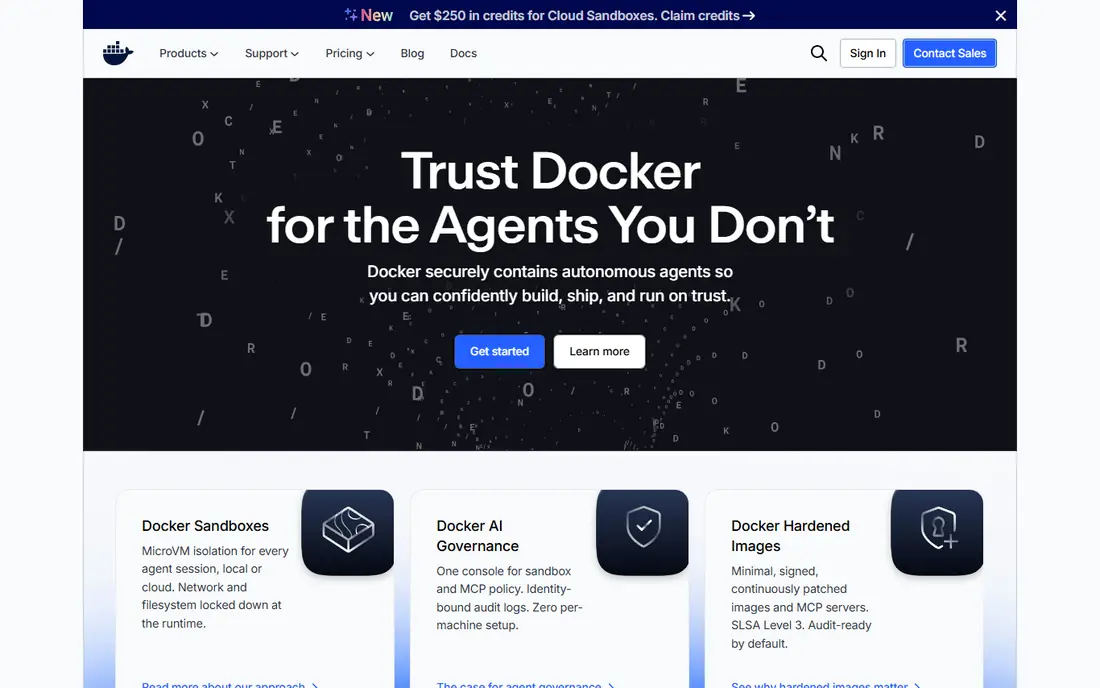
Docker is still the reference point for container building. Its Dockerfile format is the one most tutorials use, BuildKit handles caching and multi-platform builds well, and Docker Hub makes sharing images easy. For a solo developer or a small team, Docker Desktop gives you building, running, and a visual dashboard in one install.
The honest catch is licensing. Docker Desktop is free for individuals and small businesses, but larger organizations need a paid subscription, with Pro starting at $9 per user per month billed annually. If that cost or the daemon model bothers you, Podman below is the closest free alternative. For most teams, though, Docker's familiarity is worth more than its price.
- Largest ecosystem and documentation
- Docker Hub registry
- BuildKit builds are fast and cached
- Docker Desktop needs a paid subscription for larger companies
- The daemon model adds overhead
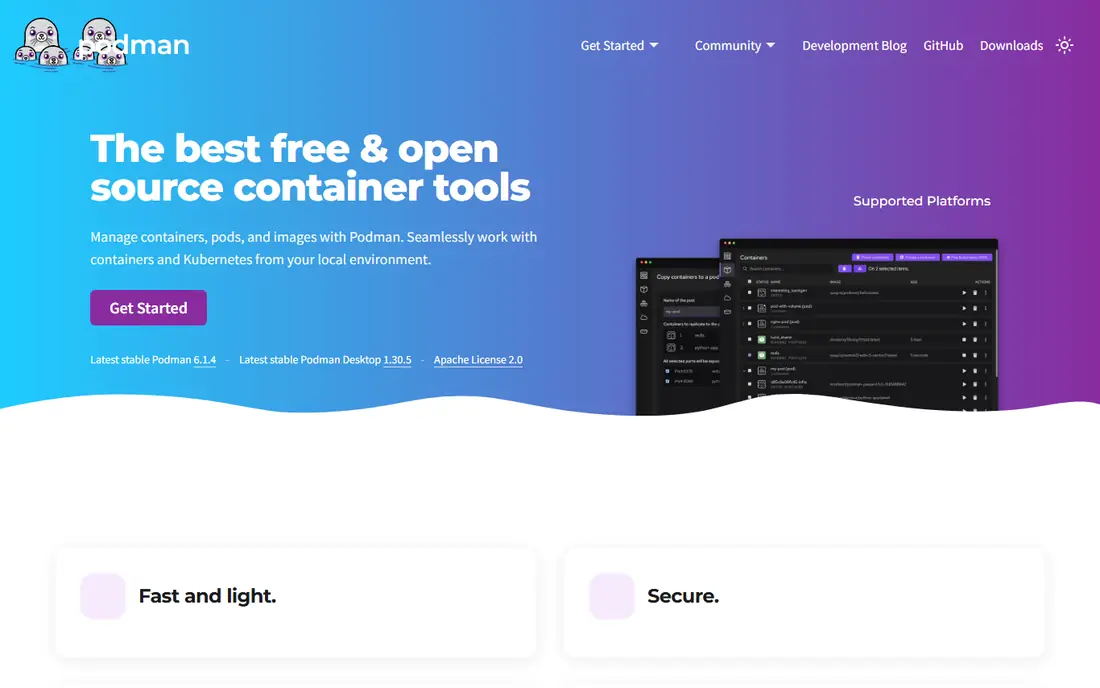
Podman builds and runs containers without a background daemon, which is a real security advantage on shared servers and CI runners. It can run rootless containers, so a compromised build does not automatically get root on the host. Commands mirror Docker closely, and Podman Desktop gives Mac and Windows users a graphical front end.
The trade-off is polish. Podman Desktop is improving, but Docker Desktop still feels smoother for everyday desktop use, and a few Docker Compose behaviors differ in edge cases. On Linux, where most production containers run, Podman is a serious default rather than a compromise, and it costs nothing.
- Daemonless and rootless by design
- Largely Docker-compatible commands
- Free and open source
- Desktop experience is less polished than Docker
- Some Compose edge cases differ
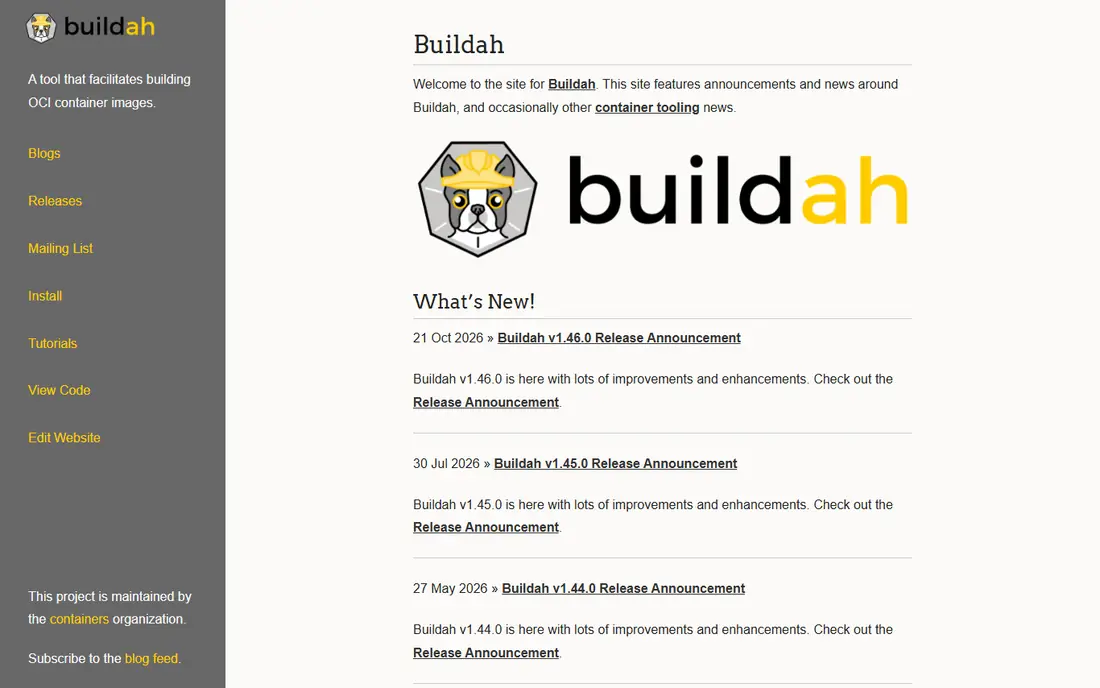
Buildah is the specialist in this list: it builds OCI images and does nothing else. That focus is its strength in CI pipelines, where you want a small, rootless builder that can run without privileged access. You can build from a Dockerfile or script each layer with shell commands, which gives precise control over what lands in the final image.
It is not a developer desktop tool. There is no built-in runtime or dashboard, so you pair it with Podman or another runtime to run what you build. If your builds happen in automation rather than on laptops, Buildah's simplicity and security model make it an excellent pick, and it is free and open source.
- Builds images without a daemon
- Scriptable from shell
- Fine control over layers
- Command-line only, no runtime
- Steeper learning curve than a Dockerfile alone
Kaniko solves a specific problem: building an image from inside a Kubernetes pod, where giving the build step access to a Docker daemon would be a security risk. It runs as a container itself, reads a Dockerfile and context, and pushes the finished image to a registry, all without privileged access. That makes it a natural fit for GitLab, Tekton, and other Kubernetes-native CI systems.
The price of that safety is speed and setup. Kaniko builds can run slower than BuildKit, and getting layer caching right takes some configuration. For teams already running Kubernetes-based CI, those costs are worth paying, and Kaniko is free and open source.
- Builds images inside a container without Docker daemon access
- Works in locked-down clusters
- Slower than BuildKit for some workloads
- Caching setup takes care
Rancher Desktop is the free desktop answer for developers who also need Kubernetes. It bundles a local Kubernetes cluster with a container runtime, so you can build an image and test it against a cluster on the same machine. You can pick containerd or the Docker daemon as the runtime, which keeps migration from Docker straightforward.
That breadth has a cost: it uses more resources than a lean Mac-only tool, and the Kubernetes pieces are noise if you only build images. For teams that want a free, open source Docker Desktop replacement with Kubernetes included, Rancher Desktop is the most complete option on this list.
- Free and open source
- Bundles Kubernetes
- Lets you choose containerd or dockerd
- Heavier than OrbStack on Mac
- Kubernetes features add complexity if you only want containers
OrbStack is built for Mac users who found Docker Desktop slow or heavy. It starts containers quickly, uses little CPU and memory when idle, and speaks Docker commands, so existing workflows mostly just work. Linux machines run well too, which matters for developers whose production target is Linux.
The limits are platform and scope. OrbStack is Mac only, and it does not try to match every Docker Desktop extension or enterprise feature. For an individual Mac developer who wants fast builds and a quiet machine, it is hard to beat, with a free tier for personal use and paid plans for commercial use.
- Very fast startup and low resource use on Mac
- Docker-compatible
- Simple interface
- Mac only
- Some advanced Docker Desktop features are missing
Lima takes a different route: it runs Linux virtual machines on Mac, and inside those VMs you can run containerd, Docker, Podman, or Kubernetes tools. That gives Mac developers a real Linux environment for building images, including multi-architecture builds, without leaving the Mac. It is the engine behind several other tools, which speaks to its reliability.
The catch is that Lima is infrastructure, not a polished app. You manage VMs, networking, and mounts yourself, and the learning curve is higher than OrbStack or Rancher Desktop. For developers who want control and already live in a terminal, Lima is free, flexible, and worth the setup.
- Free and open source
- Runs containerd and Docker inside Linux VMs
- Good Apple Silicon support
- More setup than a packaged desktop app
- VM management is on you
containerd is the runtime that actually runs most containers in Kubernetes, and it can build and manage images too, though that is not how most developers meet it. Its value in a building workflow is as the foundation: tools such as Lima, Rancher Desktop, and nerdctl build on it, and understanding it helps when a build behaves differently in a cluster than on a laptop.
Do not pick containerd as your only tool if you want a simple desktop workflow. It has no friendly dashboard and expects you to bring your own tooling around it. Pick it when you are building platform tooling, custom CI, or a Kubernetes setup, where its stability and standards support pay off. It is free and open source.
- Industry-standard runtime under Kubernetes
- Lightweight
- Strong OCI support
- Not a developer-facing builder on its own
- Needs other tools for a full workflow
How we picked these
We compared official docs, pricing pages, and project pages, and kept only tools that are maintained now and genuinely build or run container images. We favored tools with clear security models, Docker compatibility where it helps migration, and honest limits, and we left out orchestration-only platforms that do not build images. Prices change often, so confirm the current figure on each vendor site before you buy.
How to choose the right builder
Start with where you build. On a laptop, Docker Desktop or OrbStack will get you moving fastest. On Linux servers and in CI, Podman and Buildah give you rootless, daemonless builds without licensing questions. Inside Kubernetes, Kaniko or containerd-based tooling fits the security model better than a daemon.
Then think about images, not just builders. Multi-stage Dockerfiles keep final images small, build caching keeps CI fast, and a private registry with scanning keeps production safe. A builder that ignores caching will cost more in CI minutes than any license fee. Test your real Dockerfile, including multi-platform builds if you ship to both Intel and ARM, before committing a team to a new tool.
A practical default setup
Most teams do well with Docker on developer machines and Podman or Buildah in CI, since the Dockerfile format transfers between them. Keep one registry as the source of truth, pin base image versions, and scan images before they reach production. If your team is all Mac, try OrbStack for speed; if you need Kubernetes locally, Rancher Desktop covers both jobs in one free install.
Sources
Frequently asked questions
What is the best free tool for building containers?
Podman is the best free all-rounder, since it builds and runs containers without a daemon and is largely Docker compatible. Buildah is the best free choice if you only need a CI builder, and Rancher Desktop is the best free desktop option with Kubernetes included.
Is Podman a full replacement for Docker?
For most Linux workflows, yes, and its commands mirror Docker closely. On Mac and Windows, Podman Desktop works but feels less polished than Docker Desktop, and a few Compose edge cases behave differently, so test your stack before switching a whole team.
Do I need Docker Desktop to build container images?
No. Podman, Buildah, Rancher Desktop, OrbStack, and Lima can all build images without Docker Desktop. Docker Desktop is convenient because of its ecosystem and dashboard, but the Dockerfile format itself is not tied to it.
What is the difference between Buildah and Podman?
Buildah only builds images, while Podman builds and runs containers. In practice they share code and work well together: Buildah for scripted CI builds, Podman for running and managing containers day to day.
Can I build container images inside Kubernetes?
Yes, with Kaniko, which builds images from a Dockerfile inside a pod without needing Docker daemon access. It is slower to configure for caching than BuildKit, but it fits clusters where privileged builds are not allowed.
Should I worry about Docker Desktop licensing?
If you are an individual or a small business, Docker Desktop is free. Larger organizations need a paid subscription, so check the Docker subscription terms against your company size and consider Podman or Rancher Desktop if the cost does not fit.