Best Tools for Content Creation and Social Media Management in 2026: 8 Tools Compared
By ToolNimba Editorial Team November 1, 2026 8 min read

- Top pick
 Buffer
Solo creators and small teams
Starting price$6 per channel per monthCheck out BufferRead our review - Runner-up
 Hootsuite
Large teams and brands
Starting price$99 per user per monthCheck out HootsuiteRead our review - Also great
 Canva
Design and templates
Starting priceSee websiteCheck out CanvaRead our review
How we researched this
We compared official pricing and feature pages, app store listings, privacy policies and public user reviews. Prices change, so check the provider's site before you pay.
Key takeaways
- Buffer is our pick for solo creators and small teams for its low price and simple scheduling.
- Hootsuite suits larger teams that need listening, approvals, and deep analytics in one system.
- Canva is the best design companion, since it turns one idea into sized assets for every channel.
- Later leads for visual planning, especially for Instagram and TikTok first brands.
- Most creators need two tools: one for scheduling and one for design or video, not one tool for everything.
Quick comparison
| Name | Best for | Starting price | Free plan | |
|---|---|---|---|---|
| Buffer | Solo creators and small teams | $6 per channel per month | Yes | Visit |
| Hootsuite | Large teams and brands | $99 per user per month | Free trial | Visit |
| Canva | Design and templates | See website | Yes | Visit |
 Later | Visual planning for creators | $25 per month | Free trial | Visit |
 Sprout Social | Analytics driven teams | See website | Free trial | Visit |
 SocialBee | Content heavy strategies | $29 per month | Free trial | Visit |
 Metricool | Analytics and reporting | $25 per month | Yes | Visit |
 Publer | Budget creators | $5 per month | Yes | Visit |
The best tools for content creation and social media management
Content creation and social media management cover two jobs: making posts, images, and videos, and then scheduling, publishing, and measuring them. No single tool does both jobs best for everyone, so we compared official pricing pages, feature pages, and public reviews to match each tool to its real strength.
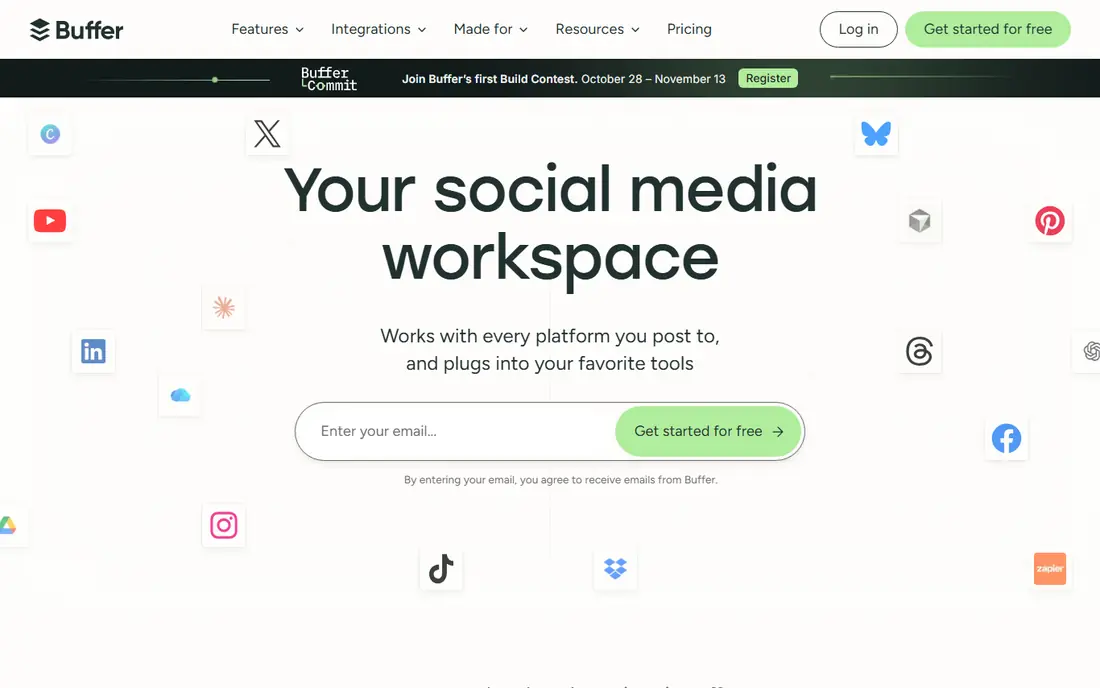
Buffer is our pick for most solo creators because it does the core job well for little money. At $6 per channel per month, with a free plan for getting started, you can schedule across major channels, tailor captions per channel with its AI assistant, and keep a simple publishing queue. That is enough for many small businesses and creators.
The limits are clear. Buffer has no social listening, and its analytics are basic compared with Hootsuite or Sprout Social. If you need to track brand mentions or build client reports, pair Buffer with Metricool or move up to a larger platform. For consistent posting on a budget, Buffer is hard to beat.
- Very low starting price
- Simple scheduling
- AI assistant for captions
- No social listening
- Analytics are basic next to enterprise tools

Hootsuite suits brands and enterprises managing many accounts. It brings publishing, engagement, listening, analytics, and approvals into one system, with role based access for larger teams. Its listening tools help brands track mentions and sentiment, which smaller tools do not offer.
The catch is price. At $99 per user per month, Hootsuite is overkill for a solo creator with three channels. Small teams should start with Buffer or Later and only move to Hootsuite when account count, approvals, or listening needs justify the cost.
- Publishing, listening, and analytics in one system
- Multi level approvals
- Wide channel support
- High price for small teams
- Setup and learning take time

Canva is the design tool most social teams actually use day to day. Templates cover posts, stories, carousels, and presentations, and Magic Switch resizes one design into channel sized assets without starting over. The free plan covers many small business needs, and paid plans add brand kits and AI edits.
Canva does offer scheduling, but it is lighter than Buffer or Hootsuite for queue management and analytics. The best setup is Canva for creation plus a scheduler for publishing. That pairing gives better design and better scheduling than either tool alone.
- Huge template library
- Magic Switch resizing for channels
- Free plan is genuinely useful
- Scheduling is lighter than dedicated schedulers
- Advanced video editing is limited
Later is built for visual brands. Its drag and drop calendar and Instagram feed preview let creators plan how a grid will look before posting, which matters for fashion, food, travel, and other visual niches. Auto publish, hashtag suggestions, and a link in bio tool round out the creator workflow.
Outside Instagram and TikTok, Later feels narrower than Hootsuite or Buffer. Brands that live on LinkedIn and X may prefer Buffer for breadth. Visual first creators, though, will find Later faster for planning and previewing content.
- Visual calendar and feed preview
- Strong for Instagram and TikTok
- Link in bio tool
- Weaker outside Instagram and TikTok
- Analytics are lighter than Sprout Social
Sprout Social suits teams that treat social as a customer service and reporting channel. Its unified inbox helps staff answer messages across channels, and its analytics and reports are strong enough for stakeholder presentations. Listening, available as an add on, adds brand and competitor tracking.
Price is the barrier. Sprout Social is priced for mid size and large teams, and agencies with many profiles can see costs climb. Small teams should only choose it when inbox management and reporting are core to the job, not just nice extras.
- Unified inbox
- Deep analytics and reporting
- Social listening add on
- High price
- Profile limits can raise costs for agencies
Metricool is the reporting pick on this list. It pulls social, paid ads, competitor, and website data into unified reports, which helps small agencies prove results to clients without building spreadsheets. Scheduling and analytics are included, so it can serve as a main tool for smaller teams.
For very large teams, Hootsuite or Sprout Social still offer deeper listening and approval workflows. For freelancers and small agencies who need clear reports at a fair price, Metricool is a strong choice, especially with its free plan for testing.
- Unified reporting for social, ads, and web
- Competitor tracking
- Free plan available
- Scheduling features are solid but not as deep as Hootsuite
- Some reports need paid tiers
Publer is the budget alternative to Buffer for creators who want more recycling features for less money. At $5 per month, with a free plan, it covers scheduling across major channels and re shares evergreen content on a set cycle. That keeps a small account active without daily manual posting.
The trade off is depth. Analytics and team features are lighter than Sprout Social or Hootsuite, and support for niche channels varies. For a solo creator on a tight budget, Publer gives a working scheduler for the price of a coffee. For client reporting, pair it with Metricool.
- Very low price
- Evergreen recycling
- Free plan available
- Analytics are basic
- Fewer enterprise features than Hootsuite
How we picked these
We compared official pricing pages and feature pages, plus public reviews and comparisons of social tools. We did not claim hands on testing. We favored tools that cover a clear job well, whether that job is scheduling, design, analytics, or listening, over tools that claim to do everything at a mediocre level.
How to build your stack
Start with your channels and your content type. If you post mostly short video, prioritize a video editor and a scheduler that handles TikTok and Reels well. If you post mostly images and carousels, prioritize Canva plus Later or Buffer. If you post mostly text and links, Buffer or Publer may be enough.
Next, test scheduling with a real week of posts. Check how captions, hashtags, first comments, and link in bio tools behave on each channel, since those details differ. Also check analytics after that week. A tool that shows which posts drove clicks and follows is more useful than one that only shows likes.
Finally, keep the stack small. Two tools, one for creation and one for scheduling and measurement, cover most creators. Add a third only when a clear gap appears, such as listening for a brand or client reporting for an agency. Each extra tool adds cost and login friction.
SocialBee
Best for: Content heavy strategies
SocialBee fits businesses with a lot of content to reuse. Its category system lets you mix tips, promotions, and evergreen posts in a balanced queue, and recycling keeps good posts working longer. Its AI Copilot helps plan strategy and draft posts, which saves time for small teams.
The catch is that SocialBee is not a design tool. You will still need Canva or a similar tool for images and video. As a scheduling and strategy layer for content heavy accounts, though, it offers more structure than Buffer at a modest price.