Best Tools for Digital Note-Taking in 2026: 9 Apps Compared
By ToolNimba Editorial Team November 9, 2026 9 min read

- Top pick
 Notion
All in one workspaces
Starting priceFreeCheck out NotionRead our review - Runner-up
 Obsidian
Private linked notes
Starting priceFreeCheck out ObsidianRead our review - Also great
 Microsoft OneNote
Freeform notebooks
Starting priceFreeCheck out Microsoft OneNoteRead our review
How we researched this
We compared official pricing and feature pages, app store listings, privacy policies and public user reviews. Prices change, so check the provider's site before you pay.
Key takeaways
- Notion is the best all in one choice for typed notes, databases and team workspaces.
- Obsidian is the best choice for private, local notes you own as plain files.
- Microsoft OneNote and Apple Notes cover most everyday notes for free, with no new subscription needed.
- Goodnotes and Notability are the strongest picks for handwriting on an iPad with a stylus.
- The best free note taking app depends on typing or handwriting, solo or team use, and how much you care about owning your files.
Quick comparison
| Name | Best for | Starting price | Free plan | |
|---|---|---|---|---|
| Notion | All in one workspaces | Free | Yes | Visit |
| Obsidian | Private linked notes | Free | Yes | Visit |
| Microsoft OneNote | Freeform notebooks | Free | Yes | Visit |
 Apple Notes | Apple device owners | Free | Yes | Visit |
 Google Keep | Quick capture | Free | Yes | Visit |
 Evernote | Clipping and search | Free | Yes | Visit |
 Goodnotes | iPad handwriting | Free | Yes | Visit |
 Notability | Handwriting plus audio | Free | Yes | Visit |
 Bear | Clean Markdown writing | Free | Yes | Visit |
The best tools for digital note-taking
Digital note taking splits into typing, handwriting and quick capture, and no single app wins all three. We compared official feature pages, pricing pages and app store listings, and we favored apps that are still maintained, sync reliably and make notes easy to find again later.
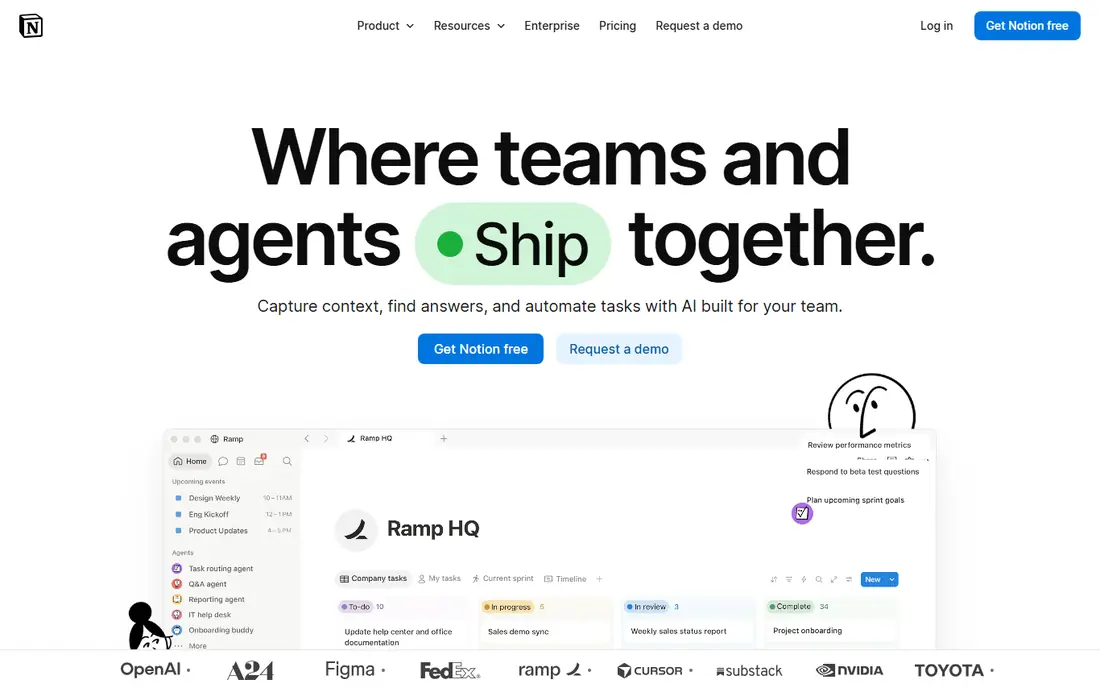
Notion is the most flexible typed note app in this list. You can keep simple notes, build a wiki, track projects in a database and share pages with a team, all in one workspace. The free plan includes unlimited blocks and pages for solo use, with limits of 5 MB file uploads, 7 day page history and 10 guests. Plus costs $10 per user per month on annual billing and removes those limits.
The catch is that Notion is cloud first and can feel heavy for a quick note. If you want a fast capture tool only, Apple Notes or Google Keep will feel lighter. If you want one home for notes, docs and projects, Notion is hard to beat.
- Unlimited pages for solo use
- Databases, templates and team sharing
- Strong web clipper
- File upload and history limits on free plan
- Needs internet for full sync
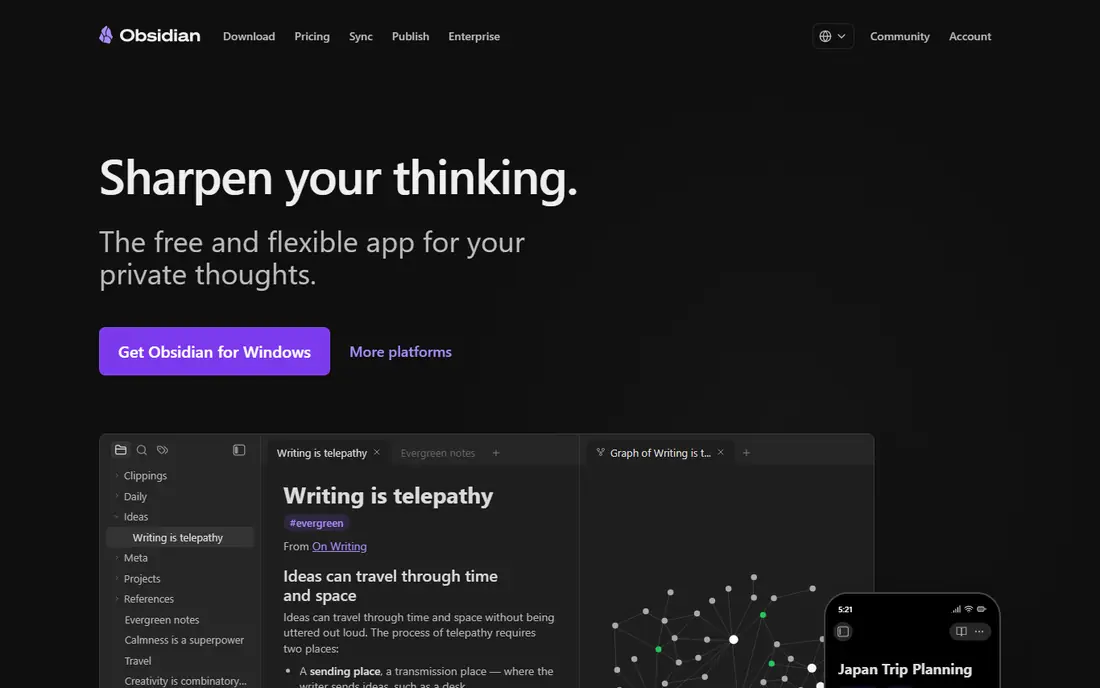
Obsidian suits people who want to own their notes. Notes are plain Markdown files stored on your device, linked with backlinks and shown in a graph view that reveals connections between ideas. The core app is free for personal and commercial use, with no account required, and plugins add calendars, tasks, tables and more.
Cross device sync is the extra cost. Obsidian Sync starts at $4 per user per month on annual billing for a standard vault, or you can sync the folder yourself with a cloud drive. If privacy and long term ownership matter more than instant team sharing, Obsidian is the best digital note taking app here.
- Local Markdown files you own
- Backlinks and graph view
- Large plugin library
- Sync through Obsidian costs extra
- Setup takes more effort than Notion
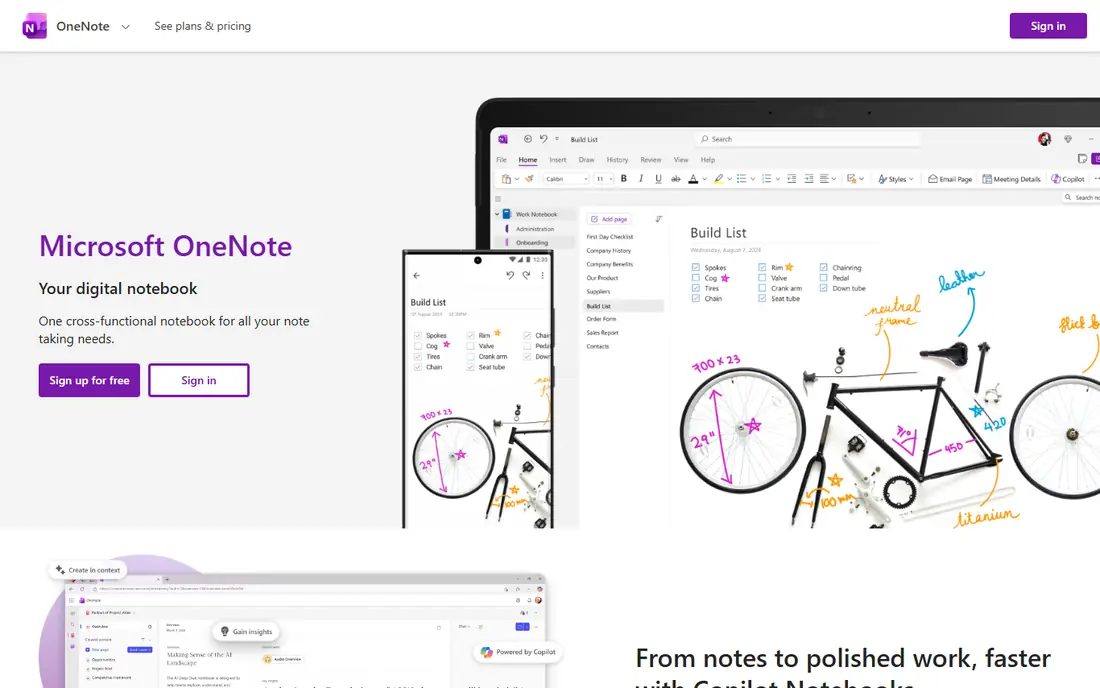
Microsoft OneNote is the best freeform notebook in this list. Each page is a canvas where you can type, paste images, draw with a stylus and record audio in any layout, rather than a single vertical document. Notebooks, sections and pages suit school, work and research, and OneNote runs on Windows, Mac, iOS, Android and the web.
The trade off is structure. A large OneNote library can become hard to search and organize without a clear section plan. For students and Microsoft 365 users who want a free, flexible notebook, OneNote covers more ground than most paid rivals.
- Free with a Microsoft account
- Infinite canvas notebooks
- Good stylus and audio support
- Organization can get messy at scale
- Sync depends on OneDrive
Apple Notes is the fastest note app for Apple owners because it is already installed. A note started on an iPhone appears on a Mac and iPad through iCloud, with folders, tags, checklists, scanned documents and locked notes for sensitive items. Handwriting with Apple Pencil works well on iPad, and sharing a note or folder with another Apple user is simple.
The limit is platform. Apple Notes has a web version through iCloud, but it is not a full Windows or Android app. If your devices are mostly Apple, Apple Notes may be all you need, and it costs nothing beyond your iCloud storage.
- Built into iPhone, iPad and Mac
- Fast capture and iCloud sync
- Folders, tags and checklists
- Apple devices only
- Sharing with Windows users is limited
Google Keep is a digital board of short notes, lists and reminders. You can save a thought in seconds, set a time or location reminder, add a photo or voice note, and find it later by color, label or search. It syncs with a Google account across web, Android and iOS, and it works well alongside Google Docs for longer writing.
Keep is not a home for long research notes or linked knowledge. Formatting is basic and organization stops at labels and pins. For quick capture, shopping lists, ideas and reminders, its speed beats heavier apps that take longer to open.
- Very fast to open and save
- Color labels and reminders
- Syncs with Google account
- No folders or deep organization
- Limited formatting for long notes
Evernote was once the default note app, and it still excels at capturing and finding material. The web clipper saves articles, PDFs and pages, search finds text inside images, and notebooks, tags and tasks organize a large archive. Long term users with years of notes often stay because migration is work and the search still delivers.
The catch is the free tier, now limited to 50 notes, and a Personal plan at $14.99 per month that costs more than Notion Plus. If you clip a lot from the web and need strong search, Evernote can justify the price. If you mostly type fresh notes, Notion or Obsidian gives more for less.
- Strong web clipper
- Search includes text in images
- Mature organization tools
- Free tier limited to 50 notes
- Personal plan costs $14.99 per month
Goodnotes is the leading handwriting app for iPad students and professionals. Writing with Apple Pencil feels close to paper, notebooks and planners use templates, and PDF annotation lets you mark up lecture slides, contracts and forms directly. Search can find handwritten words in many cases, and iCloud sync keeps notes across iPhone, iPad and Mac.
The free plan covers a limited number of notebooks, with paid access listed as See website because pricing varies by platform and plan. Windows users get a more limited experience than Apple users. For iPad handwriting, Goodnotes is the first app to try.
- Natural handwriting with Apple Pencil
- Strong PDF annotation
- Notebooks and templates
- Best on Apple devices
- Windows version is more limited
Notability wins for lectures because audio and handwriting stay linked. Tap a written word and the recording jumps to the moment you wrote it, which makes review far easier than replaying a whole lecture. PDF annotation, handwriting, typing and drawing share one clean page, and the interface stays out of the way during class.
Pricing varies by platform, so we list the paid plan as See website, with older listings around $15 per year. The free tier lets you test the core experience, but regular lecture users will likely need the paid plan. If audio synced notes matter, Notability beats Goodnotes for that one job.
- Audio recording synced to handwriting
- Strong PDF tools
- Simple, focused interface
- Paid plan needed for full use
- Apple focused, with a more limited web presence
Bear is a calm, focused writing app for Apple users who like Markdown and tags. Notes look clean, search is fast, and hashtags organize notes without folders. The free version covers core writing on one device, while Bear Pro at $2.99 per month adds sync across devices, themes and export options.
The limits are platform and scope. Bear has no Windows or Android app, and it does not try to be a team workspace or database. For personal notes, journaling and draft writing on Apple devices, its simplicity is the point, and the low Pro price keeps it affordable.
- Clean writing interface
- Markdown support
- Fast search with tags
- Apple devices only
- Sync needs Bear Pro
How we picked these
We compared official feature pages, pricing pages and app store listings, and we favored apps that are still maintained and cover a clear use case, whether typing, handwriting or quick capture. We checked free tier limits, paid starting prices, platform support and sync options. We did not claim hands on testing, and we list a price as See website where platform pricing varies too much to state one figure safely.
How to choose a note taking app that sticks
Start with how you capture notes, not with a feature list. Typists should test Notion and Obsidian, handwriters should test Goodnotes and Notability, and quick note takers should test Apple Notes or Google Keep. Use each finalist for a week with real notes, then keep the one you open without thinking.
Check sync, export and search before you commit
A note app that cannot sync to your phone, export your notes or search them later will fail, no matter how pretty it looks. Test export on day one, especially with Obsidian local files and Notion cloud pages. Good search saves more time than any template library, because notes only help when you can find them again.
Keep the system simple
One inbox note, a few folders or tags and a weekly review beat a complex system you abandon. Start with a small set of tags, archive finished notes instead of deleting them, and review the inbox each week. The best digital note taking apps reward a simple habit more than a perfect setup.
Sources
Frequently asked questions
What is the best free note taking app?
Notion and Obsidian both offer strong free plans for typed notes, while Apple Notes and Google Keep are best for quick free capture. Notion wins for team sharing and databases, Obsidian wins for private local files, and Apple Notes wins for Apple owners who want speed.
What are the best digital note taking apps for students?
Notion, OneNote, Goodnotes and Notability cover most student needs, with typed notes in Notion or OneNote and handwritten lecture notes in Goodnotes or Notability. Students should check education pricing and free plans, since Notion offers a free education plan and Obsidian offers a discount on Sync.
Is Obsidian or Notion better for notes?
Obsidian is better for private, local, linked notes you own, while Notion is better for team workspaces, databases and sharing. Many people use both, with Notion for team projects and Obsidian for personal research, since their strengths do not overlap fully.
What is the best note taking app for iPad handwriting?
Goodnotes is the best all round iPad handwriting app for notebooks, planners and PDF annotation. Notability is better when lecture audio matters, because its recordings sync to your handwriting and let you replay the exact moment you wrote a note.
Does Evernote still work well in 2026?
Yes, Evernote still works for clipping, search and large archives, but its free tier is limited to 50 notes and its Personal plan costs $14.99 per month. New users should compare Notion and Obsidian first, while long term Evernote users may stay for search and an existing archive.
Can I use a note app offline?
Yes, Obsidian, Goodnotes, Notability, Apple Notes and OneNote all work offline for core note taking, with sync when you reconnect. Notion and Google Keep need internet for full sync, though both offer limited offline access on some platforms.