Best Tools for Instagram Content Creation in 2026: 8 Tools Compared
By ToolNimba Editorial Team November 10, 2026 9 min read

- Top pick
 Canva
Design for posts and Stories
Starting priceFreeCheck out CanvaRead our review - Runner-up
 Adobe Express
Branded design and video
Starting priceFreeCheck out Adobe ExpressRead our review - Also great
 CapCut
Short video for Reels
Starting priceFreeCheck out CapCutRead our review
How we researched this
We compared official pricing and feature pages, app store listings, privacy policies and public user reviews. Prices change, so check the provider's site before you pay.
Key takeaways
- Canva is the best all round design tool for Instagram posts, Stories, and Reels covers without design training.
- CapCut and InShot cover short video editing for Reels, while Adobe Express suits creators who want brand control.
- Later and Buffer handle planning and scheduling, with Later stronger for visual grid planning.
- No single tool does everything well: most creators pair a design app, a video app, and a scheduler.
Quick comparison
| Name | Best for | Starting price | Free plan | |
|---|---|---|---|---|
| Canva | Design for posts and Stories | Free | Yes | Visit |
| Adobe Express | Branded design and video | Free | Yes | Visit |
| CapCut | Short video for Reels | Free | Yes | Visit |
 InShot | Quick mobile video edits | Free | Yes | Visit |
 Later | Visual planning and scheduling | $25 per month | Yes | Visit |
 Buffer | Simple scheduling | $6 per channel per month | Yes | Visit |
 Metricool | Analytics and scheduling on a budget | Free | Yes | Visit |
 Mojo | Animated Stories and templates | Free | Yes | Visit |
The best tools for instagram content creation
Instagram content now means feed posts, carousels, Stories, and Reels, each with different sizes and habits. These eight cover design, video, planning, and measurement.
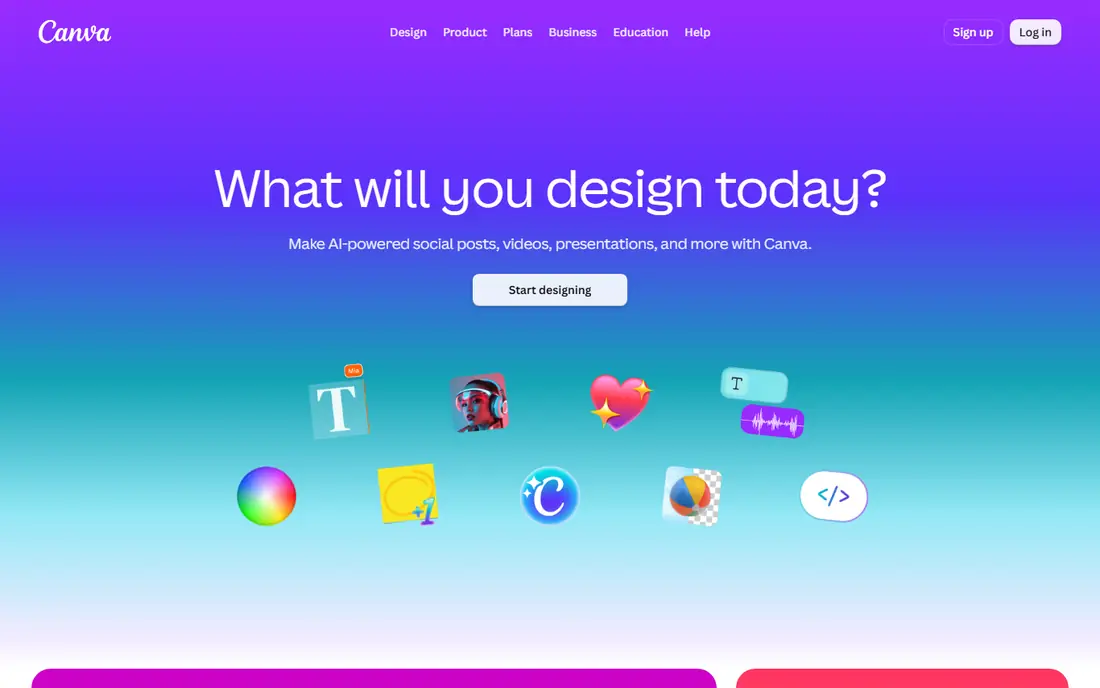
Canva is our pick for most Instagram creators because it removes the design barrier. Templates cover feed posts, carousels, Stories, and Reels covers in the correct sizes, and you can change text, colors, and photos in minutes. The free plan is genuinely useful for a solo creator posting regularly.
Pro, listed around $15 per month on annual billing in recent listings and higher monthly, adds brand kits, premium templates, background removal, and team features. If you post for a business with set colors and fonts, Pro pays for itself in consistency. If you post personally, the free plan may be all you need.
- Huge template library for Instagram sizes
- Brand kit and team tools on Pro
- Easy drag and drop editing
- Pro is around $15 to $18 per month depending on billing
- Free plan limits premium templates and brand tools
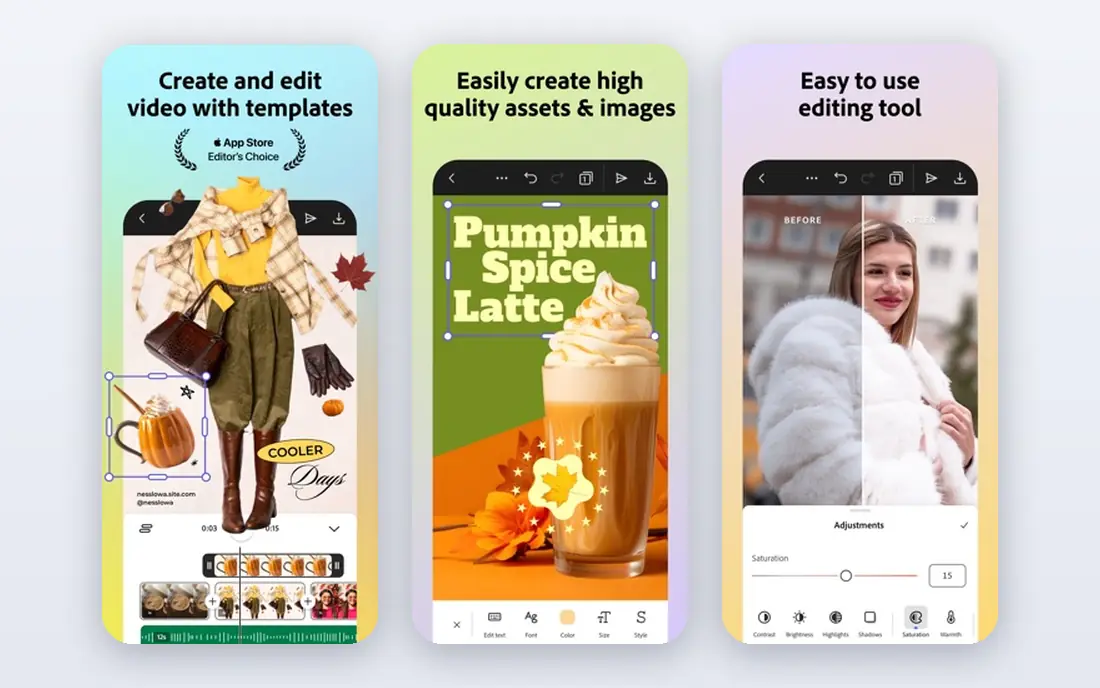
Adobe Express suits creators who want more brand control than Canva free offers, without learning full Photoshop. You can set brand colors, fonts, and logos, then apply them across posts, Stories, and short videos. Quick actions such as background removal and resizing help when one design must fit several Instagram formats.
The free plan covers core design, while Premium adds premium templates, assets, and features. Pricing varies by region and billing, so check the Adobe site for your plan. Adobe Express is a good second design tool if you already use Adobe products, or if brand consistency matters more than template volume.
- Strong brand controls
- Templates plus quick video tools
- Links to Adobe Stock and Fonts
- Free plan limits premium assets
- Full value needs familiarity with Adobe tools
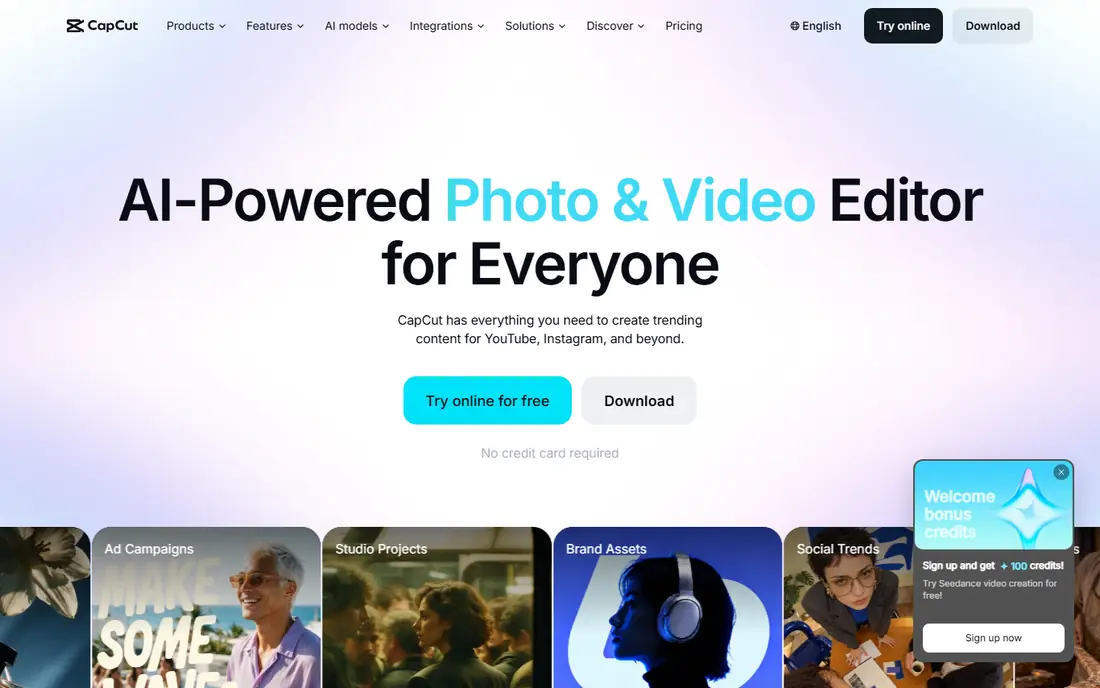
CapCut is the leading free video editor for Reels for a reason. It offers trimming, captions, transitions, effects, and music tools in a mobile app that is easy to learn, plus a desktop version for longer edits. Templates help beginners publish a polished Reel quickly, while manual controls suit creators who want more say.
Pro, listed around $19.99 per month, adds premium effects, cloud storage, and advanced features. The free tier covers most basic Reels well. One note for business users: CapCut is owned by ByteDance, the parent of TikTok, so some companies prefer a different editor for policy reasons. Check your company policy if that matters to you.
- Strong mobile and desktop video editing
- Captions, effects, and templates for Reels
- Free tier is capable
- Pro is around $19.99 per month
- Some effects and cloud features need Pro
- Owned by ByteDance, which some brands note
InShot is for creators who shoot on a phone and want to publish fast. Trimming, speed control, filters, stickers, and text are all quick to apply, and the app handles vertical video naturally. It is less powerful than CapCut for complex edits, but that simplicity is the point when you post daily.
The free version includes ads, and some exports carry a watermark unless you pay for Pro. Check the current Pro price in your app store, since it varies by platform and plan length. For quick Reels and Stories, InShot remains a reliable, low friction choice.
- Fast trimming, filters, and text for Reels
- Simple interface
- Works well for phone shot video
- Free version includes ads and a watermark on some exports
- Pro pricing varies by store
Later is built around Instagram planning. The visual calendar and grid preview let you see how your feed will look before you post, which matters for brands that care about feed appearance. Auto publishing covers feed posts, carousels, and Reels for professional accounts, with Stories supported through reminders or direct publishing depending on format.
Pricing is listed at $25 per month, with lower rates on annual billing in some listings, and a limited free plan for getting started. Later is less suited to large teams that need deep analytics or multi network listening. For an Instagram first creator or small business, it is the clearest planning tool here.
- Visual grid planner for Instagram
- Auto publishing for feed, carousel, and Reels
- Link in bio tool
- Paid plans start at $25 per month on monthly billing
- Analytics depth is less than enterprise tools
Buffer is the simple scheduler. You queue posts, set times, and let Buffer publish them, without the learning curve of larger platforms. The free plan covers three channels for one user, and paid Essentials pricing is listed around $6 per channel per month, or $5 on annual billing.
Buffer does not try to be a design tool, so pair it with Canva or CapCut for creation. Stories generally use a reminder workflow rather than full auto publishing, which is common across schedulers. If you want affordable, no fuss scheduling across Instagram and other networks, Buffer is hard to beat.
- Clean and simple scheduling
- Free plan covers three channels
- Affordable per channel pricing
- Design and analytics are lighter than Later or Metricool
- Stories use a reminder workflow
Metricool combines scheduling with analytics at a budget price. The free plan covers one brand with a limited number of posts, and paid tiers from around $20 per month on annual billing add more brands, posts, and reports. Analytics cover organic performance, competitors, and, on higher plans, ads and website data.
That reporting focus sets Metricool apart from Buffer and Later for small businesses that need to show results. Scheduling is solid, though collaboration features are lighter than team focused tools. If you are a freelancer or small agency that lives in client reports, Metricool plus Canva is a complete, affordable stack.
- Free plan for one brand
- Scheduling plus analytics and competitor reports
- Affordable paid tiers
- Paid plans start around $20 per month on annual billing
- Team collaboration is lighter than Buffer or Later
Mojo fills a gap other tools leave: animated Stories. Its templates add motion, text animation, and music to a photo or short clip in minutes, which helps promotional Stories stand out without video editing skill. That speed matters when you post Stories daily and cannot spend an hour on each one.
Mojo is not a full feed design tool, so use it alongside Canva for posts and carousels. The free tier covers basic templates, while Pro opens the full library, with pricing varying by app store. For creators who rely on Stories for sales, announcements, or behind the scenes content, Mojo is a useful addition.
- Animated templates for Stories and Reels
- Easy text animation
- Good for quick promotional posts
- Best for Stories, less for feed design
- Pro features need a subscription, price varies by store
How we picked these
We compared official feature pages, pricing pages, and app store listings for Instagram creation tools active in October 2026. We favored tools with Instagram specific sizes, templates, or scheduling, and we noted where auto publishing or analytics are limited. We did not claim hands-on testing; our comparison is based on published features, pricing, and public reviews.
Build a simple Instagram workflow
Start with a weekly plan, not a daily scramble. Choose two or three content types you can sustain, such as a feed post, a carousel, and two Reels per week, and build templates for each in Canva. Templates keep your feed consistent and cut design time, since you are changing text and photos, not redesigning every post.
Shoot and edit video in batches. Record several Reels in one session, edit them in CapCut or InShot, then schedule them in Later, Buffer, or Metricool. Batching avoids the daily pressure to create from scratch, and scheduling lets you post at consistent times even on busy days. Check analytics weekly, not hourly, and keep what works.
Match tools to your role
A solo creator needs Canva, CapCut, and a free scheduler plan. A small business needs the same plus Later for grid planning or Metricool for reporting. A team needs brand controls in Canva Pro or Adobe Express, plus approval workflows that Buffer and Later handle differently, so test approvals before you pay. Do not buy an enterprise tool for a solo account.
Respect Instagram rules and size basics
Use the correct sizes: square or portrait for feed, vertical for Stories and Reels, and check current Instagram guidance, since sizes change. Keep text readable on a phone, avoid tiny fonts, and add captions to Reels, since many people watch without sound. Follow Instagram rules on music licensing and disclosure for sponsored posts, and do not use automation that violates platform terms.
Sources
Frequently asked questions
What are the best content creation apps for Instagram?
Canva is the best design app for most creators, CapCut is the best free video editor for Reels, and Later is the best visual planner for Instagram. Most creators use a combination: Canva for design, CapCut or InShot for video, and Later or Buffer for scheduling. No single app covers all three jobs equally well.
Is there a free tool for Instagram content creation?
Yes. Canva, Adobe Express, CapCut, InShot, Buffer, Metricool, and Mojo all offer free plans. Free plans limit premium templates, brand tools, or scheduling volume, but they cover basic creation and posting. Start free, and pay only when a limit blocks your regular workflow.
Which tool is best for Instagram Reels?
CapCut is our pick for Reels editing, with captions, effects, and templates built for short vertical video. InShot suits quicker phone edits, while Adobe Express covers branded short video. For planning and publishing Reels, Later and Buffer both support auto publishing for professional accounts.
Can I schedule Instagram posts for free?
Yes, within limits. Buffer free covers three channels, Metricool free covers one brand, and Later offers a limited free plan. Free plans cap the number of scheduled posts per month. Paid plans raise those caps and add analytics, grid planning, or team features.
Do I need a scheduler if I use Canva?
Canva includes scheduling in some plans, but a dedicated scheduler such as Later, Buffer, or Metricool offers better grid planning, analytics, and multi network support. If you only post to Instagram and already pay for Canva Pro, try its scheduler first. If you manage several accounts or need reports, a dedicated tool is worth it.