Best Transactional Email Service in 2026: 9 Services Compared
By ToolNimba Editorial Team November 10, 2026 10 min read

- Top pick
 Postmark
Fast, reliable transactional mail
Starting price$15 per monthCheck out PostmarkRead our review - Runner-up
 Resend
Modern developer experience
Starting price$20 per monthCheck out ResendRead our review - Also great
 Brevo
Free tier plus marketing mail
Starting price$9 per monthCheck out BrevoRead our review
How we researched this
We compared official pricing and feature pages, app store listings, privacy policies and public user reviews. Prices change, so check the provider's site before you pay.
Key takeaways
- Postmark is our pick when a password reset or receipt must reach the inbox fast, because it keeps marketing mail off its transactional sending pools.
- Amazon SES is the cheapest option at high volume, but it needs more setup and monitoring than a managed service.
- Resend and Brevo offer the friendliest free tiers for small apps, while SendGrid and Mailgun suit teams that need scale and support.
- Price by monthly volume, not by contacts, and check overage rates before you commit to a plan.
Quick comparison
| Name | Best for | Starting price | Free plan | |
|---|---|---|---|---|
| Postmark | Fast, reliable transactional mail | $15 per month | Yes | Visit |
| Resend | Modern developer experience | $20 per month | Yes | Visit |
| Brevo | Free tier plus marketing mail | $9 per month | Yes | Visit |
 Amazon SES | Lowest cost at scale | $0.10 per 1,000 emails | Free trial | Visit |
 SendGrid | High-volume app email | $19.95 per month | Free trial | Visit |
 Mailgun | Developer infrastructure | $15 per month | Yes | Visit |
 Mailjet | Simple SMTP with a friendly interface | Free | Yes | Visit |
 SparkPost | Enterprise sending and analytics | See website | Free trial | Visit |
 SMTP2GO | Simple, reliable SMTP relay | $10 per month | Free trial | Visit |
The best transactional email services
Transactional email covers the messages people expect right away: password resets, order receipts, account alerts and shipping updates. These services are judged on delivery, speed, clear pricing and useful logs, not on newsletter design. The nine below cover developers, small apps and large senders.
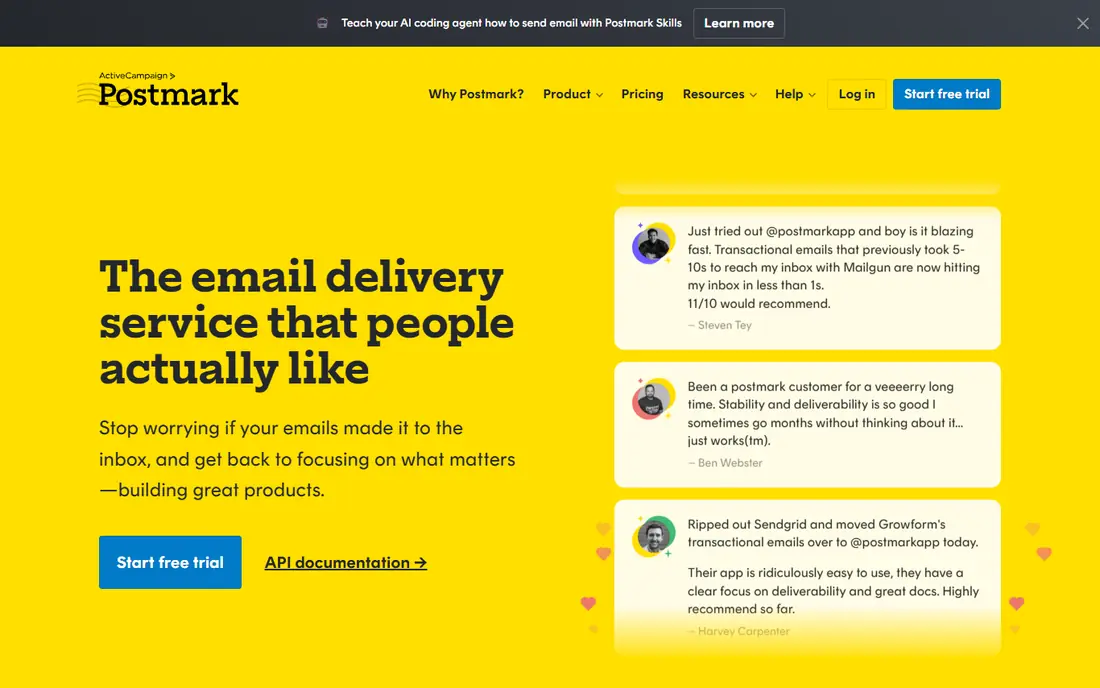
Postmark earns its place at the top for teams where one missed email is a support ticket. It refuses marketing mail on its transactional streams, which helps keep its sending reputation clean and delivery steady. The dashboard also makes it easy to trace a single message, check whether it bounced, and see why, which saves time when a customer says an email never arrived.
The limits are deliberate. If you also need newsletters, you will need a second tool, and the per-thousand overage cost can add up for very large senders. Small and mid-sized apps that send receipts, resets and alerts will likely find the trade-off worth it. For delivery-critical mail, Postmark is our pick for most teams.
- Transactional-only sending pools
- Fast delivery
- Clear message logs
- No marketing mail on the same service
- Costs more at very high volume

Resend has grown fast because it feels built for modern web teams. The API is simple, the documentation is clear, and React Email from the same team makes template building less painful for developers who already use React. A free tier of 3,000 emails a month gives a new app room to grow before paying.
Larger teams may miss some enterprise controls, and a dedicated IP sits on the Scale plan with a sending threshold, so small senders share IPs by design. That is normal at this price, but it is worth knowing before you plan a big launch. For a new product or a side project that may scale, Resend is a strong and pleasant choice.
- Clean API and docs
- React Email templates
- Generous free tier
- Fewer enterprise features
- Dedicated IP needs a higher plan
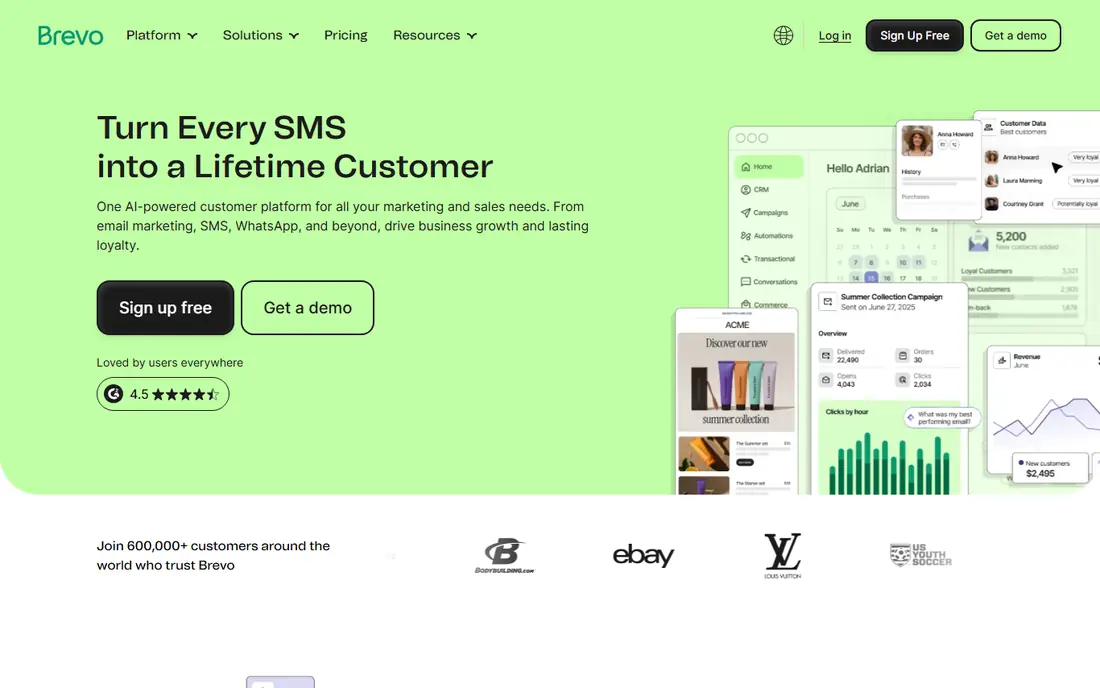
Brevo, formerly Sendinblue, is the best fit if you want one account for both transactional mail and newsletters. The free plan allows 300 emails a day, which covers many small sites, and the paid Starter plan starts at $9 a month. SMTP relay is included, so a WordPress site or a small app can connect without a complex setup.
The catch is specialisation. Brevo does not focus on transactional delivery as narrowly as Postmark, and its analytics and log tools are more general. Teams that send only receipts and alerts may prefer a dedicated service. If you want one bill and one login for both kinds of mail, Brevo makes practical sense.
- 300 free emails a day
- Marketing and transactional mail in one account
- SMTP relay included
- Transactional features are less specialised
- Higher tiers add cost for advanced tools
Amazon SES is the cheapest way to send a large volume of transactional mail, at around $0.10 per 1,000 emails plus data charges. It sits inside Amazon Web Services, so teams already on AWS can add it to an existing stack and scale without renegotiating a plan. For a high-volume app, the savings over a managed service can be large each month.
The price comes with work. You handle domain setup, bounce and complaint handling, sending limits and monitoring, and the console is not as friendly as a dedicated email service. New senders also start in a sandbox with limits that must be raised. If you have developers who can manage it, SES is excellent value. If not, a managed service will save more time than SES saves money.
- Very low per-email cost
- Scales with AWS
- Flexible sending options
- Needs technical setup
- Monitoring and reputation tools are basic
SendGrid, owned by Twilio, is the long-standing default for app email at scale. Its Email API plan starts at $19.95 a month for 50,000 emails, and higher plans add dedicated IPs and more support. Developers get many official SDKs, SMTP support and event webhooks that report deliveries, opens, bounces and spam complaints in detail.
The free option is now a 60-day trial rather than a permanent free plan, so small apps should factor in the paid cost from the start. Some users also report that support feels thinner on lower tiers, which matters when delivery problems appear. For a growing app that needs proven scale and broad integration options, SendGrid remains a safe choice.
- Large scale and many integrations
- Detailed event webhooks
- Twilio ecosystem
- No permanent free plan
- Support quality varies by plan
Mailgun appeals to developers who want control over sending, routing and validation. Its API and SMTP options are well documented, and it offers email validation to catch bad addresses before they hurt your reputation. A limited free tier of 100 emails a day lets a small project test the service without paying.
The dashboard is more technical than Brevo or Mailjet, so non-developers may need help with setup and troubleshooting. A dedicated IP also sits on a higher plan, which is standard but worth noting for senders with strict reputation needs. If your team values API control and detailed logs, Mailgun is a dependable pick.
- Strong API and logs
- Email validation tools
- Flexible routing
- Interface can feel technical
- Dedicated IP needs a higher plan
Mailjet suits small teams that want transactional mail without a steep learning curve. The free plan allows 6,000 emails a month, capped at 200 a day, and the interface includes a template editor that non-developers can use. SMTP relay and an API cover both website plugins and custom apps.
The daily cap means a sudden spike can hit the limit, and developers who need deep routing or validation tools may prefer Mailgun or Postmark. For a small business site, a blog or a modest app, Mailjet offers a gentle start and a clear upgrade path. It is also a useful backup sender for low-volume alerts.
- Free plan with 6,000 emails a month
- Visual template editor
- SMTP relay
- Lower free daily limit
- Fewer advanced developer tools
SparkPost, now part of MessageBird, is built for larger senders that need detailed analytics and enterprise controls. It handles high volumes, offers reputation and deliverability insight, and fits teams that already manage complex messaging across channels. That breadth is its main appeal for enterprises and large SaaS products.
Small apps will find the sales-led pricing and enterprise focus less convenient than a self-serve plan with a clear starting price. You should request a quote at your expected volume and ask what analytics and support sit in the base package. For a large sender that needs reporting depth, SparkPost is worth including in a shortlist.
- Strong analytics
- Enterprise scale
- Good deliverability tools
- Pricing not published for all plans
- May be heavy for small apps
SMTP2GO does one job well: it relays mail from your app or server through a reliable SMTP service. Setup is straightforward, reporting is clear, and the starting paid plan is low cost. That simplicity suits small businesses, server alerts and apps that just need mail to arrive without managing a mail server.
It is not a full marketing platform, and its template and automation tools are lighter than Brevo or SendGrid. Teams that need rich templates or complex journeys should look elsewhere. If you mainly need a dependable pipe for transactional mail, SMTP2GO is a calm and affordable option.
- Easy SMTP setup
- Clear reporting
- Good for small servers and apps
- Fewer template and marketing tools
- Smaller ecosystem than SendGrid
How we picked these
We compared official pricing pages, documentation and public delivery comparisons for transactional email services available in the United States in October 2026. We kept only services that send transactional mail as a core job, and we checked free tiers, starting prices and overage notes where vendors publish them. Where a vendor does not publish a full price, we used See website rather than guessing. We did not claim hands-on testing, and we did not use invented delivery rates.
What to check before you choose
Start with volume and growth. A free tier that covers 3,000 emails a month is plenty for a new app, but a sudden launch can push you into overage charges, so check the per-thousand rate on each plan. Also check whether marketing mail shares the same sending pool, because that can affect delivery for resets and receipts.
Next, set up domain authentication before you send anything important. SPF, DKIM and DMARC records, plus a verified sending domain, are standard requirements, and most services explain them in their docs. Test password resets, receipts and bounce handling, and confirm you can trace a single message in the logs. A service that hides logs will cost you time when a customer reports a missing email.
Finally, plan for failure. Use a backup sender or a queue that retries, watch bounce and complaint rates, and keep templates simple so they render in plain mail clients. If you send from a shared IP, warm up gradually and avoid sudden spikes. Good setup matters as much as the vendor you pick.
Sources
Frequently asked questions
What is the best transactional email service for a small app?
Resend or Brevo are good starting points for a small app, thanks to free tiers and simple setup. Postmark is better if delivery speed for resets and receipts is the top priority. Compare the free limit with your expected monthly volume before you choose.
What is the best email sending service for high volume?
Amazon SES is usually cheapest at high volume, while SendGrid and Mailgun offer more managed support and tooling. SES needs technical setup, so factor in developer time, not just the per-email price. For most teams, a managed service is cheaper once time is counted.
What is the best email delivery service for password resets?
Postmark is our pick for password resets, because it keeps transactional mail separate from marketing mail. Resend and SendGrid also deliver resets well, provided domain authentication is set up correctly. Test delivery to major providers before launch.
Do transactional email services offer a free plan?
Yes, several do, including Resend, Brevo, Mailjet and Mailgun, though limits and daily caps differ. SendGrid now offers a trial rather than a permanent free plan. Read the free limit and the overage rate, since both affect the real cost.
Can I send marketing email with a transactional service?
Some services, such as Brevo and SendGrid, handle both, but Postmark is transactional-only by policy. Mixing the two on one sending stream can hurt delivery for important messages. If you need both, either use a combined service carefully or keep the streams separate.