Best Trip Planning App in 2026: 9 Apps Compared
By ToolNimba Editorial Team November 1, 2026 9 min read

- Top pick
 Wanderlog
Day-by-day planning on a map
Starting priceFreeCheck out WanderlogRead our review - Runner-up
 TripIt
Itineraries from booking emails
Starting priceFreeCheck out TripItRead our review - Also great
 Roadtrippers
Road trip routes and stops
Starting priceSee websiteCheck out RoadtrippersRead our review
How we researched this
We compared official pricing and feature pages, app store listings, privacy policies and public user reviews. Prices change, so check the provider's site before you pay.
Key takeaways
- Wanderlog is our pick for most trips, because its free plan covers day-by-day planning, maps, and shared editing.
- TripIt is our pick after booking, because it turns confirmation emails into a clean itinerary without manual entry.
- Roadtrippers suits driving trips, while Splitwise and Google Maps fill the expense and navigation gaps that planners do not cover.
- For group trips, pick one shared itinerary app early, or plans will split across chats, docs, and screenshots.
Quick comparison
| Name | Best for | Starting price | Free plan | |
|---|---|---|---|---|
| Wanderlog | Day-by-day planning on a map | Free | Yes | Visit |
| TripIt | Itineraries from booking emails | Free | Yes | Visit |
| Roadtrippers | Road trip routes and stops | See website | Yes | Visit |
 Google Maps | Saved places and offline maps | Free | Yes | Visit |
 Tripsy | Polished itineraries on Apple devices | Free | Yes | Visit |
 Lambus | All-in-one group trip planning | See website | Yes | Visit |
 Splitwise | Splitting group expenses fairly | Free | Yes | Visit |
 Rome2Rio | Transport between places | Free | Yes | Visit |
 Polarsteps | Travel journal and route tracking | Free | Yes | Visit |
The best trip planning apps
We compared official feature pages, pricing pages, and app store listings, and we favored apps that still work today on iOS, Android, or web, cover a clear planning job, and offer a usable free tier for a real trip.
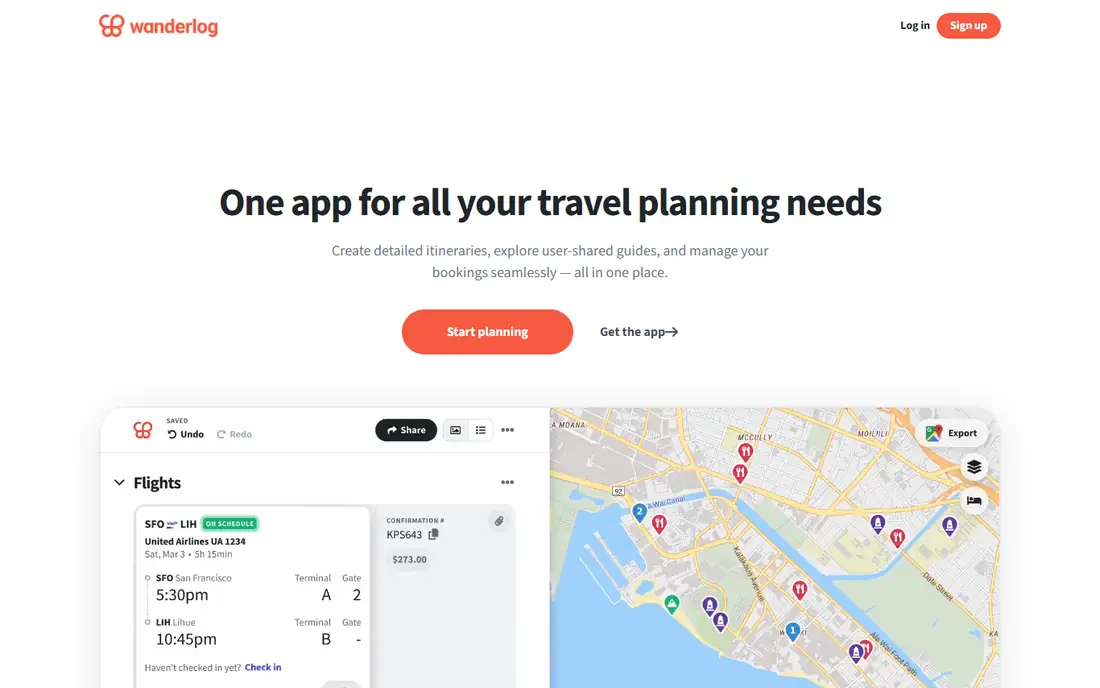
Wanderlog is the best trip planning app for most travelers, because it matches how trips actually take shape. You save places on a map, drag them into days, set routes between stops, and share the plan with travel partners who can edit it live. That shared map view prevents the usual problem of one person holding the plan in a private doc.
The free plan covers most trips, including collaborative editing and basic budgeting. Pro, priced from $39.99 per year, adds offline access, unlimited attachments, and extra features. If you plan before you book, start here, then add TripIt after bookings arrive.
- Map-based day planner with shared editing
- Budget and expense tracking
- Pro adds offline access and more features
- Offline access needs Pro
- Flight tracking is lighter than TripIt or Flighty
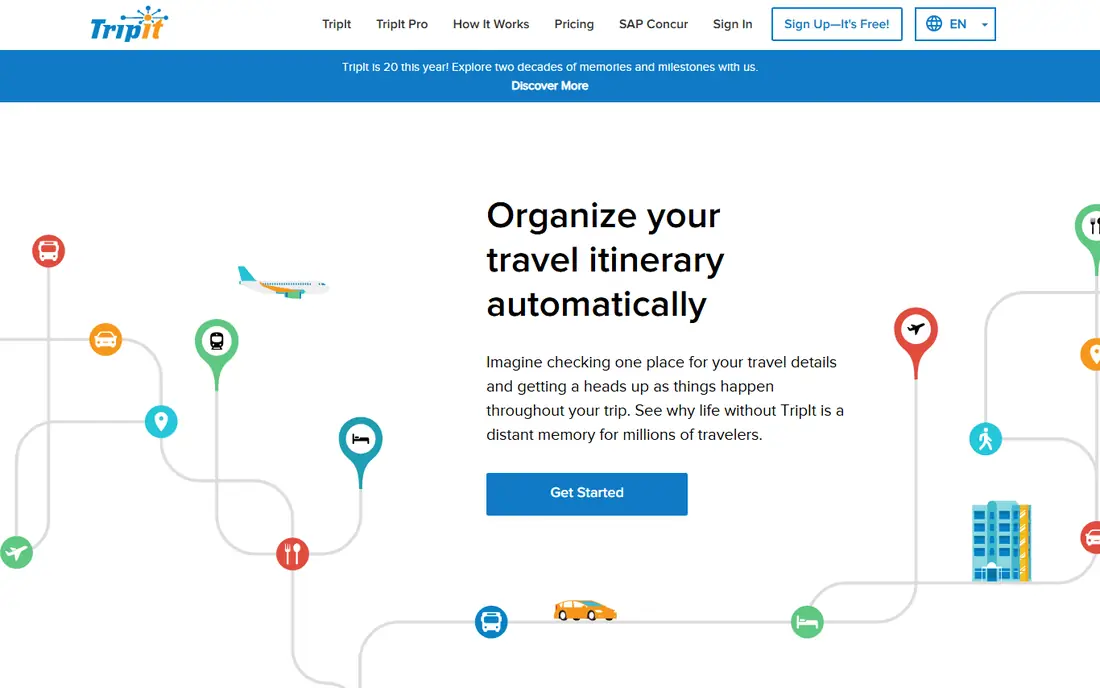
TripIt solves the after-booking mess. Forward flight, hotel, and car confirmation emails to TripIt, and it builds a single chronological itinerary with times, addresses, and confirmation numbers. That single view helps on travel days, when digging through email for a hotel address wastes time and patience.
TripIt is less useful before you book, since it organizes reservations rather than helping you choose places and days. Pro, at $49 per year, adds flight alerts, seat tracking, and passport expiry reminders. Use TripIt free for bookings, and pair it with Wanderlog for the planning stage.
- Turns forwarded booking emails into one itinerary
- Works across phone and web
- Pro adds alerts and passport reminders
- Planning before booking is limited
- Pro costs $49 per year
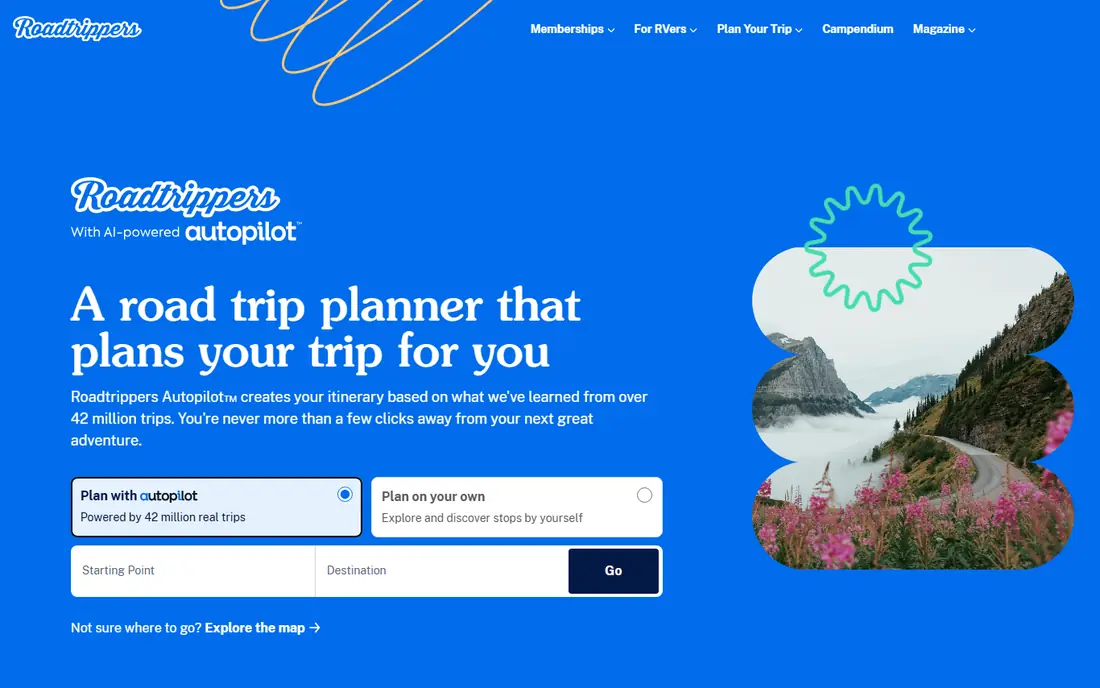
Roadtrippers is the best free road trip planner app for drivers who want more than the fastest route. You set a start and end point, and it suggests places to stop, eat, camp, and explore along the way, with distances and drive times for each leg. That discovery layer turns a long drive into a planned trip rather than a straight line on a map.
International coverage is thinner than US coverage, and some routing and collaboration features sit behind a paid plan. Check the current plan pricing on the vendor site before a long trip. For a US road trip, Roadtrippers plus Google Maps for live navigation is a strong pair.
- Route planning with interesting stops along the way
- Campsites, attractions, and fuel stops built in
- Good for US road trips
- Best coverage is in the US
- Advanced routing features need a paid plan
Google Maps is not a full itinerary app, but no trip planner is complete without it. Saved lists let you collect restaurants, hotels, and sights before a trip, and offline maps let you navigate in areas with weak signal. Live traffic, transit, and walking directions also cover the gaps that dedicated planners leave.
The limit is structure. Google Maps does not build a polished day-by-day itinerary with notes, budgets, and documents in one place. Use it as the navigation and discovery layer, and keep Wanderlog or TripIt as the master plan. Since it is free and already on most phones, there is no reason to skip it.
- Completely free
- Huge place database with reviews and hours
- Offline maps for downloaded areas
- No true day-by-day itinerary builder
- Multi-stop routes are limited
Tripsy suits Apple users who want a beautiful itinerary. Trips appear as a clear timeline with flights, hotels, activities, and notes, and saved trips stay available offline. That polish helps on travel days, when you need the next step at a glance rather than a dense spreadsheet.
Android users should note the limit: Tripsy offers browser viewing on Android rather than a full native app, which makes it a weaker pick for Android-first travelers. Pro plans start from $39.99 per year on some listings, so check the app store price for your region. For iPhone users, Tripsy is one of the nicest itinerary apps available.
- Clean timeline design for trips
- Offline access for saved trips
- Good for flights, stays, and activities in one view
- Android app is limited, with browser viewing instead
- Some features need Pro
Lambus is built for group trips that need more than a shared doc. It combines itinerary planning, expense tracking, documents, and packing lists in one workspace, so a group can plan stops, split costs, and store tickets without juggling five apps. That breadth helps when a trip spans many days and many travelers.
The trade is complexity. Lambus packs a lot into each trip, so a simple weekend trip may feel overbuilt. Check the current Pro price in your app store before subscribing, since listings vary. For a complex group trip, Lambus is worth the setup time.
- Itinerary, expenses, documents, and packing in one workspace
- Good for complex group trips
- Shared planning for all travelers
- Interface takes time to learn
- Pro pricing should be checked in the store, since listings vary
Splitwise is the best group travel planning app for money, even though it does not plan itineraries. Add shared costs for hotels, meals, fuel, and tickets, and Splitwise tracks balances so one person does not end up chasing repayments after the trip. That clarity prevents the awkward money talks that follow many group trips.
Use Splitwise alongside Wanderlog or Lambus, not instead of them. The free tier covers most group trips, while Pro adds receipt scanning, currency conversion, and charts. Start free, add expenses as you go, and settle up at the end of the trip.
- Easy expense splitting for groups
- Tracks who owes whom across a trip
- Pro adds receipt scanning and more features
- Not a trip planner on its own
- Pro costs $3.99 per month on some listings
Rome2Rio answers a question every planner eventually faces: how do we actually get from this town to the next one. Enter two places, and it shows flight, train, bus, ferry, and driving options with times and rough costs, including combinations that a single booking site may miss. That makes it valuable for trips with many stops.
Treat its prices as guides, not bookings. Check final fares and schedules with the carrier or booking site before you commit, since prices change. As a free planning layer between itinerary apps and booking sites, Rome2Rio is hard to beat.
- Completely free
- Compares flights, trains, buses, ferries, and driving for one route
- Useful for multi-leg journeys
- Prices are estimates and need checking with carriers
- No itinerary or booking management
Polarsteps suits travelers who want to remember a trip, not just plan it. It tracks your route automatically, places photos on a map by day, and builds a travel journal you can share with friends and family. That record becomes more valuable over time, especially for long or multi-country trips.
Planning tools are lighter than Wanderlog, so use Polarsteps as a journal layer rather than the master planner. The app itself is free, with optional paid printed books. If you like sharing a live trip map with people at home, Polarsteps is a lovely addition to the planning apps above.
- Automatic route tracking and photo journal
- Offline use for saved trips
- Printed travel books as an optional extra
- Planning features are lighter than Wanderlog
- Tracking needs location access to work well
How we picked these
We compared official feature pages, pricing pages, and app store listings, and we favored apps with a usable free tier, a clear planning job, and support for sharing or offline use. We covered pre-trip planning, post-booking itineraries, road trips, group expenses, transport, and journals, because no single app covers all of those jobs well.
We did not claim hands-on lab testing. Our judgments rest on documented features, published pricing, and public reviews, which is enough to match an app to a trip style and a budget.
How to choose the right trip planning app
Start with your trip type. A city trip with friends suits Wanderlog, a booked multi-flight trip suits TripIt, and a driving trip suits Roadtrippers. A group trip needs one shared planner plus Splitwise for money, or plans will scatter across chats.
Next, check offline needs before you travel. Download offline maps in Google Maps, save your itinerary in TripIt or Tripsy, and confirm whether your planner needs Pro for offline access, as Wanderlog does. Finally, keep bookings, documents, and emergency details in one place you can reach without signal, and double-check prices, hours, and entry rules with official sources, since planner data can go out of date.
Sources
- https://wanderlog.com
- https://www.tripit.com
- https://roadtrippers.com
- https://maps.google.com
- https://tripsy.app
- https://lambus.com
- https://www.splitwise.com
- https://www.rome2rio.com
- https://www.polarsteps.com
- https://trip-cache.com/blog/best-travel-apps-2025
- https://www.getwayfind.com/guides/best-group-trip-planner-apps.html