Best Truck GPS App in 2026: 8 Apps Compared
By ToolNimba Editorial Team November 12, 2026 9 min read

- Top pick
 Trucker Path
All-round truck routing and stops
Starting price$14.99 per monthCheck out Trucker PathRead our review - Runner-up
 Hammer
Budget truck routing
Starting price$4.99 per monthCheck out HammerRead our review - Also great
 CoPilot
Offline truck navigation
Starting price$9.99 per monthCheck out CoPilotRead our review
How we researched this
We compared official pricing and feature pages, app store listings, privacy policies and public user reviews. Prices change, so check the provider's site before you pay.
Key takeaways
- Trucker Path is the strongest all-round pick, combining truck routing with parking, fuel, and weigh station data from a large driver community.
- Hammer is the budget pick, with truck routing and offline maps from $4.99 per month.
- CoPilot and Sygic suit drivers who need offline maps and a one-time or yearly purchase rather than a monthly bill.
- A car GPS is not a truck GPS, since it ignores height, weight, axle, and hazmat limits that decide whether a road is legal for your truck.
Quick comparison
| Name | Best for | Starting price | Free plan | |
|---|---|---|---|---|
| Trucker Path | All-round truck routing and stops | $14.99 per month | Yes | Visit |
| Hammer | Budget truck routing | $4.99 per month | Yes | Visit |
| CoPilot | Offline truck navigation | $9.99 per month | Free trial | Visit |
 Sygic Truck | One-time purchase and offline maps | $69.99 one-time | Free trial | Visit |
 TomTom GO Expert | Truck routing from TomTom | $19.99 per month | Free trial | Visit |
 TruckMap | Free truck routing | Free | Yes | Visit |
 Highway Miles | Route planning without a subscription | $5.99 per month | Yes | Visit |
 Garmin dezl | Pairing with a Garmin device | Free | Yes | Visit |
The best truck GPS apps
A truck GPS builds a route around your vehicle: height, weight, length, width, axle count, and cargo type. These eight do that job on a phone, from free tools to paid navigation with offline maps.
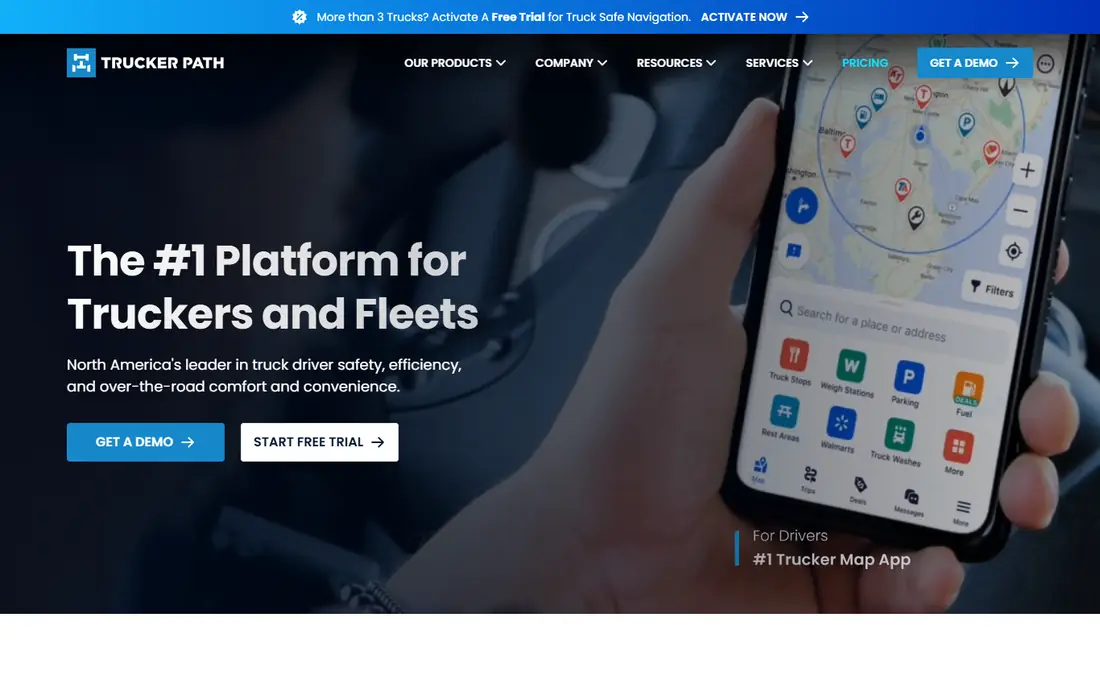
Trucker Path is our pick for most drivers because it covers more than the route. The app pairs truck routing with parking availability, fuel prices, weigh stations, rest areas, and driver reports, all fed by a large community. Gold costs $14.99 per month or $149.99 per year, while Diamond at $29.99 per month or $249.99 per year adds unlimited stops, hours-of-service planning, and fuel optimization.
The free version is useful for finding stops, but truck navigation itself needs a paid membership. If you drive daily and want parking and fuel in the same app as routing, Trucker Path is worth the subscription. If you only need a route, a cheaper app here will do.
- Large driver community for parking and fuel
- Truck routing with vehicle profiles
- HOS planning on Diamond
- Full routing needs a paid plan
- Diamond at $29.99 per month is dear for solo drivers
Hammer is the budget pick that still does the core job well. It builds truck routes from your vehicle profile, supports multi-stop planning, and offers offline navigation, all for $4.99 per month or $49.99 per year in US app store listings. The interface is clean, and driver reports add road updates.
The trade-off is depth. Its truck stop and parking data is thinner than Trucker Path, so some drivers pair Hammer routing with a second app for stops. For a driver who mainly needs a legal route at a low price, Hammer is the best value on this list.
- Low monthly price
- Custom vehicle profiles
- Offline navigation and multi-stop planning
- Smaller stop database than Trucker Path
- Some features vary by platform
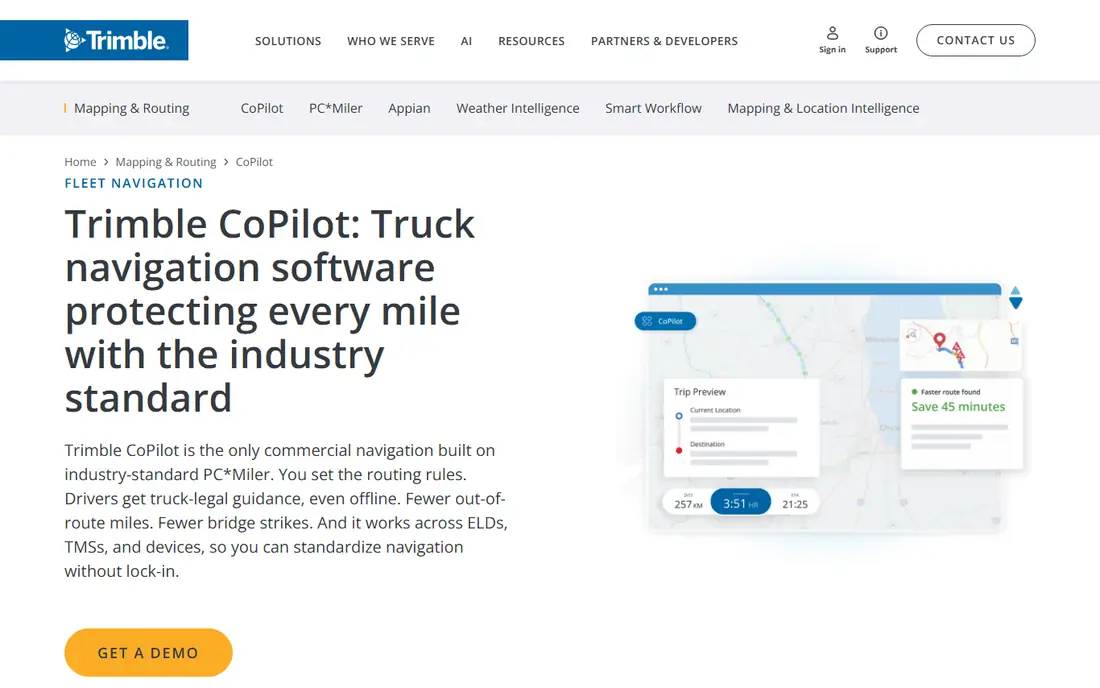
CoPilot has been a truck navigation staple for years, and its strength is offline use. Download maps for your region, enter your truck dimensions and load type, and it routes around low bridges and weight limits even with no signal. App store listings show truck plans at $9.99 per month and $119.99 per year, with a 14-day free trial.
The pricing needs care, since the store lists more than one similar truck purchase, and the yearly plan saves almost nothing over twelve monthly payments. Confirm the exact plan on the purchase screen. For drivers who run rural routes with patchy coverage, offline maps alone can justify CoPilot.
- Offline maps for areas without cell service
- Truck routing based on PC-MILER data
- 14-day free trial
- Yearly plan saves little over monthly
- Several similar in-app purchases can confuse checkout
Sygic Truck suits drivers who dislike subscriptions. Its North America Premium package lists at a $69.99 promotional one-time price, against a $169.99 regular price, with three years of map updates included. A version with CarPlay and Android Auto lists at $99.99 promotional. The app also offers a 7-day Premium trial and monthly plans from $9.99.
Sygic covers hazmat routing and shows 3D views at complex junctions, which helps in unfamiliar cities. The catch is the update window: after three years, you may need to pay again for fresh maps. If you drive the same region for years and want one purchase, Sygic is the pick.
- Lifetime license option for North America
- Offline maps
- 3D junction views and hazmat routing
- Map updates limited to three years on the lifetime deal
- CarPlay and Android Auto cost extra
TomTom GO Expert brings TomTom maps and traffic to truck routing, with profiles for your vehicle size, weight, and cargo type. The truck subscription lists at $19.99 for one month or $89.99 for 12 months, which makes the yearly plan less than half the cost of twelve monthly payments. If you commit to TomTom, pay yearly.
The monthly price is the highest here, so occasional drivers should look at Hammer or TruckMap instead. But for a driver who trusts TomTom traffic data and drives daily, the yearly plan is competitive, and the map quality is a real strength.
- TomTom traffic and map quality
- Truck profiles with dimensions and cargo
- Offline truck maps
- Monthly price is high
- Yearly plan is far cheaper, so monthly billing wastes money
TruckMap is the free pick. It offers truck routing plus truck stops and fuel prices without a subscription, which makes it the best first app to try before paying for anything. Drivers who run a familiar region or drive part time may never need more.
Free has limits. TruckMap lacks some of the advanced routing, offline depth, and planning tools of paid apps, and its data can be thinner outside major freight corridors. Still, as a free starting point, or as a second app for stops alongside a paid router, it is hard to beat.
- Free truck routing
- Truck stops and fuel prices included
- No subscription needed for core routing
- Fewer advanced features than paid rivals
- Routing depth varies by region
Highway Miles takes a different approach: it is free with ads, and its route planning tools, truck profiles, and unlimited stops do not require a navigation subscription. An optional ad-free plan costs $5.99 per month. That model suits drivers who plan routes carefully and want control over stops without paying for turn-by-turn navigation they do not use.
As a newer app, its community and stop data are smaller than Trucker Path, so reports may be thinner on some routes. For a driver who plans on a tablet at a stop and then drives a known route, it is a useful and cheap tool. For daily turn-by-turn navigation, pair it with a dedicated router.
- Free with ads
- Truck profiles and unlimited stops
- Route-control tools without a navigation subscription
- Newer app with a smaller community
- Ad-free option costs $5.99 per month
Garmin dezl is the companion app for Garmin dezl truck navigators, and it is free to download. It pairs with the device for hands-free calling, voice control, trip planning, and live services, and it lets you plan and send routes to the navigator. For a driver who already owns or plans to buy a Garmin unit, it extends that device well.
On its own, the app is not a full truck GPS replacement, since the navigation itself lives on the Garmin device. That makes it a poor pick for a phone-only driver. But for a cab already set up with Garmin hardware, it is the natural companion, and it costs nothing extra.
- Pairs with Garmin dezl navigators
- Free app
- Voice control and trip planning features
- Needs a Garmin device for full navigation
- Phone alone does not replace a dedicated unit
How we picked these
We compared official app store listings and current October 2026 truck GPS comparisons, and kept only apps that are live, support truck vehicle profiles, and route around truck limits. We favored a mix of free, budget, and premium options, and we noted where free tiers sleep, expire, or limit routing. We did not claim hands-on testing, and we left out car-only apps like Google Maps and Waze, which have no truck profile.
What to check before you choose
Start with your truck profile. Enter height, weight, length, width, axle count, and hazmat class exactly, and test the app on a route you know, including a low bridge or weight-limited road if one is nearby. A wrong profile makes even a good app dangerous.
Next, check offline coverage for your routes. Rural runs, mountain passes, and border crossings often lose signal, so an app with downloaded maps matters there. Finally, compare the full yearly cost, not the monthly headline. TomTom and Sygic reward yearly payment heavily, while CoPilot barely does, and that changes the real ranking.
Sources
- https://www.truckerpath.com
- https://www.hammerapp.com
- https://www.copilotgps.com
- https://www.sygic.com
- https://www.tomtom.com
- https://www.truckmap.com
- https://www.highwaymiles.net
- https://www.garmin.com
- https://www.highwaymiles.net/blog/best-truck-gps-app-comparison
- https://techmoneyio.com/post/truck-gps-app-prices-free-download-vs-paid-truck-routing/
Frequently asked questions
Can I use Google Maps or Waze for truck navigation?
No, not safely. Neither offers a truck profile that accounts for height, weight, or hazmat limits, so either can send a truck under a low bridge or onto a weight-restricted road. Use them for general traffic only, and use a truck app for the route itself.
What is the best free truck GPS app?
TruckMap is the strongest free option for core truck routing, with stops and fuel prices included. Highway Miles is also free with ads for route planning. Both lack some paid features, but either is a good starting point before you commit to a subscription.
Do truck GPS apps work offline?
CoPilot, Sygic, and Hammer offer offline maps, which matters on rural routes with weak cell service. Trucker Path and TomTom also support offline maps on paid plans, though the exact coverage varies. Download maps for your region before you leave, and confirm the download finished.
How much does a truck GPS app cost?
Prices run from free for TruckMap to $4.99 per month for Hammer, $9.99 for CoPilot, $14.99 for Trucker Path Gold, and $19.99 per month for TomTom GO Expert. Yearly plans cut those costs, most sharply for TomTom and Sygic. Check the app store price for your region before you subscribe.
Do I still need to check road signs when using a truck GPS?
Yes. A truck GPS is an aid, not a legal guarantee. Maps can be out of date, temporary restrictions change, and local signs override any app. Always follow posted height, weight, and hazmat signs, and stop if the app route conflicts with a sign.