Best Visibility Analysis Software in 2026: 9 Tools Compared
By ToolNimba Editorial Team November 9, 2026 10 min read

- Top pick
 Semrush
broad SEO and AI visibility suite
Starting price$139.95 per monthCheck out SemrushRead our review - Runner-up
 Ahrefs
backlink and search visibility data
Starting price$29 per monthCheck out AhrefsRead our review - Also great
 Moz Pro
beginner-friendly SEO tracking
Starting price$49 per monthCheck out Moz ProRead our review
How we researched this
We compared official pricing and feature pages, app store listings, privacy policies and public user reviews. Prices change, so check the provider's site before you pay.
Key takeaways
- Semrush and Ahrefs are the broadest suites, but both cost over $100 per month on their main paid plans.
- Google Search Console is free and should be the first tool for any site owner, since it shows real clicks and impressions from Google.
- SE Ranking and Moz Pro offer lower entry prices for small teams that mainly need rank tracking and site audits.
- AI visibility tracking is now a separate add-on or tier on several tools, so check whether prompts and AI surfaces are included before you pay.
Quick comparison
| Name | Best for | Starting price | Free plan | |
|---|---|---|---|---|
| Semrush | broad SEO and AI visibility suite | $139.95 per month | Yes | Visit |
| Ahrefs | backlink and search visibility data | $29 per month | Yes | Visit |
| Moz Pro | beginner-friendly SEO tracking | $49 per month | Free trial | Visit |
 SE Ranking | low-cost rank tracking for agencies | $52 per month | Free trial (14 days) | Visit |
 Similarweb | traffic and market intelligence | See website | Free trial | Visit |
 Google Search Console | free clicks, impressions, and indexing data | Free | Yes | Visit |
 SISTRIX | visibility index and competitor trends | See website | Free trial | Visit |
 Conductor | enterprise content and visibility reporting | See website | No | Visit |
 Nightwatch | daily local tracking plus AI search visibility | See website | Free trial (14 days) | Visit |
The best visibility analysis software
Here, visibility analysis means measuring how often a site appears in search results, in AI answers, and against competitors, and tracking whether that presence rises or falls over time. We compared official pricing pages and feature descriptions, and favored tools that show rankings, traffic estimates, and competitor movement in one place.
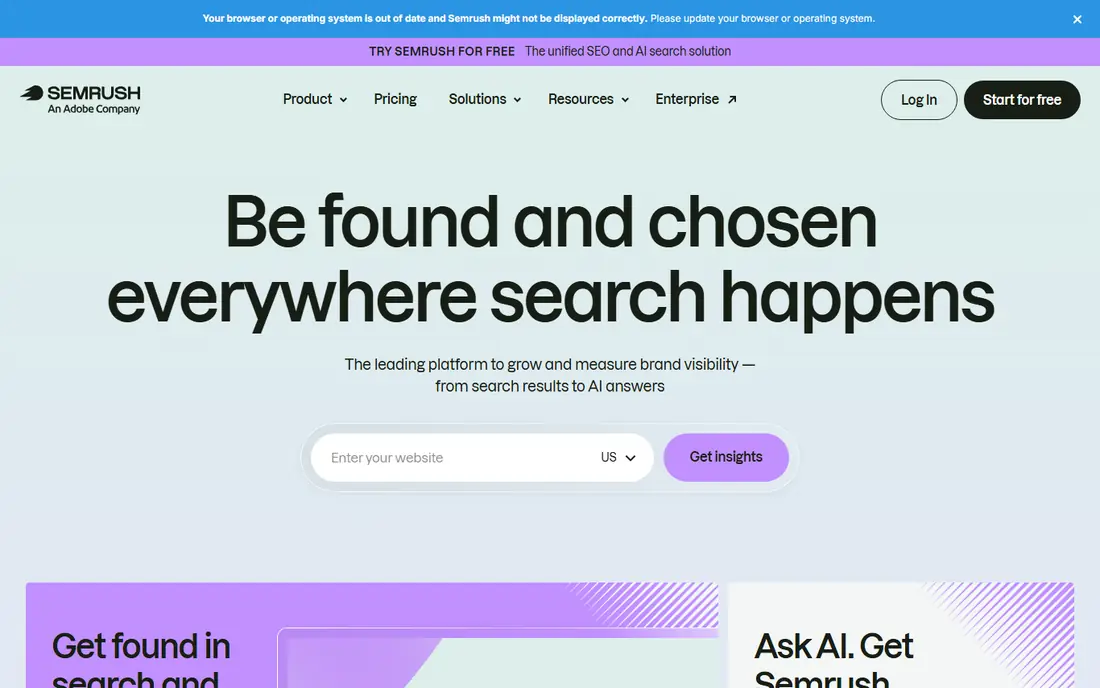
Semrush suits teams that want one login for research, audits, tracking, and reporting. Its Pro plan starts at $139.95 per month and tracks 500 keywords across five projects, while higher tiers raise those limits and add content and team features. Position tracking refreshes daily, which helps when a site is recovering from a drop or launching new pages.
The catch is cost and complexity. A freelancer with one site may pay for PPC, social, and market tools they never open, and AI visibility tracking sits in specific plans or add-ons rather than in every tier. Semrush earns its price for agencies and content teams, but a smaller site should compare it against SE Ranking or Moz Pro first.
- Wide toolkit covering SEO, PPC research, content, and local work
- Daily position tracking
- AI visibility features on newer plans
- Highest entry price in this list for the main SEO plan
- Extra users and add-ons raise the bill quickly
- Breadth can overwhelm a single-site owner
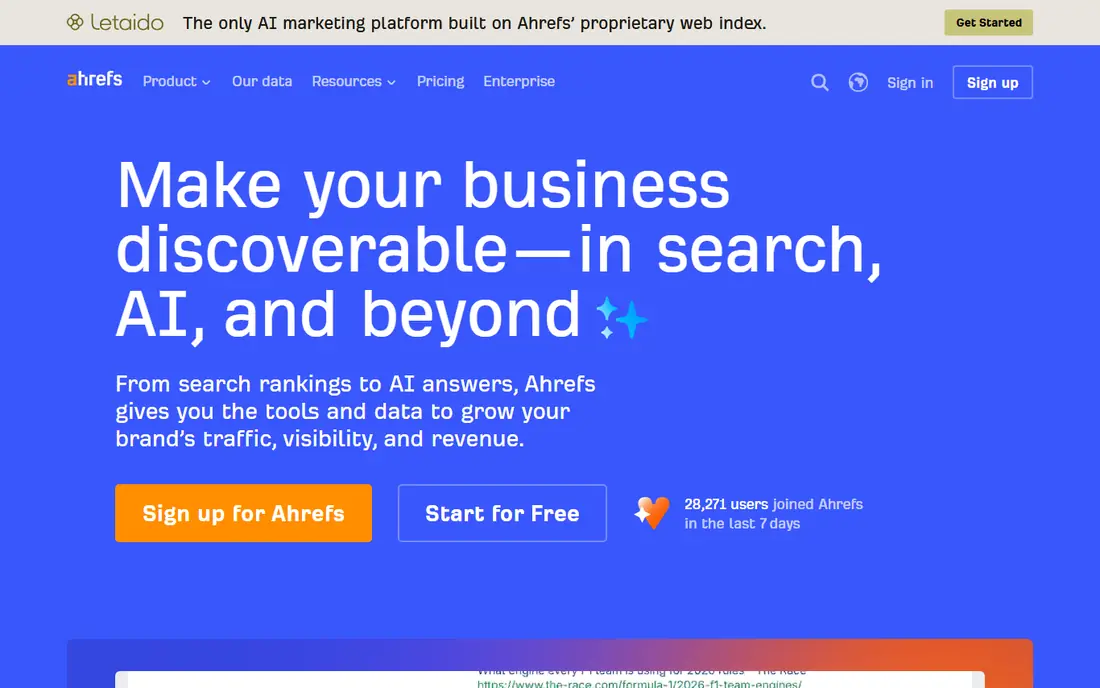
Ahrefs is strongest where links and organic traffic estimates matter. Site Explorer shows which pages earn traffic and which sites link to them, while Rank Tracker follows keyword movement and the Brand Radar add-on, priced from $199 per month in recent comparisons, follows brand mentions across AI surfaces. The Starter plan at $29 per month covers rank tracking, site audit, and keyword research for a single project.
For full backlink work, most teams land on Lite at $129 per month or Standard at $249 per month, so the entry price can mislead. Ahrefs also charges for extra seats, and its credit system needs watching on large projects. Pick Ahrefs when link building and competitor research drive your work, not when you only need a simple rank chart.
- Deep backlink index and competitor link data
- Free Webmaster Tools for sites you own
- Brand Radar tracks AI visibility on paid plans
- Main Lite plan costs $129 per month
- Credit limits can surprise heavy users
- No free trial on paid plans in recent years
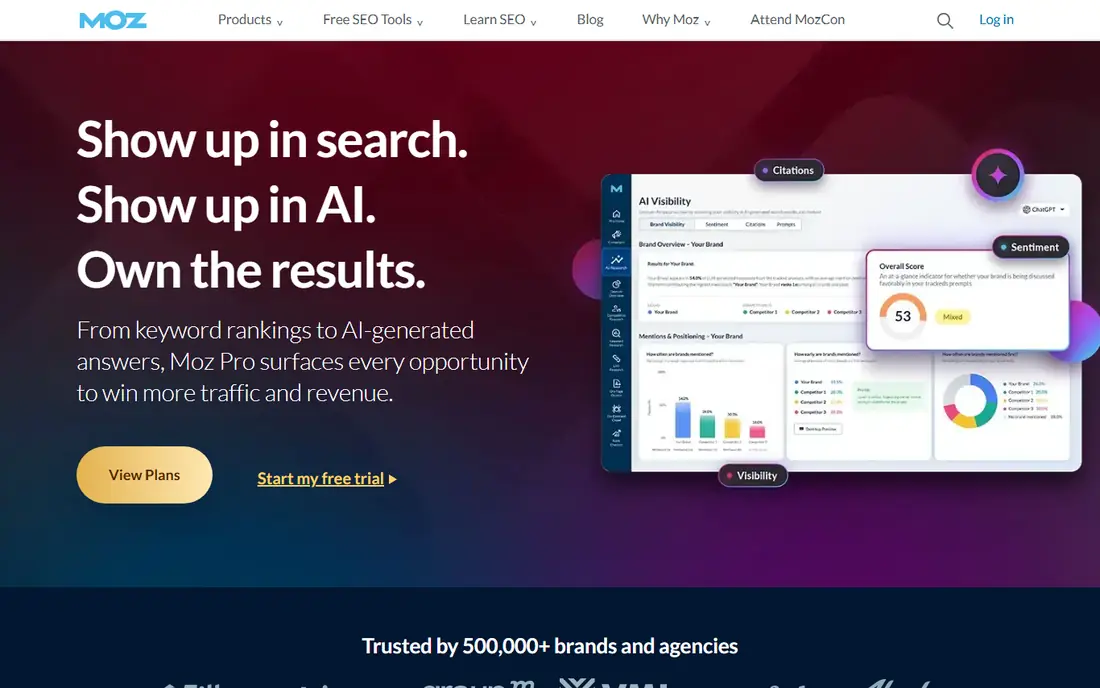
Moz Pro is the easiest suite here to learn. Its Starter plan costs $49 per month, Standard costs $99 per month, and Medium costs $179 per month, with rank tracking, site crawls, and keyword research included. The educational guides and metric explanations help a small business owner understand a report without hiring an analyst first.
Moz Pro trades depth for clarity. Advanced link builders and large agencies often find its data thinner than Ahrefs, and its project limits suit a handful of sites rather than a large portfolio. For a first paid SEO tool, or for a team that values plain reporting over raw data volume, that trade is reasonable.
- Clear interface and strong learning material
- Domain Authority gives a quick comparison point
- Starter plan is cheaper than Semrush or Ahrefs Lite
- Smaller backlink database than Ahrefs
- Keyword and audit limits are modest on Starter
- AI visibility features are not its main strength
SE Ranking appeals to freelancers and small agencies that need daily rankings, audits, and client reports without a three-figure monthly bill. Its Essential plan is listed at $52 per month billed annually, with higher tiers for more keywords and projects, and a 14-day free trial for testing. White-label reporting is a practical bonus for client-facing work.
The weakness is relative data depth, especially for link research, where Ahrefs still leads. SE Ranking also sells several plan levels, so the cheapest tier may not include the keyword volume or AI prompt count a growing agency needs. Check the keyword, project, and prompt limits for your actual client list before choosing a tier.
- Lower annual price than the big suites
- White-label reports suit client work
- AI tracking features appear on current plans
- Backlink data is less deep than Ahrefs
- Some limits depend on plan and billing cycle
- Interface takes time to learn
Similarweb answers a different question from the rank trackers above: how much traffic does a competitor get, and where does it come from. That market view helps with positioning, partnership pitches, and spotting a rival that is growing fast in a category. A free trial and limited free features let you test the interface before talking to sales.
Do not buy Similarweb as a replacement for rank tracking. Its traffic figures are modeled estimates, so they will not match a competitor's private analytics, and its pricing requires a sales conversation for full access. Use it beside a rank tracker when market context matters, not instead of one.
- Traffic estimates for competitors you do not own
- Market and audience views beyond keyword rankings
- Useful for pitch and strategy work
- Pricing is not published as a simple entry tier
- Modeled traffic is an estimate, not exact analytics
- Less useful for day-to-day rank tracking
Google Search Console
Best for: free clicks, impressions, and indexing data
Google Search Console should be set up before any paid tool is bought. It reports the queries that brought clicks, the pages that gained or lost impressions, and indexing or mobile problems that can explain a visibility drop. Because the data comes from Google itself, it is the ground truth against which paid estimates should be checked.
Its limits are scope and comparison. You cannot see a competitor's Search Console data, and its reports are less polished than a paid dashboard. Pair it with one paid tool for competitor and AI visibility work, but never pay for a suite before this free tool is running correctly.
- Free and direct from Google
- Shows real queries, clicks, impressions, and indexing problems
- Essential for diagnosing ranking drops
- Only covers your own verified sites
- No competitor data
- Data retention and reporting limits apply
SISTRIX is best known for its Visibility Index, a single score that summarizes how visible a domain is in search results over time. That score makes it easy to spot a penalty, a migration problem, or a competitor surge without reading dozens of keyword rows. Agencies use it to show clients a clear before-and-after picture.
Pricing is the main friction. SISTRIX does not present one simple entry price for every market, so a small team must request a quote and compare it against the published prices of Semrush, Ahrefs, and SE Ranking. It fits larger sites and agencies that value trend analysis, while a single-site owner may prefer a cheaper, self-serve tool.
- Long-running visibility index makes trends easy to read
- Strong competitor comparison views
- Useful for large sites and agencies
- Pricing is quoted rather than a simple published entry price
- Less familiar to US small teams than Semrush or Ahrefs
- Learning curve for new users
Conductor is built for large organizations where many people publish content and leadership wants visibility reported alongside business results. Its platform combines rank and content tracking with workflow, so a content team can see which pages support a goal and which need updating. That structure matters at enterprise scale.
For a small business, Conductor is usually the wrong fit. Pricing is custom, onboarding is heavier than a self-serve suite, and the feature set assumes a team, not a solo owner. Consider it only when you have multiple stakeholders, a large content library, and a budget that already covers enterprise software.
- Enterprise reporting that ties content to visibility and revenue signals
- Workflow tools for large content teams
- Strong for governance and approvals
- Custom enterprise pricing with no simple entry tier
- Too heavy and costly for small sites
- Implementation takes time
Nightwatch suits local businesses and agencies that care about rankings in specific cities or neighborhoods. Daily local data, plus AI search visibility tracking, covers both the classic map and search results and the newer AI answers that now appear above them. A 14-day free trial lets a team test local accuracy before paying.
Nightwatch is not a full SEO suite. Keyword research, site audits, and backlink analysis are thinner than in Semrush or Ahrefs, so many teams pair it with a broader tool or with Google Search Console. Pick it when local visibility is the main job, and judge it on the accuracy of its local data, not on suite breadth.
- Daily local rank data for businesses with locations
- AI search visibility tracking alongside classic rankings
- Clean reporting for clients
- Pricing varies by plan and must be confirmed at checkout
- Narrower toolkit than Semrush or Ahrefs
- Backlink research is not its focus
How we picked these
We compared official pricing pages, feature descriptions, and recent independent comparisons for each tool, and checked whether visibility meant rankings, traffic estimates, AI answers, or all three. We favored tools that are available now and that state what they track, and we included a free option so readers are not forced into a paid plan. We did not claim hands-on testing, and prices should be checked at checkout because plan names and AI add-ons change often.
What to check before you pay
Start by naming the visibility question you need answered. A rank tracker answers where you sit for chosen keywords, a traffic tool estimates competitor volume, and an AI visibility tool checks whether chatbots and AI overviews mention your brand. Buying a broad suite when you only need one of those jobs wastes money, while buying a narrow tracker when you need market context leaves gaps.
Check four limits before paying: keyword and project counts, whether AI prompts are included or sold separately, how many seats are included, and how often data refreshes. Also confirm whether the tool tracks your country and, for local work, your cities. A short trial on your own site, compared against Google Search Console, will show quickly whether the data is useful or only impressive.
Sources
- https://www.semrush.com
- https://ahrefs.com
- https://moz.com
- https://www.seranking.com
- https://www.similarweb.com
- https://search.google.com/search-console
- https://www.sistrix.com
- https://www.conductor.com
- https://www.nightwatch.io
- https://fluenta.space/resources/guides/semrush-vs-ahrefs-vs-moz
- https://rankite.com/blog/best-keyword-rank-tracking-software
Frequently asked questions
What is visibility analysis software?
It is software that measures how often a site appears in search results, AI answers, and related surfaces, and tracks changes over time. Most tools combine rank tracking, traffic estimates, site audits, and competitor comparison, while newer tools add AI prompt tracking.
Is Google Search Console enough on its own?
For a single site with a small budget, often yes. It gives real clicks, impressions, and indexing data for free, which is enough to find technical problems and track progress. Paid tools add competitor data, AI visibility, and polished client reports that Search Console does not provide.
Do I need AI visibility tracking?
It depends on your audience. If customers find you through AI overviews or chatbots, tracking brand mentions in those answers is now part of visibility work. If most of your traffic still comes from classic search results, classic rank tracking remains the priority, and AI tracking can wait.
Why do prices differ so much between tools?
Prices reflect data costs, keyword limits, seats, and whether AI tracking is included. A $29 starter plan may cover one project and a few hundred keywords, while an agency plan covers many projects, more seats, and daily refreshes. Compare limits, not headline prices alone.
Can one tool replace all the others?
Rarely. Many teams use Google Search Console for ground truth, one paid suite for research and tracking, and a specialist tool for local or AI visibility. That combination costs more, but it avoids relying on a single estimate for every decision.