Best Visibility Tracking Tool in 2026: 9 Tools Compared
By ToolNimba Editorial Team November 9, 2026 9 min read

- Top pick
 SE Ranking
All-round rank tracking
Starting price$129 per monthCheck out SE RankingRead our review - Runner-up
 Semrush
Full SEO platform
Starting priceSee websiteCheck out SemrushRead our review - Also great
 Ahrefs
Backlink-led SEO teams
Starting priceSee websiteCheck out AhrefsRead our review
How we researched this
We compared official pricing and feature pages, app store listings, privacy policies and public user reviews. Prices change, so check the provider's site before you pay.
Key takeaways
- SE Ranking is our pick for most teams, combining daily rank tracking with wider SEO tools at a mid-market price.
- AccuRanker suits agencies that need on-demand refreshes and very granular location data.
- Wincher and Google Search Console are the cheapest starting points, though both are narrower than full platforms.
- Track desktop and mobile separately, since rankings often differ by device.
- AI search results now matter too, so check whether a tool reports AI Overviews and chatbot visibility.
Quick comparison
| Name | Best for | Starting price | Free plan | |
|---|---|---|---|---|
| SE Ranking | All-round rank tracking | $129 per month | Free trial | Visit |
| Semrush | Full SEO platform | See website | Free trial | Visit |
| Ahrefs | Backlink-led SEO teams | See website | No | Visit |
 AccuRanker | Fast, accurate rank checks | $224 per month | Free trial | Visit |
 Nightwatch | Local and postcode tracking | See website | Free trial | Visit |
 Wincher | Budget rank tracking | $49 per month | Free trial | Visit |
 BrightLocal | Local business visibility | $31 per month | Free trial | Visit |
 Moz | Established SEO platform | See website | Free trial | Visit |
 Serpstat | Value all-in-one tracking | See website | Free trial | Visit |
The best visibility tracking tools
We compared official pricing pages, feature pages and recent rank tracker guides to find tools that track search visibility, not just a single keyword position.
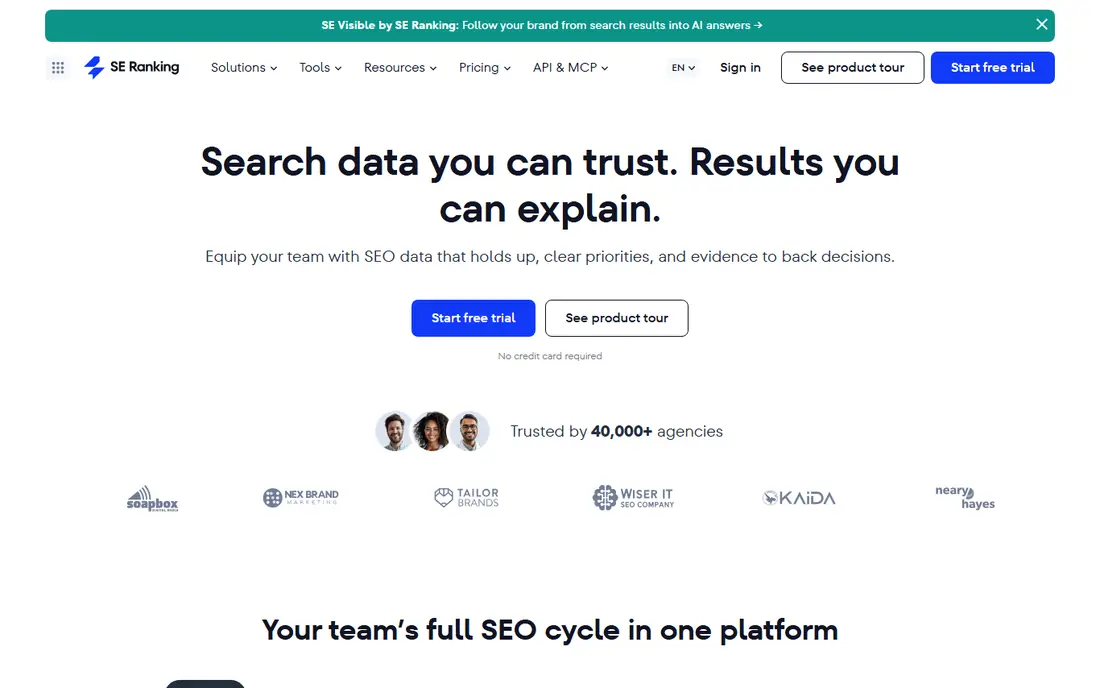
SE Ranking works well as a default because it covers the basics thoroughly. It tracks rankings daily, separates desktop and mobile results, and lets you follow competitors in the same project. Recent versions also add AI Overview and AI search visibility tracking, which matters as more answers appear above organic results.
The price will feel steep if you only track a handful of keywords for one small site. For an agency or a growing business that also needs audits and keyword research, however, the bundle is easier to justify than buying a tracker plus several separate tools.
- Daily tracking
- City and ZIP level locations
- AI search visibility features
- Entry price is high for a solo site owner
- Some advanced features sit on higher plans

Semrush is more than a visibility tracker, and that is both its appeal and its drawback. Alongside rank tracking, you get keyword research, site audits, backlink data and content tools in one account. Teams that already use several of those tools may save time by keeping everything in one place.
If rank tracking is the only job, Semrush may be more than you need, and the published price should be checked on its pricing page before you commit. It suits in-house teams and agencies that want one platform for research, tracking and reporting.
- Very wide toolset
- Strong competitor data
- Daily tracking on paid plans
- Price rises quickly with add-ons
- Can feel large for rank tracking alone
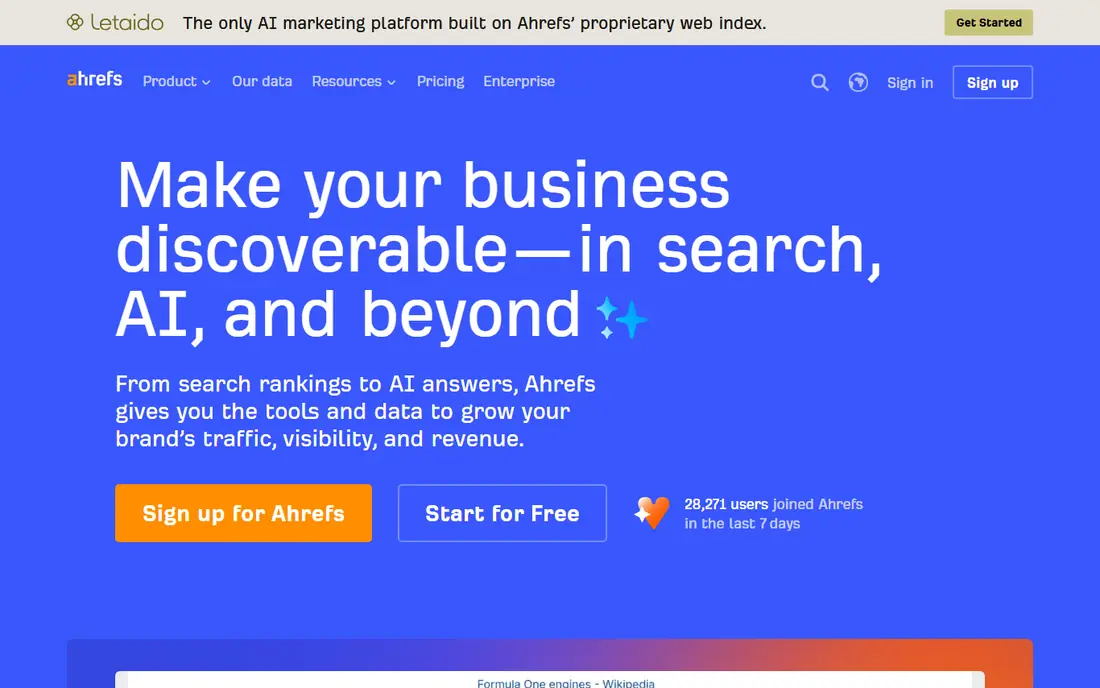
Ahrefs is best known for backlinks, but its rank tracker is a serious tool in its own right. You can track rankings across locations and devices, compare your visibility with competitors, and dig into the pages and links behind a movement. That depth helps when a ranking drop needs an explanation, not just a chart.
The lack of a free plan and the usage-based pricing mean small teams should check the current pricing page carefully. Ahrefs fits SEO-led teams that already value its link data and want tracking inside the same workflow.
- Strong backlink index
- Flexible rank tracking
- Trusted data for competitive research
- No free plan
- Pricing is usage-based and can climb with larger projects
AccuRanker is built for one job and does it well. It refreshes rankings on demand, tracks local results precisely, and presents data in a way that agencies can share with clients without extra work. If a client asks why a keyword moved today, an on-demand check is far more useful than waiting for tomorrow's update.
That focus comes at a price, and AccuRanker does not try to replace a full SEO suite. It is the right pick for agencies and larger teams where accurate, fresh ranking data is the core need and the budget allows a specialist tool.
- On-demand refreshes
- Precise location tracking
- Clean agency reporting
- High entry price
- Narrower toolset than full SEO platforms
Nightwatch earns its place with location depth. Tracking down to postcode level matters for local businesses and agencies with clients in specific towns, where a national ranking tells only part of the story. White label reporting also helps agencies present results under their own brand.
The tool is mainly a tracker, so teams that also need deep site audits or content tools will need another product. Check the current pricing page, since plans are often shown in euros, and confirm the keyword allowance before you buy.
- Postcode level tracking
- White label reports
- AI search visibility monitoring
- Pricing is shown in euros for many buyers
- Audit tools are thin
Wincher is a sensible budget pick for small businesses and freelancers. It tracks rankings daily, covers country and city locations, and keeps the interface simple enough that you can set up a project in minutes. For a single site or a small client list, that simplicity is a feature, not a flaw.
Larger agencies may outgrow it, especially if they need full white label reports or deep SERP feature data. If your main need is reliable daily tracking at a lower monthly cost, Wincher is worth a trial.
- Lower entry price than most rivals
- Daily updates
- Simple setup
- Fewer advanced features
- White label options are limited
BrightLocal is designed for businesses that live or die by local search. It tracks local rankings and map visibility, monitors business listings and reviews, and helps agencies report local progress clearly. A plumber, dentist or multi-location retailer will get more from this focus than from a general tracker.
It is not the best choice for a purely national or international site with no local intent. For local SEO work, though, the combination of rank tracking, listings and reviews in one account is practical and fairly priced.
- Local-first tracking
- Google Business Profile tools
- Citation and review features
- Less suited to national SEO
- Rank tracking is part of a wider local suite
Moz has been part of SEO work for many years, and its platform combines rank tracking with keyword research, link data and site audits. Newer users often find its guides and explanations helpful, which lowers the learning curve compared with more technical tools.
Rank refresh frequency varies by plan, so check whether daily updates are included in the plan you choose. Moz suits teams that want a steady, well-documented platform rather than the fastest specialist tracker on the market.
- Long-running SEO data
- Keyword research and audits
- Beginner-friendly guides
- Default refresh can be weekly on some plans
- Pricing should be checked carefully
Serpstat offers a broad all-in-one set at a price that often undercuts larger platforms. It tracks rankings daily on metered plans, adds keyword research and competitor checks, and includes reporting options that agencies can use. That breadth makes it a good value pick for teams that need more than tracking alone.
The interface packs a lot in, so allow time to learn where each report lives. Check the current pricing page for keyword limits, since costs depend on how much you track. For budget-conscious teams, Serpstat deserves a place on the shortlist.
- Daily tracking on many plans
- Keyword and competitor tools
- Agency reporting
- Interface can feel busy
- Pricing tiers depend on limits and usage
How we picked these
We compared official pricing and feature pages with recent independent rank tracker guides, and we required each tool to offer regular rank updates, location and device controls, and competitor comparison. We excluded tools that only report a single snapshot or that have no clear pricing or trial path. We did not claim hands-on testing, and prices here should be confirmed on the vendor site, since keyword allowances change what a plan really costs.
How to choose the right tracker
Start with the keywords, locations and devices you actually need to track, then match the plan to that count. A cheap plan with too few keywords will force an upgrade quickly, while an enterprise plan for ten keywords wastes money. Check whether rankings update daily, whether you can trigger an on-demand refresh, and whether the tool separates mobile and desktop results.
Reporting matters almost as much as data. If clients or managers see the reports, look for white label options, scheduled exports and clear charts that show which pages moved. Finally, ask about AI visibility. A tool that only tracks classic blue links will miss AI Overviews and chatbot answers that now shape clicks, so that coverage is becoming a deciding factor.
Avoid common tracking mistakes
Do not judge a tool by one day of data, since rankings move with location, device and personalisation. Track the same keywords in the same locations over weeks, and note site changes, algorithm updates and seasonal demand alongside the charts. A tracker shows what moved; your notes explain why, and that context is what turns a report into a useful decision.
Sources
Frequently asked questions
What is a visibility tracking tool?
A visibility tracking tool monitors where your website ranks in search results for chosen keywords, across locations and devices. It usually adds competitor tracking, SERP feature data and share of voice, so you can see overall visibility rather than a single position. Many tools now also track AI Overviews and AI search answers.
Is Google Search Console enough for rank tracking?
Google Search Console is free and gives real click and impression data from Google, which makes it essential. It does not, however, offer the same daily competitor tracking, local precision or client reporting as a paid tracker. Most teams use Search Console alongside a paid tool, not instead of one.
How often should rankings update?
Daily updates are standard for most paid trackers, and on-demand refreshes help when a client reports a sudden change. Weekly updates can work for a slow-moving site, but they make it harder to link a ranking change to a specific site edit or algorithm update.
Why do rankings differ between tools?
Tools check rankings from different locations, devices and data centres, and they may sample results at different times of day. Small differences are normal. What matters is the trend in one tool over time, using the same settings, rather than matching another tool position for position.
Do I need AI visibility tracking?
If your audience searches for informational topics, AI Overviews and chatbot answers may now sit above your organic listing. A tool that reports AI visibility helps you see whether you appear in those answers. It is less urgent for purely local or branded searches, where classic rankings still dominate.
Can I track rankings for free?
Yes, for a limited set of keywords. Google Search Console is free, and several paid tools offer free trials. Wincher and other budget tools keep costs lower for small projects. Free tiers usually limit keyword counts, locations and history, so check those limits before relying on them.