Best Voice Cloning Tools in 2026: 9 Tools Compared
By ToolNimba Editorial Team November 11, 2026 10 min read

- Top pick
 ElevenLabs
Most creators
Starting price$6 per monthCheck out ElevenLabsRead our review - Runner-up
 Murf AI
Scripted video voiceover
Starting price$29 per monthCheck out Murf AIRead our review - Also great
 Resemble AI
API cloning and detection
Starting priceSee websiteCheck out Resemble AIRead our review
How we researched this
We compared official pricing and feature pages, app store listings, privacy policies and public user reviews. Prices change, so check the provider's site before you pay.
Key takeaways
- ElevenLabs is the most complete cloning choice for most creators, with instant and professional clone options at different prices.
- Descript and Murf suit people who need cloning inside an editing or video workflow, rather than a standalone voice lab.
- Consent rules matter as much as sound quality: only clone your own voice, or a voice you have clear written permission to use.
- Tools that require a live verification sample or owner approval are safer bets than tools that accept any short clip without checks.
Quick comparison
| Name | Best for | Starting price | Free plan | |
|---|---|---|---|---|
| ElevenLabs | Most creators | $6 per month | Yes | Visit |
| Murf AI | Scripted video voiceover | $29 per month | Yes | Visit |
| Resemble AI | API cloning and detection | See website | No | Visit |
 Descript | Podcast and video editing | $16 per month | Yes | Visit |
 WellSaid Labs | Consistent brand narration | $19 per month | Yes | Visit |
 Speechify Studio | Studio voiceover and dubbing | $100 per year | Yes | Visit |
 Respeecher | High quality voice conversion | See website | No | Visit |
 Cartesia | Real-time voice agents | $5 per month | Yes | Visit |
 HeyGen | Video avatars with cloned voices | See website | Yes | Visit |
The best voice cloning tools
Voice cloning can save time for narration, accessibility and localization, but it also carries real misuse risk. The tools below are best used for your own voice, a paid voice actor who has consented, or a company voice with documented approval. Never clone a private person, celebrity or colleague without their clear permission.
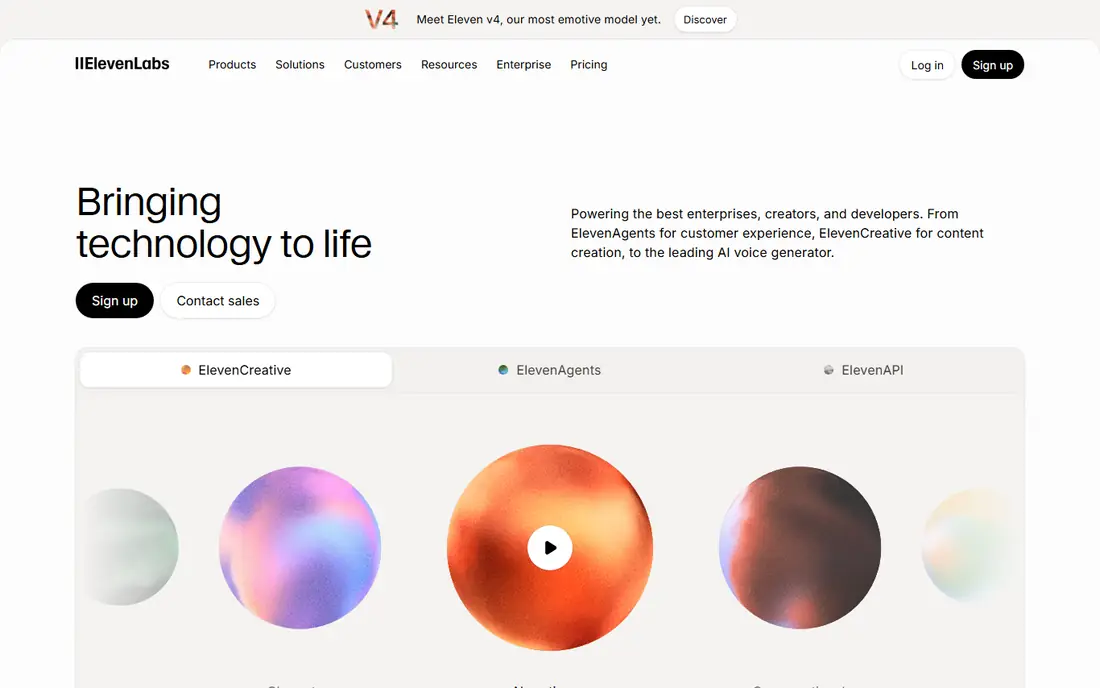
ElevenLabs leads this list because it covers both quick tests and serious production. Instant Voice Cloning starts on the $6 per month Starter plan, while Professional Voice Cloning starts on the $22 per month Creator plan. A free plan with 10,000 credits lets you test text to speech before paying, though cloning itself is not included free.
Consent is built into the professional flow: ElevenLabs states that a professional clone should be created and verified by the voice owner on their own account. That safeguard matters, and it is one reason to prefer this tool for client work. The catch is credits, since different products draw them at different rates, so track usage during your first month.
- Natural sounding clones
- Instant and professional options
- Wide language support
- Credit system takes time to learn
- Professional cloning needs a higher plan
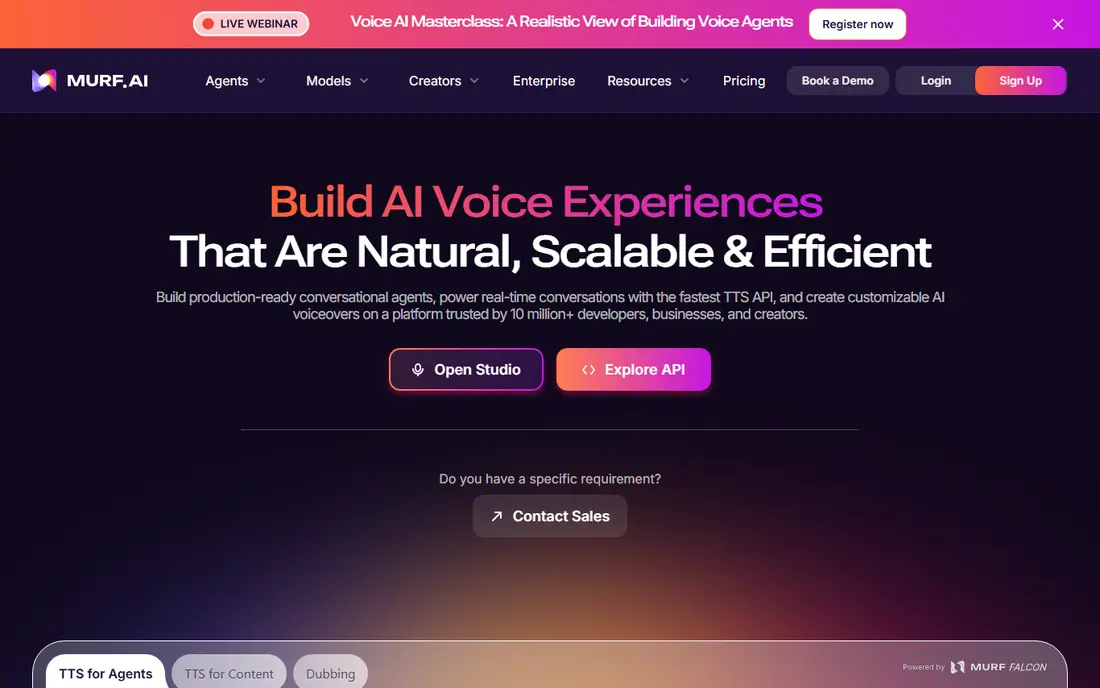
Murf suits teams that write a script, drop it into a timeline and need clean voiceover for slides or training. Its Creator plan starts at about $29 per month on monthly billing, with a lower annual equivalent, and it includes studio editing, background music and slide sync. That workflow is easier than juggling separate audio tools for many corporate users.
Cloning is the weak point for solo buyers. Recent summaries note that voice cloning is often an enterprise add-on rather than a standard Creator feature, so confirm cloning access before you subscribe for that reason alone. If your main need is a strong stock voice library rather than a personal clone, Murf is a good fit.
- Clear studio timeline
- Good for training and marketing videos
- Predictable minute billing
- Cloning is mainly an enterprise feature
- Raw realism trails ElevenLabs for some voices
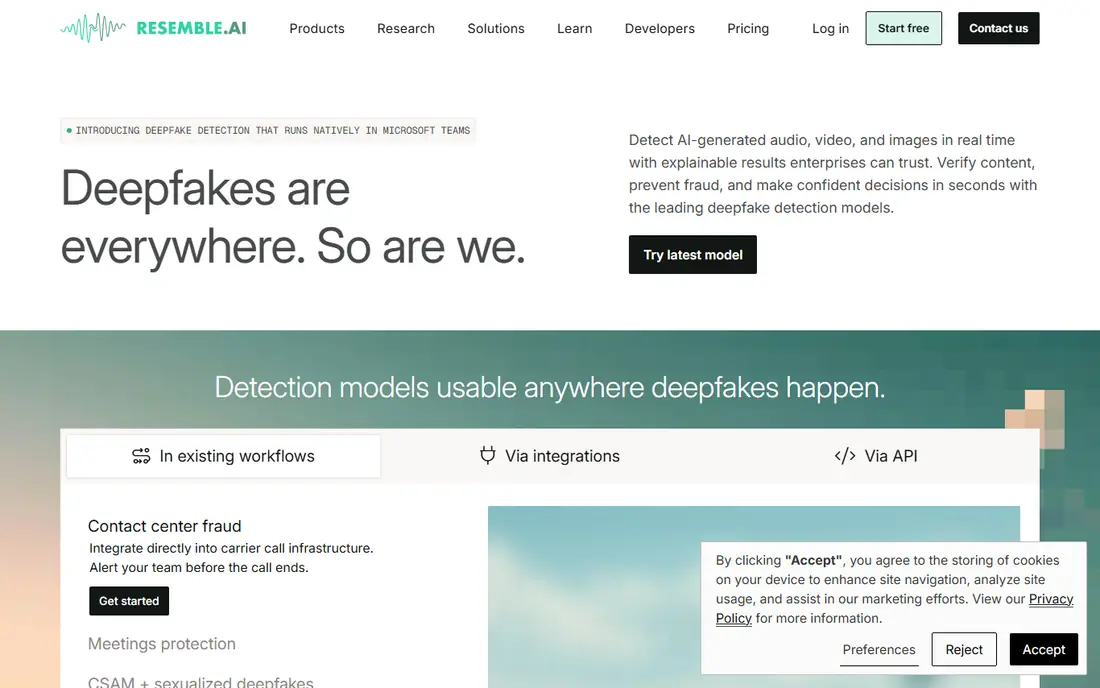
Resemble AI is aimed at developers and product teams that need to embed cloning into an app or workflow. Its Flex option starts at no base fee with pay-as-you-go usage, while clone seats and higher tiers add cost. Watermarking and detection features help teams show that audio was generated and check for misuse, which is a genuine advantage in a sensitive category.
The trade-off is the creator experience. If you want a simple studio for YouTube narration, ElevenLabs or Murf will feel faster. Resemble earns its place when you need an API, custom voices for a product and controls that help you prove consent and provenance.
- Developer friendly API
- Watermarking and detection tools
- Flexible pay-as-you-go option
- Dashboard feels less polished for creators
- Clone add-ons add to the base cost
Descript changes how many podcasters work: you edit a transcript, and the audio follows. Overdub lets you create a clone of your own voice and type corrections instead of re-recording a whole segment. Paid plans start at about $16 per month in recent summaries, with a free tier for basic testing.
Overdub is best for fixing your own recordings, not for creating a new voice from scratch for a character. Fidelity is solid for corrections but can sound less natural than a dedicated cloning platform on long passages. For a podcaster or video editor who already lives in Descript, that convenience outweighs the gap.
- Edit audio by editing text
- Overdub fixes mistakes fast
- Strong podcast workflow
- Clone fidelity is lower than specialist tools
- Best value needs a paid plan
WellSaid Labs focuses on professional narration with voices recorded with consent, which removes much of the ethical uncertainty in this category. Starter plans have been listed from $19 per month on monthly billing, with a lower annual equivalent, and a limited trial for downloads. Paid plans allow unlimited generations within download limits, which suits training teams with steady output.
The main limit is scope. English narration is the strength, while multilingual projects may need another tool. Custom brand voices are an enterprise conversation rather than a self-serve clone, so WellSaid fits companies that want a reliable house voice more than creators cloning their own voice at home.
- Very consistent English voices
- Simple download-minute pricing
- Consented voice library
- Language range is narrower than ElevenLabs
- Custom brand voices need enterprise
Speechify Studio is separate from the popular Speechify Reader app, and that distinction matters when you compare prices. Studio Starter has been listed at about $100 per year, with free credits to test the workflow. It covers voiceover, dubbing and avatar video, which suits creators who want one studio for several formats.
Before you buy for cloning specifically, read the current Studio plan page. Cloning and commercial rights sit on paid tiers, and the Reader subscription does not buy Studio access. If you already use Speechify for reading, do not assume the same plan covers production voice work.
- Studio for voiceover, dubbing and avatars
- Credit based workflow
- Free starter credits
- Easy to confuse with the separate Reader app pricing
- Cloning terms need careful checking
Respeecher is known for voice conversion in film, games and advertising, where a performance needs to match a target voice closely. It works with studios and production teams rather than offering a simple monthly clone for casual users, and pricing is often quoted per project. That professional focus is also a safeguard, since projects go through a defined approval process.
For a solo creator, Respeecher will feel heavy and costly compared with ElevenLabs. For a production that needs high fidelity, de-aging or a consented voice match, it is one of the most credible names in the field. Check the current pricing page and contact sales for a project quote.
- Strong voice conversion quality
- Used in film and games
- Consent focused process
- Quote based pricing for many projects
- Not a casual creator tool
Cartesia is built for real-time speech, such as voice agents, interactive apps and live conversation. Its Pro plan starts at $5 per month, with a free tier offering limited credits, and instant cloning is available on paid plans. Low latency is the selling point: voices need to respond quickly in a live product, not just sound good in a finished file.
Simple narration is possible, but the toolset leans toward developers and product teams. If you only need a finished audiobook chapter, a studio tool may be simpler. If you are building an agent that must speak in a cloned voice without long pauses, Cartesia deserves a close look.
- Low entry price
- Fast real-time voices
- Instant cloning on paid plans
- Smaller voice library than ElevenLabs
- Agent focus may overwhelm simple narration users
HeyGen suits teams that need a presenter on screen as well as a voice. You can pair a cloned voice with an avatar, translate a script and produce training or marketing video without a camera shoot. A free tier lets you test the workflow, while paid plans allow longer videos, higher quality and more credits.
Judge both halves before you commit. A voice that sounds fine alone may feel less convincing on an avatar, and avatar lip sync varies by language and script length. Check the current pricing page, since HeyGen has adjusted tiers and credit bundles more than once.
- Combines cloned voice with video avatars
- Useful for training and marketing video
- Free tier to test
- Video quality and voice quality must both be judged
- Pricing tiers change often
How we picked these
We compared official feature and pricing pages, plus recent third-party pricing checks from October 2026, and we favored tools that still operate today. We excluded PlayHT and Lovo AI after recent reports that PlayHT was sunset at the end of 2025 and Lovo faced bankruptcy proceedings in 2026, since listing a discontinued tool would mislead readers. We also favored tools with clear consent steps, such as owner verification, consented voice libraries or project approval, and we note where a tool has known misuse concerns in its write-up.
What to check before you clone a voice
Get permission in writing first. For your own voice, keep a record of the sample you provided and the account that created the clone. For another person, ask for a signed agreement that states the exact uses allowed, the time period and whether the clone can be used after the project ends. If you cannot get that permission, use a stock voice instead.
Test disclosure and quality together. Tell listeners when audio is synthetic, especially for news, reviews, customer service or any content that could be mistaken for a real person speaking. Run a short passage with names, numbers and pauses, since those details expose unnatural rhythm faster than a simple sentence. Also check export format, commercial rights and whether the plan allows the audience size you expect.
Finally, plan for revocation. Ask how to delete a clone, what happens to audio already published and whether the vendor keeps training data after deletion. A tool that makes deletion easy is a safer long-term choice than one that hides those controls.
Sources
Frequently asked questions
Is voice cloning legal?
Cloning your own voice for your own content is generally allowed, but cloning another person without permission can break privacy, publicity and fraud laws, and rules vary by state and country. Always get written consent from the voice owner and follow the vendor terms for that voice. When in doubt, use a consented stock voice.
What is the difference between instant and professional cloning?
Instant cloning usually needs a short sample and works quickly, but it may capture less nuance in tone and accent. Professional cloning usually needs more sample audio and verification, and it aims for higher fidelity for long-form narration. For short fixes, instant is often enough; for an audiobook or brand voice, professional is worth the extra step.
Can I clone a celebrity voice for a parody?
Do not assume parody protects a voice clone. Publicity rights, platform rules and fraud concerns can still apply, even when the content is labeled as a joke. Use an original voice or a licensed voice instead, and get legal advice before publishing anything that imitates a real public figure.
How much audio do I need for a good clone?
It depends on the tool. Instant clones may work from a minute or two of clean speech, while professional clones often need much longer, high quality recordings. Clean audio with little background noise matters more than sheer length, so record in a quiet room and avoid music or overlapping speech.
Do cloned voices work in other languages?
Some tools support many languages, while others sound best in English and weaker elsewhere. Test the exact language and accent you need before you buy, since a tool that excels in English may struggle with pronunciation in another language. Check whether the clone keeps the same voice across languages or switches to a different model.