Best Voice Recorder App in 2026: 7 Apps Compared
By ToolNimba Editorial Team November 9, 2026 8 min read

- Top pick
 Apple Voice Memos
Free iPhone recording
Starting priceFreeCheck out Apple Voice MemosRead our review - Runner-up
 Otter.ai
Live transcription
Starting price$8.33 per monthCheck out Otter.aiRead our review - Also great
 Dolby On
Music and noisy rooms
Starting priceFreeCheck out Dolby OnRead our review
How we researched this
We compared official pricing and feature pages, app store listings, privacy policies and public user reviews. Prices change, so check the provider's site before you pay.
Key takeaways
- Apple Voice Memos and Samsung Voice Recorder are the best free starting points, since they are built in and need no subscription.
- Otter.ai and Notta are the picks if you need a searchable transcript, not just an audio file.
- Dolby On suits musicians and noisy rooms, with studio-style processing built into a free app.
- Always tell people you are recording and check local consent rules, especially for interviews and meetings.
Quick comparison
| Name | Best for | Starting price | Free plan | |
|---|---|---|---|---|
| Apple Voice Memos | Free iPhone recording | Free | Yes | Visit |
| Otter.ai | Live transcription | $8.33 per month | Yes | Visit |
| Dolby On | Music and noisy rooms | Free | Yes | Visit |
 Easy Voice Recorder | Simple Android recording | Free | Yes | Visit |
 Rev Voice Recorder | Human transcripts | Free | Yes | Visit |
 Notta | AI transcription and summaries | $8.25 per month | Yes | Visit |
 Samsung Voice Recorder | Free Samsung recording | Free | Yes | Visit |
The best voice recorder apps
A good voice recorder app does more than press record. It should capture clear audio, organise files, and, if you need it, turn speech into a transcript you can search and share. The picks below cover free built-in apps and paid transcription tools.
Apple Voice Memos is the obvious first choice for iPhone owners because it is already on the phone and costs nothing. Recordings sync through iCloud to iPad and Mac, and recent system versions add transcription and basic editing for supported devices. For lectures, ideas and interviews, it covers the basics with no setup.
Its limits are platform and depth. It is not an Android app, and it does not offer the speaker labels, summaries or team sharing of a dedicated transcription service. If you only need clean audio and a simple library, Voice Memos is enough. If you need a searchable transcript every week, pair it with or replace it by Otter.ai or Notta.
- Built into iPhone, iPad and Mac
- ICloud sync
- Simple interface
- Transcription features depend on device and system version
- Android users cannot use it
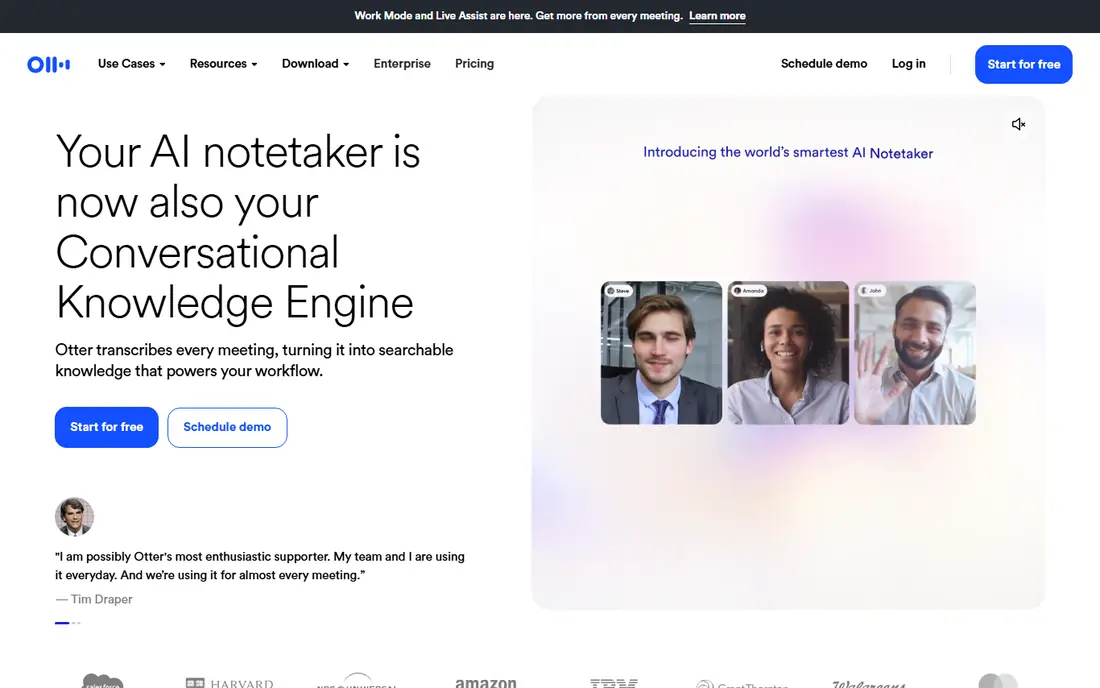
Otter.ai is the best-known recorder for people who want words, not just audio. It transcribes live or from uploads, labels speakers, and produces summaries and action items on paid plans. Students, journalists and meeting-heavy workers use it to search a conversation later instead of replaying an hour of audio.
The free plan gives 300 transcription minutes a month with limits per conversation, so heavy users will need Pro. Accuracy is strong in quiet rooms with clear speakers, but overlapping talk, background noise and specialised terms still need a manual check. For regular meeting notes, Otter.ai saves real time.
- Live transcription and summaries
- Speaker labels
- Calendar and meeting integrations
- Free plan caps monthly minutes
- Accuracy drops with crosstalk and heavy accents
Dolby On stands out for sound quality in a free app. It applies noise reduction, dynamics and EQ-style processing to voice and music recordings, which helps in cafes, streets and rehearsal rooms. Musicians use it for song ideas, and reporters use it when a room is far from quiet.
It is not a transcription app, so you will need another tool if you want text. Its library and sharing tools are also simpler than a meeting platform. For pure recording quality at no cost, Dolby On is a strong pick, especially on a phone with a modest microphone.
- Free
- Studio-style audio processing
- Good for music and voice in noisy rooms
- No full transcription service
- Fewer organisation tools than Otter.ai
Easy Voice Recorder does exactly what its name promises on Android. It records quickly, organises files by date, and lets you start from a widget without hunting through menus. That simplicity matters when you need to capture a lecture or idea before it slips away.
It does not transcribe audio itself, so you will need Otter.ai, Notta or another service for text. The free version carries ads and limits some formats, while Pro removes ads and adds features. For plain, dependable Android recording, it is one of the easiest options to live with.
- Simple interface
- Android-friendly
- Widget and shortcut options
- No built-in transcription
- Some features need the Pro version
Rev Voice Recorder is the route to a transcript you can trust for legal, medical or published work. The app itself records for free, and you can order AI transcription for routine notes or human transcription when accuracy matters most. Human transcripts cost extra, but they handle crosstalk, accents and technical terms better than AI alone.
That extra cost means Rev is not the cheapest choice for daily meeting notes. For occasional high-stakes recordings, though, paying for human accuracy is sensible. Check the current per-minute price in the app before you order, since rates vary by service and turnaround.
- Free recording app
- Optional human transcription for high accuracy
- Clear export options
- Human transcription costs extra per minute
- AI minutes on free plans are limited
Notta competes directly with Otter.ai for meeting and lecture transcription, with broad language support and AI summaries. It records on phone or web, transcribes in real time, and lets you search, edit and export the text. Teams use it for interviews and multilingual meetings where Otter.ai covers fewer languages.
Its free plan is limited to 120 minutes a month in many listings, so regular users will need a paid plan. Like all AI transcription, it needs a connection for processing and a quiet room for best results. If you record in several languages, Notta deserves a test alongside Otter.ai.
- Real-time transcription in many languages
- AI summaries
- Web, iOS and Android apps
- Free plan caps monthly minutes
- Transcription needs an internet connection
Samsung Voice Recorder is the built-in answer for Galaxy owners, and it is better than a bare-bones recorder. Interview mode uses two microphones to separate speakers in some models, and it offers recording quality settings and simple editing. There is no subscription and no new app to learn.
It is limited to Samsung phones, and transcription features vary by device, system version and region. For everyday voice notes, lectures and interviews on a Galaxy phone, it is excellent. If you switch phones often or need cross-platform transcripts, a service such as Otter.ai or Notta travels better.
- Built into Samsung Galaxy phones
- Interview mode
- Noise reduction options
- Samsung devices only
- Transcription support varies by model and region
How we picked these
We compared official app listings, pricing pages and feature pages for recorder apps on iOS, Android and the web, and we checked public reviews for audio quality, transcription accuracy and free limits. We favoured apps that are still available in 2026, that record reliably in the background, and that state their free and paid limits clearly. We did not claim hands-on testing.
Recording well, and recording fairly
Good audio starts before you press record. Put the phone close to the speaker, reduce background noise where you can, and use airplane mode or Do Not Disturb to avoid interruptions. For interviews, test levels for 30 seconds first, and keep a backup if the recording matters. A clear recording also transcribes far better than a distant, noisy one.
Consent and privacy
Tell everyone in the room that you are recording, explain what the recording will be used for, and get consent where your local law requires it. Some places require all parties to consent, while others require only one. Do not record private conversations secretly, and delete recordings you no longer need, especially if they contain sensitive personal information.
Choosing between audio only and transcription
Audio-only apps are free, simple and private, since files can stay on your phone. Transcription apps add search, summaries and sharing, but they usually process audio online and charge for minutes. If you record daily for work or study, transcription pays for itself in time saved. If you record ideas for yourself, a built-in app is enough.
Storage and backups
Long recordings eat storage fast, especially at high quality, so check how much free space your phone has before a long session. Back up finished recordings to a cloud service or a computer, and name files by date and topic while the details are fresh. If an app stores recordings only on one phone, a lost or broken device can take your interviews with it, so a second copy is worth the few minutes it takes.
Sources
Frequently asked questions
What is the best free voice recorder app?
Apple Voice Memos is best on iPhone, and Samsung Voice Recorder is best on Galaxy phones, since both are free and built in. Dolby On is a strong free choice on both platforms for better sound processing. Easy Voice Recorder is a good free Android alternative.
Do voice recorder apps transcribe automatically?
Some do, and some do not. Otter.ai, Notta and Rev offer transcription, while Voice Memos, Dolby On and Easy Voice Recorder focus on audio. Built-in transcription on phones varies by device and system version, so check the app listing for your model.
Is it legal to record a conversation?
It depends on where you are and who consents. Some jurisdictions require all parties to consent, while others require only one party. Always tell people you are recording, and check local rules before recording interviews, meetings or calls.
How can I improve recording quality?
Place the phone near the speaker, choose a quiet room, and avoid covering the microphone. Use a higher quality setting for music or interviews, and test a short clip before a long session. External microphones help in noisy rooms, but good placement often matters more.
Can I record phone calls with these apps?
Phone call recording is restricted on many modern phones and varies by device, system and local law. Some apps record meetings through a separate call or speakerphone workaround, but results vary. Check your phone maker guidance and local consent rules before relying on call recording.