Best Voice Recording Software in 2026: 9 Tools Compared
By ToolNimba Editorial Team November 9, 2026 12 min read

- Top pick
 Audacity
Free multitrack recording on any computer
Starting priceFreeCheck out AudacityRead our review - Runner-up
 GarageBand
Mac and iPhone owners starting out
Starting priceFreeCheck out GarageBandRead our review - Also great
 Descript
Transcript-based podcast editing
Starting priceSee websiteCheck out DescriptRead our review
How we researched this
We compared official pricing and feature pages, app store listings, privacy policies and public user reviews. Prices change, so check the provider's site before you pay.
Key takeaways
- Audacity and Ocenaudio cover most solo recording needs at no cost, while GarageBand is the obvious free starting point for Mac and iPhone owners.
- Remote interviews need a different tool, and Riverside and Descript handle that job better than a desktop editor alone.
- Adobe Audition and REAPER suit people who edit audio every day, but both ask for more learning time than a simple recorder app.
- The best voice recording app for quick notes is often the simplest one, so check export options and file quality before you commit to a workflow.
Quick comparison
| Name | Best for | Starting price | Free plan | |
|---|---|---|---|---|
| Audacity | Free multitrack recording on any computer | Free | Yes | Visit |
| GarageBand | Mac and iPhone owners starting out | Free | Yes | Visit |
| Descript | Transcript-based podcast editing | See website | Yes | Visit |
 Riverside | Remote interviews in studio quality | See website | Yes | Visit |
 Adobe Audition | Professional cleanup and post-production | $22.99 per month | Free trial (7 days) | Visit |
 Ocenaudio | Quick voice edits with a light interface | Free | Yes | Visit |
 WavePad | Fast voice cleanup on PC | Free | Yes | Visit |
 REAPER | Full audio production at a low one-time price | $60 one-time | Free trial (60 days) | Visit |
 OBS Studio | Screen recording with voiceover | Free | Yes | Visit |
The best voice recording software
We compared official feature pages, pricing pages, and app store listings to find tools that record clean voice, edit without fuss, and export in formats you can actually use. The list below mixes free desktop editors, mobile-friendly options, and remote recording tools, because a voice note, a podcast, and a narrated video are not the same job.
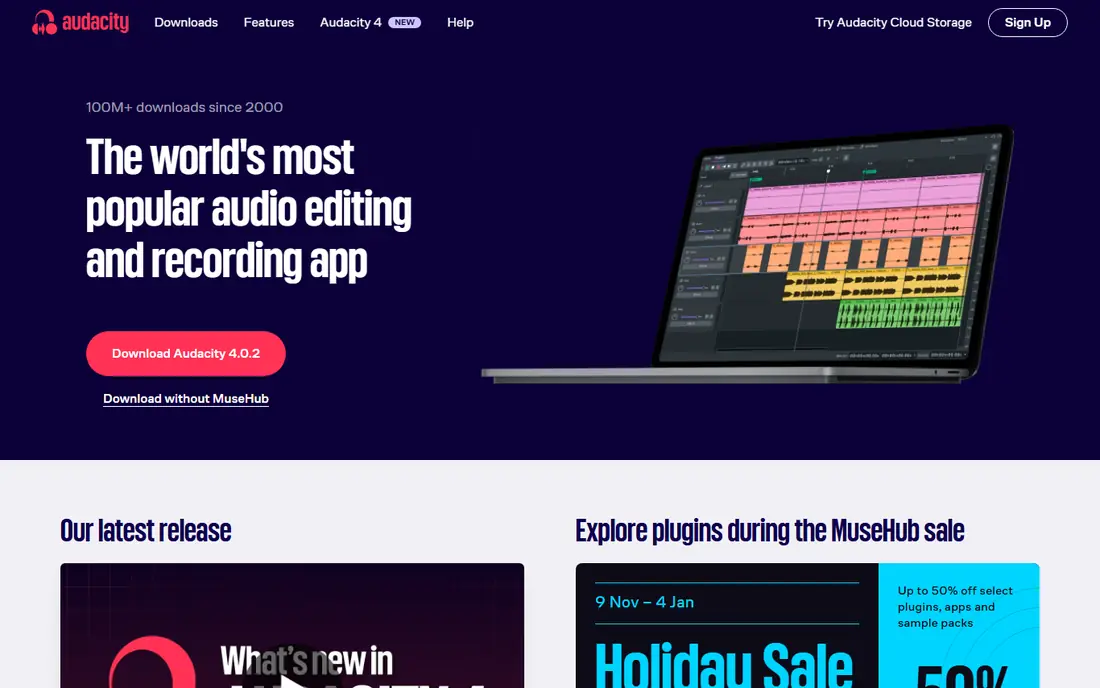
Audacity remains our pick for most people who want the best free recording software for PC without giving up real editing tools. You can record from a microphone or audio interface, cut and trim on a waveform timeline, apply noise reduction, compression, and equalization, and export to common formats such as MP3 and WAV. It suits podcasters, narrators, students, and anyone who wants to learn audio editing before paying for software.
The catch is the workflow. Audacity is an editor first, so it does not record remote guests, and some effects work in a less visual way than newer apps offer. If you only need a quick voice note, a phone recorder will feel faster. If you want control over the final sound at zero cost, Audacity is hard to beat, and its open source status means no subscription or account is required to use the full editor.
- Completely free and open source
- Runs on Windows, Mac, and Linux
- Strong noise reduction and effects
- Interface looks dated
- Learning curve is steeper than a simple recorder app
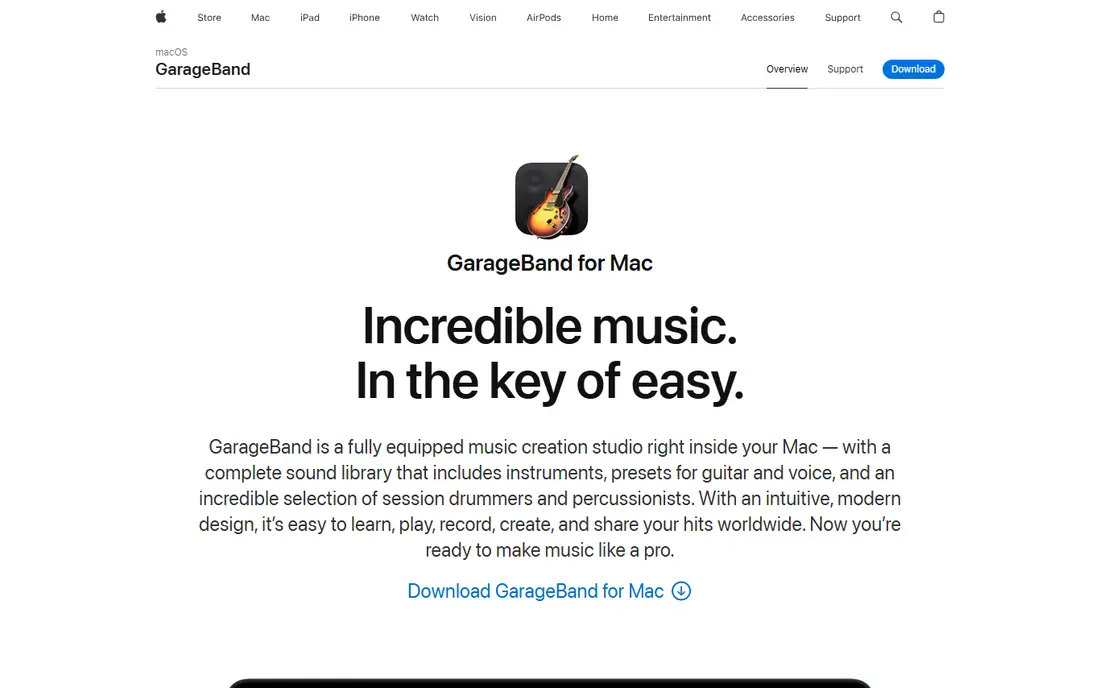
GarageBand is the best voice recording app for many Apple users simply because it is already there. It offers a clean recording view, multiple tracks, simple editing, and a library of sounds that make a first podcast or song feel less intimidating. Voice recording is straightforward, and you can add music, adjust levels, and share the result without buying extra software.
Its limits show up when a project grows. GarageBand lacks some of the detailed mixing and repair tools found in Audition or REAPER, and it cannot help Windows or Android users at all. Still, for a first recording setup on a Mac or iPhone, it is a strong, no-cost place to start, and many creators never need anything else for simple voice work.
- Included free with Apple devices
- Friendly interface for beginners
- Good built-in loops and effects
- Mac and iOS only
- Less deep than a full professional editor
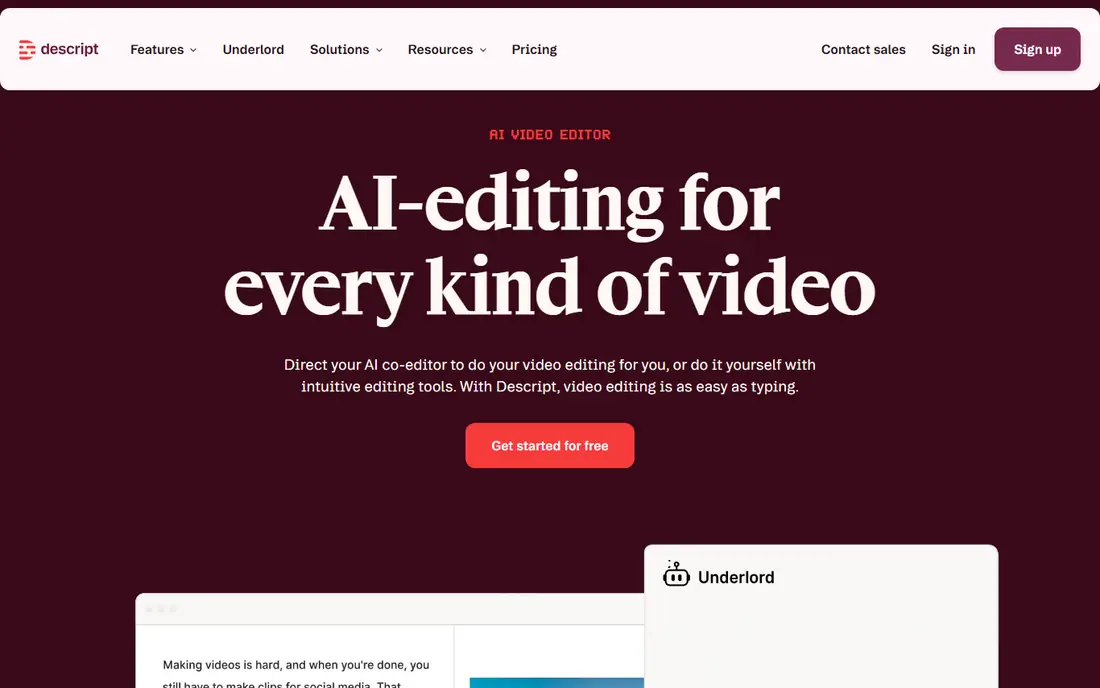
Descript takes a different approach from a waveform editor. You record or import audio, get a transcript, and then cut words in the transcript to cut the audio itself. That method feels natural for podcasters, interviewers, and video creators who think in sentences rather than waveforms. It also includes tools for removing filler words and cleaning up background noise, which can save a lot of manual editing time.
The trade-off is focus. Descript is built for spoken word and video, not for music mixing or detailed sound design, and its free plan has limits on transcription and export time. Check the current plan page before you start a long series, because the right tier depends on how much you record each month. For spoken-word creators, though, the text-first workflow is a real time saver.
- Edit audio by editing text
- Built-in transcription and cleanup tools
- Good for podcast and video workflows
- Pricing and limits change by plan
- Less suited to music production
Riverside solves the most common remote interview problem, which is a bad internet connection ruining the recording. Each guest is recorded locally on their own device, then the files are uploaded, so the final audio sounds much better than a compressed video call recording. That makes it a strong pick for podcasters, journalists, and teams that interview people in different places.
It is not a general audio editor, so you will still want Audacity, Descript, or Audition for detailed editing after the interview. Guests also need a decent microphone and a quiet room, because local recording captures good sound but cannot fix a noisy environment. Used for its intended job, Riverside is one of the most reliable ways to record remote voices in 2026.
- Records each guest locally for better quality
- Works in the browser
- Separate audio and video tracks
- Needs a stable setup for guests
- Free plan has recording limits
Adobe Audition is the professional pick for people who clean up voice recordings every day. Its spectral view helps you spot clicks, hums, and background noise, and its mixing tools handle multitrack sessions with care. If you already use Adobe tools for video or design, the shared workflow is a plus, and the output quality is well suited to broadcast, audiobooks, and commercial voice work.
The price and complexity are the honest catches. A monthly subscription only makes sense if you use it often, and beginners may find the interface busy compared with Audacity or GarageBand. Try the trial on a real project before subscribing, and compare the result with a free editor on the same recording. For occasional voice notes, Audition is more tool than you need.
- Deep repair and mixing tools
- Good for broadcast and podcast post-production
- Integrates with other Adobe apps
- Subscription cost adds up
- More complex than most voice recorders
Ocenaudio fits the gap between a bare phone recorder and a full editor. It opens quickly, shows a clear waveform, and lets you preview effects in real time before you apply them, which helps when you are learning what noise reduction or equalization actually does. It records and edits voice well, and it runs on Windows, Mac, and Linux.
It does not try to match Audacity on depth, so large multitrack projects and complex mixing are better elsewhere. For short recordings, interviews, narration, and quick cleanup, that simpler scope is a strength rather than a weakness. If Audacity felt heavy the first time you opened it, Ocenaudio is worth trying next.
- Lightweight and easy to learn
- Real-time effect preview
- Cross-platform
- Fewer advanced multitrack features
- Smaller plugin community than Audacity
WavePad is a practical choice when speed matters more than studio depth. You can record, trim, normalize, remove noise, and convert formats without working through a long learning curve. It also offers batch processing, which helps if you have a folder of voice memos or lecture recordings to tidy up in one pass.
The free version is aimed at non-commercial use, so check the license if you plan to use recordings for paid work. The design is plain, and it will not replace a full multitrack studio for music or complex podcasts. For straightforward voice recording and cleanup on a PC, it gets the job done with little friction.
- Simple editing for voice files
- Batch processing options
- Works on desktop and mobile
- Free version is for non-commercial use
- Interface feels basic compared with newer editors
REAPER is a full digital audio workstation at a price that undercuts most professional rivals. It records multiple tracks, handles effects and automation, and can grow from a simple voice session into music production, podcast mixing, or sound design. The evaluation period is generous, and the discounted license makes it a sensible buy-once option for serious creators.
Beginners should expect a learning curve. REAPER assumes you know, or want to learn, how tracks, routing, and effects work, and its default layout packs a lot onto one screen. If you only record occasional voice notes, a simpler app will serve you better. If you want one program that can handle voice, music, and podcasts for years, REAPER offers strong value.
- Full multitrack recording and mixing
- Low one-time license cost
- Highly customizable
- Interface can feel dense for beginners
- Setup takes more time than a simple recorder
OBS Studio is best known for streaming, but it is also a useful free tool for voiceover work on screen recordings. You can capture your screen, webcam, and microphone at the same time, mix audio sources, and record tutorials, presentations, and demos without paying for capture software. It runs on Windows, Mac, and Linux, and the community around it is large.
It is not an audio editor, so detailed cleanup still belongs in Audacity or a similar tool after recording. The settings for audio sources and output formats can also confuse a first-time user. Pair OBS Studio with a simple editor, and you have a free, capable setup for narrated videos and lessons.
- Free and open source
- Records screen, camera, and microphone together
- Good for streaming and tutorials
- Not a dedicated audio editor
- Setup can confuse first-time users
How we picked these
We compared official feature pages, pricing pages, and app store listings for tools that record voice today, and we favored products with a clear free tier or trial, straightforward export options, and a realistic fit for the job named in each section. We did not claim hands-on testing, and we left out tools that are no longer maintained or that focus mainly on music production rather than voice recording. Prices were checked against vendor pages and recent pricing summaries, and where a price could not be confirmed from the vendor page in our research, we wrote See website.
What to check before you choose a voice recorder
Start with the job, not the feature list. A voice notes app needs fast capture, easy sharing, and good phone microphone support. A podcast setup needs multitrack editing, noise cleanup, and clean exports. A remote interview setup needs local recording for each guest. Write down the one job you will do most often, and judge every tool against that job first.
Next, check the microphone and room before you blame software. A quiet room, a microphone placed close to the speaker, and a short test recording will improve sound more than any cleanup tool. Record ten seconds of silence in your usual spot, then listen for hum, fan noise, or echo. If the room is noisy, fix what you can, then use noise reduction as a second step rather than a rescue plan.
File formats and export
Choose a tool that exports WAV for editing and MP3 for sharing. WAV keeps quality during editing, while MP3 keeps file sizes small for distribution. If you plan to edit in another program later, check that your recorder exports separate tracks for remote guests, because a single mixed file is much harder to fix.
Free versus paid
Free tools cover most voice work, and paid tools earn their price when they save editing time or handle remote guests well. Watch for limits on the free plan, such as transcription minutes, export quality, or monthly recording time. A free plan is a good trial, but a paid plan should solve a specific problem you have already hit, not a problem you might hit one day.
Sources
- https://www.audacityteam.org
- https://www.apple.com/mac/garageband/
- https://www.descript.com
- https://riverside.fm
- https://www.adobe.com/products/audition.html
- https://www.ocenaudio.com
- https://www.nchsoftware.com/wavepad/index.html
- https://www.reaper.fm
- https://obsproject.com
- https://rankite.com/blog/best-voice-recording-software
Frequently asked questions
What is the best voice recording software for free?
Audacity is our pick for free desktop recording and editing, because it is free, open source, and works on Windows, Mac, and Linux. GarageBand is the best free option for Mac and iPhone owners, and Ocenaudio is a lighter free alternative if Audacity feels complex. For quick phone notes, the best voice recording app is often the recorder already on your phone, paired with a desktop editor for cleanup.
What is the best app for voice recording on a phone?
The best app for voice recording depends on what happens after you record. Built-in phone recorders are fast for notes and interviews, while apps such as GarageBand on iPhone, WavePad on mobile, and Descript for transcript editing add editing and sharing options. Check export formats before you record a long session, so you can move the file to a computer without losing quality.
What is the best sound recorder app for podcasts?
For solo podcasts, Audacity or GarageBand cover recording and editing at no cost. For remote podcasts, Riverside records each guest locally and gives you separate tracks, which makes editing far easier. Descript adds transcript editing on top of that workflow, so many podcasters use Riverside to record and Descript or Audacity to edit.
Is there a best free recording software for PC that also edits music?
Audacity and REAPER both handle voice and music, but in different ways. Audacity is free and suits voice editing and simple multitrack work, while REAPER is a full workstation with a low one-time license and a long trial. If you mainly edit voice, start with Audacity. If you plan to mix music regularly, REAPER is worth the learning time.
What is the best music editing app for voice and narration?
For narration, a voice-first editor beats a music-first app, because cleanup, leveling, and export matter more than loops and instruments. Audacity, Adobe Audition, and Descript all fit narration well, with Audition offering the deepest repair tools. GarageBand works for simple narration with music, but a dedicated voice editor gives you more control over noise and loudness.
Do I need a paid recorder for good sound quality?
No, paid software does not by itself improve sound quality. Microphone choice, distance from the microphone, and room noise matter far more than the recorder brand. Free tools record at the same quality as paid tools when the setup is the same, so spend first on a decent microphone and a quiet space, then pay only for features that save you real editing time.