Best Website Design Software in 2026: 9 Tools Compared
By ToolNimba Editorial Team November 8, 2026 9 min read

- Top pick
 Wix
All-round small business sites
Starting price$17 per monthCheck out WixRead our review - Runner-up
 Squarespace
Design-led portfolios and stores
Starting price$16 per monthCheck out SquarespaceRead our review - Also great
 Webflow
Custom design control
Starting price$15 per monthCheck out WebflowRead our review
How we researched this
We compared official pricing and feature pages, app store listings, privacy policies and public user reviews. Prices change, so check the provider's site before you pay.
Key takeaways
- Wix and Squarespace suit most small businesses that want hosting, templates, and editing in one place.
- Webflow and Framer give designers more visual control, but they ask more of the person building the site.
- WordPress.com offers the most flexibility for blogs and large content sites, at the cost of more setup and upkeep.
- Introductory prices often rise on renewal, so check the second-year price before you choose a plan.
Quick comparison
| Name | Best for | Starting price | Free plan | |
|---|---|---|---|---|
| Wix | All-round small business sites | $17 per month | Yes | Visit |
| Squarespace | Design-led portfolios and stores | $16 per month | Free trial | Visit |
| Webflow | Custom design control | $15 per month | Yes | Visit |
 WordPress.com | Blogs and content sites | $4 per month | Yes | Visit |
 Framer | Modern marketing sites | $10 per month | Yes | Visit |
 Shopify | Online stores | $29 per month | Free trial | Visit |
 Duda | Agencies and client sites | $19 per month | Free trial | Visit |
 Hostinger | Budget-first sites | $2.99 per month | No | Visit |
 GoDaddy | Fast beginner setup | $9.99 per month | Free trial | Visit |
The best website design software
Website design software should match the site you actually need, not the fanciest tool on the list. A one-page portfolio, a booking site, and a large store have different demands, and the tools below split along those lines.
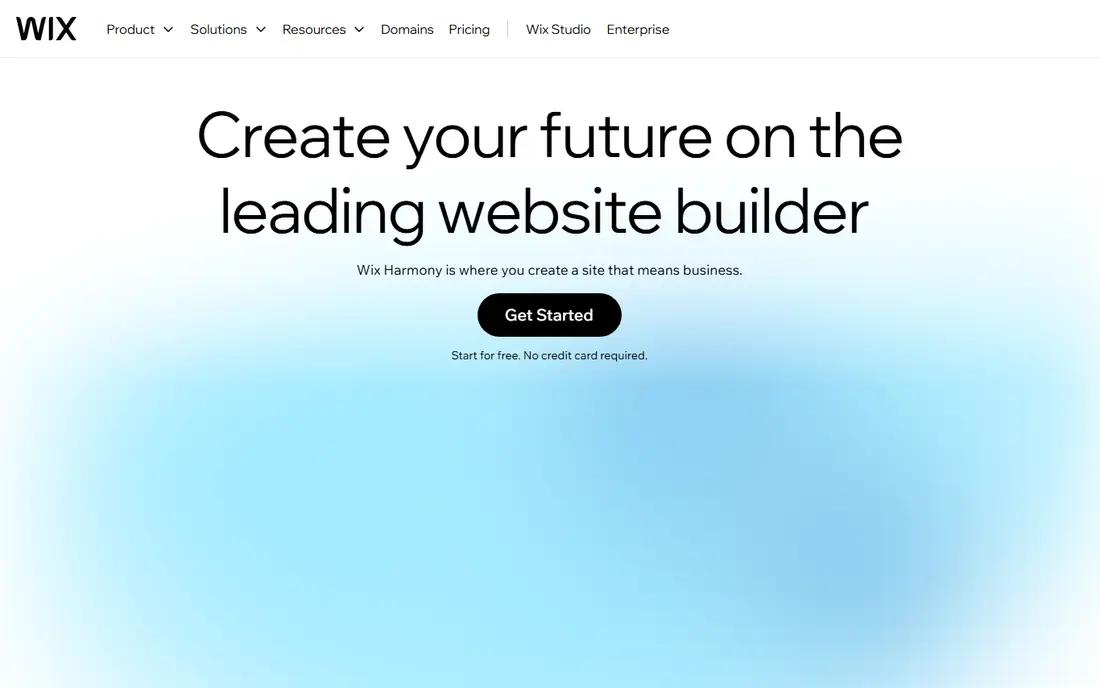
Wix is the safe default for a small business site. Pick a template, swap in your text and photos, add booking or a store if you need it, and publish. The app market fills gaps, from forms to chat, without touching code. For owners who want one dashboard for the whole site, that breadth is hard to beat.
The limits appear when a site grows complex. Design freedom is high, but not as precise as Webflow, and exporting a Wix site to another host is not practical. If you expect to rebuild elsewhere later, weigh that lock-in against the convenience now.
- Huge template library
- Built-in booking, store, and blog tools
- AI-assisted site creation
- Free plan shows Wix branding and uses a Wix domain
- Moving a site elsewhere is limited
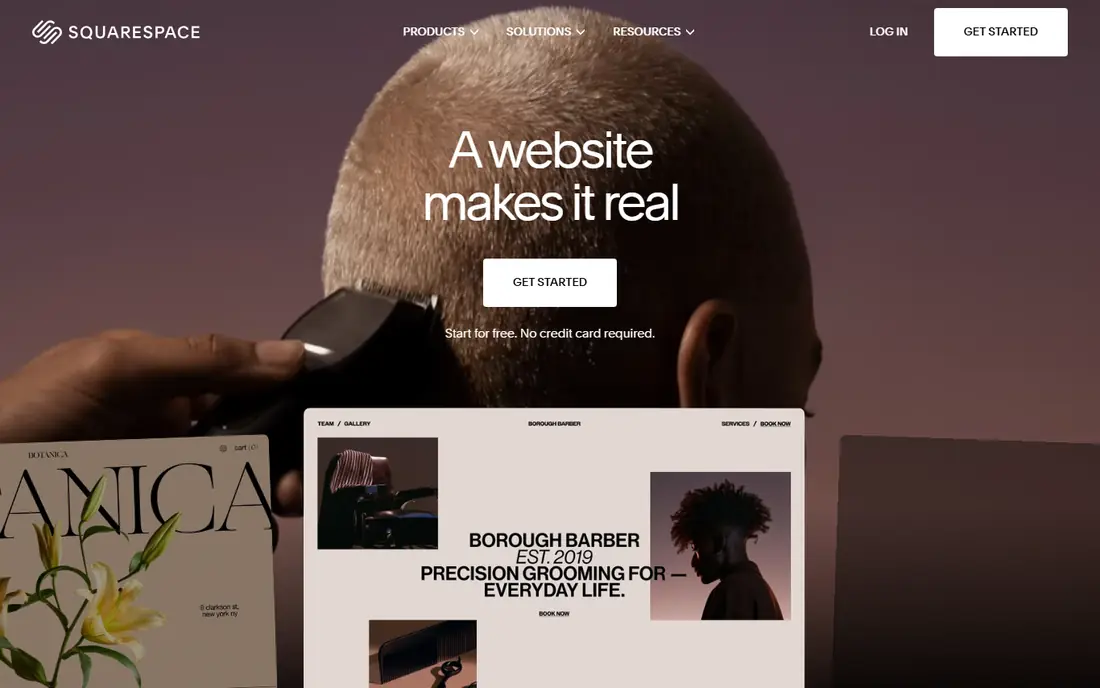
Squarespace suits people who care how a site looks on first load. Templates are fewer but more curated, so a portfolio or service site can look professional with little tweaking. Scheduling, commerce, and email marketing sit inside the same account, which keeps a small team from juggling plugins.
The trade-off is choice. If you want a very specific layout or a store with thousands of products and complex rules, Squarespace can feel constrained. For a portfolio, restaurant, studio, or small store, that constraint is often a benefit, because it keeps the site tidy.
- Polished, curated templates
- Built-in store, scheduling, and email tools
- Clean editing experience
- No permanent free plan
- Fewer templates than Wix
- Large-catalog stores are weaker than Shopify
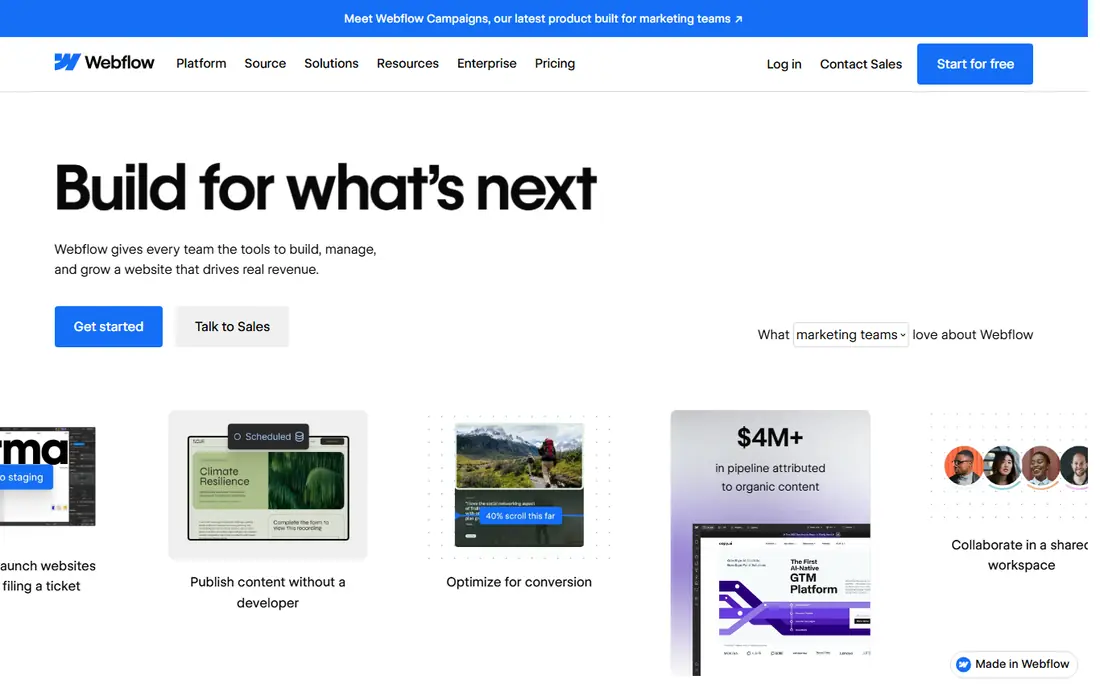
Webflow is the closest a no-code tool gets to professional web design. Designers can control spacing, breakpoints, interactions, and CMS collections visually, and the published site runs on fast hosting. Agencies and marketing teams use it for sites that must look distinct, not templated.
Beginners should expect a learning period. Concepts from web layout, such as boxes, flex, and grid, matter here, and a first site will take longer than on Wix. If you have design skill or a designer on staff, the payoff is a site that does not look like everyone else.
- Precise visual control over layout and animation
- Strong CMS for blogs and resources
- Clean hosted output
- Steeper learning curve
- Hosting is tied to Webflow
- CMS and seat costs add up
WordPress.com is the hosted version of WordPress, and it remains the strongest choice for content-heavy sites. Blogging tools, categories, scheduling, and SEO basics are mature, and the platform handles large archives well. A free plan with a subdomain lets anyone start writing at once.
The catch is plan gating. Custom themes, plugins, and monetization tools sit on higher tiers, so the cheapest plan is not the full WordPress experience. Self-hosted WordPress removes those gates but adds hosting, updates, and security work, so compare total effort, not just the monthly price.
- Strong blogging and content tools
- Huge theme and plugin ecosystem on higher plans
- Easy to scale content
- Best features need higher plans
- Plugin installs are gated by plan
- Design can feel less guided
Framer started as a design tool and grew into a website builder, and that history shows in its output. Sites feel smooth and modern, with animation and transitions that are easy to add. Startup landing pages, launch sites, and small marketing sites are its sweet spot.
Larger content sites hit CMS limits sooner, and selling products needs a third-party tool. Framer is best when the site is a marketing asset with a clear message, not a large catalog or a complex web app. For that job, it is faster to ship than Webflow for many teams.
- Fast, animated modern sites
- Simple visual editor
- Hosting included with one-click publishing
- CMS item limits on lower plans
- No native full store
- Localization costs extra
If the site exists to sell, Shopify is the default for a reason. Product pages, variants, discounts, checkout, shipping, and tax tools are built for commerce from the start, and the app store covers subscriptions, bundles, and wholesale. Stores can scale from a few products to thousands without changing platforms.
Pure content sites are less comfortable here. Blogging and landing pages work, but they are secondary to commerce, and design control sits below Webflow. Choose Shopify when revenue runs through the store, and pair it with a content tool only if editorial publishing is central.
- Best-in-class store tools
- Payments, shipping, and inventory built in
- Huge app and theme ecosystem
- Content pages are more constrained than a CMS-first tool
- Monthly cost plus transaction costs add up
Duda is built for people who make sites for others. Agencies can manage many client sites, reuse sections, collect content from clients, and present the editor under their own brand. That workflow saves hours compared with juggling separate accounts on a consumer builder.
For a single business owner, Duda is less obvious. The ecosystem is smaller, and clients who later want to edit the site themselves may prefer a name they already know. If you run an agency or manage sites for several businesses, though, the client tools justify the pick.
- Client management and white-label options
- Fast builder with good widgets
- Team collaboration tools
- Smaller template and app ecosystem than Wix
- Less known to end clients
Hostinger Website Builder suits a tight budget and a simple site. The AI builder can produce a first draft from a few prompts, and hosting is included, so there is little to configure. For a brochure site, a personal page, or a first business site, the low entry cost is real.
Read the renewal price before you buy. The introductory rate applies to a long term and rises afterward, so the second-year cost is the honest comparison. Design output is also more generic than Squarespace or Framer, so brands that need a distinct look should shortlist those instead.
- Lowest entry price on this list
- AI builder for fast starts
- Hosting bundled in
- Intro price rises sharply on renewal
- Design control is more generic than rivals
GoDaddy Website Builder is for owners who want a site live this week with minimal decisions. The guided setup asks a few questions, drafts pages, and connects a domain and email in the same place. That convenience matters for a local business that needs a credible presence fast.
The price of speed is distinctiveness. Layouts and templates are less flexible than Wix or Squarespace, and a site can look similar to many others. If the site is a simple shop window with contact details and services, that is acceptable. If design is a selling point, look higher on this list.
- Very fast setup for beginners
- Domains, email, and hosting in one account
- AI help with content
- Design flexibility is limited
- Templates can feel generic
- Upsells appear during checkout
How we picked these
We compared official pricing pages, plan features, and public documentation for the major website builders, focusing on what each plan actually includes, whether a free plan or trial exists, and how each tool handles stores, blogs, and client work. We favored tools that are actively maintained and widely used, so readers can find help and templates easily.
How to choose the right builder
Start with the main job of the site. Selling products points to Shopify, publishing a lot of content points to WordPress.com, a distinct marketing site points to Webflow or Framer, and a general business site points to Wix or Squarespace. That single decision removes most of the list at once.
Then price two years, not one month. Add the domain renewal, any paid apps, extra seats, and the renewal rate after an introductory term. Finally, build one real page before you commit, with your own text and photos, because a template demo hides how the editor feels on your content.
Sources
- https://www.wix.com
- https://www.squarespace.com
- https://www.webflow.com
- https://www.wordpress.com
- https://www.framer.com
- https://www.shopify.com
- https://www.duda.com
- https://www.hostinger.com
- https://www.godaddy.com
- https://techpresso.co/blog/cheapest-website-builders-for-small-business
- https://synqro.co/blog/webflow-alternatives
Frequently asked questions
What is the best website design software for beginners?
Wix or Squarespace, because both combine hosting, templates, and editing in one guided editor. Wix offers more templates and apps, while Squarespace offers a more curated look with less tweaking.
Can I build a website for free?
Yes, Wix, Webflow, Framer, and WordPress.com all offer free plans, but free sites usually use a subdomain and show platform branding. A custom domain and removal of branding need a paid plan.
Is Webflow better than Wix?
Webflow gives more design control and a stronger CMS, while Wix is easier and covers more business tools out of the box. Designers tend to prefer Webflow, and busy owners tend to prefer Wix.
Do I need to know code to design a website?
No, none of the tools on this list require code for a standard site. Code helps for custom features on Webflow or WordPress, but templates, drag-and-drop editing, and AI builders cover most business sites.
Can I switch builders later?
You can usually export content such as text and images, but a full design rarely transfers cleanly. Treat a builder choice as a medium-term commitment, and pick the platform you can live with for a few years.