Best Website Platform for Small Business in 2026: 8 Platforms Compared
By ToolNimba Editorial Team November 11, 2026 9 min read

- Top pick
 Wix
All round small business sites
Starting price$17 per monthCheck out WixRead our review - Runner-up
 Squarespace
Design led service businesses
Starting price$16 per monthCheck out SquarespaceRead our review - Also great
 Shopify
Product based stores
Starting price$29 per monthCheck out ShopifyRead our review
How we researched this
We compared official pricing and feature pages, app store listings, privacy policies and public user reviews. Prices change, so check the provider's site before you pay.
Key takeaways
- Wix is the most flexible all round choice for a small business that wants booking, selling and marketing in one place.
- Squarespace suits design led service businesses that want a polished site with little fuss.
- Shopify is the clear pick for product businesses, while a self hosted WordPress site suits owners who want full control.
- Intro prices often rise at renewal, so check the second year cost before you commit.
Quick comparison
| Name | Best for | Starting price | Free plan | |
|---|---|---|---|---|
| Wix | All round small business sites | $17 per month | Yes | Visit |
| Squarespace | Design led service businesses | $16 per month | Free trial | Visit |
| Shopify | Product based stores | $29 per month | Free trial | Visit |
 Webflow | Design control and growing sites | $15 per month | Yes | Visit |
 WordPress.org | Full control and flexibility | See website | Yes | Visit |
 Hostinger | Tight budgets and fast launches | $2.99 per month | No | Visit |
 GoDaddy | Fast launch with marketing tools | $10 per month | Yes | Visit |
 Framer | Design forward marketing sites | $5 per month | Yes | Visit |
The best website platforms for small business
A small business website has a simple job: explain what you sell, build trust and make it easy to contact you or buy. The platforms below all do that, but they differ in price, design quality and how much work they need from you.
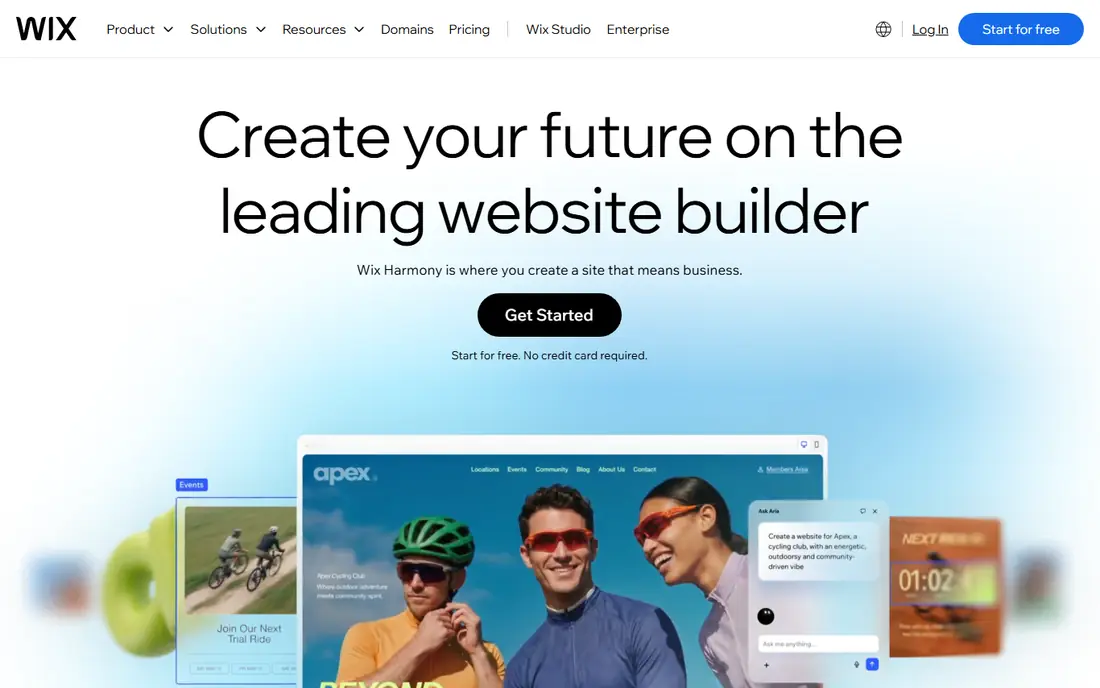
Wix is our pick for most small businesses because it covers the most ground in one account. You can build a service site, add online booking, open a small store and send email marketing without adding separate tools. The drag and drop editor is forgiving, and the AI builder can produce a usable first draft from a short business description.
The catch is that the free plan is only a trial in practice, since it shows Wix ads and does not allow a custom domain. Paid plans start at around $17 per month on annual billing for the Light plan. If you plan to sell online, check the commerce plan limits, since product and payment features sit on higher tiers.
- Large template range
- Built in booking, store and marketing tools
- Free plan to try
- Free plan shows Wix branding and uses a subdomain
- Switching templates later is awkward
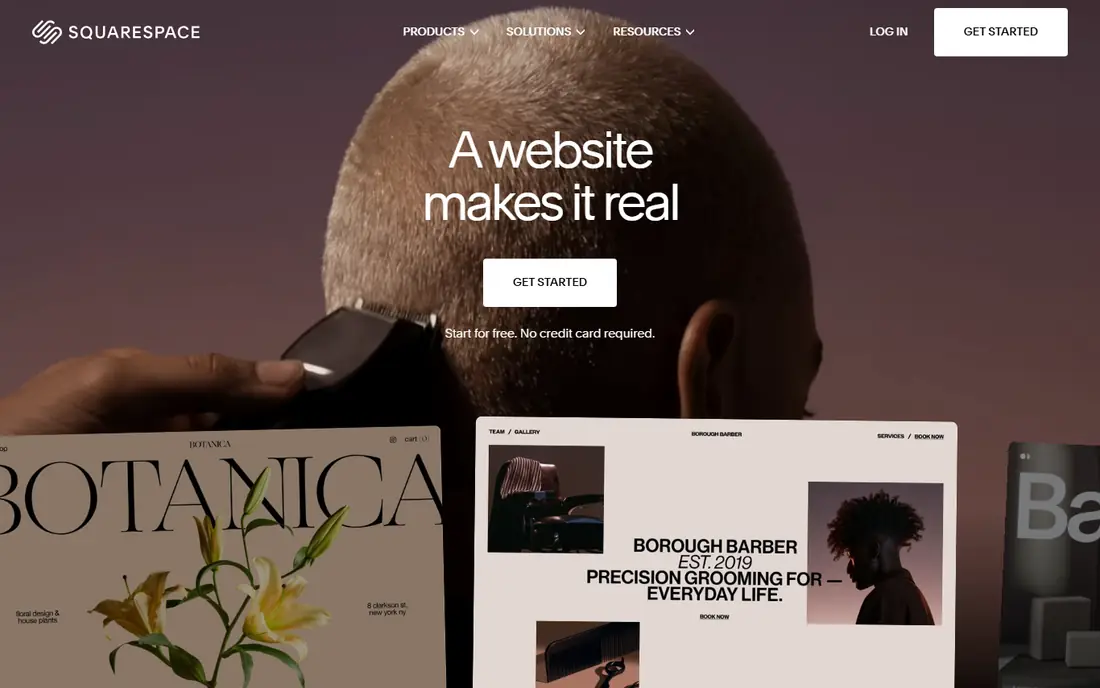
Squarespace is the choice when design matters as much as content. Photographers, consultants, salons and restaurants get clean templates, good typography and consistent layouts without hiring a designer. The editor limits some choices, but that restraint is why Squarespace sites tend to look good.
There is no permanent free plan, so budget for at least the Basic plan at around $16 per month on annual billing. Commerce features improve on higher plans, and transaction fees vary by plan, so service businesses with light selling can stay on a lower tier while product sellers should compare the commerce plans closely.
- Polished templates that are hard to spoil
- Strong blogging and portfolio tools
- Built in commerce
- No free plan, only a trial
- Less flexible than Wix for complex layouts

Shopify is built for selling first and everything else second. Inventory, discounts, shipping, taxes and checkout are handled in one system, and the app store adds options for subscriptions, bundles and wholesale as you grow. If your business lives or dies by online orders, that focus is worth the price.
Basic starts at around $29 per month on annual billing, with card processing on top. A service business that only needs a contact page and a booking form will pay for commerce power it never uses. For that kind of business, Wix or Squarespace is usually better value.
- Strong checkout, inventory and payment tools
- Large app store
- Good for growing catalogs
- Monthly cost plus payment fees
- Overkill for a simple brochure site
Webflow sits between a template builder and a developer tool. Designers and confident site owners can control spacing, animation and layout in ways Wix and Squarespace do not allow. The content system also works well for blogs, directories and case study libraries that grow over time.
That power comes with a learning curve, and beginners may find the first week slow. Site plans start at around $15 per month, with ecommerce as an add on. If you want a site that looks custom and you are willing to learn the editor, Webflow is a strong long term choice.
- Precise design control
- Clean code output
- Strong content management tools
- Steeper learning curve
- Costs rise with traffic and team seats
WordPress powers a large share of the web because it can become almost anything: a blog, a store with WooCommerce, a membership site or a booking platform. The software itself is free, and the range of plugins means you rarely hit a hard limit. Owners who want to move hosts or change tools later keep more freedom than with a closed builder.
The trade off is responsibility. You pay for hosting, usually a few dollars to tens of dollars per month, plus a domain, and you must keep the software, themes and plugins updated. That suits owners with some technical confidence or a developer on call, and it frustrates owners who want everything handled for them.
- Huge plugin and theme range
- You own your site and data
- Strong for SEO and blogging
- You arrange hosting, updates and security
- Quality varies by theme and plugin
Hostinger is the budget pick for a business that needs a decent site fast and does not want a large monthly bill. The AI builder produces a complete draft in minutes, and the included hosting keeps the setup simple. At an introductory $2.99 per month, it undercuts every other platform in this list.
Read the renewal price before you buy, since it rises after the first term. Design options and commerce features are also simpler than Wix or Shopify, so a business with a large catalog or a strong brand design brief may outgrow Hostinger quickly. For a simple brochure or starter store, it is hard to beat on price.
- Lowest entry price here
- AI builder creates a site quickly
- Hosting included
- Intro price rises at renewal
- Ecommerce and design tools are more basic than rivals
GoDaddy suits owners who want to buy a domain, build a site and start marketing from one dashboard. The builder is straightforward, and the Websites plus Marketing plans bundle email marketing and social tools. Paid plans start at around $10 per month, with a free plan for a basic presence.
Design quality is the weak point. Templates look clean but plain next to Squarespace or Framer, and owners who care deeply about brand style may feel limited. If speed and simplicity matter more than a distinctive look, GoDaddy does the job with little fuss.
- Domain, site and marketing in one account
- Quick setup
- Free plan available
- Templates are plainer than Squarespace
- Advanced design control is limited
Framer started as a design tool, and that shows in its sites. Templates feel current, pages load fast and the editor rewards owners who care about layout and motion. Plans start at around $5 per month for a basic site, with a free plan on a Framer subdomain.
The limit is selling. Framer has no native store, so product businesses must add a third party checkout or choose Shopify instead. For consultants, studios, startups and service businesses that need a sharp marketing site, Framer is a fresh alternative to Squarespace.
- Modern templates and smooth interactions
- Fast publishing
- Free plan to start
- No native ecommerce
- Smaller app range than Wix or WordPress
How we picked these
We compared official pricing pages, free plan terms, template quality, selling and booking features, and ease of use for a non technical owner. We focused on platforms that a small US business can buy and run today without hiring a developer for basic changes. Prices are annual billing rates where the vendor publishes them, and intro offers are noted where they affect the first year cost.
How to choose the right platform for your business
Start with what you sell. Product businesses should shortlist Shopify first, then Wix commerce plans. Service businesses should compare Squarespace, Wix and Framer on booking, forms and portfolio quality. A business that mainly needs information pages can save money with Hostinger or GoDaddy and spend the savings on photos and copy.
Next, test the editor before you pay for a year. Build one real page with your own text and photos, not the demo content, and see how long it takes. A platform that feels easy with demo content can feel very different with your menu, price list or service descriptions. Also check the total cost: domain renewal, email, booking fees, payment fees and any app subscriptions you will need.
What to check before you launch
A good small business site needs a clear headline, a phone number or contact form on every page, opening hours, prices or a price guide, and recent photos of real work. Add a Google Business Profile and link it to your site, since many local customers find you through search and maps first. Finally, check the site on a phone, because most small business visitors arrive on mobile, and a desktop only design will lose enquiries.
When to switch platforms later
Switching is possible but rarely free, since templates, apps and content do not move cleanly between builders. If you expect to grow into a large store, start on Shopify rather than migrating later. If you expect to need custom features, WordPress gives you more room to grow. A simple site can start cheap and move later with little loss, but a large store or booking system should be planned for the long term.
Sources
Frequently asked questions
What is the best website platform for a small business?
For most small businesses, Wix is the safest all round pick, because it handles services, booking and selling in one place. Squarespace is better for design led businesses, and Shopify is better for product sellers. The best choice depends on whether you sell products, services or both.
What is the best website building platform for small business on a budget?
Hostinger offers the lowest entry price, with an introductory plan near $2.99 per month, though renewal prices are higher. Wix also has a free plan, but it shows branding and uses a subdomain. For a professional site on a budget, compare the renewal price, not just the first year offer.
Is WordPress or Wix better for a small business website?
Wix is easier to run, since hosting, security and updates are handled for you. WordPress gives you more control, more plugins and more freedom to move, but you must manage hosting and updates yourself. Choose Wix for simplicity and WordPress for flexibility and long term control.
Can I build a small business website for free?
Yes, Wix, Webflow, Framer and GoDaddy offer free plans, and WordPress software is free if you arrange hosting. Free plans usually use a subdomain and show platform branding, so they suit a test site better than a main business site. A custom domain and a paid plan are worth the cost once you take enquiries online.
Which website software is best for small business selling online?
Shopify is the strongest choice for a product business, with checkout, inventory and shipping built in. Wix commerce plans suit smaller catalogs and businesses that mix services with products. Compare payment fees and app costs at your expected sales volume, since those matter more than the monthly plan price alone.