Best Paid Wiki Apps in 2026: 8 Apps Compared
By ToolNimba Editorial Team November 9, 2026 8 min read

- Top pick
 Notion
Team wikis and databases
Starting price$10 per monthCheck out NotionRead our review - Runner-up
 Obsidian
Private local wiki
Starting price$4 per monthCheck out ObsidianRead our review - Also great
 Confluence
Company wikis tied to Jira
Starting priceSee websiteCheck out ConfluenceRead our review
How we researched this
We compared official pricing and feature pages, app store listings, privacy policies and public user reviews. Prices change, so check the provider's site before you pay.
Key takeaways
- Notion is the strongest paid wiki for teams that want pages, databases and docs in one workspace.
- Obsidian is the best paid option for solo users who want local files, offline access and full control of their notes.
- Confluence fits larger companies that already use Jira, while smaller teams may find it heavy.
- Paid plans differ in what they charge for: Notion and Confluence charge per member, while Obsidian charges mainly for sync and publishing add-ons.
- Most paid wiki apps offer a free tier, so test search, mobile access and sharing before you pay.
Quick comparison
| Name | Best for | Starting price | Free plan | |
|---|---|---|---|---|
| Notion | Team wikis and databases | $10 per month | Yes | Visit |
| Obsidian | Private local wiki | $4 per month | Yes | Visit |
| Confluence | Company wikis tied to Jira | See website | Yes | Visit |
 Coda | Docs with automation | See website | Yes | Visit |
 Craft | Fast personal docs | See website | Yes | Visit |
 Anytype | Private local-first wiki | See website | Yes | Visit |
 Capacities | Structured personal knowledge | $9.99 per month | Yes | Visit |
 Slite | Simple team knowledge base | See website | Yes | Visit |
The best paid wiki apps
We compared official pricing pages, feature pages and public reviews for eight wiki apps with paid plans that were active in October 2026.
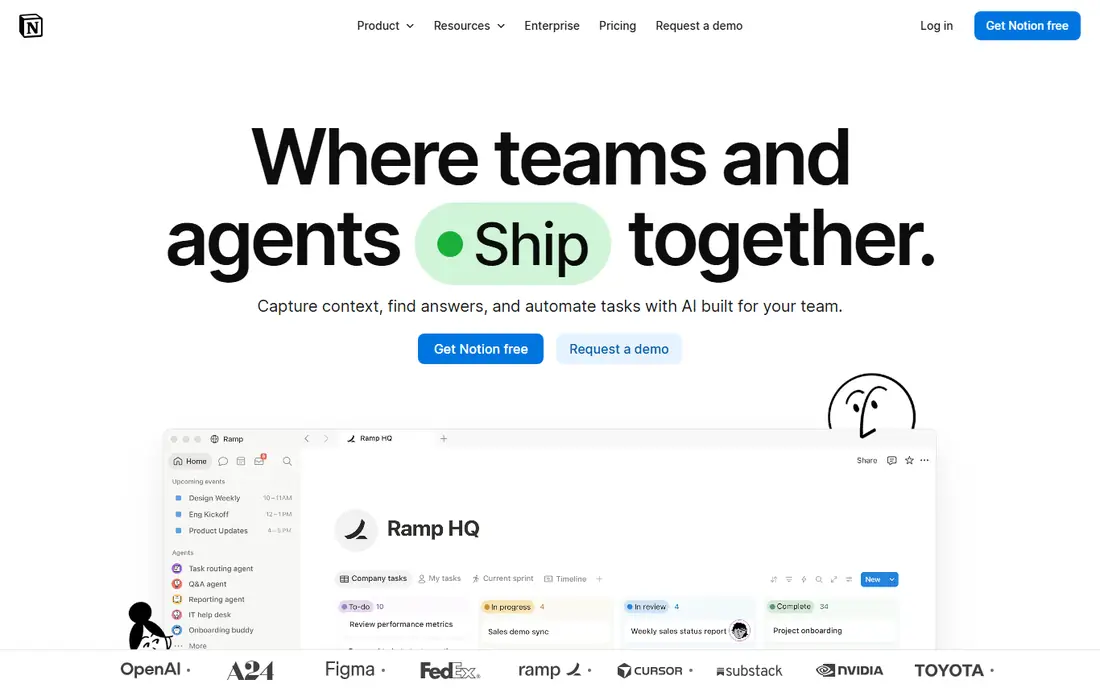
Notion is the default paid wiki for many small and mid-size teams, and the reason is breadth. A single workspace can hold a company handbook, meeting notes, project trackers and databases, with pages linked together and filtered like a simple database. That range means fewer tools to maintain. The Plus plan, priced at $10 per member per month billed yearly, opens larger file uploads and longer page history. The trade-off is offline access: the browser version needs a connection, and mobile offline support is limited. Teams that work mainly online will not mind, but field teams should test it first.
- Pages, wikis and databases in one workspace
- Real-time collaboration and permissions
- Large template library
- No full offline mode in the browser
- Costs rise per member as teams grow
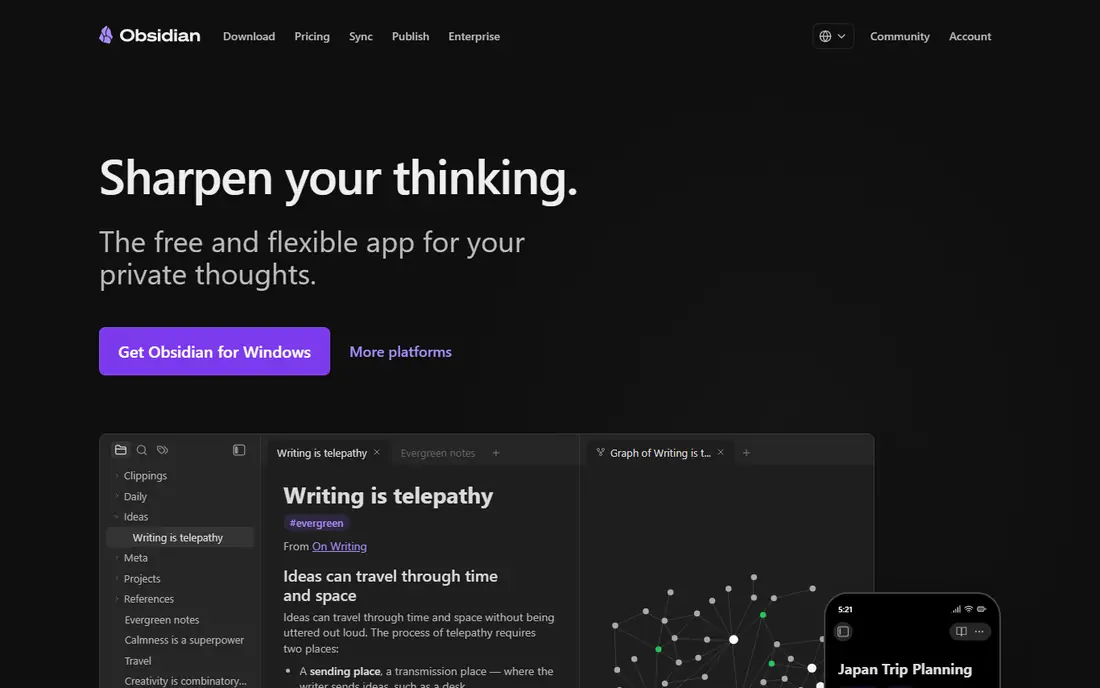
Obsidian takes the opposite approach to Notion. Your notes live as plain Markdown files on your own device, so search is instant, offline access is full, and you are not locked into one vendor format. A graph view shows how notes link together, which suits researchers and writers building a personal wiki over years. The app itself is free for personal use. The $4 per month Sync add-on, billed yearly, adds encrypted sync across devices, and Publish adds a public site option. The catch is teamwork: shared vaults work for reading and separate edits, but two people cannot edit the same note live. For solo wikis, that limit rarely matters.
- Notes stored as local Markdown files you own
- Fast offline search and a large plugin library
- Free for personal use
- No live multi-user editing
- Sync and Publish are paid add-ons

Confluence is built for organisations that already run on Atlassian tools. Pages link directly to Jira issues, roadmaps and project work, so a product wiki stays close to the work it describes. Permissions, page history and admin controls suit companies with compliance needs. That power comes with weight. Setup and admin take more effort than Notion or Slite, and small teams may find the interface slower for quick notes. The free plan covers up to 10 users, which lets a small team test it, but growing companies should check the Standard plan price for their exact headcount before committing.
- Deep Jira and Atlassian integration
- Strong permissions for large teams
- Mature templates for company docs
- Can feel heavy for small teams
- Pricing varies by user count and plan
Coda blends documents and spreadsheets into pages that can act like small apps. Tables support formulas, buttons and automations, so a team wiki can also track requests, approvals and deadlines without a separate tool. Packs connect docs to tools such as Slack, Gmail and Jira. The learning curve is real. New users need time to grasp tables and formulas, and the Doc Maker pricing model means only some team members count as paid makers while others can view and edit for free. That can lower costs for large read-heavy teams, but it takes a careful read of the pricing page to budget correctly.
- Docs combined with tables, formulas and automations
- Integrations through packs
- Flexible doc-as-app building
- Steeper learning curve
- Pricing is based on Doc Makers, which needs care when budgeting
Craft focuses on speed and design. Its native apps open quickly, pages look clean without much styling effort, and blocks make it easy to rearrange notes, images and tasks. For a personal wiki or a small team wiki where writing quality matters, Craft feels lighter than Notion or Confluence. The limit is depth. Databases and automations are lighter than in Notion or Coda, so teams that need filtered views and complex trackers will hit walls sooner. Craft is strongest for people who want a beautiful, fast wiki and do not need a full database system behind it.
- Fast native apps for Apple devices and the web
- Clean block-based pages
- Good offline support
- Database features are lighter than Notion
- Windows and Android support is more limited
Anytype combines local-first storage with structured objects for notes, tasks and sets. Your data stays on your device first, with encrypted sync, which appeals to users who want Obsidian-style ownership plus Notion-style structure. It works offline and across desktop and mobile. Because it is newer, the template library and third-party integrations are thinner than Notion's. Users who rely on a wide plugin ecosystem may miss Obsidian's range. For privacy-minded users who want a structured wiki without a cloud-first model, Anytype is a strong paid option once storage limits are checked.
- Local-first storage with end-to-end encryption
- Notes, tasks and databases in one app
- Open source core
- Smaller template and integration library
- Newer product with a smaller community
Capacities organises a personal wiki around objects rather than loose pages. People, books, projects and ideas each get a type with their own properties, which makes it easy to find every note linked to one person or topic. Daily notes and a calendar view give it a journal feel. The Pro plan costs $9.99 per month billed yearly and opens larger uploads and extra features. Collaboration is not the focus, so teams should look at Notion or Slite instead. For solo researchers and writers who think in linked entities, Capacities offers a tidier model than a flat folder of notes.
- Object-based organisation for people, books and ideas
- Clean daily notes and calendar view
- Full import and export
- Team collaboration is limited
- Pro plan needed for larger media uploads
Slite aims at teams that want a knowledge base without a learning curve. Docs are organised by channel and collection, the editor is simple, and new team members can find answers without training. That simplicity makes it a good fit for startups that need a handbook, onboarding docs and meeting notes in one place. The trade-off is power. Slite does not match Notion for databases or Coda for automations, so teams that outgrow simple docs may need to move later. If your main need is a clean, searchable team wiki that everyone actually uses, Slite's restraint is a feature rather than a flaw.
- Simple editor focused on team docs
- Easy organisation by channel and collection
- Quick setup for small teams
- Fewer database and automation features
- Smaller ecosystem than Notion
How we picked these
We compared official pricing and feature pages for wiki apps with paid plans in October 2026, plus public reviews on collaboration, offline access and search. We kept apps that support linked pages, search and sharing, and we left out pure note apps with no wiki structure and tools that had no paid plan. Prices were checked against vendor pages and third-party comparisons, and we used "See website" where plans had changed recently or pricing depended on team size.
How to choose a paid wiki app
Start with who will use the wiki. Solo users should weigh offline access, file ownership and search speed, which favour Obsidian, Anytype and Capacities. Teams should weigh live editing, permissions and admin controls, which favour Notion, Confluence and Slite. Next, check the pricing model against your real headcount. Per-member pricing grows fast, while Obsidian Sync and similar add-ons charge per user only for sync. Export your existing notes into a trial workspace before paying, and test search on a large set of pages, since search quality matters more than page design once a wiki grows.
Test before you migrate
Run a two-week trial with real docs, not sample pages. Invite the people who will write and read the wiki, and check mobile access, offline behaviour and permission settings. A wiki that only its creator uses will fail no matter how good its features look.
Sources
Frequently asked questions
What is the best paid wiki app for a small team?
Notion is a strong default for small teams because it combines wikis, docs and databases with live collaboration. Slite is simpler if your team only needs docs, while Confluence fits teams already using Jira.
Is Obsidian really free if it is listed as a paid wiki app?
Obsidian is free for personal use, and paid add-ons cover Sync and Publish. Many users pay for Sync to keep vaults updated across devices, which is why it appears in paid wiki comparisons.
Can I move my wiki to another app later?
Most apps in this list offer export, but formats differ. Obsidian and Anytype use local files that move easily, while Notion and Confluence exports may need cleanup. Test export before you build a large wiki.
Do paid wiki apps work offline?
Obsidian, Anytype and Craft offer strong offline access through local files or native apps. Notion's browser version needs a connection, so check its mobile offline behaviour if your team works without reliable internet.
How much does a paid wiki cost for a team of ten?
Costs vary by model. Notion Plus at $10 per member per month billed yearly would be $100 per month for ten members, while Confluence and Coda pricing depends on plan and user type. Check each vendor pricing page for your exact team size.